How to Use GTD in Apple Reminders — A Step-by-Step Guide
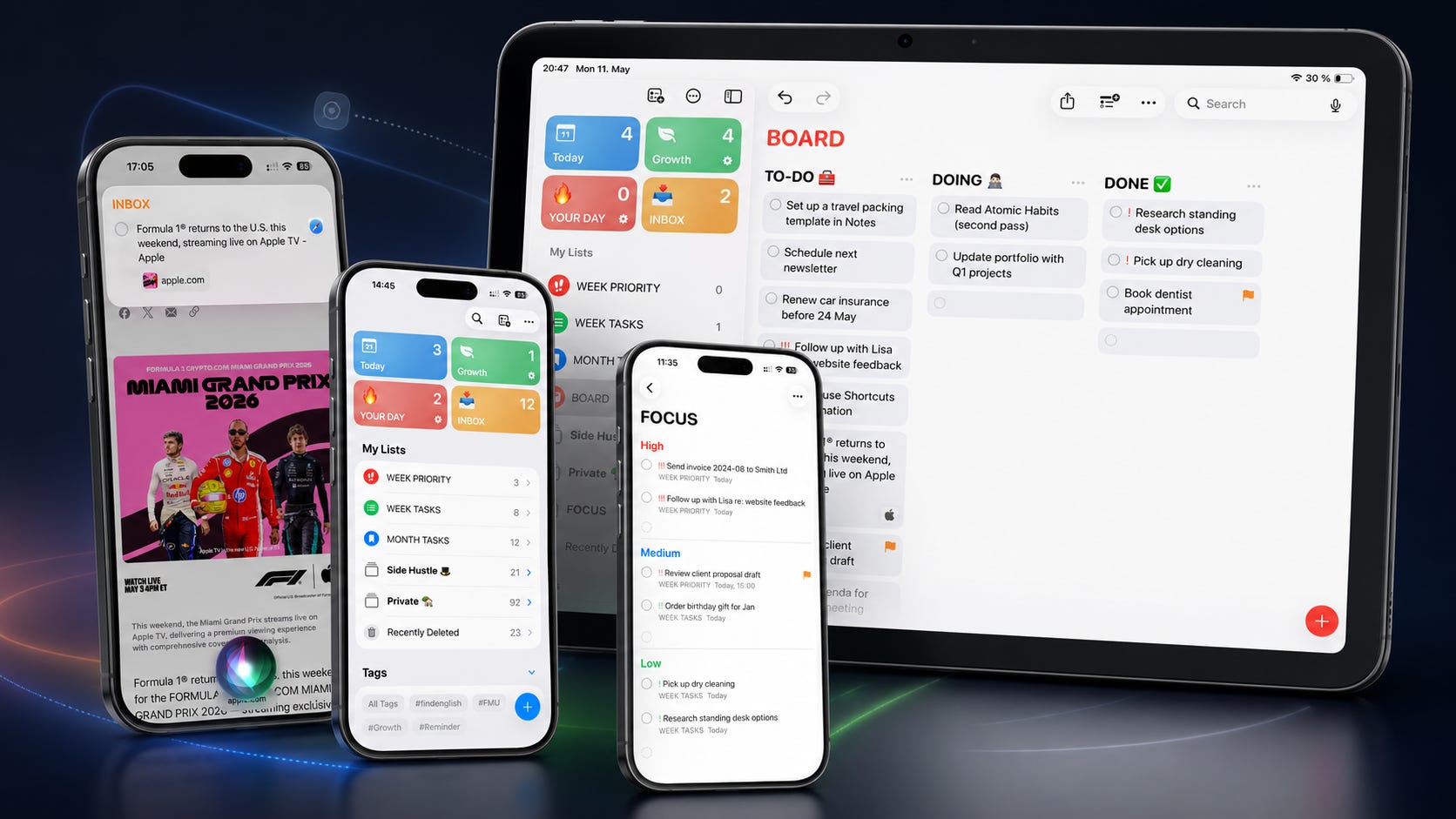
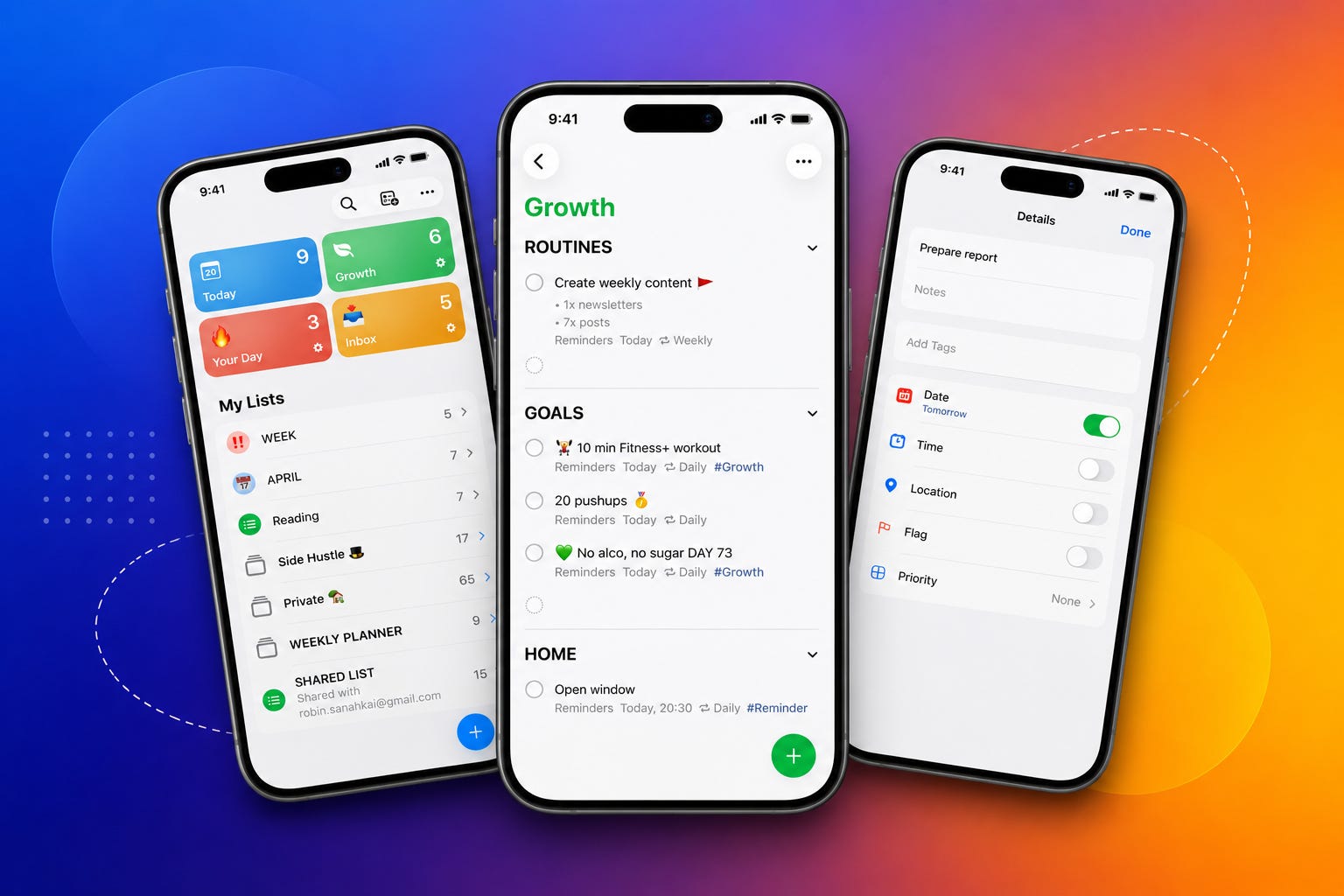
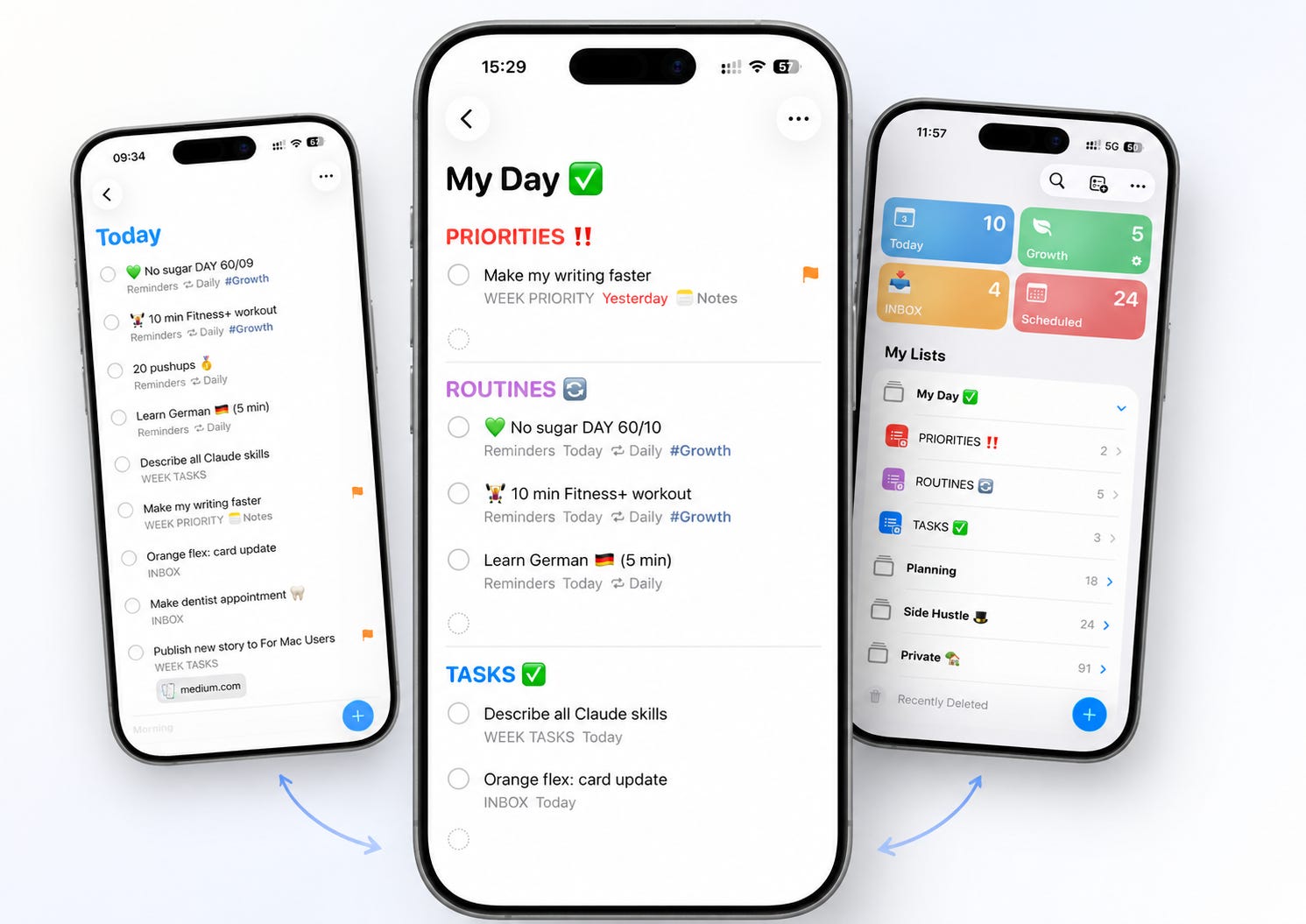
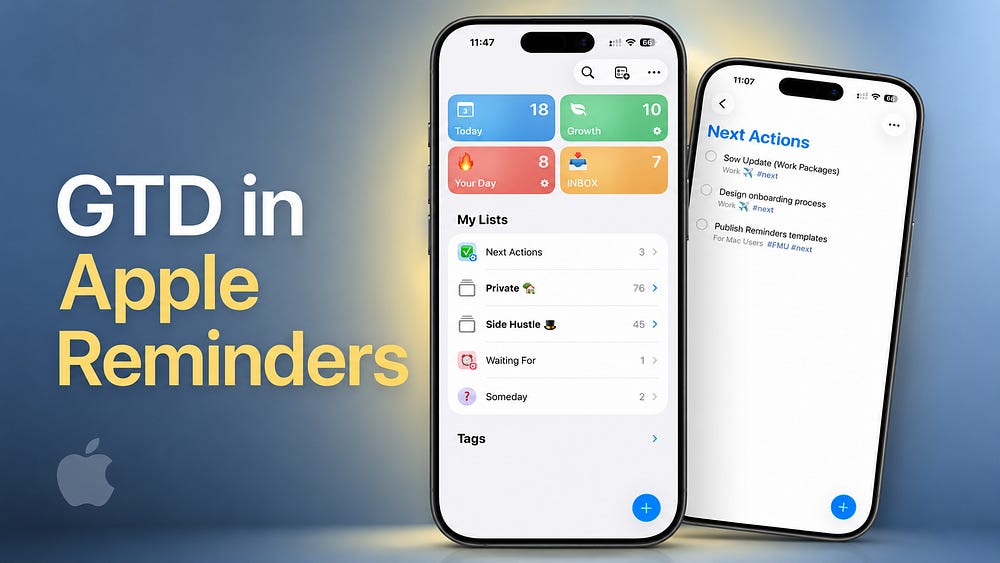
Build a simple Getting Things Done system to manage tasks and projects using Apple Reminders Smart Lists and Folders.

Apple systems & workflows. I show how to run work and life using Apple’s built-in apps.
Live Last read · last published · next check
Build a simple Getting Things Done system to manage tasks and projects using Apple Reminders Smart Lists and Folders.
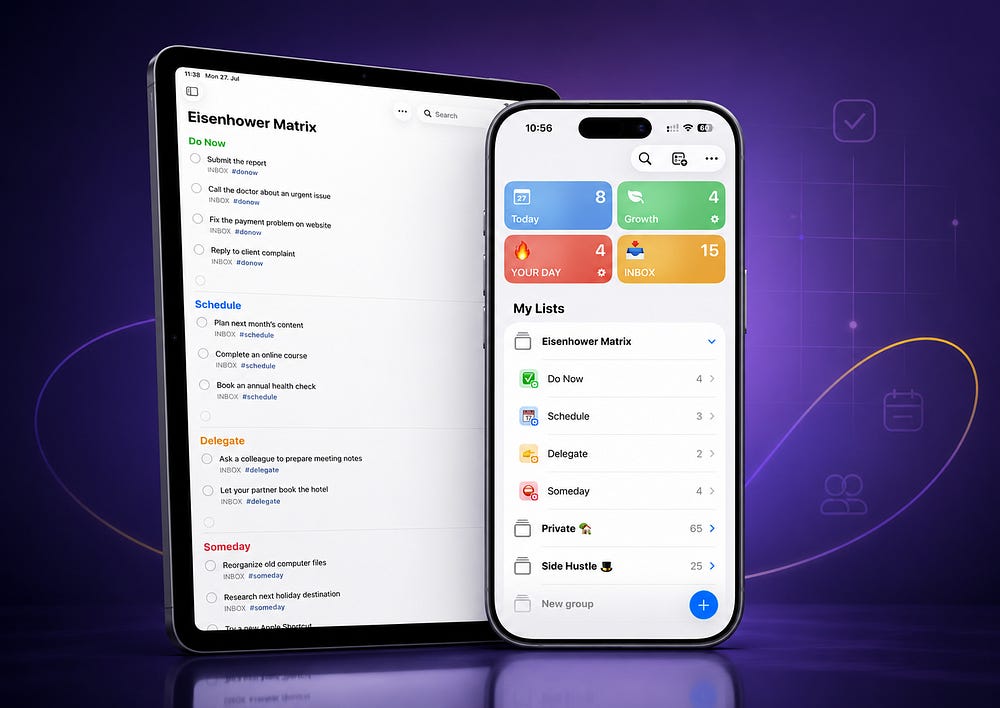
A simple system using tags and Smart Lists to separate urgent work from tasks that actually matter.
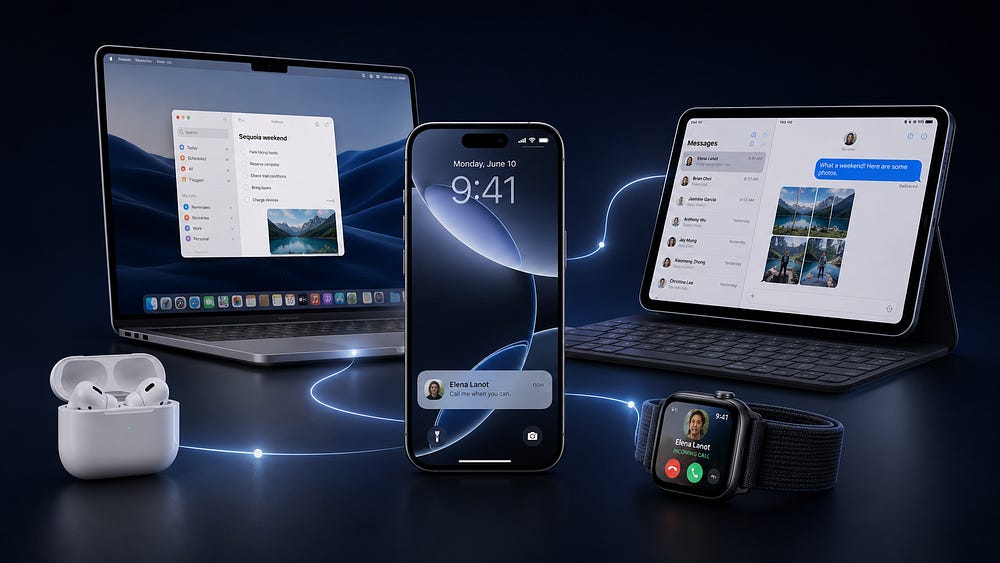
If you already own an iPhone, these Apple devices make the ecosystem feel much more useful.
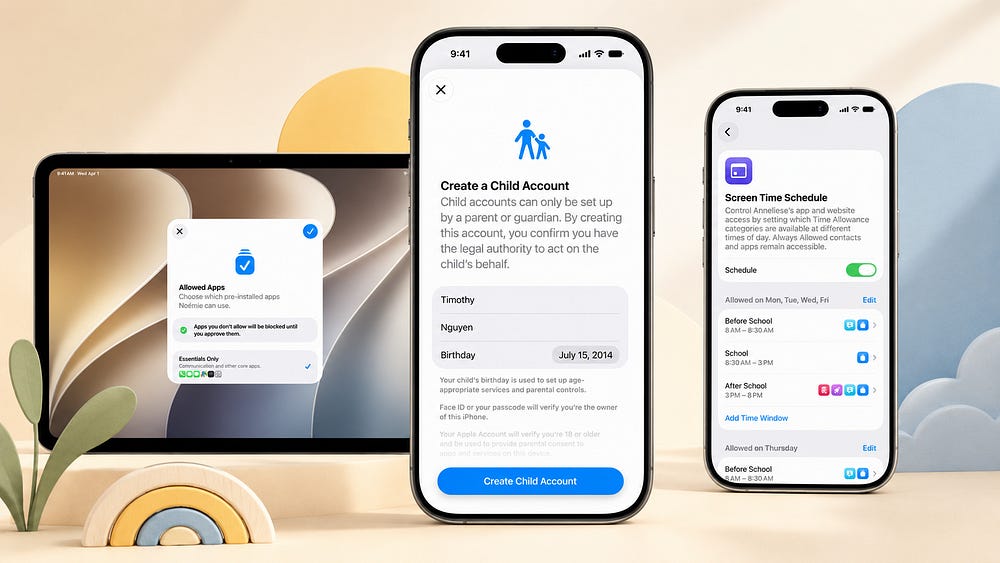
Apple is making child safety feel more practical for real families.
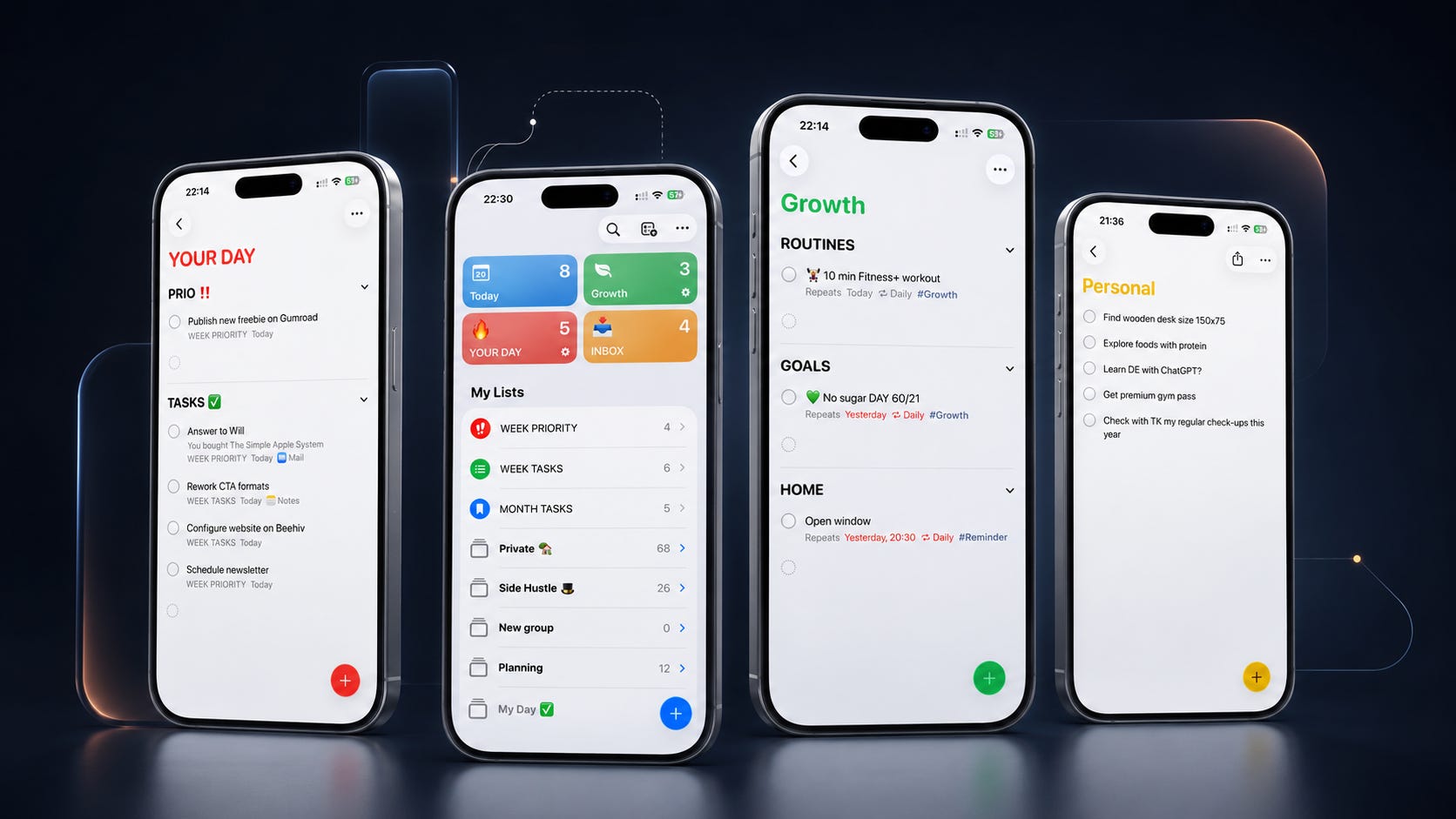
Folders, Smart Lists, custom views and the weekly habit that keeps it all running.
Hidden Apple Reminders features that make it more than a basic to-do list
The most common Apple Reminders questions — from recurring tasks to Smart Lists, Siri, and Column View.
Siri AI just made Apple’s built-in apps unbeatable. I’m done with third-party apps.
A simple Reminders setup that shows you exactly what to do — and in what order.
With these simple Apple Notes features you can make your note-taking even better