
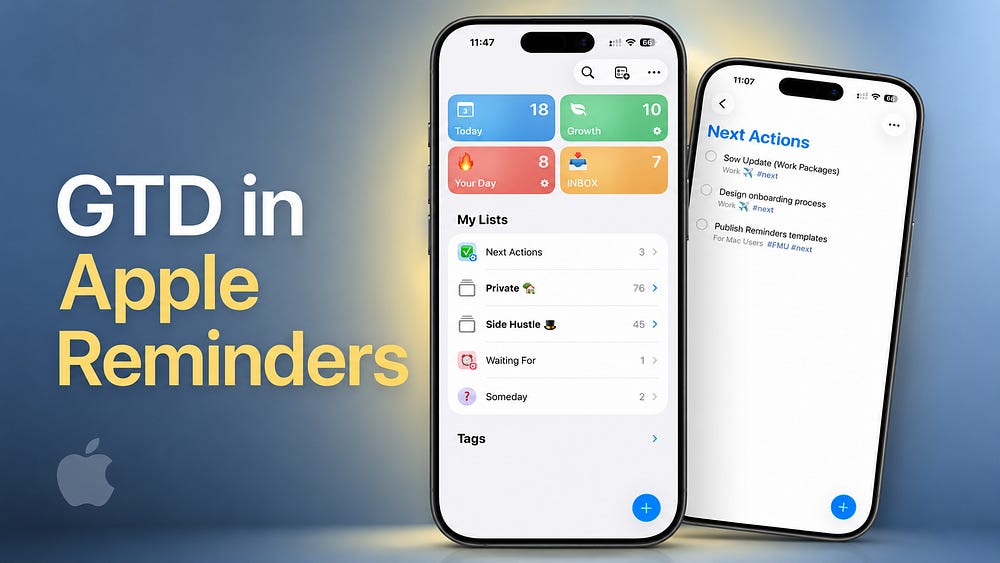
Apple Reminders is a perfect tool for using the Getting Things Done methodology created by David Allen. By setting up a few lists, tags, and Smart Lists, you can organize your tasks and projects in a simple way.
This methodology is especially useful when you need to remember many small details, manage multiple projects at work and in your private life, and keep everything under control.
In this guide, you’ll learn the basic Getting Things Done principles and how to build a practical GTD system in Apple Reminders.
Getting Things Done (called just GTD), is a well-known productivity method created by David Allen.
The core idea is simple. Instead of keeping tasks, ideas, and commitments in your head, you capture them in a trusted external system. This allows you to focus on completing your work rather than trying to remember everything.
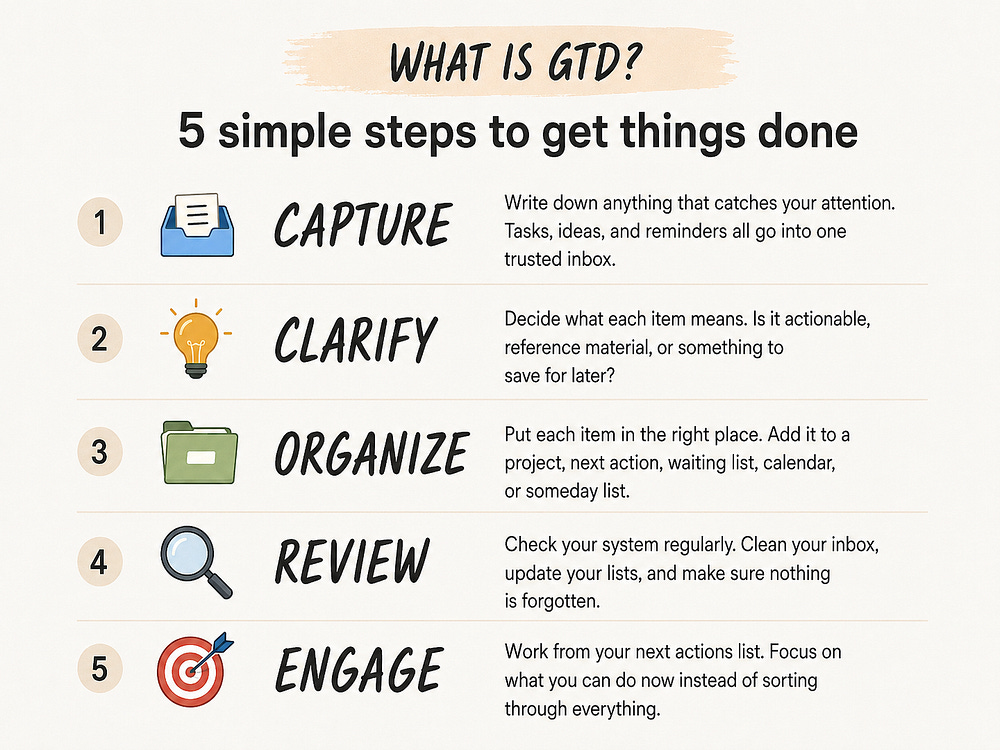
The GTD workflow includes five simple practices.
Capture anything that crosses your mind. Tasks, ideas, commitments, and small things you do not want to forget all go into one trusted Inbox.
Decide what each captured item means and whether you need to take action. Turn unclear items into specific actions. Decide whether something is a next action, a project, reference material, or something you may want to do later.
Put everything in the right place. Move actions into their project lists, delegate what someone else can do, save reference materials, and use dates only when something must happen on a particular day.
Regularly review your Inbox, projects, next actions, and other lists. This keeps the system current and helps you decide what deserves your attention next.
Choose what to work on and complete the next available actions. This is where the system becomes useful. Instead of looking through every project, you work from a focused list of actions you can take now.
GTD does not require a specific tool, app, or product. When I started using it 15 years ago, I used a simple physical notebook.
Later, when I started organizing my tasks digitally, I tried several different tools. Now, you can build a complete and practical GTD workflow inside Apple Reminders.
Here is how to do it:
Anything new goes here. Ideas. Tasks. Small things I remember while walking, working, cooking, or doing something completely unrelated.
I do not try to organize everything immediately because that is how systems become annoying. I capture things first and decide what to do with them later.
Set your default list to Inbox:
Settings → Apps → Reminders → Default List → Inbox
Comments
Nothing yet. Say the first thing.
Sign in to join the conversation.