
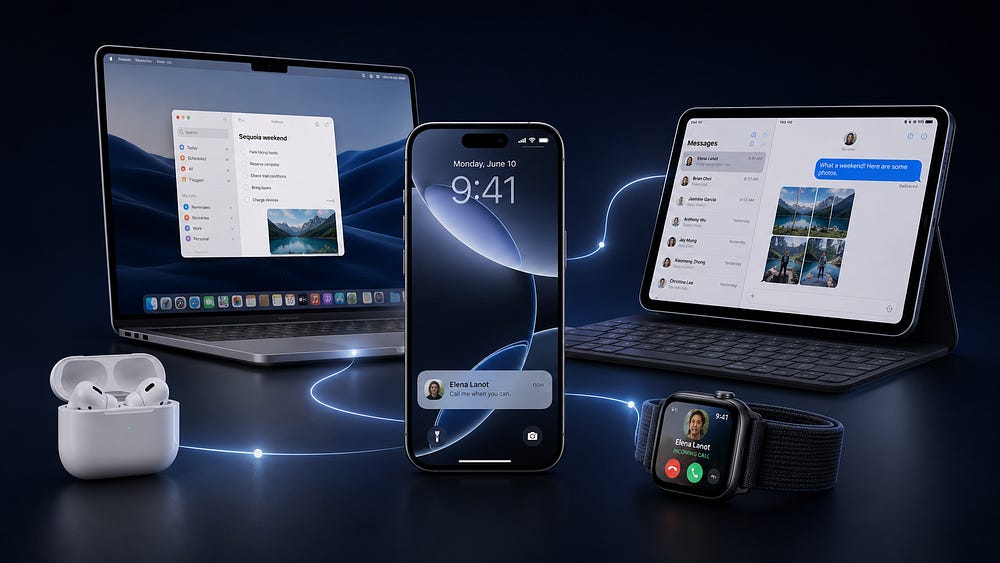
If you are new to Apple and already own an iPhone, the next question usually comes quickly.
What should you buy next?
This is how the Apple ecosystem starts for many people. Not with a full desk setup. Just with one device that works well enough to make you curious about the rest.
That was my experience too. When I started using Apple devices, I was honestly a bit surprised by how smooth everything felt. The hardware was premium. The software was polished.
But that was not the real reason I stayed. It was the way Apple devices started working together without asking me to think about it:
Photos available with one click on my Mac.
Notes followed me between devices.
AirPods moved between my iPhone, iPad, and Mac.
My Apple Watch became a remote control for small parts of my life.
None of these things feel dramatic on their own. But when they happen every day, they start to change how you use technology.
And that is where the Apple ecosystem becomes hard to leave.
So if you already have an iPhone and you are wondering what to buy next, these are the Apple products I would consider first.
This is the part that is hard to explain until you live inside it.
When you own one Apple device, it is fine.
When you own two or three, that changes a lot.
Your iPhone becomes a webcam without setup. You answer calls and messages on your Mac or iPad. Your AirPods move to the device you are actually using. You start something on one device and finish it on another. You copy text on your iPhone and paste it on your Mac like that is the most normal thing in the world.
Technically, these features have names:
Continuity
Handoff
Universal Clipboard
Auto-switching
Sidecar.
But in daily life, you stop thinking about the names. You just use them. And that is the point.
The best Apple ecosystem features are not impressive because they look futuristic. They are useful in everyday situations.
Yes, the sound quality is good. And after upgrading to the latest version with ANC this year, the noise cancellation helps when I’m working in an open office space.
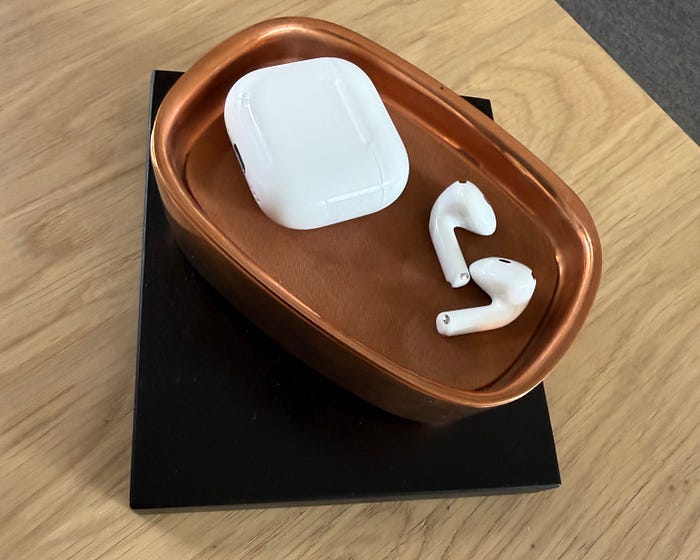
But that is not the main reason I keep using them. The main reason is automatic device switching.
When I work, I often move between my Mac and iPad. AirPods detect which device I’m actively using and switch the audio output automatically. I don’t need to open Bluetooth settings. I don’t need to reconnect anything. I don’t need to think about pairing.
If someone calls my iPhone, the AirPods switch there too.
This sounds minor on paper. But in real life, it removes dozens of small interruptions.
And that is what makes a device worth using every day.
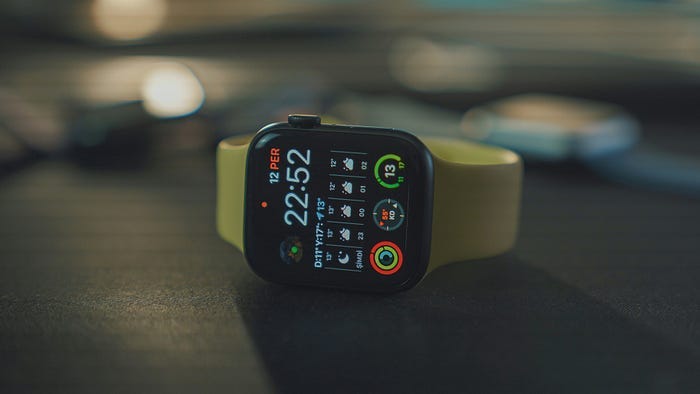
Apple Watch has become deeply integrated into my life. And it is not about notifications. You can get notifications on any smartwatch, even Garmin.
What really matters is integration.
Tell Siri to update my grocery list in Reminders
Control lights and heating in the Home app
Pay with Apple Pay
Start a Fitness+ workout on Apple TV
Pause Apple TV when my son is watching something on Netflix
Ping my iPhone when I lose it somewhere at home
That last one is my wife’s favorite feature. By far.
The Apple Watch feels like a remote control for my Apple life.
Recently, I’ve also been using sleep tracking more seriously. Wearing the watch overnight gives me a clearer picture of my sleep consistency. It detects wake-ups, tracks patterns, and wakes me with subtle vibrations instead of a loud alarm.
Again, none of this is revolutionary on its own. But together, it becomes useful.
If you like, you can see my 6 favorite Apple Watch features here.
I use my iPad every day. Sometimes for work. Sometimes for reading or YouTube. But the iPad becomes much more capable with two accessories:
Magic Keyboard
Apple Pencil
The Magic Keyboard is so well designed that I honestly don’t feel a huge difference between typing on my Mac and typing on the iPad. It also works as a protective case, so the iPad becomes a compact laptop when I need it.
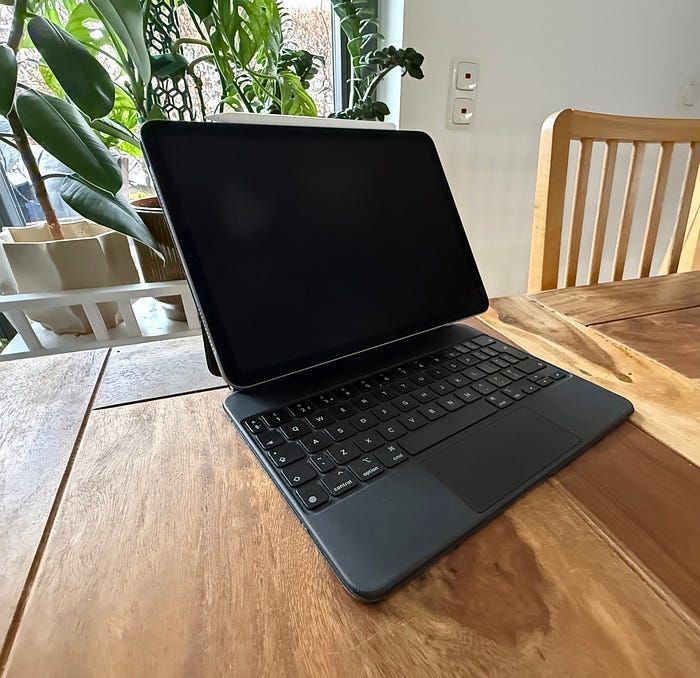
When I travel, I often leave my MacBook at home and take only the iPad. It is lighter, simpler, and enough for most of my work.
And then there is Sidecar.
Using the iPad as a second display for my Mac is one of the most underrated Apple ecosystem features. It extends my desktop wirelessly and works reliably. No third-party apps. No strange setup. No cables required.
That is ecosystem value in practice.
btw. If you are using Apple ecosystem I made a practical guide for Apple users who don’t want another productivity app. Just Notes, Reminders and a system that actually fits a busy life.
If that’s something for you, get it here: The Simple Apple System →
For me, the natural next step was buying a Mac. I chose the Mac mini M1 back then, and I have been using it for years.
Before that, I used Windows PCs for a long time. And honestly, I was tired of the usual problems. Blue screen errors, drivers, antivirus, random issues.
And one day, I could not log in to my machine anymore. I lost files, photos, and data. Part of that was my fault. I didn’t have a proper backup system back then.
But it also pushed me to try something different. Switching to Mac felt like a completely new experience.
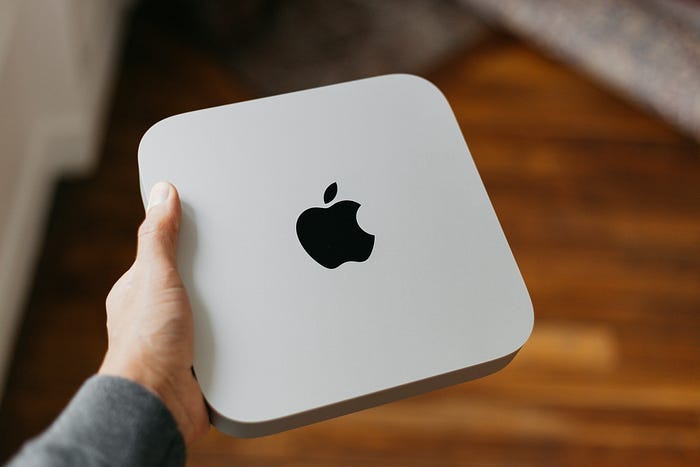
The setup was simpler. Most of the apps I needed were already there. Mail. Calendar. Notes. Reminders. Photos. Time Machine. Built-in security protections running in the background.
I didn’t need to rebuild the entire computer before I could use it.
And the biggest difference was how naturally the Mac connected with the rest of my Apple devices:
My iPhone photos were there.
My files synced through iCloud Drive.
My notes followed me.
I could copy something on my phone and paste it on the Mac.
I could answer messages from the keyboard.
That is where the Mac stopped feeling like “just another computer.” It became the center of my Apple setup.
The exact Mac you choose depends on how you work.
If you want a portable computer, a MacBook Air is probably enough for most people. If you already have a monitor, keyboard, and desk setup, a Mac mini can be a great value.
For most iPhone users, the question is this: Do you want your phone, tablet, headphones, watch, and computer to feel like separate devices?
Or do you want them to feel like one system? That is the real reason I use Apple.
Not because every product is perfect. But because once several Apple devices start working together, the whole setup becomes easier to live with.
Thanks for reading!
-Robin
If you liked it you might like my quick newsletter too. Every Monday I share three best Apple ecosystem resources I find online.
Footnote: Any screenshots edited with Shareshot app. Text written fully by author (human), edited with Grammarly to correct any spelling or grammar mistakes.
No posts
Comments
Nothing yet. Say the first thing.
Sign in to join the conversation.