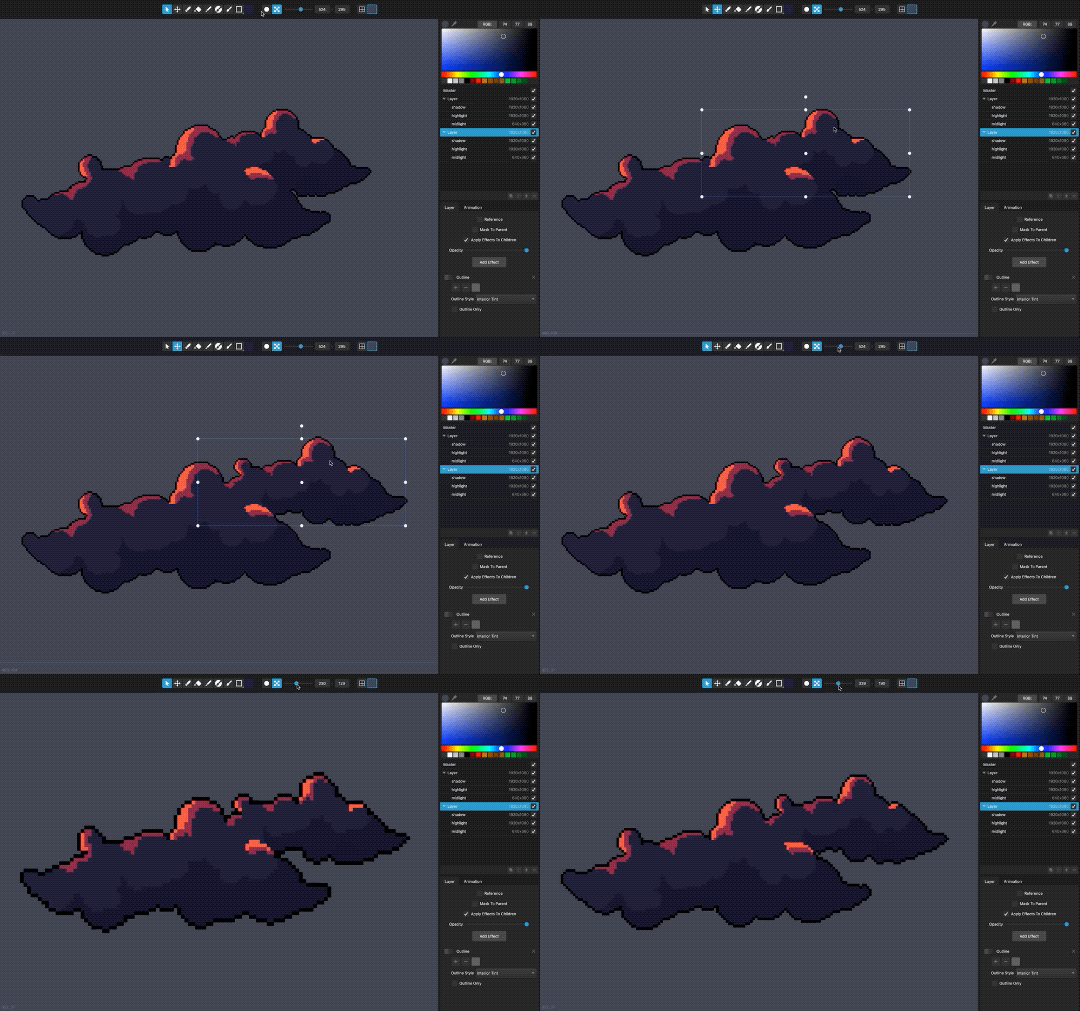
It’s not too often I get to write about a new old-school tool for making lo-fi graphics. Both because I haven’t written a news article in ages (sorry!), but also since everything today is either a mobile app, a cloud service, or powered by generative AI. Who am I kidding, it’s all 3 at once!
Lester, developed by Ruben Tous, an associate professor in the Department of Computer Architecture at the Polytechnic University of Catalonia, is a classic, offline program that fills you with nostalgia just as much as the beloved animation technique it’s built for. And I’m not just saying that because it has the ZX Spectrum palette built in!
The algorithms packed in the tool speed up production significantly as all you have to do is click on the areas of the input video you want to create clusters for and it can propagate them to all future frames. The magic is all open-sourced and described in Ruben’s research article Rotoscope Animation through Video Object Segmentation and Tracking.
It takes a bunch of time to process the frames and the results aren’t (always) perfect, but I’d rather get some extra work done while it’s silently purring in the background and then clean up the base animation than manually color over each individual frame myself.
Good luck getting these 167 frames done by hand (although I do miss all the TV shows I managed to watch when doing repetitive tasks like that).
If you’d like to add Lester to your own toolchain and stand next to classics such as Prince of Persia and Another World, get it here (free, macOS/Windows).
It’s been a while since a new pixel art editor joined the top ranks. Aseprite is the current go-to recommendation for desktops, while Pixaki (now in its 4th iteration) has always been my favorite on the iPad.
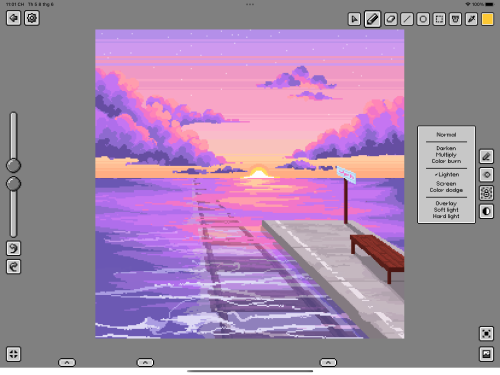
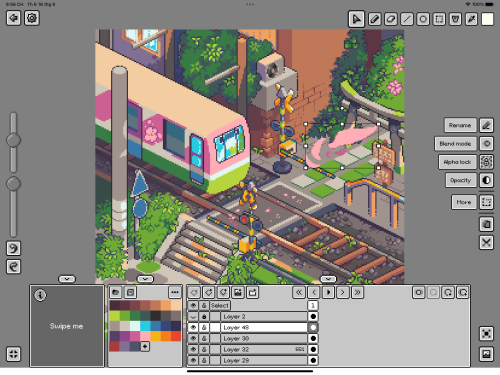
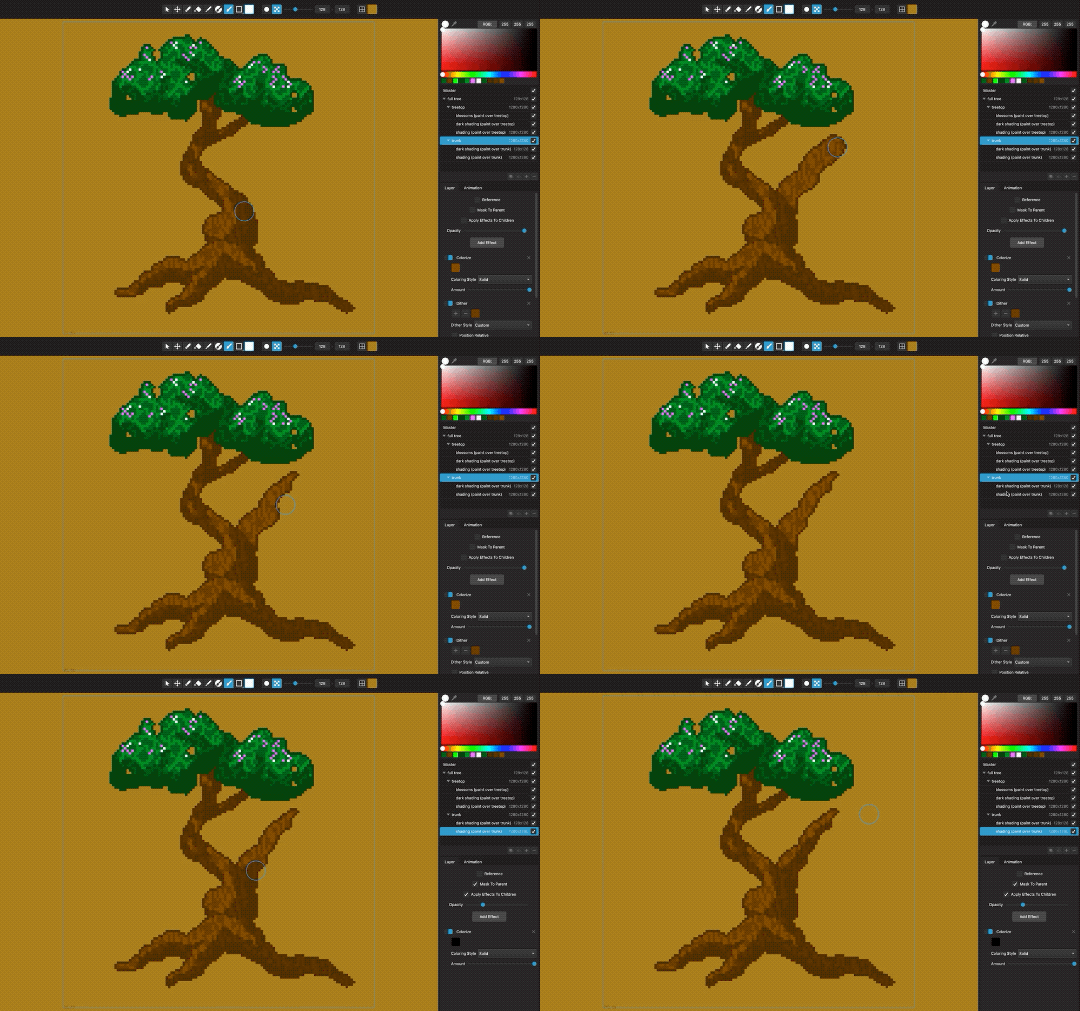
It’s time to add another worthy alternative for the owners of Apple Pencils, Pixquare, which is probably the closest you will get to Aseprite on iPadOS. Son Nguyen, the app’s developer, says he was inspired a lot by Aseprite, both for the UI and functionality. This is perhaps the most evident in the layer/animation system with the cel grid and of course support for importing and exporting .aseprite files.
I reviewed the app on my latest Twitch stream and it’s not (yet) as polished as Pixaki (just one example: pixel grid rendering is not pixel-perfect), but it had all the tools that I needed and more. Among unique capabilities are pressure sensitivity (great for more expressive pixel painting) and importing of Lospec color palettes (on the other hand, you can’t yet import palette files).
The biggest switching reason for me is the ability to export a timelapse (which I would say is an expected feature of iPad drawing apps at this point—thanks, Procreate!). For those of us who double as artists and content creators, being able to post a timelapse is very useful. This has been on the feature request list of Pixaki at least since 2021, so it’s been refreshing to see Son just go ahead and do it based on the beta test feedback. Going forward, now that v1 is fully released in the App Store ($10, or free Lite version that is limited to 2 files) he wants to continue developing the app based on user feedback, so also join his Discord if you decide to give it a chance.
One more timely thing, you have until the end of July to create an artwork in Pixquare (paid or Lite) to get a chance at winning $200 or $100 (plus app codes to share with your friends). Full details on participating in the contest are on Twitter.
As a kid I went bonkers over any game with a built-in editor, from designing a pinball table in Macadam Bumper in the 80s to making tracks in Stunts (4D Sports Driving) in the 90s. I already knew how to program by the time Clickteam’s amazing tools started coming out (Klik & Play, Click and Create, The Games Factory, Multimedia Fusion), so my path took a different route, but I always kept an excited eye on editors such as Adventure Game Studio and Game Maker.
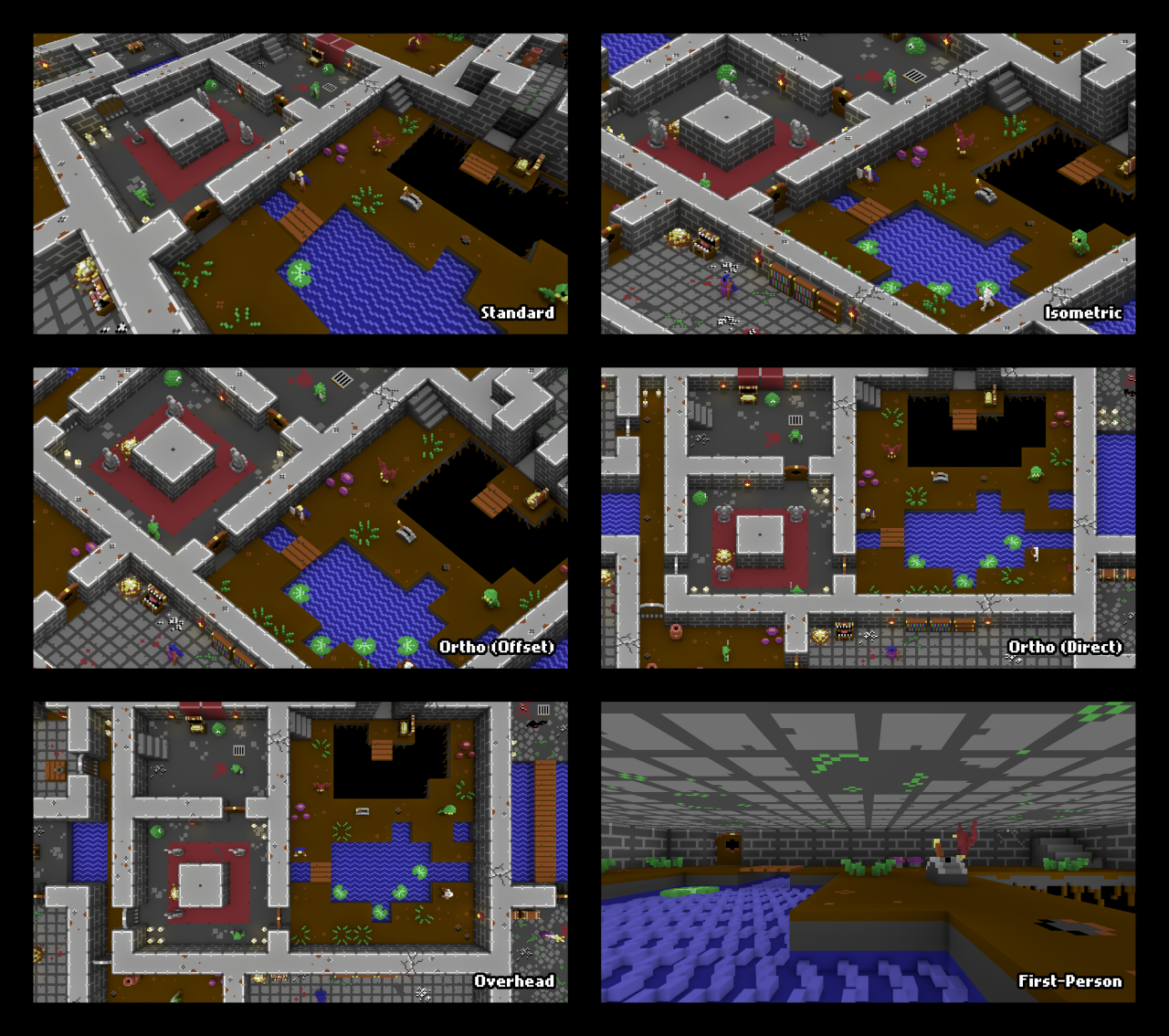
RPG in a Box is definitely a software I’d have my hands all over in my younger days—and even as an old-schooler fond of things like PICO-8, the voxel/pixel aesthetic definitely tickles my curiosity. The tool is a passion project of solo developer Justin Arnold, who released the initial version in 2015. He’s been able to work on it full-time since 2017, so the list of features keeps on growing.
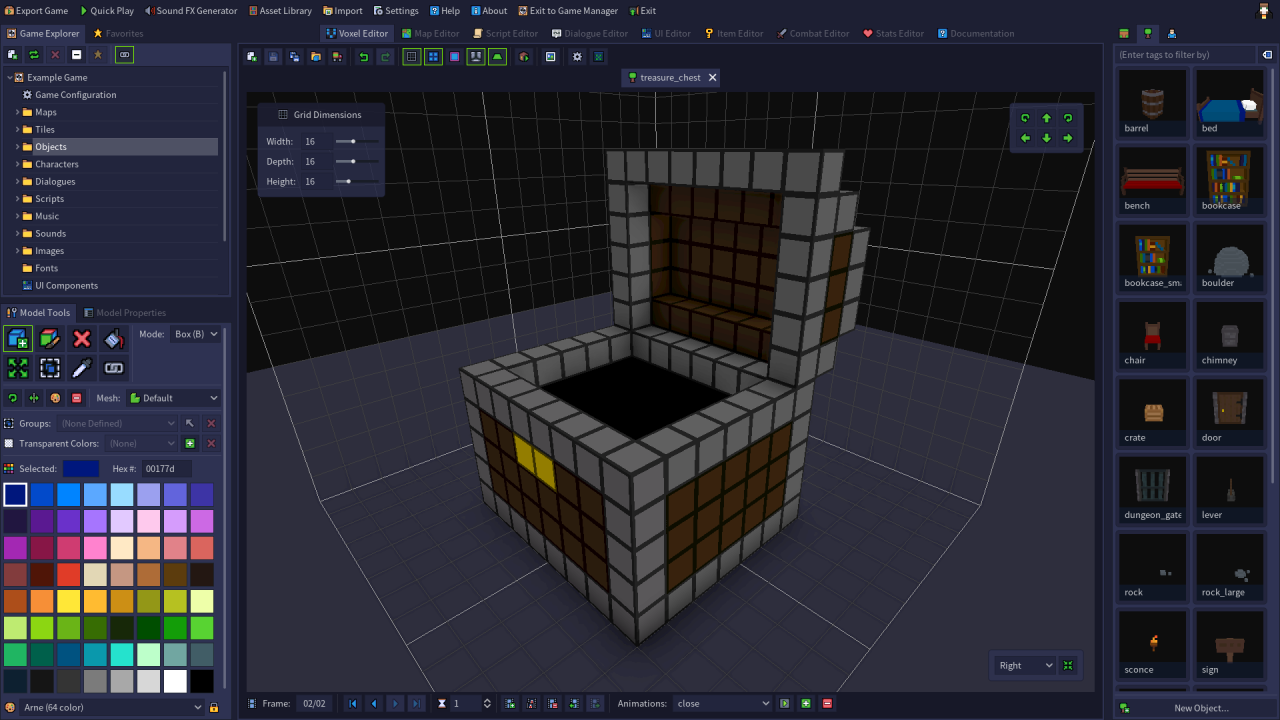
So what’s in the box? A voxel editor, sprite editor, map editor, visual scripting, dialogue editor, sound FX generator, a bunch of camera modes … Yup, everything you need to make your first (and 2nd and 3rd) game with cozy tools.
Check the trailer below to see it in practice, along a diverse set of community projects. A demo is available on both Steam and Itch, whereas the full version will be a $25 investment into your (or your kids’) game development future!
There are more and more art styles that live on the spectrum between pixels, voxels, and low-poly 3D. One interesting approach has always been sprite stacking, a technique for rendering voxel art by drawing individual pixel art cross-sections and offsetting them to create depth.
SpriteStack by Przemysław ‘Rezoner’ Sikorski is a specialized tool that lets you do just that. We got a teaser recently of all the upcoming features for the 2021 version and it’s really pushing the software beyond its humble (but very well received) beginnings back in 2019.
The development has hit a bit of a snag in 2020 (a hard year for many), but luckily Rezoner didn’t let the project die completely and is finally back, ready to bring the new features to release.
The 2021 version needs a couple more months of uninterrupted work to get done, so you can help Rezoner get them by supporting him on Patreon or by buying the previous version on Itch ($30) or Steam (currently on sale for $24).
Everyone seems to be working on their own pixel art editors these days, specialized for one or another trick to optimize game asset production (or just because it’s fun :)). Dan Fessler’s been teasing new features of IndexPainter, a native implementation of his HD Index Painting scheme, ENDESGA has open-sourced the development of his minimal EDGITOR, and now the latest tool that came across my radar is Nevercenter’s Pixelmash.
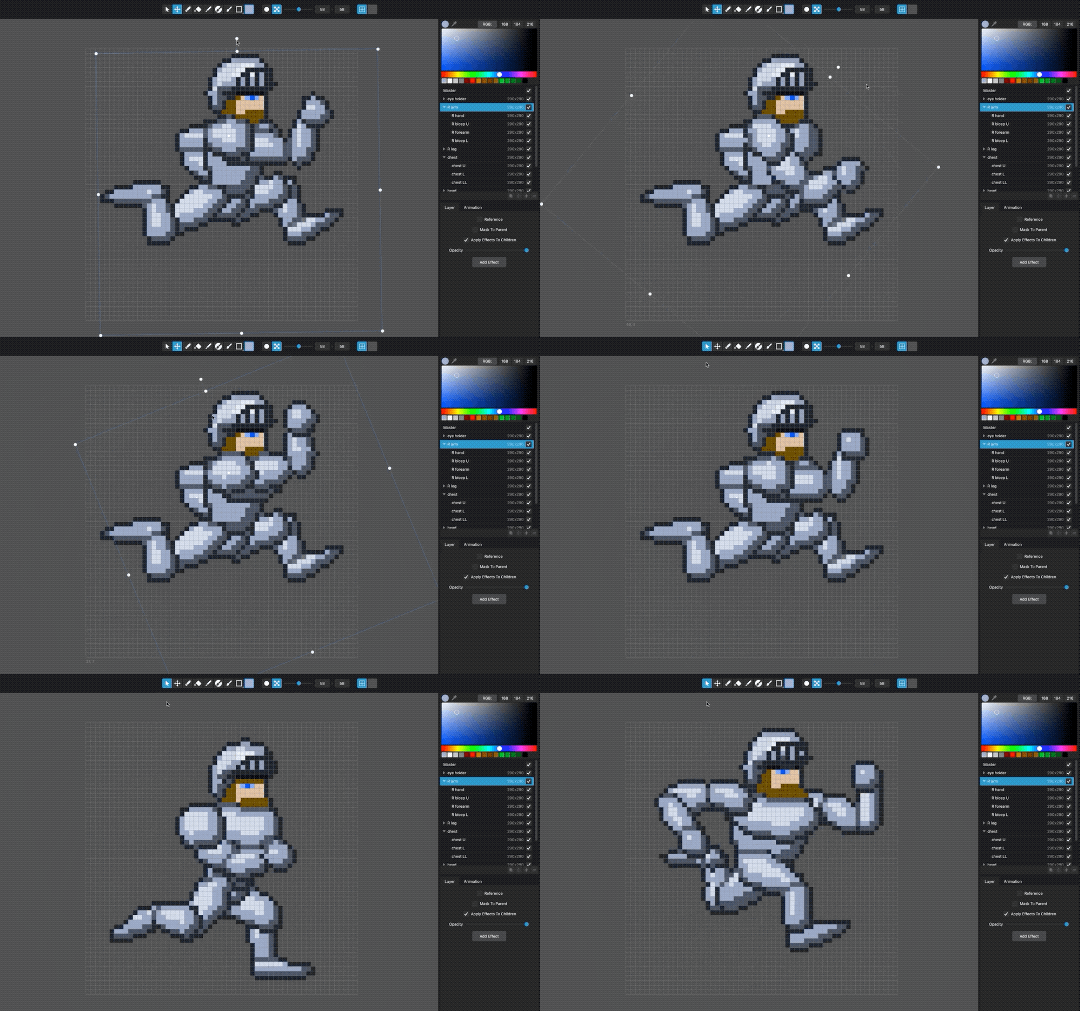
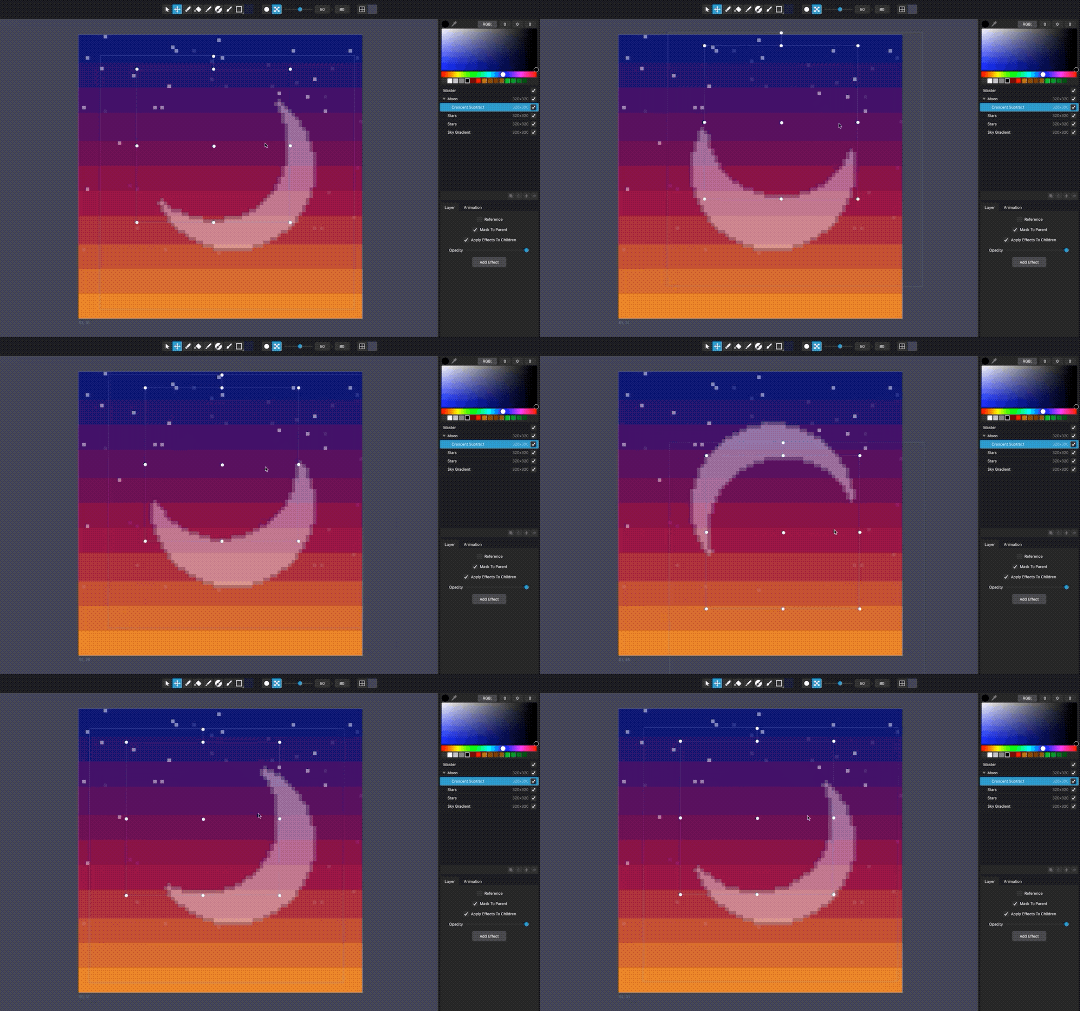
The main feature that Nevercenter showed already back at the end of 2018 is non-destructive layer transforms, allowing for easy rigged animation. Plenty of features made it into Pixelmash since then, but the basic premise is that the software allows mixing of pixel and HD layers, the latter of which get subsequently pixelized. This allows for turning high-res shapes (of sub-pixel precision, relative to the end result) into much cleaner outlines when brought to low resolutions. Further, layer effects such as clean procedural outlines that get applied as the last step keep that feel of manual pixel crafting.
A time-limited demo is available on Pixelmash’s website to test the tool and if it seems useful to your projects, you can get a full license for $25 (macOS, Windows).
I made this little room scene to test out what kind of results my new physically based rendering engine can give me (you can read more about its development in the PBR and 3D Paint posts on my devlog).
I was quite worried throughout the process of drawing this since my pixel-art-to-3D conversion is still quite shit, but seeing the end results now I have to say I’m quite pleased. It’s weird and unique and somehow very inviting. I can easily see how I’d want to keep returning to a game world that looked like this. Can’t wait to put this into Pixel Art Academy.
Update: I’ve now given two demos here at Spelkollektivet about how my tool works. You can see the recordings below, with extensive Q&A sections each time.
First presentation was recorded just before I did the bedroom scene and shows the general workflow of 3D Paint:
Next week I explained things again in context of the bedroom scene, answering new questions that came up:
For development updates, check the 3D Paint tag on my devlog.
A few months ago Yanik released a neat little tool to aid artists working with PICO-8 (a fantasy console from Lexaloffle). PICO-8 already comes with a built-in sprite editor, so making art is pretty easy to begin with. What Sprite Show adds is previewing animations and basic character controls to test out your sprites in action as fast as possible. This is especially useful, for example, at game jams, so you can start cranking out animations even before your team implements animations in the game itself.
I have to admit the UI is a bit unintuitive to navigate, so make sure you first get used to it, before using it in a time-sensitive situation.
Another usability issue is that even though Sprite Show was written with PICO-8, it is only available as a standalone app (and Windows only). The tool imports your sprite sheet from a PNG file that you had to previously export from your own copy of PICO-8 (where you actually drew the sprites). This means that any time you want to fix something, you have to go through the whole export-import process again. If Yanik offered a cartridge instead, I can imagine it’d be easier to quickly switch between drawing and previewing your animations.
Still, for the free (or pay what you want) price, Sprite Show might be useful for any of you PICO-8 artists out there. If that is so, you can get it from its itch.io page.
GameMaker, RPG Maker, and Adventure Game Studio have been traditionally the tools one would mention to a beginner who wanted to create games without writing code. Turns out RPG Maker’s parent company Kadokawa late last year added a new title to its lineup, Pixel Game Maker MV, that could be another addition as well.
Instead of role playing games, Pixel Game Maker specializes at side scrollers/platformers as well as top-down action games. It’s yet again possible to create everything (well, everything the engine supports) simply by navigating through menus and panels, this time divided into 6 main categories: resources, tiles, objects, animations, scenes, and transitions. Gameplay and animation logic is also fittingly described with visual scripting instead of coding.
The software released out of early access in September last year, together with a 30-day free trial (Steam, Itch.io) and a 6-month-long competition to create a game with it.
The latter, Pixel Game Maker MV Game Development Challenge, offers a price of a million yen (about $9,000) to the winner (in exchange for selling exclusive publishing rights to Kudokawa, so do check out the terms carefully if this is worth your time). The entries will be judged by two Japanese pixel art/indie legends, Daisuke ‘Pixel’ Amaya (Cave Story) and Takumi Naramura (La-Mulana), so that’s a bit exciting as well. You have time till the end of March if you decide to participate.
For more info about the software, check out its webpage, or get inspired by the showcase of games below:
If you’ve been following pixel art blogs for a while, there’s a good chance you came across color-cycling art by Mark Ferrari before. The GIFs of detailed landscapes started making rounds on social media after Joseph Huckaby of Effect Games reimplemented the clever rendering routine in HTML5, bringing the pinnacle of 90s computer art to the present for new generations to admire.
Animations with color cycling are achieved simply by changing palette colors in an indexed painting as explained in a couple of blogposts and Ferrari’s must-watch GDC talk:
The latter brought graphical trickery to the max, blending between different color palettes at different times for a smooth transition through the day (you can play with it in Huckaby’s lesser known Living Worlds demo).
To celebrate the 25th anniversary of the organizer, the software’s original author Ian Gilman is bringing Huckaby’s work further with a release of the Living Worlds mobile app. The scenes feature extra animations and special effects such as moving clouds, stars, footprints appearing in the snow, smoke coming out of chimneys, lights turning on and off, randomized weather …
The app is essentially a beautiful pixel art screensaver/animated digital image frame made to run on your (charging) tablet or phone. Since it costs $2, I imagine it will find a warm home with those of us who also buy coffee table books just to stare at beautiful art. There aren’t any sounds to go with the scenes, but after talking to Ian, we might just get some soon to get maximum mood for our living rooms.
The app will start with the January scene (seen at the top) and get a free update every month to get the next artwork. The Android app just got its release, with iOS following soon, so make sure to sign up for the mailing list on the app’s website if you want to enjoy it on Apple’s devices.
Anyone wants a copy of @kronbits’ PixaTool? I have two keys to give away, message me. Keys have now been claimed.
Otherwise it’s on sale right now on itch.io for $10 ($28 otherwise). You can get some decent results with it if you play long enough (kind of like Photoshop, if you know what you’re doing).
It doesn’t have any automatic filters (a la Instagram) that would make things look great with a press of a button. For that you can check out Retrospecs (iOS only).
I'm really new to making pixel arts and sprites. Are there any programs you recommend? I use paintnet right now because it allows layers and transparency, but trying to rotate or move parts is a pain because it'll blur them or cut them.
Most people use Photoshop since that is the most widespread and powerful drawing software in general. From generic raster programs, the free alternatives in descending order of popularity/useful features would be GIMP (which I use), Paint.NET and I guess Paint (the Windows one).
Pixel art specific software of various popularity includes GraphicsGale, Aseprite, PyxelEdit, Piskel, Sprite Something, Pro Motion … There’s probably more.
This is the slide I made a while ago to answer your question, but I hope to have a bigger, more detailed overview of all pixel art tools ready for Pixel Art Academy somewhere in the future.
Finally, if you decide to look into GIMP, this might come useful:
Dan Fessler’s HD Index Painting Technique let’s you paint pixel art in Photoshop in a non-destructive manner, and lets you use pretty much every tool in a perfectly pixel-gradient fashion!
The article gives you everything you need to try it out for yourself.It’s easy to set up and use, and the results are so fucking cool.
Dan Fessler is a god.
I saw a live demo of this during GDC and it’s as good as it looks. Dan makes a great assessment of the strengths and weaknesses of this approach so make sure to read his full blog post.
Hello everyone, I am Matej Jan a.k.a. Retro. Welcome to Retronator—my blog and game development studio.
I started Retronator in 2007 with the goal of making video games focused on
creativity. Along the way I started writing about art and gaming, featuring artists and projects that
caught my attention. Nowadays this mostly includes pixel art, with occasional diversions into voxels,
low-poly 3D, low-res digital painting, and basically anything that makes me feel like a kid again
(text adventures, chiptune, LEGO …).
I'm also very nostalgic about 20th century games that didn't neglect their educational potential.
I expected titles like Sim Ant, Caesar II, and Sim City to continue into the future, expanding their
power to teach us something along the way. Games such as Kerbal Space Program and ECO continue to carry
the torch, but are far in between in the current gaming landscape. Expect Retronator to cover more
games like that in the future.
Finally, on these pages I document my own journey as an illustrator and game developer. I'm working
on an adventure game for learning how to draw called Pixel Art Academy. This newspaper lives
in the game world and I'll make that quite obvious soon. Thanks to backers of the game and supporters
on Patreon I can create this content full-time. Thank you for making this possible!
It's been 10 years since I started this journey and there is no doubt the next 10 will be
absolutely amazing. Stick around and I hope you will enjoy the ride.
Happy pixeling, —Retro
Notes from Retronator Store customers
To leave a note, include a tip when checking out in the store.