It’s GDC week—the time when a disproportionate amount of game developers migrate to San Francisco for what was previously known as the Game Developers Conference. Due to an apparent early midlife crisis, however (it has been going on for 37 years after all), the conference is now known as GDC Festival of Gaming.
Either way, like every year since 1999, Wednesday night brought with it the Independent Games Festival, an awards ceremony and celebration of the most indie of independent games. Which is pretty cool, because we now get to look at all the finalists that are done in pixel art(ish) styles and post them in this just-as-much-midlife-crisiing pixel art blog. Maybe you’ll even find a new game or two to get excited about!
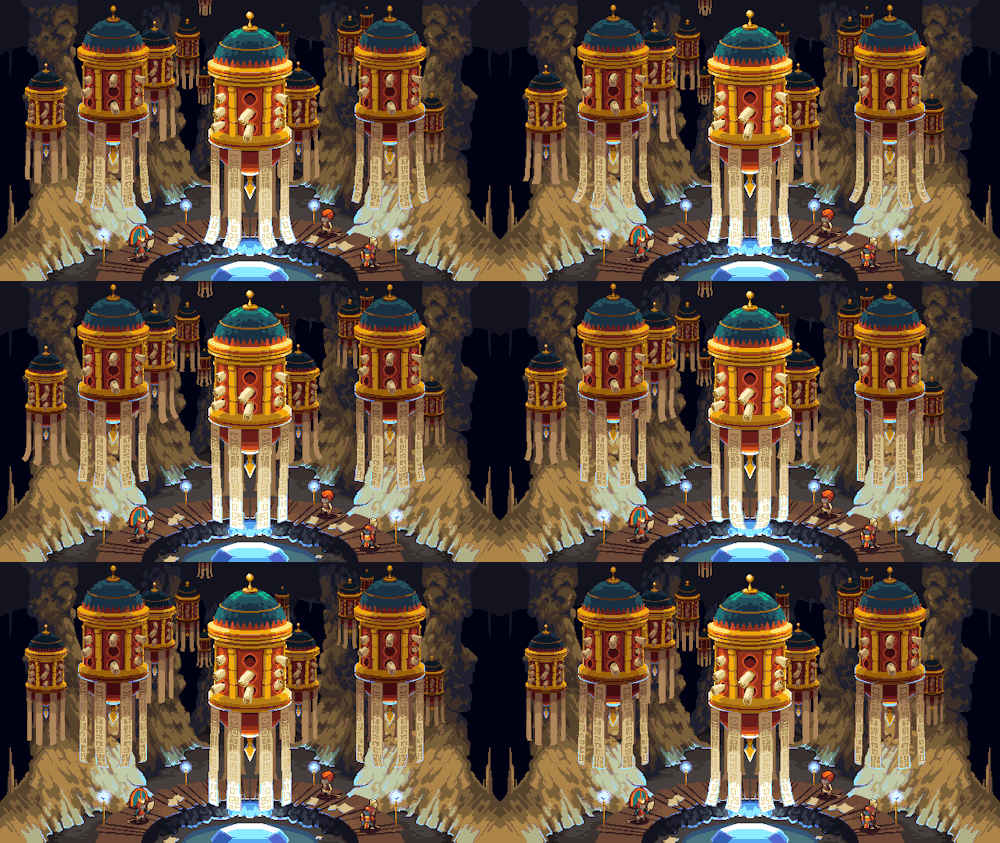
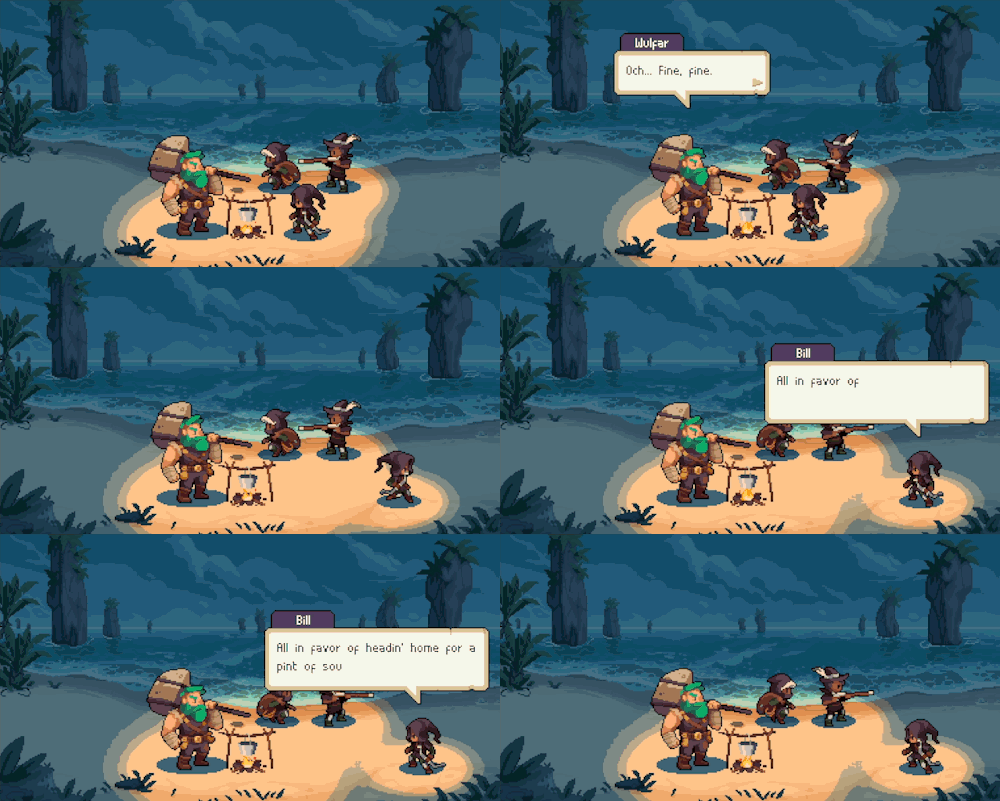
To make it even more fun, I’ll include as many screenshots as each game got nominations for, starting with the absolute IGF winner …
Make sure to click the titles of the games that caught your interest to get to their nomination pages and learn more about them. Maybe even give them a go? They’re all on Steam after all (although not all are released yet).
And if you’re intrigued by the whole event, you can watch the recording right here:
In the sea of tutorials called “How to draw X” where X can be very specific thing such as “gems” or “produce”, it’s nice to see the other end of the spectrum where you go as bold as explaining how to draw “anything”.
What is great about Saultoons’ tutorial How To Draw Anything… is that it highlights an important point: you don’t need a specific tutorial to figure out how to draw something. If you know your basic elements of art (line, shape, form, space) and the fundamentals deriving from them (perspective, anatomy), you can indeed draw anything, especially with a reference to know the subject’s 3D shape and materials.
(Also, don’t get me wrong, Saint11 and Slynyrd have done plenty of tutorials explaining fundamentals and overarching concepts, so it took them a while before they came down to the nitty-gritty of individual subjects. Plus, it’s nice to see how they apply their techniques to specific examples. It’s nice to have the whole range covered.)
It’s not too often I get to write about a new old-school tool for making lo-fi graphics. Both because I haven’t written a news article in ages (sorry!), but also since everything today is either a mobile app, a cloud service, or powered by generative AI. Who am I kidding, it’s all 3 at once!
Lester, developed by Ruben Tous, an associate professor in the Department of Computer Architecture at the Polytechnic University of Catalonia, is a classic, offline program that fills you with nostalgia just as much as the beloved animation technique it’s built for. And I’m not just saying that because it has the ZX Spectrum palette built in!
The algorithms packed in the tool speed up production significantly as all you have to do is click on the areas of the input video you want to create clusters for and it can propagate them to all future frames. The magic is all open-sourced and described in Ruben’s research article Rotoscope Animation through Video Object Segmentation and Tracking.
It takes a bunch of time to process the frames and the results aren’t (always) perfect, but I’d rather get some extra work done while it’s silently purring in the background and then clean up the base animation than manually color over each individual frame myself.
Good luck getting these 167 frames done by hand (although I do miss all the TV shows I managed to watch when doing repetitive tasks like that).
If you’d like to add Lester to your own toolchain and stand next to classics such as Prince of Persia and Another World, get it here (free, macOS/Windows).
After the exceptionally long PixElated Festival episode we’re back with a more chill look at the upcoming and newly released pixel art games (lots of cozy stuff in there this time).
Those of you who have been around the block for a while now—in particular in 2017—will remember my monthly YouTube show where I covered upcoming and newly released games along with random pixel art bits and pieces and a DIY section.
I’m not committing to reviving it, but I will create a few episodes this Summer, calling it #SummerOfPixelArt (it’s not really a thing, I just made it up). On the plus side, I record it weekly now on Twitch and you can even catch individual news as shorts on places like TikTok and Instagram.
In the latest episode, among other things, I give recommendations of important pixel art games for their art direction + they are 50% off or cheaper on Steam Summer Sale. This includes tumblr folks such as @dpadstudio, @thimbleweedpark, @danfessler, and @johanvinet!
I’ve done 4 episodes so far, here are the other 3 you have missed if you don’t follow me on YouTube, X, or Facebook where I also upload them.
Also, here is the episode cover again, featuring key art from Pathway, as otherwise this post won’t appear on my front page. Whoops!
When I was watching the trailer for Arco at Summer Game Fest, I thought to myself, those trees sure look like something Franek would draw. Sure enough, the environment artist from Kingdom: Norse Lands is indeed one of the 4 developers behind this story-rich tactical turn-based RPG, mesmerizing us with breathtaking scenes of grandiosity.
I played the demo on Steam (macOS, Windows) and enjoyed the unique fighting system, a blend of turns and active pause. You plan your moves based on telegraphed actions and watch the turn play out in real-time. As for the full game—potentially coming out this year—I’m looking forward to experience the Tarantino-esque intertwining of the “3 tales forged in bloodshed, laced with magic, and united by revenge.”
Noah Cai, better known as Pixel Architect on YouTube, has been posting inspiring devlogs of Chef RPG to his channel for almost 4 years now. As a former architectural designer, he brings a specialized set of processes to his ever-improving pixel art skills.
Chef RPG is clearly inspired by Stardew Valley, expanding it with many activities such as hunting and cooking mini-games as you manage your very own restaurant in a quaint, seaside town.
We just received a new trailer for the game along with a September 12 release date (Early Access). You can wishlist the game on its Steam page.
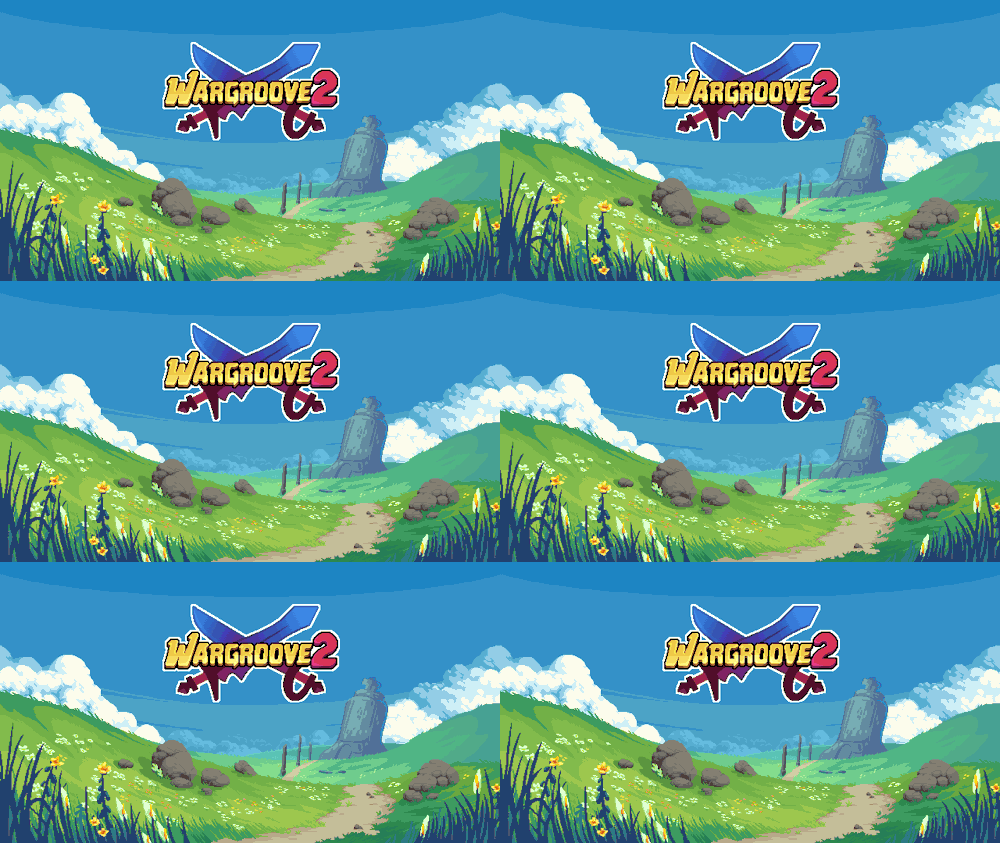
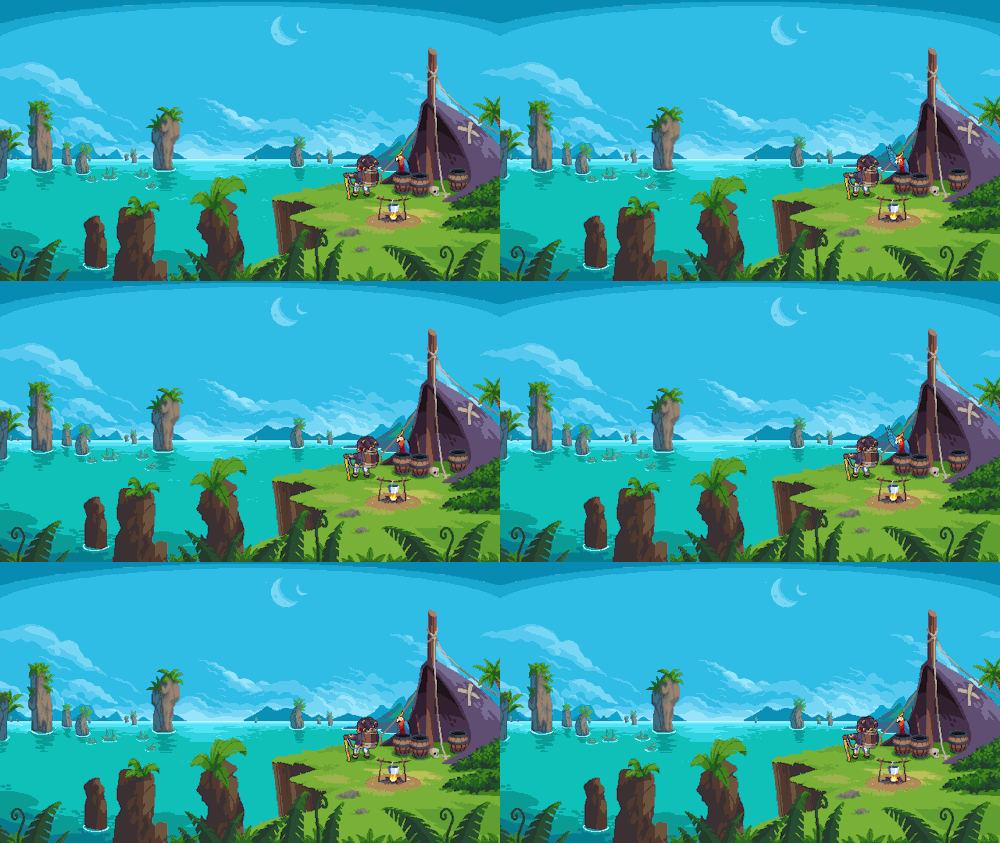
The art of Wargroove 2 is wonderful! Chucklefish’s second original IP (after Starbound) finally got a sequel today and oh, it’s a lovely world to dive into. Instead of being developed in-house as the original, the second installment of the tactical turn-based strategy is brought to us by one of my favorite studios, Robotality, whose shading-bending game Pathway was previously published by Chucklefish.
The collaboration between the two developers clearly paid off as Wargroove 2 gets the trademark mood lighting of Robotality’s art director Simon Bachman on top of the original Wargroove cuteness. The shading is not as crazy as Pathway’s fully dynamic engine—instead, Wargroove 2 enhances the visuals of the Halley engine with subtler animated halos around characters, both in-game and in the many story cutscenes.
The game stays smartly close to the original by keeping everything you loved while introducing more content, more factions, more units, more strategy, more everything! As a big fan of Advance Wars back in the day, I had a great time, but there are plenty of other 9/10 reviews that can more sufficiently speak of Wargroove 2’s gameplay goodness.
If you’re up for some cozy turn-based tactics (as cozy and wholesome as a war-themed game can be), you can get the game on Steam ($20, Windows only) or Switch.
I never played Karateka in the 80s, but as a big fan of Prince of Persia and Jordan Mechner’s journals, I was stoked to hear that an interactive documentary about Jordan’s prototypical cinematic platformer was in the works by Digital Eclipse.
Released this week, The Making of Karateka on the surface looks like any other game you buy through Steam ($20, Windows-only), GOG, or whichever favorite store or console you prefer (available also for Xbox, PS4/5, Switch). Once the thing loads though, you really get 3 things: a documentary, the original Karateka, and a new remaster.
The documentary part is an audio-visual slideshow retelling Jordan’s development story starting with his teenage years pitching his earlier title Deathbounce to the publishing house Brøderbund. It’s an interesting look into the iterative process, seen through correspondence letters, journal entries, and many playable builds at various stages of completion. After we reach the eventual rejection of that title, Jordan comes back with a prototype of a visual-narrative experience unseen on home computers. We get to follow Karateka’s full life cycle from pre- to post-production, ending with the conception of its sequel (which eventually turned into Prince of Persia). It’s a real treasure trove! Fellow pixel artists will appreciate the many graph-paper sketches and interactive overlays of final game sprites compared to rotoscoped outlines and filmed footage. There are also video segments, from a comprehensive breakdown of the music to interviews with other developers reflecting on the impact Jordan’s games had on their careers. You’ll even encounter a fan letter signed by the one and only “John Romero, Disciple of the Great Jordan and worshipper of the Magnificent Mechner!” (I kid you not, you can’t make this stuff up).
Perhaps just as crucial for an interactive documentary like this, you can launch any of the floppy disks in the emulator, trying out various iterations and ports of Karateka.
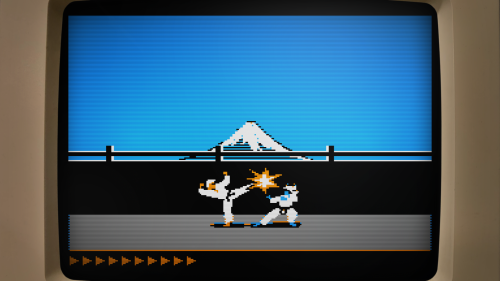
The emulation is fantastic and lets you fiddle with display settings (monochrome or color display, scanlines, pixel perfect or zoomed) as well as enhance the frame rate. You can even rewind the many deaths you will face if you’ve never played the game before (like me). If you spend some more time obsessing over the weird artifacts of the Apple II hi-res graphics, you might even go down the rabbit hole of realizing that on the Apple II you didn’t really paint colors as much as you used different monochrome dithering patterns that the graphics display would then turn into 4 different hues. A fascinating learning experience if you include some of your own research online!
Add to this the Commodore 64 and the Atari 8-bit versions to compare how the graphics got adapted across the earlier ports and you have a nice way to relieve the mid-80s with a bit of help from modern emulation (I did beat the C64 version without rewinding though!). I’d love to see more art from the other remakes, especially the 16-bit Atari ST port, but I understand their decision to omit playable versions of those due to the lower quality on the gameplay side of the translations.
This brings us to the final part of the package, the modern remaster. Unlike the 2012 complete reimagining of the game (with 3D graphics and all), Digital Eclipse approached the remake as the ultimate port of the original to an imaginary system along the lines of a 90s VGA PC.
It’s well done. Some of the fully-redrawn scenes are a bit overpainted for my taste (I’d prefer a pixel art rendition of the castle than a blurry photographic collage, although there were many games in the 90s that did take this approach), but the in-game graphics are really in style, including the smooth animations that are like one would imagine granted a beefier CPU. It’s also a sort of director’s cut with previously unseen scenes added, in particular, the battle with the leopard as a clever action-puzzle in the middle. The AI is unfortunately even less challenging than Jordan’s implementation. As great as the 6-move fighting system could have been, you yet again resort to simply kicking away opponents as they tirelessly crawl into your range. There isn’t even the nuance from the original where you were the one who had to approach some enemies with skilled timing. On the other hand, you now have optional goals and achievements that make the repetitive/easy combat work in your favor (stringing various combos, beating opponents or the level under a time limit …). As the Digital Eclipse president Mike Mika admits at the end of the welcome commentary mode, they didn’t manage to achieve their perfect port, but they did come close.
In conclusion, I thoroughly enjoyed playing both the original as well as the remake and while the combat system lacks any sort of depth beneath its stunning animations, Karateka is instead a monumental experience for its presentation. Big characters with personality and realistic motion are displayed through cinematic camera cuts and story vignettes (3 years before Ron Gilbert came up with the word “cutscene”). There are details like animating the unfortunate falling off the cliff at the start of the game, or respectfully bowing to the first guard as they bow in return. Jordan’s creative work is precious and worth the attention this release gifts it.
I highly recommend The Making of Karateka to all retro gamers and/or game developers for its immersive documentation which provides an experience that goes beyond the usual video documentaries. It’s interactive—just like the subject it’s talking about—something I want to see more in the future. And if the $20 by any chance seems high to you, consider that the original retailed at $35 (and that was in 1984 dollars).
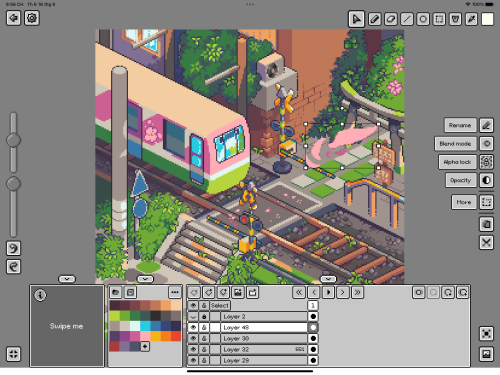
It’s been a while since a new pixel art editor joined the top ranks. Aseprite is the current go-to recommendation for desktops, while Pixaki (now in its 4th iteration) has always been my favorite on the iPad.
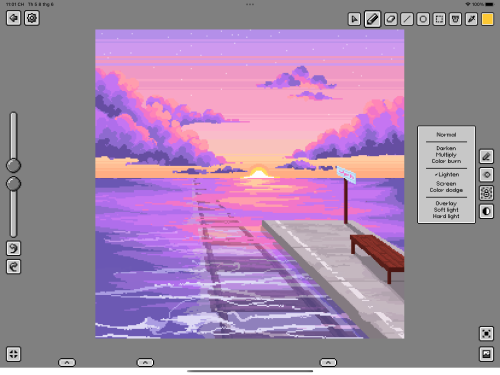
It’s time to add another worthy alternative for the owners of Apple Pencils, Pixquare, which is probably the closest you will get to Aseprite on iPadOS. Son Nguyen, the app’s developer, says he was inspired a lot by Aseprite, both for the UI and functionality. This is perhaps the most evident in the layer/animation system with the cel grid and of course support for importing and exporting .aseprite files.
I reviewed the app on my latest Twitch stream and it’s not (yet) as polished as Pixaki (just one example: pixel grid rendering is not pixel-perfect), but it had all the tools that I needed and more. Among unique capabilities are pressure sensitivity (great for more expressive pixel painting) and importing of Lospec color palettes (on the other hand, you can’t yet import palette files).
The biggest switching reason for me is the ability to export a timelapse (which I would say is an expected feature of iPad drawing apps at this point—thanks, Procreate!). For those of us who double as artists and content creators, being able to post a timelapse is very useful. This has been on the feature request list of Pixaki at least since 2021, so it’s been refreshing to see Son just go ahead and do it based on the beta test feedback. Going forward, now that v1 is fully released in the App Store ($10, or free Lite version that is limited to 2 files) he wants to continue developing the app based on user feedback, so also join his Discord if you decide to give it a chance.
One more timely thing, you have until the end of July to create an artwork in Pixquare (paid or Lite) to get a chance at winning $200 or $100 (plus app codes to share with your friends). Full details on participating in the contest are on Twitter.
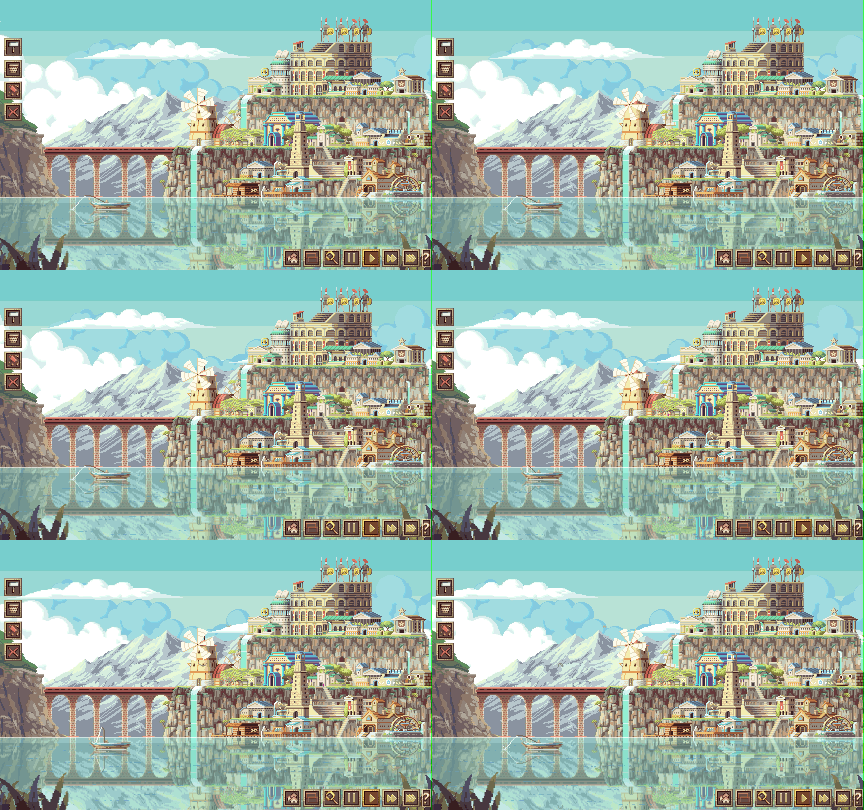
This post has been 9 months in the making. 1 day for playing the wonderfully-illustrated city builder that is LakeSide by Massive Galaxy Studios, 1 day for trying to capture pixel-perfect GIFs, and 9 months for agonizing over the fact that it’s sometimes impossible to capture or post pixel-perfect GIFs, therefore, it’s better to not post anything at all until you feel so bad for your blog hiatus that you say enough is enough, get over it, and post this beauty of a game and talk about it because, really, that’s what matters. Apologies to Gonçalo Monteiro, the main developer, for waiting this long.
LakeSide is a bit of a rougelite in that you’re not building one eternal city over many sessions. Instead, it offers quick turnaround and replayability as you receive different building upgrades each time and experience random events. It’s currently in Early Access on Steam ($11 at 25% off right now, Windows-only) with new features coming out regularly, most recently the addition of armies and sieges. Oh, and if you’re wondering why the game looks this pretty, it’s simple: art is made by @kirokazepixel.
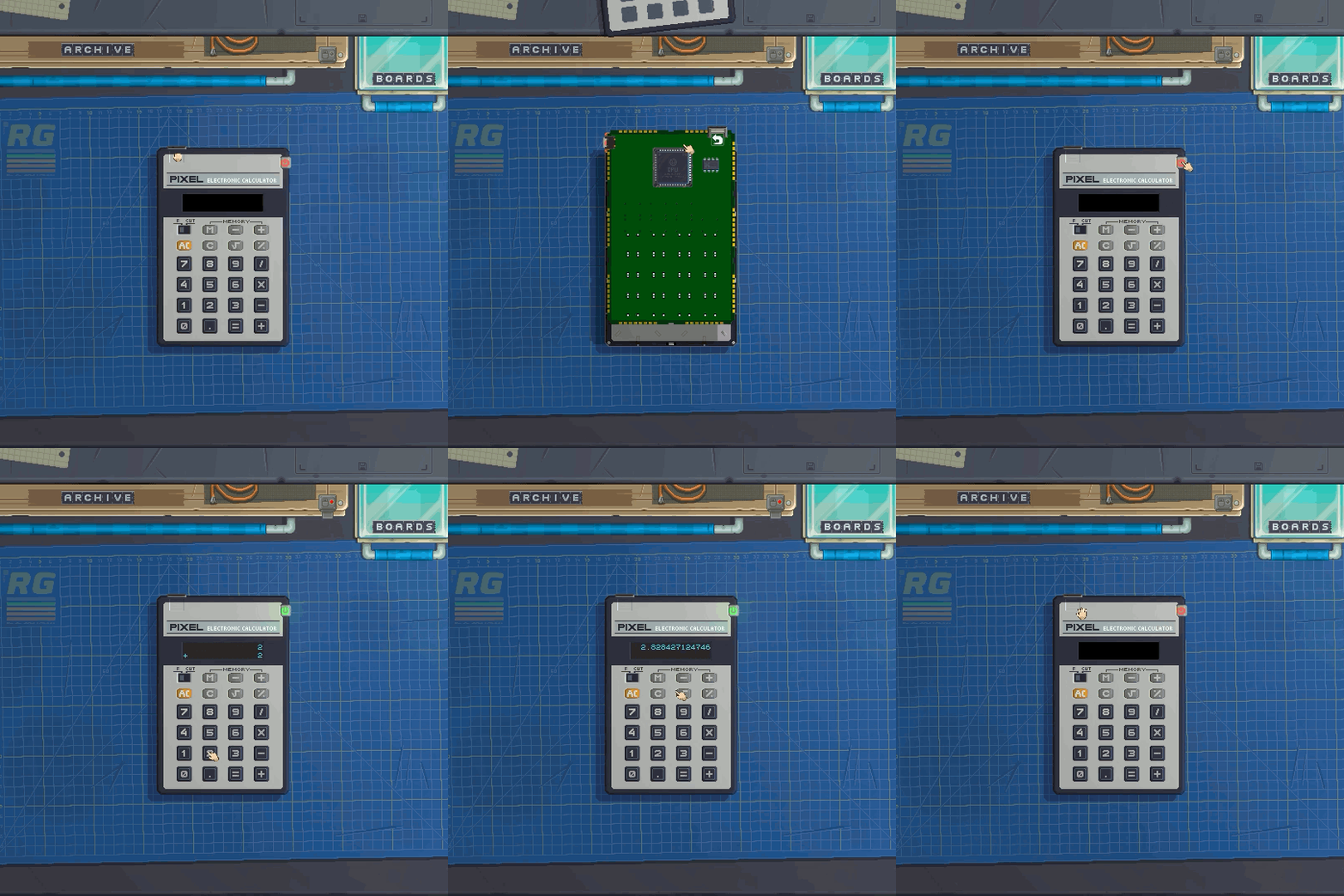
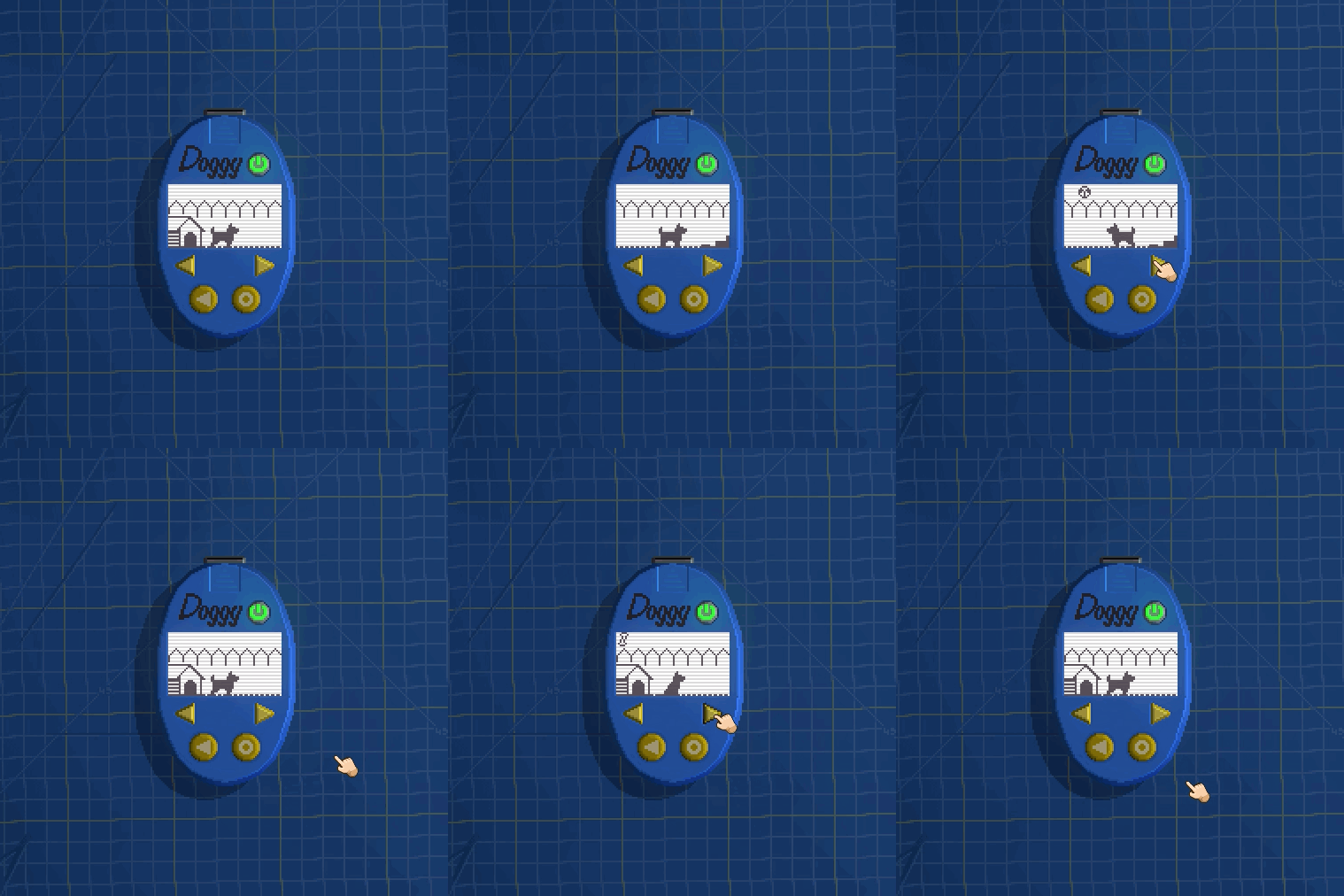
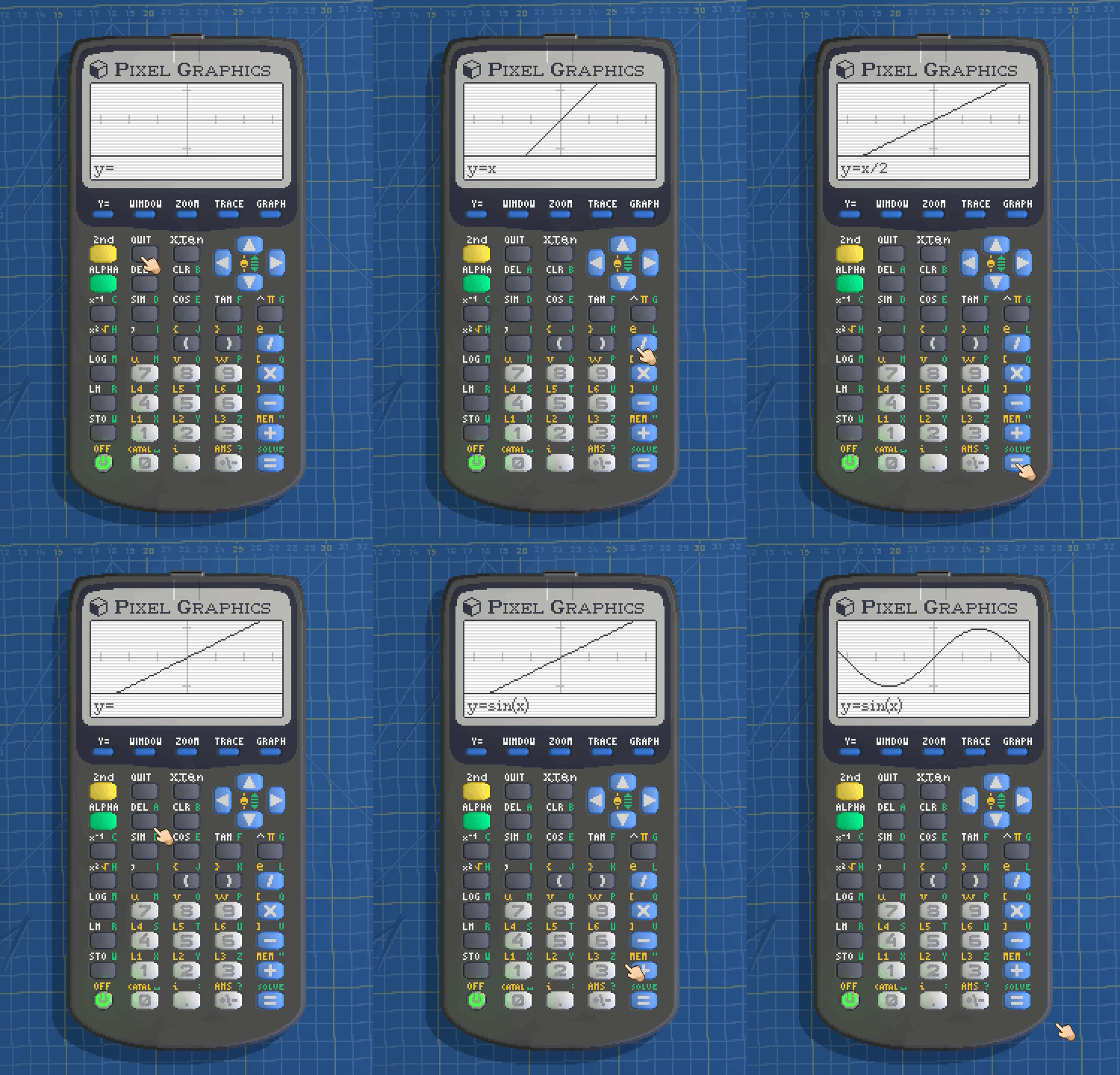
When Evil Licorice approached me to try out their new game Retro Gadgets, how could I refuse something that literally has my name in it!?!
It’s much like the fantasy console PICO-8 where you draw in a built-in sprite editor and write Lua code to make your own old-school-looking games. Except now you also get to design the hardware itself and choose your own specs! Want an egg-shaped tamagotchi? No problem. Remake your favorite calculator? You betcha. Use an LED matrix for playing a game of snake? In fact, I did all these when they commissioned me to create a few gadgets to show in their announcement trailer.
I love the skeuomorphic UI experience of it, tinkering at your workbench rendered in lovely pixel art. It’s just so cozy and if you put some vaporwave music to make retro gadgets to in the background, well, then you’d be living my life over the last few weekends and evenings, drawing dog sprites and trying to figure out the best way to calculate mathematical expressions in my WIP graphic calculator.
Unfortunately, you can’t get your hands on it just yet. The game’s demo will come out as part of Steam Next Fest on October 3rd so make sure to add it to your wishlist till then.
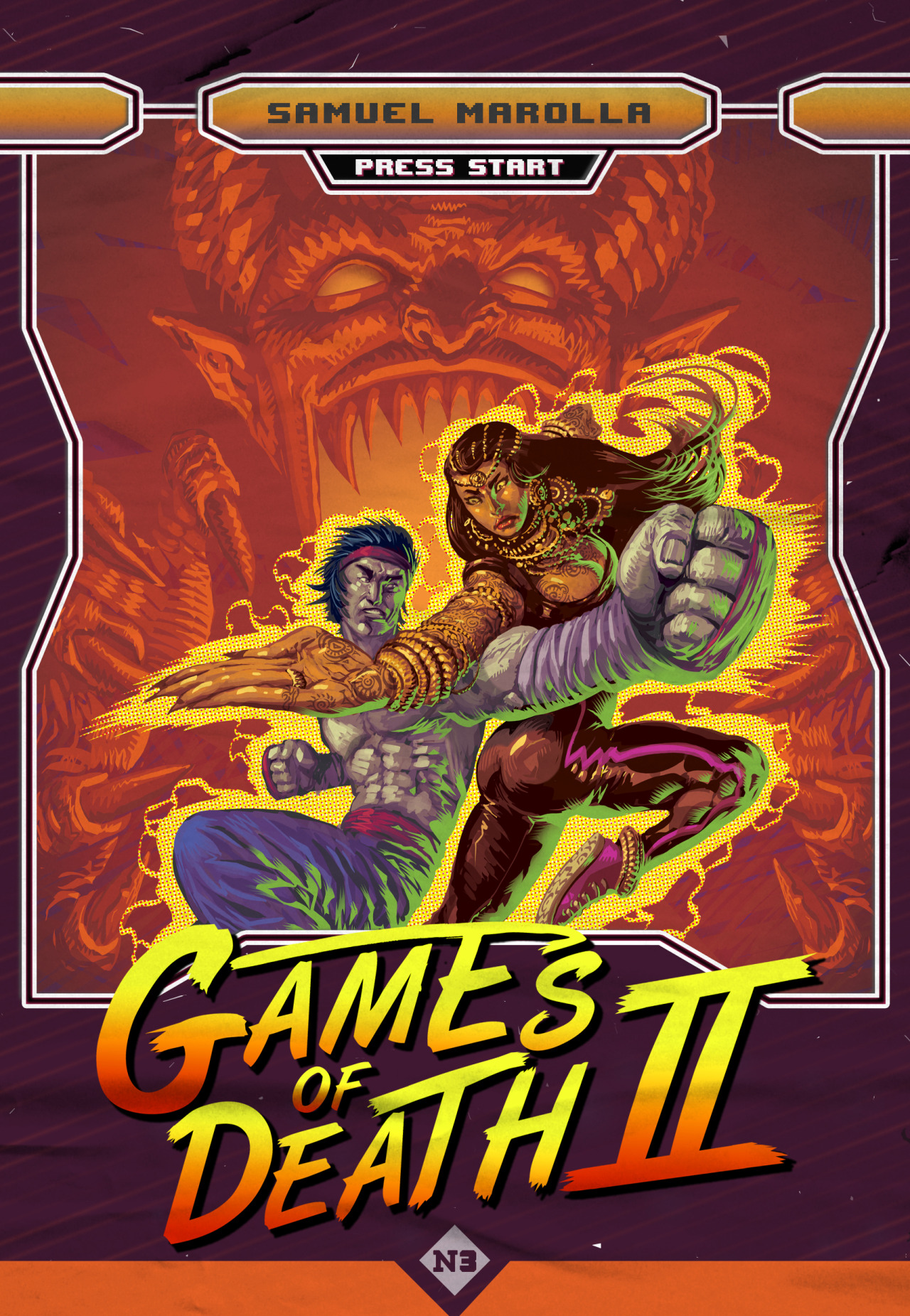
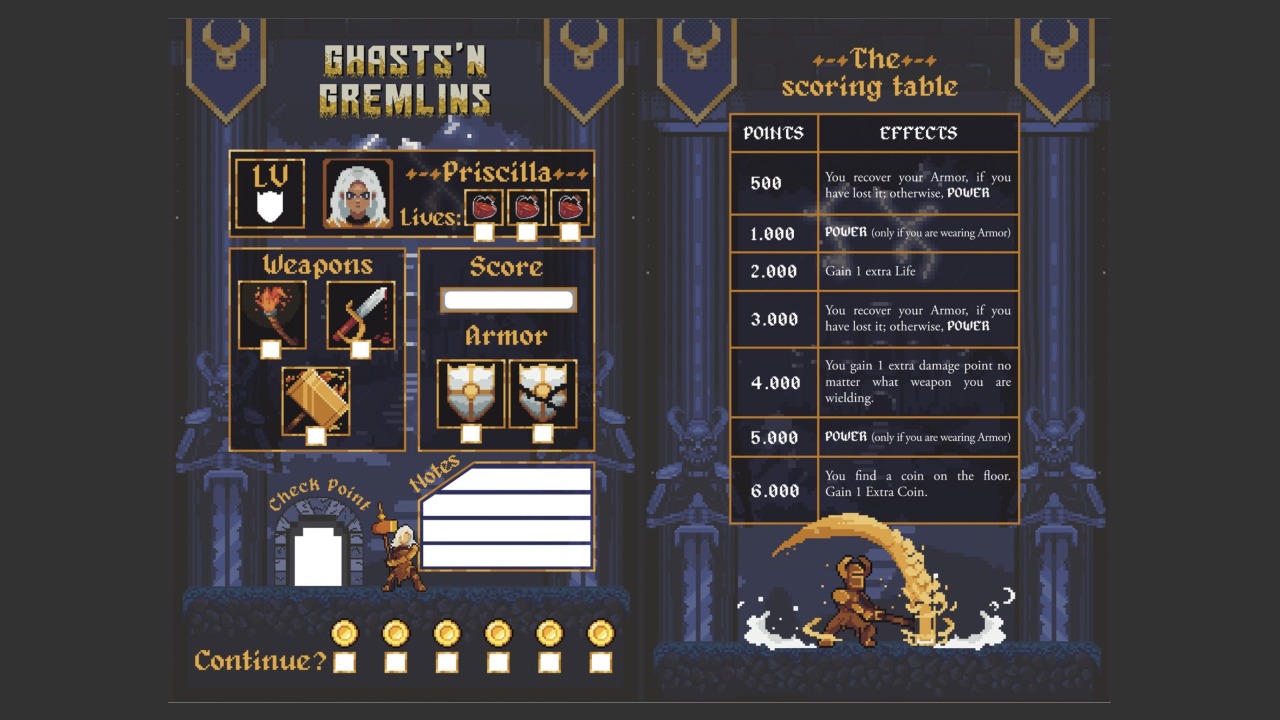
Well, this is unlike anything I’ve covered on the blog before. Press Start is a series of gamebooks where you … play video games? Basically, you get to choose your own adventure in the local arcade and play one of the three games: Ghasts ‘n Gremlins, Shugendo, and Games of Death II (I’ll let you figure out yourself which titles these are inspired by).
The books are in the last day of their crowdfunding campaign (which is already funded), so act quickly if you’d like to get a printed version ($19 for a single book, $49 for all three) or a digital download ($21 for all three).
Hello everyone, I am Matej Jan a.k.a. Retro. Welcome to Retronator—my blog and game development studio.
I started Retronator in 2007 with the goal of making video games focused on
creativity. Along the way I started writing about art and gaming, featuring artists and projects that
caught my attention. Nowadays this mostly includes pixel art, with occasional diversions into voxels,
low-poly 3D, low-res digital painting, and basically anything that makes me feel like a kid again
(text adventures, chiptune, LEGO …).
I'm also very nostalgic about 20th century games that didn't neglect their educational potential.
I expected titles like Sim Ant, Caesar II, and Sim City to continue into the future, expanding their
power to teach us something along the way. Games such as Kerbal Space Program and ECO continue to carry
the torch, but are far in between in the current gaming landscape. Expect Retronator to cover more
games like that in the future.
Finally, on these pages I document my own journey as an illustrator and game developer. I'm working
on an adventure game for learning how to draw called Pixel Art Academy. This newspaper lives
in the game world and I'll make that quite obvious soon. Thanks to backers of the game and supporters
on Patreon I can create this content full-time. Thank you for making this possible!
It's been 10 years since I started this journey and there is no doubt the next 10 will be
absolutely amazing. Stick around and I hope you will enjoy the ride.
Happy pixeling, —Retro
Notes from Retronator Store customers
To leave a note, include a tip when checking out in the store.