
Welcome to the UXBeginner newsletter, the design & tech dispatch that hits your inbox faster than Figma MAKE can spit out React (and almost as spicy as a Musk-versus-Apple Vision).
In today’s edition:
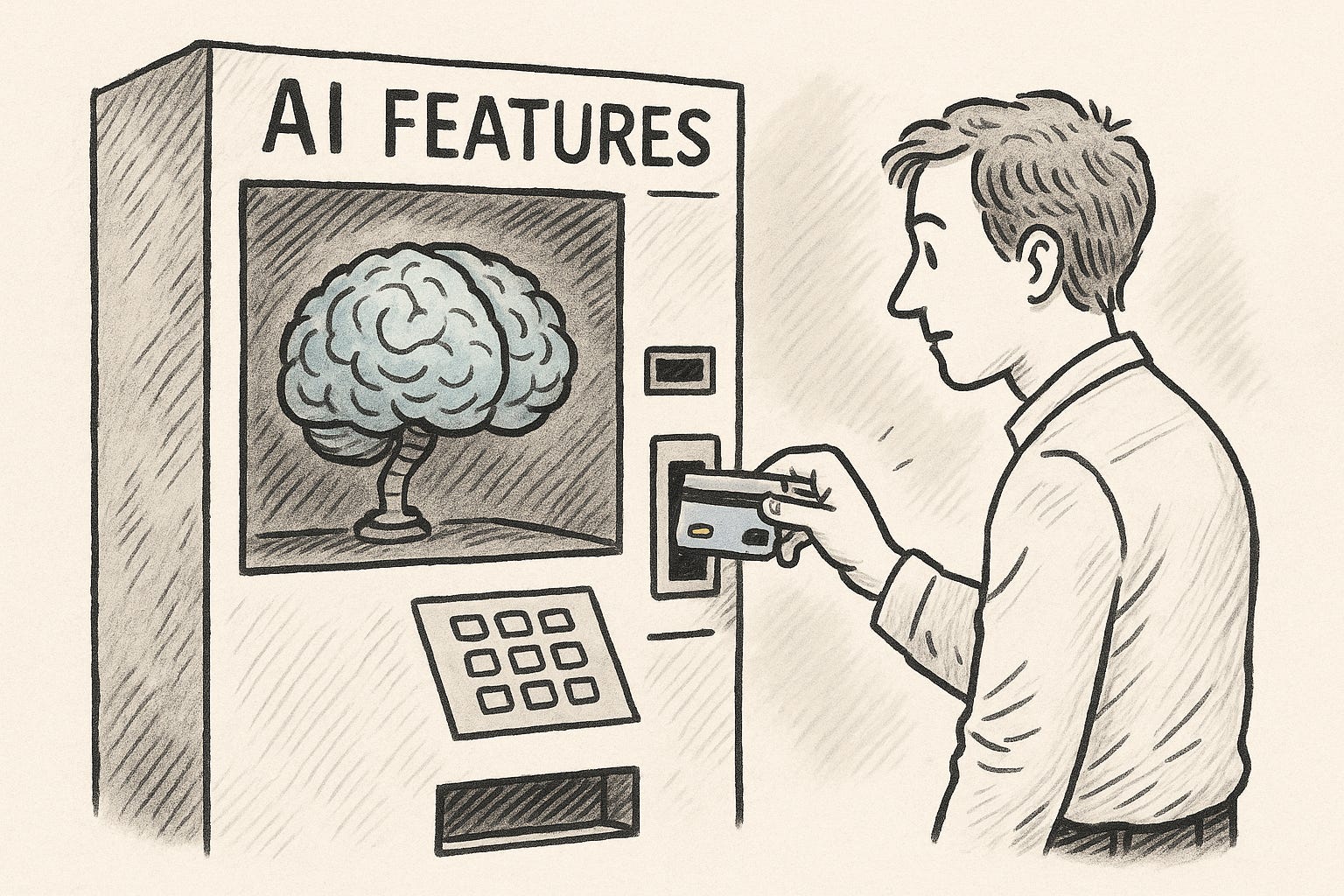
💸 notion’s bad UX of changing AI pricing
🎨 the 3-minute portfolio glow-up trick
📊 GA-4 event-based funnels for quick wins
📚 UX for Business—a strategy-minded read
🚀 figma MAKE turns prompts into React prototypes
🍎 apple’s failed superbowl commercial
This issue’s sponsors include Springboard and Interaction Design Foundation!
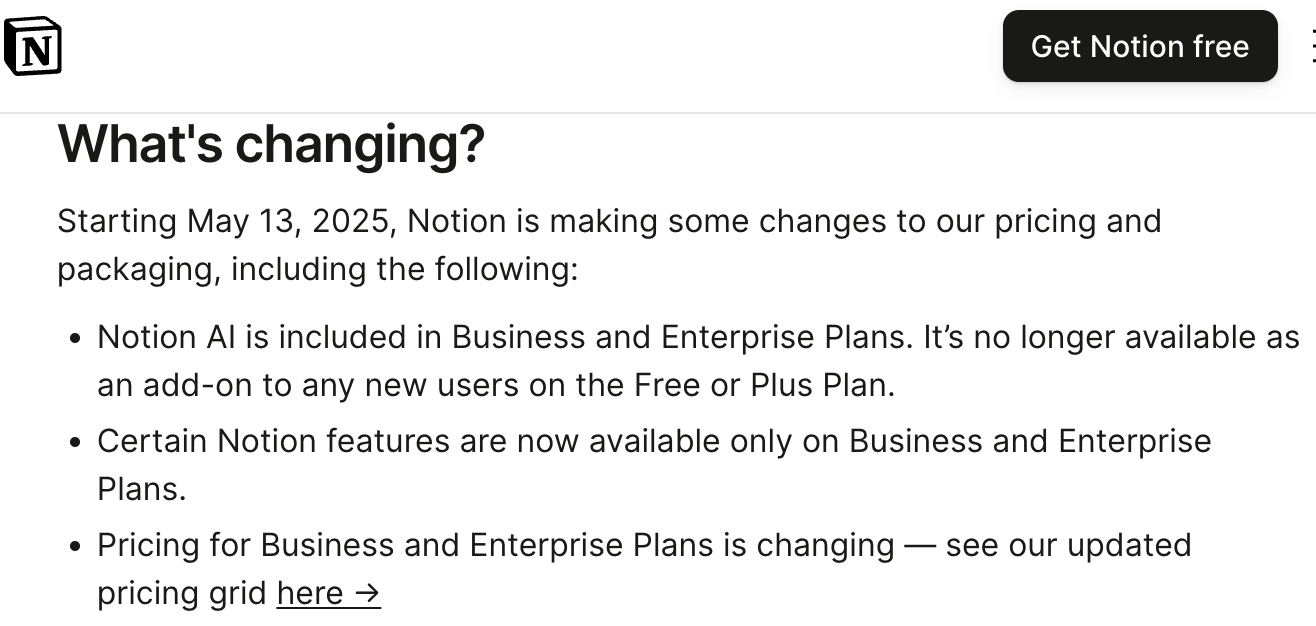
What’s the deal: paying customers angry after notion announced that AI will live only on the costlier Business/Enterprise plans (at least $20/month).
Why the backlash?
Customers have already pre-paid for a full year and now face a forced upgrade or lose a feature.
Confusion around “partial AI” vs. full AI features creates comms mistrust.
Notion’s help-center page confirms the change begins 13 Aug 2025 for renewals.
Content design lesson: at least clearly show the specific side-by-side differences of what customers lose or keep on their plans.
User tigo9873 suggested:
Let's say AI has 15 features associated with it, and are adding 6 more 'new' features. Is the entire group being restricted to business only?
OR,
There will be an AI for plus users, but with only 10 or 15 features, but not the full set that is restricted to business.
Surprised by this change? Let me know if you’re a power Notion AI user and how this affects you.
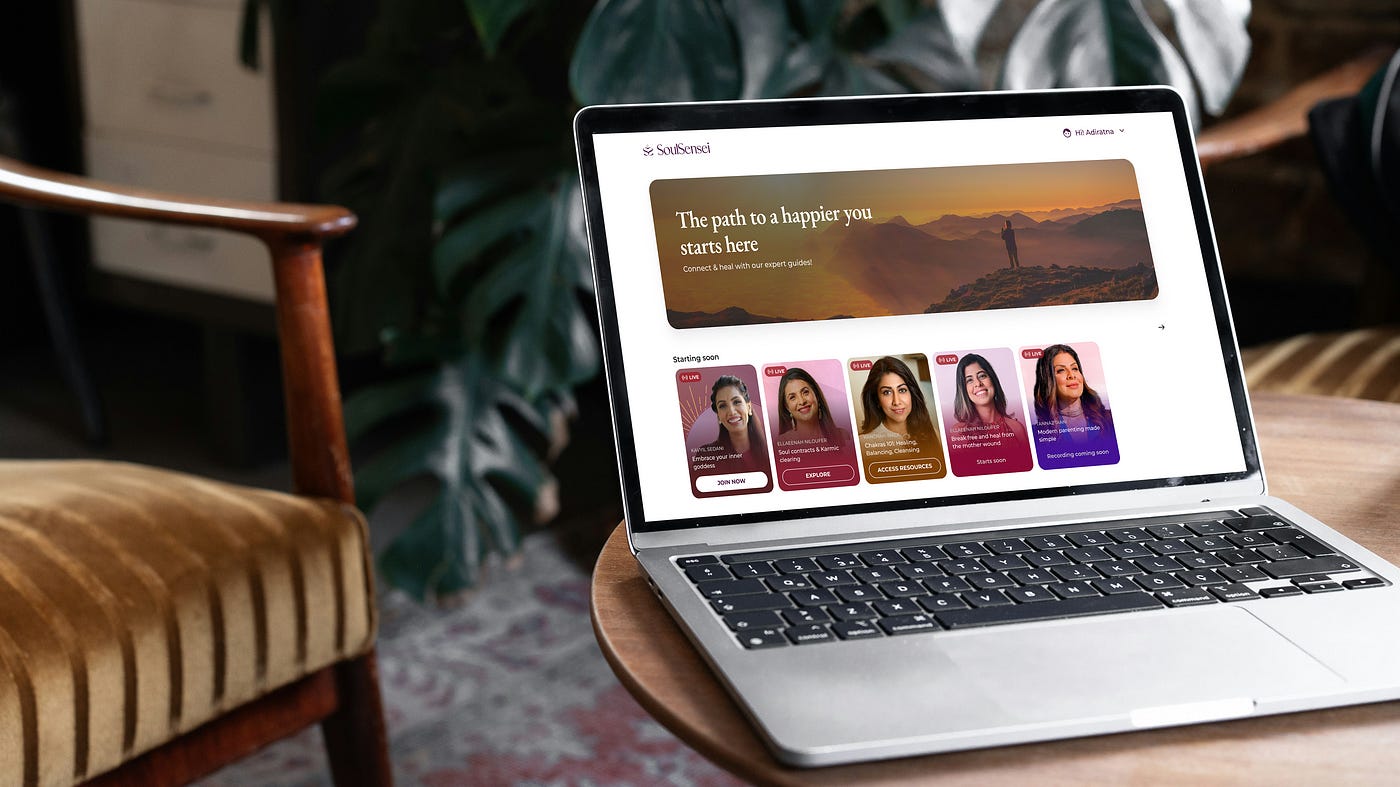
Summary: product designer Tanya Rao shares a lightning-fast Figma workflow using Unsplash+ and Easy Mockup to turn raw screens into polished, contextual mock-ups in minutes.
Other tips:
Treat your portfolio as a living archive, not a static trophy shelf.
Show messy iterations (whiteboards, Slack debates) to reveal thinking, not just pixels.
The mock-up recipe: real design file → Unsplash scene → Easy Mockup → export.
try this: time-box 15 minutes today—refresh one case-study hero shot with Tanya’s trick and see how the story pops.
SPONSORSwitching to a UX career? Then you’ve definitely need to check out Springboard.
As far as UX bootcamps go, Springboard is top-notch, having snagged the Best Bootcamp Award in 2023.
The price of UX bootcamps can indeed be an investment. But you can use the code UXBEGINNER to knock hundreds of dollars (offer may vary) off the cost of your enrollment.

If you’re a growth designer, this new guide walks through GA-4’s new features that will make your job even easier.
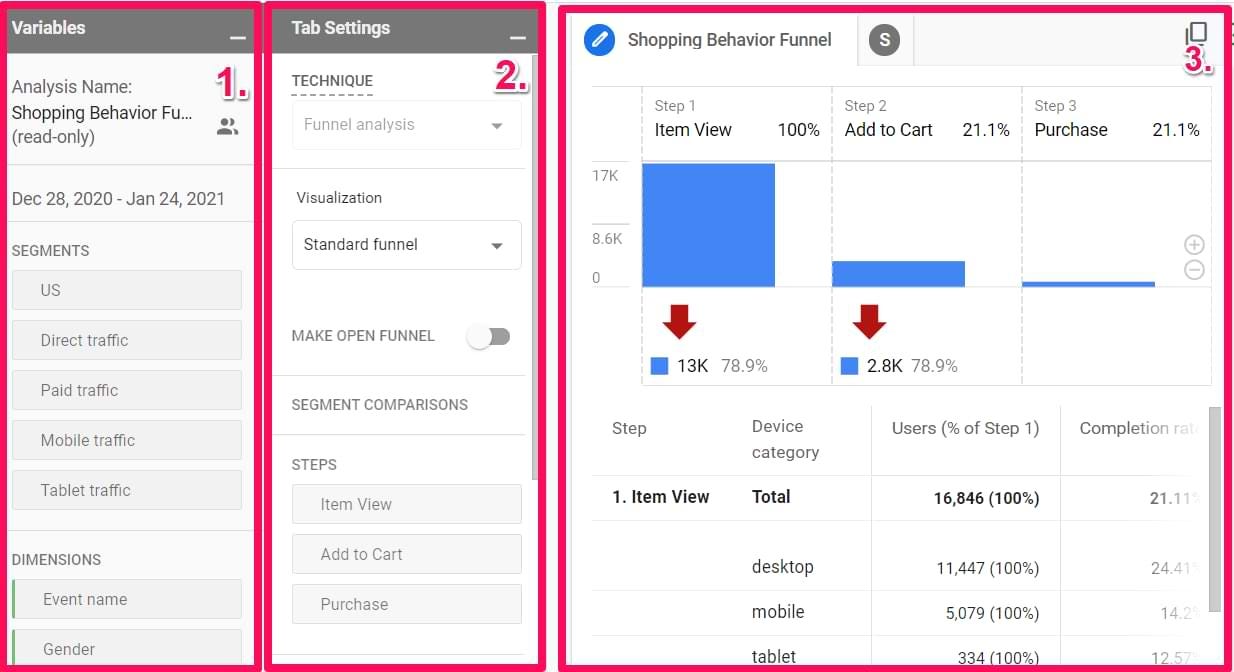
Key idea: GA-4 makes tracking user behavior even easier:
Visualize how users navigate through your app or site
Find common user flows or identify drop off points
Path exploration auto-suggests UX fixes!
Google Analytics could be another rich source of insight for your team, especially if considering a big redesign or doing A/B testing.
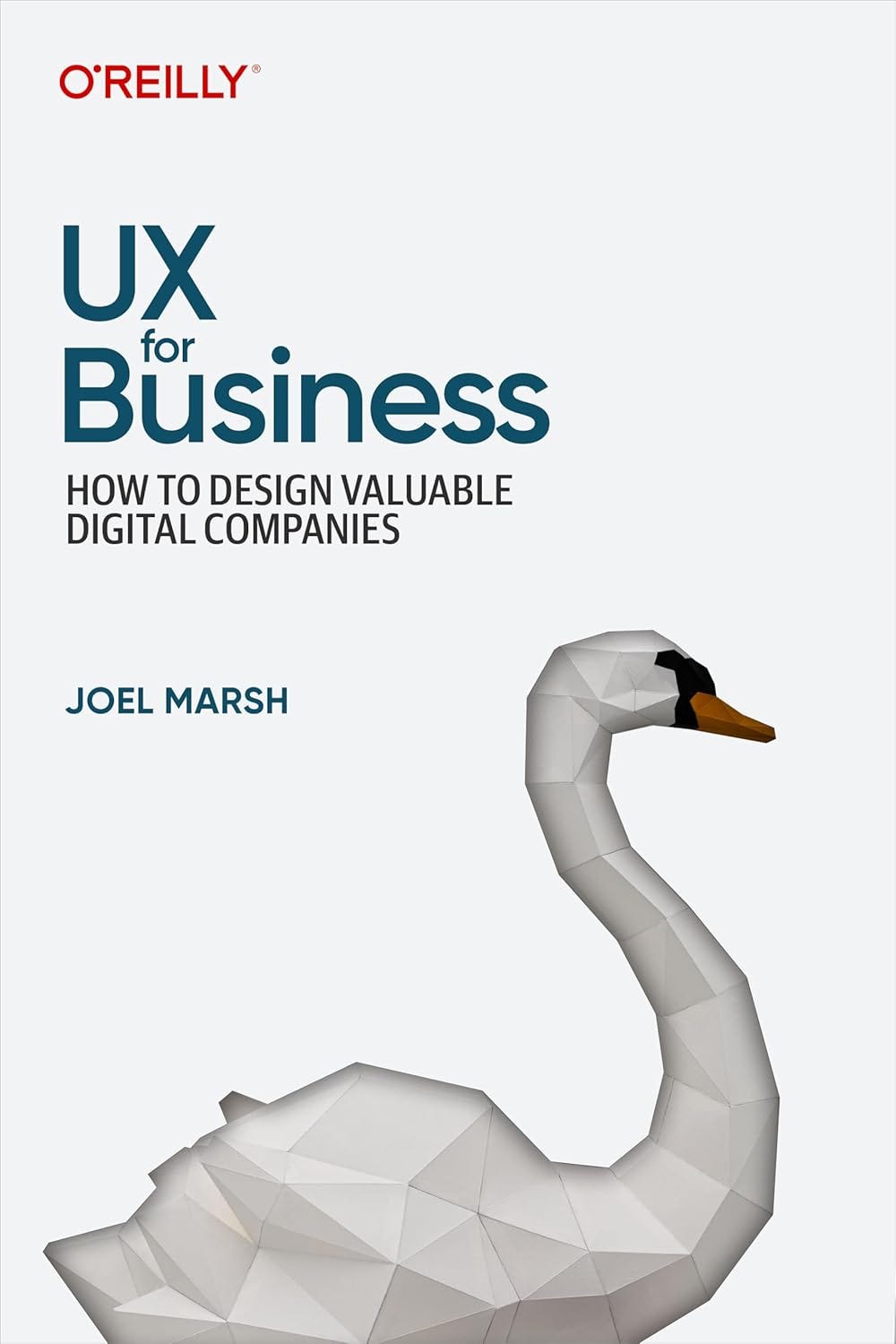
This is an underrated book with only a few reviews. But Joel Marsh moves the conversation beyond “make it usable” and shows how UX decisions drive company valuation—perfect for designers who want a seat at strategy tables.
3 actionable nuggets
revenue clarity: translate every UX win into a cost-cut or revenue-lift metric before the retro.
risk radar: add “business risk” alongside usability severity in your bug log.
north-star canvas: align product metrics, user value and business value in a single-page canvas before sprint 0.
try this: in your next design review, frame one decision using a dollar-impact headline (“speeding up KYC saves $Xk/week”).
Following on the heels of Figma launching AI features , I haven’t seen much about the hotly anticipated Figma Make (I also don’t have access yet!) Looks like Youtuber Nehmat got her hands on it—it’s the first full blown tutorial I’ve seen.
Highlights:
Generative flow: describe a feature → MAKE drafts the UI + component code with Claude 3.7.
Live-edit loop: tweak copy or layout in Figma; MAKE syncs updated code instantly.
Early beta quirks—nested components break, but speed is incredible.
The asker struggles to usability-test flows that request real financial data when only remote unmoderated studies are possible:
I would like to understand any applicable methods for testing the user experience when entering sensitive financial information, specifically as part of usability testing with interactive prototypes. We're limited to remote unmoderated at the moment with the COVID situation.
No accepted answer yet—ideas around fake credentials feel unrealistic, and trust signals are hard to replicate.
Your turn: what’s your approach? Maybe some ethnographic sessions or using some other fintech trust heuristics?
One year after the legendary “1984” spot, Apple aired “Lemmings” at the Superbowl. Why Lemmings? It depicted office workers marching blindfolded off a cliff, urging viewers to abandon IBM.
Unlike 1984, the Lemmings commercial was a failure because it felt insulting to potential customers.
Apple did not air another commercial during the Super Bowl until the Hal commercial in 1999.
The advertised product, Macintosh Office, including a file server, was not fully ready for release when the commercial aired, causing further disappointment.
Lol: next time marketing wants to tease a half-built feature, share the lemmings commercial in Slack and ask, “are we sure?”
See you next week!
You can use Substack’s features to ping me with links, rants or wins you’d like featured.
Stay curious, designer!
Written by Oz Chen.
P.S. I also write about the intersection of personal finance + psychology. I’m proud of the new logo that I created after an hour jamming with AI. Something about it reminds me of the UXB logo:
SPONSORLooking for a lighter-weight option than a full blown UX bootcamp?
Check out Interaction Design Foundation.
Their new course, AI for UX Designers, is a huge level up for modern designers.

No posts
Comments
Nothing yet. Say the first thing.
Sign in to join the conversation.