
👋 Hello and welcome to our intermittently appearing newsletter with news, events, updates and other information about our race timing app. #happytiming
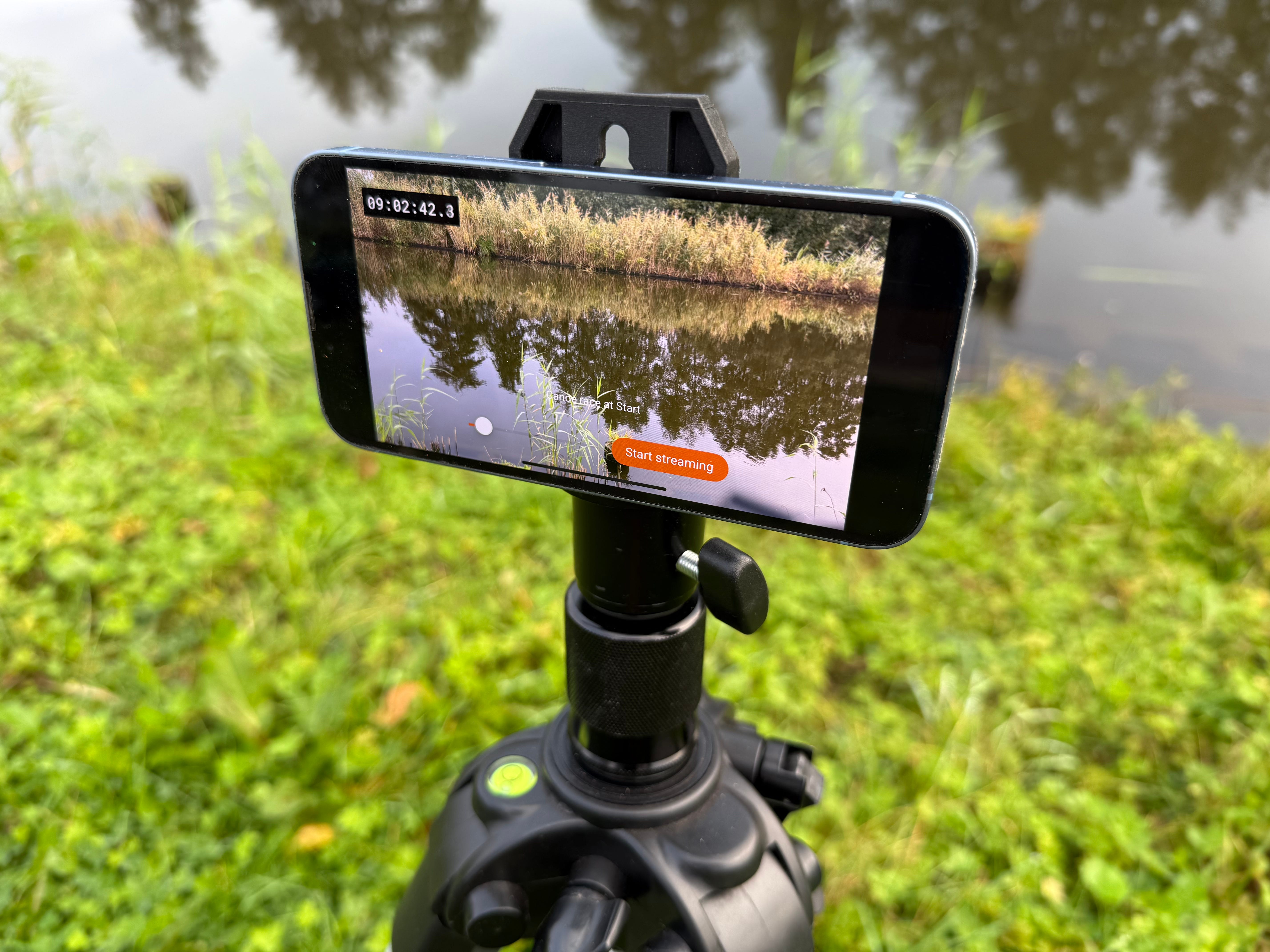
To make manual timing even better, we’re adding a new and innovative component to the RaceClocker timing system: the RaceClocker FinishCam app for iPhone. This livestream smartphone app can be applied in two main ways:
as Backup video solution, it records a synchronised video feed at the finish line to verify and adjust manual time stamps after the race.
for Remote timing, enabling timekeepers or the race director to create time stamps remotely, without being physically present at the race. All you need is an iPhone on a tripod at the finish line with power and an internet connection.
The app is currently available for iOS only and distributed through Apple TestFlight to early adopters and testers. (If you’d like to join the testing program, just send us a message). More details about how the app integrates with the RaceClocker dashboard and an example of the video in action at a rowing head race can be found here.
The previous separate ‘keypad mode’ has been removed from the timer app. Instead, a generic numerical keypad can now be turned on or off at any time in each timer mode, via a toggle button in the toolbar.
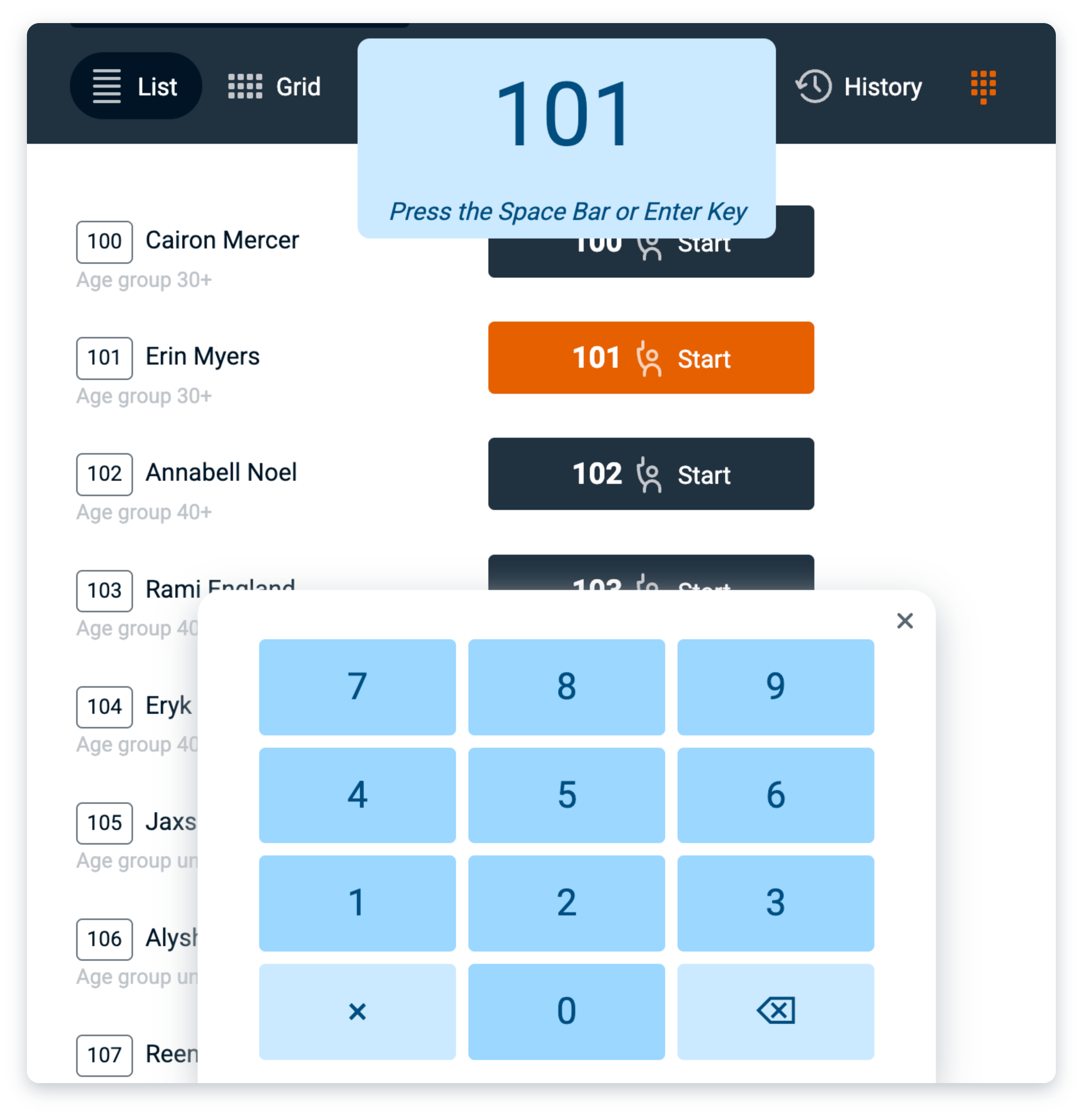
This makes it a lot easier, when timing on a mobile device, to locate a bib number in a large list, or to highlight a timer button so it can be timed using an external hardware button - like the FLIC button described here. The user feedback is identical to using hardware keys on a laptop or desktop computer.
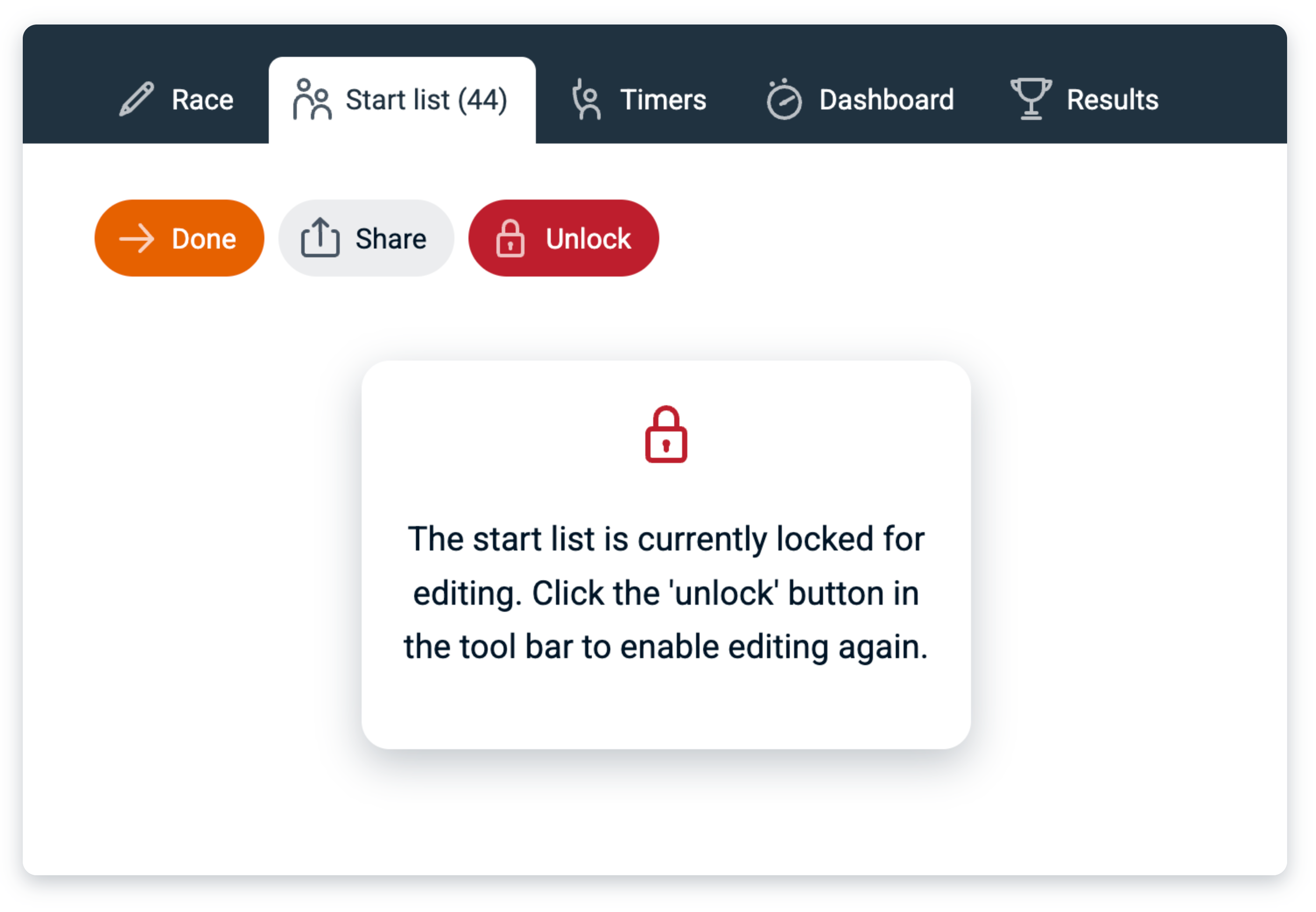
The start list editor can now be locked to prevent accidental changes. The Raceclocker start list editor is designed to be highly interactive, allowing you to quickly reorder participants, assign bib numbers, and make content edits with ease. However, once your list is finalised, you don’t want those changes happening by mistake. Locking the start list effectively ‘freezes’ it before the event begins. While locked, the list itself is hidden and certain toolbar tools are temporarily disabled. Unlocking restores full editing functionality.
Following our first registrations import module for RunSignup, we’ve now started to look ahead at adding more events services to RaceClocker. As an example we recently ran an experiment to include one for events registered by the Dutch rowing association. A first version is on our live site now, available to paid subscribers only. We will soon expand it with auto-generated masters handicap factors as well as age (sub)categories.
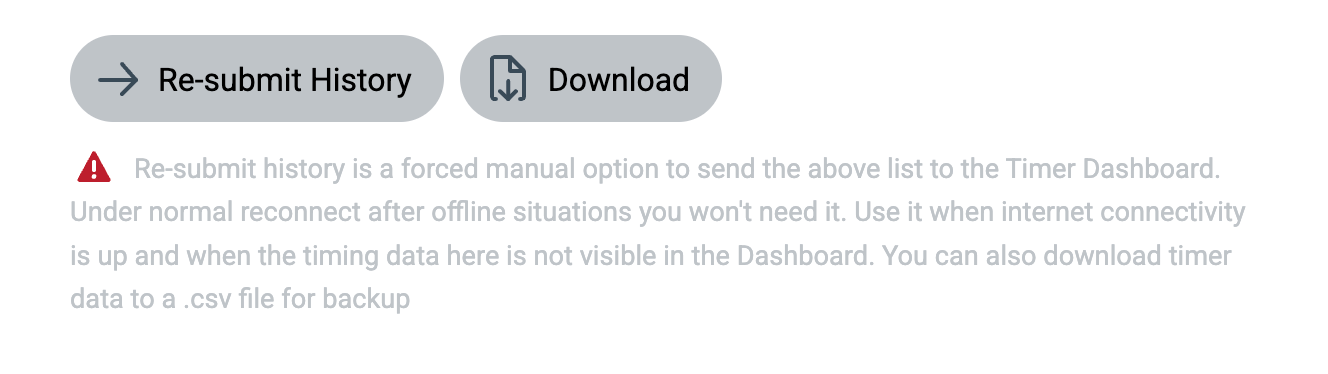
When it comes to race timing, you can never have enough backup for your data. In addition to storing time stamps in device memory when offline and in on-device storage in case of battery failure, we’ve now added another layer of protection: the option to save all local time stamps on the timing device as a file. Triple security for your data.
Auto scroll of race results can now be set via the results URL with a parameter, for example when you want to show results on a smart TV with limited options for interaction. Just append ‘scroll=1’ to the results link. Example here: https://raceclocker.com/02473be5?scroll=1
A subtle change to our Excel download and JSON feed was made recently. From now on the structure of the downloaded data is the same as how the results themselves are set. So any custom grouping or split point ordering is now also reflected in the download - next to the raw timing data on a second worksheet.
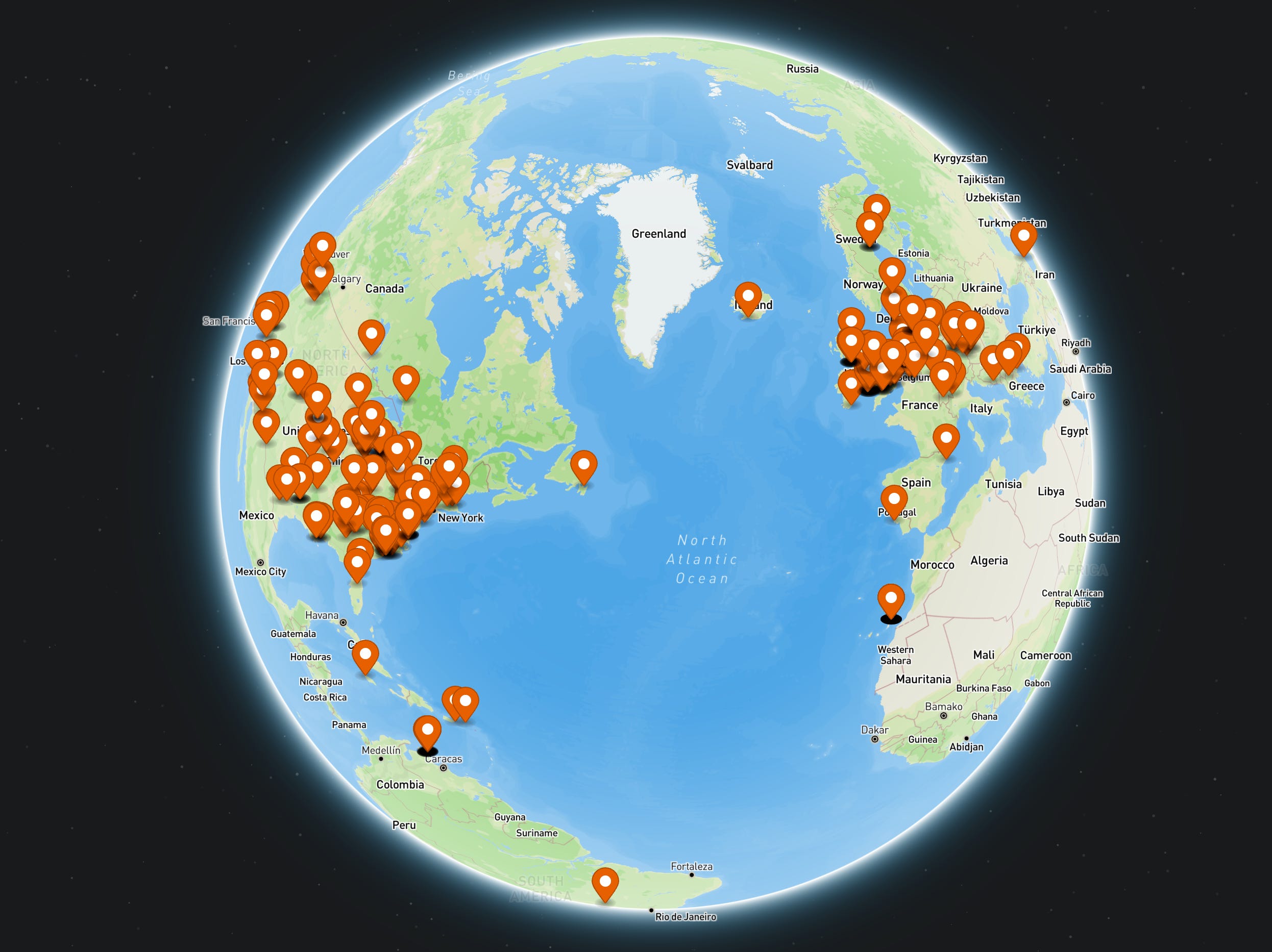
We swapped from Google maps to Mapbox for our map tiles and location search. Finding the place on the map for your event is now a lot faster and easier, and the Mapbox outdoor maps looks better too!

No posts
Comments
Nothing yet. Say the first thing.
Sign in to join the conversation.