
When I wrote “As a user, I want to see my score,” I thought I was being precise. Lovable built exactly what I asked: a flat number on a screen. No breakdown by category, no skill gap mapping, no path forward for the user.
I rebuilt the feature from scratch. The fix took three hours. The original mistake took three minutes.
The problem was never Lovable. The problem was that a vague story gives an AI builder permission to guess.
When the intent is open to interpretation, the AI fills in the blanks with the most common pattern it has seen, not the one that solves your specific user friction. This prompt from the Vault fixes that.
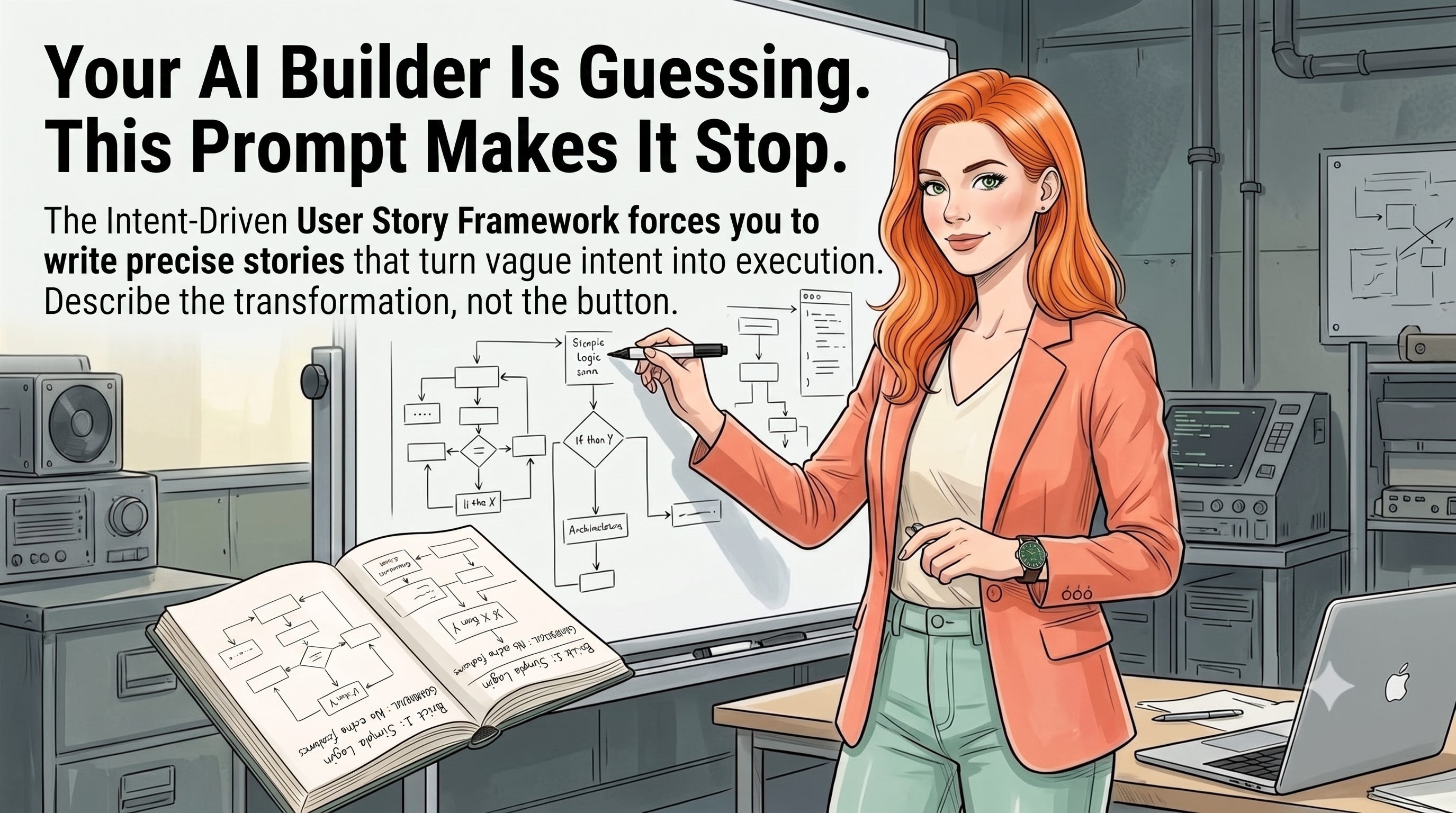
The Intent-Driven User Story Framework forces you to write what I call Intent Units: stories precise enough that an AI builder can execute them and a stakeholder can validate them without a follow-up meeting.
I first ran it on the score calculation feature in my PM skills app. The original story had no acceptance criteria and no success metric. When I rewrote it, I specified: “the user receives a detailed score breakdown by category, so that they can identify which domain to study next.”
Lovable generated the correct Supabase database relations on the first attempt. Zero rebuilds.
That single rewrite saved me a full rebuild session. For a solo builder, that is the difference between shipping this week and shipping next week.
Traditional format gives you the “what.” It does not give you the “when,” the “if/else,” or the measurement that proves the friction is actually gone.
An AI builder reading “I want to track my progress” has four different features it could build. An AI builder reading “I want to see my score broken down by category, so I can identify which skill gap to address first” has exactly one.
The prompt adds two components most PMs skip:
✅ Acceptance criteria with logic gates (e.g., “If user is unpaid, show upgrade modal”)
✅ A success metric that proves the friction was removed (a user behavior, not “feature was built”)
These two additions turn a suggestion into a specification. The AI stops guessing and starts building.
Strategic advice
Your story is the code before the code exists. A user story is not a suggestion; it is a specification of intent. If you leave it open to interpretation, you are inviting the AI to guess. Don’t describe the button; describe the transformation the user undergoes when they click it.
The prompt works in three deliberate passes. First, it forces the Persona-Action-Outcome format, which makes you name who is experiencing the friction and why it matters to them. Second, it demands acceptance criteria with explicit logic conditions: the guard rails that prevent the AI from inventing edge-case behavior.
Third, it asks for a success metric, which is where most PMs go quiet.
The third step is the one that separates a shipped feature from a used feature. If you cannot define what behavior proves the friction is gone, you have not yet understood the problem you are solving.
Role: Technical Product Architect / Story Writer.
Context: I am drafting a set of user stories for [Insert Feature Name].
Task:
1. Generate 3 user stories using the "As a... I want to... So that..." format.
2. For each story, provide 3 "Acceptance Criteria" that include specific technical logic gates
   (e.g., [Insert Logic, like "If user is unpaid, show upgrade modal"]).
3. Identify the "Success Metric" for each story that proves the user friction has been removed.
Input: [Insert high-level feature idea and target persona].
Open Claude or Cursor. Paste the prompt, replace [Insert Feature Name] with the specific feature you are scoping, and fill the Input field with one short paragraph: who the user is and what friction they hit today.
One feature at a time. Do not paste your entire PRD. The narrower the input, the more precise the acceptance criteria that come back.
Run this before you brief any AI builder, whether that is Lovable, a dev, or your own Cursor session. The output gives you three stories ready to act on, with logic conditions and success metrics already attached. Copy them directly into your build prompt.
If you are using Lovable, paste the full story output into the initial prompt before Lovable touches any code. You will watch it generate database relations and UI logic that actually match what you had in your head.
Find More Prompts Like This
This prompt is part of the Prompt-Led Product Vault, a growing library of battle-tested prompts I use when building AI products, auditing existing ones, and leading technical PM decisions.
Every prompt in the Vault comes with useful examples, the logic behind the structure, and a real usage example.
The gap between a PM who rebuilds three times and one who ships right the first time is precision.
In 2026, every PM has access to the same AI builders. The ones who move faster are the ones who remove the AI’s ability to guess before the session starts.
This framework does that in under five minutes per feature. It is the difference between managing AI output and directing it.
If you want a second set of eyes on the user stories you are feeding your AI builders, reach out at hello@elenacalvillo.com.
Comments
Nothing yet. Say the first thing.
Sign in to join the conversation.