
We just shipped something we’ve been wanting to build for a long time. OpenCharts now has a public MCP server. That means any AI tool you already use (Warp, Cursor, Claude Desktop, VS Code Copilot, Windsurf, Claude Code, Codex, Amp, OpenCode) can create flowcharts, whiteboards, notes, and presentations, ask Theo questions, extract documents, and manage projects. All without opening a browser.
19 tools. 3 resources. One endpoint. Here’s how it works and why we think it’s a big deal.
MCP stands for Model Context Protocol. It’s an open standard that lets AI tools connect to external services. Think of it like this: right now, every AI tool (Warp, Cursor, Claude, VS Code Copilot, Windsurf) is smart but isolated. It can answer questions and write code, but it can’t actually do things in your other tools. It can’t create a flowchart in your diagramming app, or add notes to your project, or kick off a research job. It’s stuck inside its own window.
MCP fixes that. It gives AI tools a standard way to call actions on external services and read context from them. One protocol, any client. The same way USB-C means you don’t need a different cable for every device, MCP means you don’t need a custom integration for every AI tool.
Why does that matter?
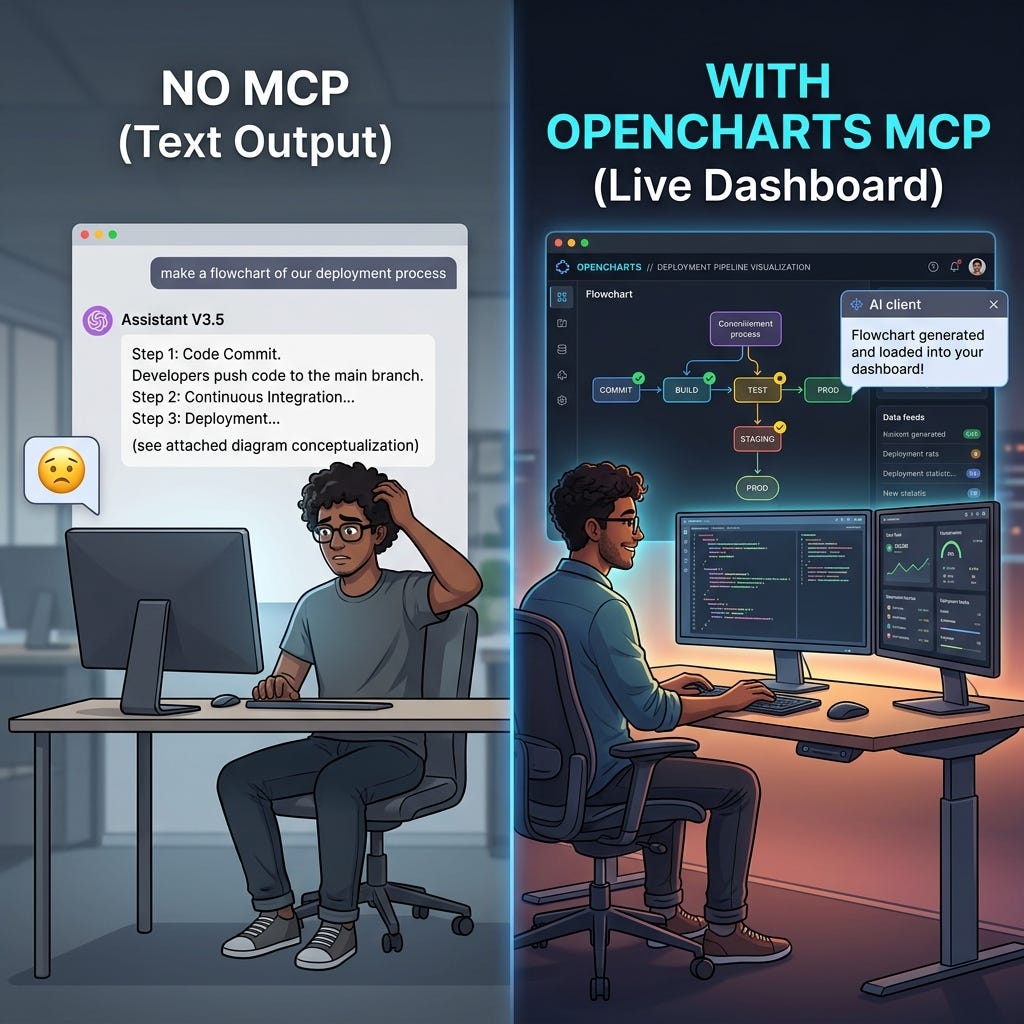
Because it turns AI from something you talk to into something you work with. Instead of copying AI output and pasting it somewhere else, the AI just puts it where it needs to go. You say “create a flowchart of our onboarding process” and it actually creates one. You say “build me a presentation about our security model” and a slide deck shows up in your dashboard. The AI stops being a chat window and starts being a coworker that has access to your tools.
Projects (8):
list_projects/get_project/update_project/delete_projectfor managing your stuffcreate_flowchart/create_whiteboard/create_notes/create_presentationfor building new things from any AI client
AI (4):
ask_theofor single-turn AI questions (fast or think mode)extract_flowchartto turn a PDF, image, or PowerPoint into a structured flowchartstart_research/get_research_statusfor kicking off deep research jobs and polling results
Notes (3):
get_note_contentto pull a note out as Markdownappend_to_noteto add content to an existing noteclip_to_noteto save web content as a clip inside a note
Templates (2):
list_templatesto browse what’s availableuse_templateto spin up a project from a template without touching the UI
Account (2):
whoamito verify your connectionget_creditsto check your AI credit balance before running expensive operations
project_list: Summary of your recent projects so the AI knows what you’re working ontemplate_list: Available templates with categories and usage counts, so Theo can suggest one before building from scratchcredit_balance: Your current credits and plan info, so the AI doesn’t burn through credits on heavy operations when you’re running low
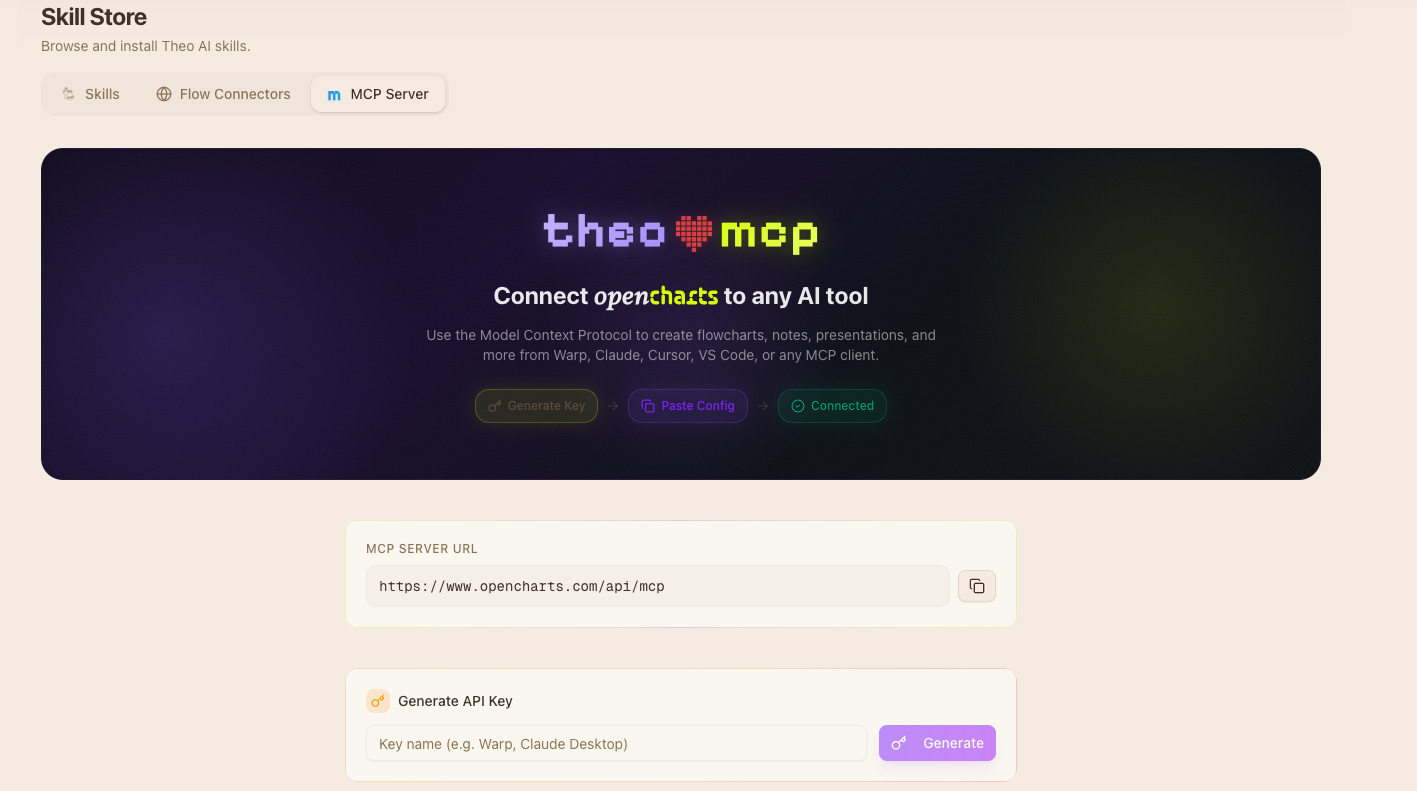
Go to the Skill Store (MCP Server tab) or Settings > Integrations > MCP & API Keys
Click “Create Key”, name it, copy the key (you only see it once)
Paste the config snippet into your AI tool’s MCP settings
Test it by calling
whoami
The endpoint is https://www.opencharts.com/api/mcp. Works with Warp, Claude Desktop, Claude Code, Cursor, VS Code, Windsurf, Codex, Amp, OpenCode, and anything else that speaks MCP.
Some real examples from how we actually use this:
“Create a flowchart of our onboarding process” ...Theo builds the nodes and edges, and the flowchart shows up in your OpenCharts dashboard. No browser needed
“Turn this PDF into a flowchart” ...
extract_flowchartparses the document and generates a structured diagram you can edit“Start a deep research report on competitor pricing models” ...kicks off a research job. Come back in a few minutes and the results are waiting
“Add these meeting notes to my project notes” ...
append_to_notedrops the content right into an existing note“What templates do we have for org charts?” ...Theo checks the template gallery and can spin one up for you in the same conversation
“Create a presentation outline for our Q3 planning” ...a slide deck gets created with your outline, ready to refine in the editor
Here’s where it gets interesting. This isn’t just a dev productivity tool. Because the MCP server can create flowcharts, presentations, notes, and whiteboards, and because Theo can research and answer questions, the use cases go way beyond writing code.
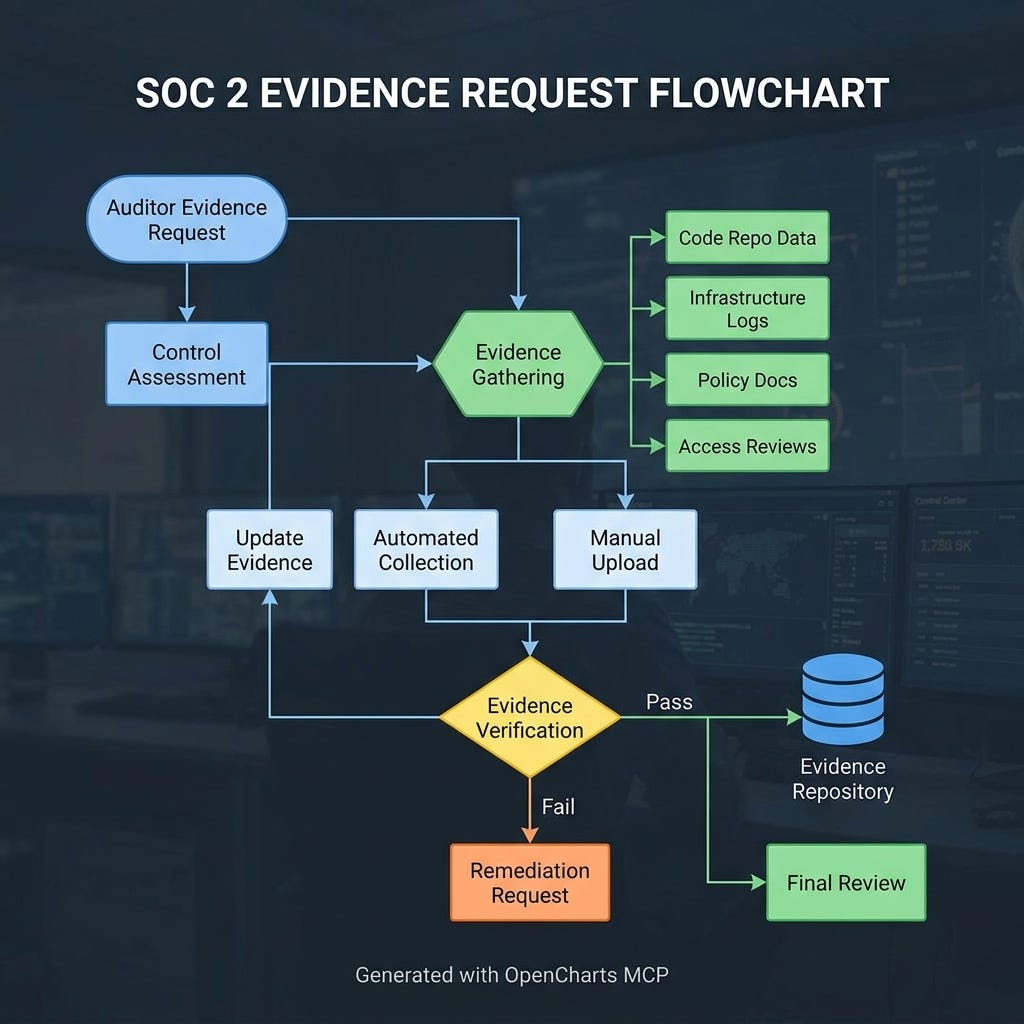
You know that moment during SOC 2 where someone asks “show me how you handle authentication” or “document your access control model”? Normally that’s a week of pulling engineers into meetings and building docs from scratch. Instead, you ask Theo to research your auth model, then create_flowchart to diagram the access control flow, then create_presentation to package it for the auditor. You go from question to deliverable without leaving your terminal.
Auditors show up and want to understand how data moves through your system. Pull up your AI client, ask Theo to explain the data flow for any process, and generate a flowchart on the spot. “How does user data move from signup to storage?” Theo answers and you have a visual diagram ready before the auditor finishes their coffee. No engineers pulled off their work. No week-long prep.
Want to brainstorm a new feature? Ask Theo about the problem space using ask_theo, then create_whiteboard to start mapping out ideas, then create_flowchart to formalize the process flow. You’re going from blank page to structured thinking in one conversation. All the artifacts land in your OpenCharts dashboard, ready to share with the team.
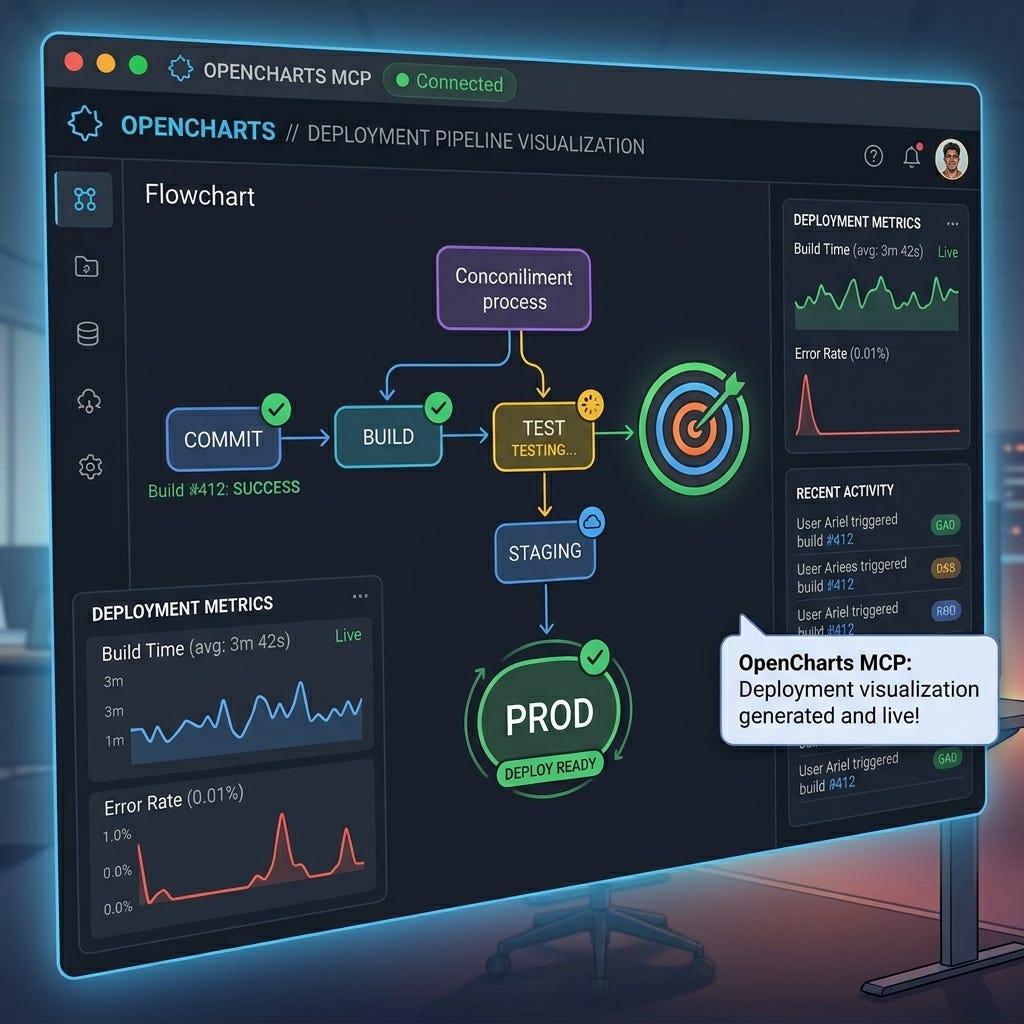
New engineer joining? Investor wants to understand your technical depth? Ask Theo to research your architecture and create_presentation with the results. “Create a presentation of our API surface area” or “Build me slides explaining our security infrastructure.” You get a real slide deck, not a wall of text. The kind of thing that used to take days of someone’s time.
This one’s huge. Ask Theo to research every security layer in your system: encryption, authentication, rate limiting, input validation. Then create_flowchart to map how those layers connect. Then create_presentation for your next board meeting or compliance review. That’s your security architecture documentation, generated and visualized, not copy-pasted from someone’s outdated wiki.
It works from wherever you already work. Warp, Cursor, Claude Desktop, VS Code, Windsurf, Claude Code, Codex, Amp. You don’t have to change anything about your setup
You can create real deliverables, not just get answers. Flowcharts, presentations, whiteboards, notes. Actual artifacts that live in your dashboard and can be shared, edited, exported
Non-technical people benefit too. Compliance officers, project managers, founders. Anyone who needs a diagram, a presentation, or a research summary can get one through their AI tool without learning OpenCharts
It’s 19 tools behind one endpoint. One API key, one config snippet, and your AI client has full access to everything OpenCharts can do
Sign up at opencharts.com if you haven’t already
Go to Settings > Integrations > MCP & API Keys
Create a key, paste the config into your AI tool
Call
whoamito make sure it’s workingAsk your AI to create something
Full docs at opencharts.com/help/mcp-server.
No posts
Comments
Nothing yet. Say the first thing.
Sign in to join the conversation.