
We just wrapped one of the most ambitious months in OpenCharts history. Over the last 30 days, we shipped 100+ commits spanning five massive features, a complete platform rebrand, and dozens of quality-of-life improvements that touch every corner of the product.
This isn’t an incremental update. This is OpenCharts growing from an AI-powered flowchart tool into a full creative workspace — where you can research, write, design, code, present, collaborate, and ship, all from one place.
Here’s what’s new.
The biggest addition to OpenCharts yet.
Code Canvas is a full code editor built directly into OpenCharts, powered by Theo AI. You describe what you want to build, and Theo generates a complete project — HTML, CSS, JavaScript, React components, whatever you need. But it doesn’t stop at generation.
Every Code Canvas project spins up a cloud sandbox with automatic provisioning and HMAC-signed preview authentication. You see your project running live, in a real browser environment, as you iterate on it. No local setup. No terminal commands. Just build and preview.
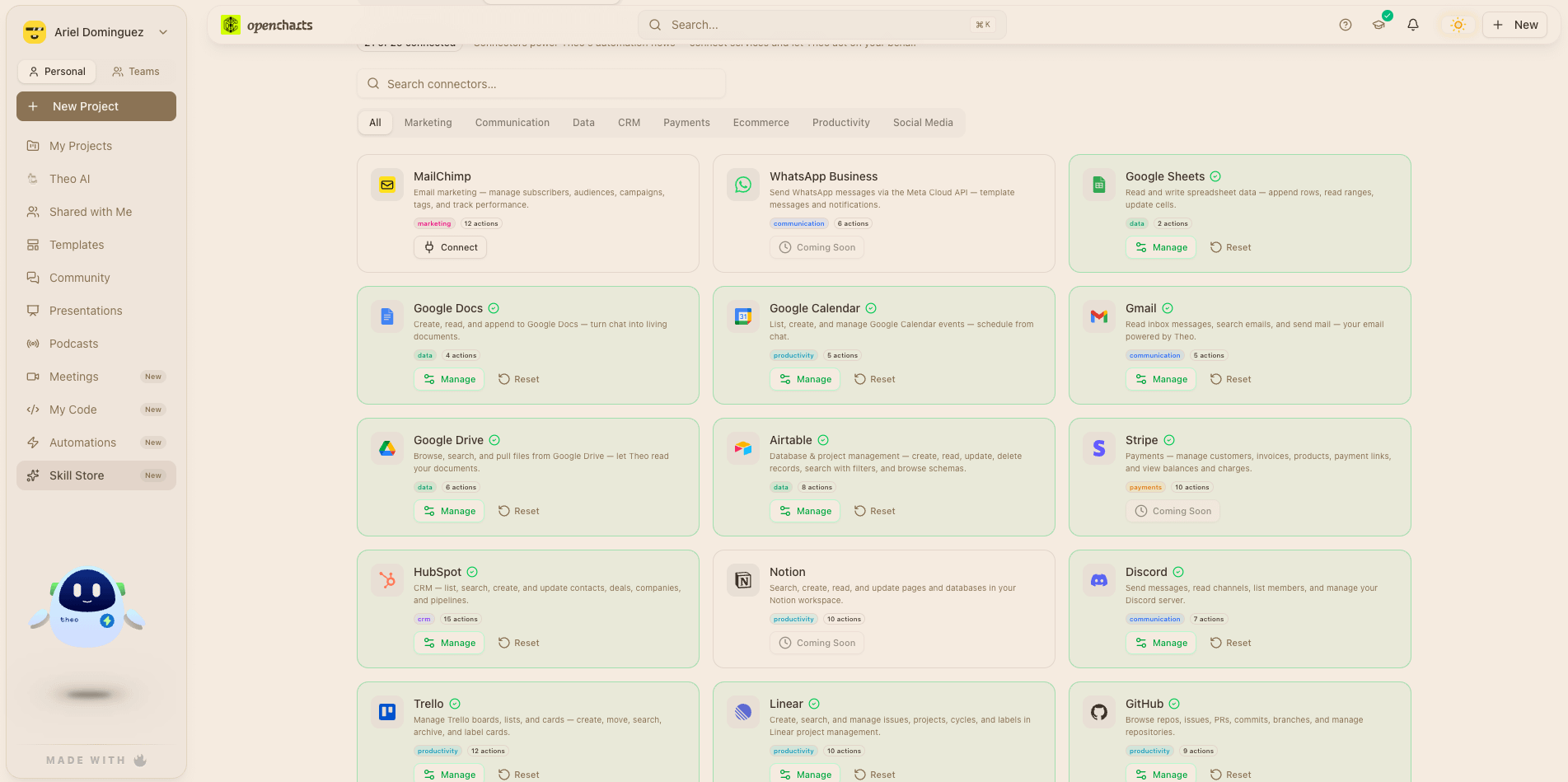
Click any element in the preview and edit it visually. The design patch agent translates your visual edits back into code changes — bridging the gap between “I want this button bigger” and the actual CSS.
When your project is ready, Ship publishes it to production via the best Cloud Infrastructure available. Custom domains with automatic SSL. Branding controls. Publish settings. Your code goes from canvas to live URL in one click.
Theo’s patch_code tool makes targeted find-and-replace edits, and the code-iterate endpoint handles back-and-forth refinement. Full conversation context carries across iterations, so Theo remembers what you’ve built and why.
Research that thinks with you — and an AI that learns how you work.
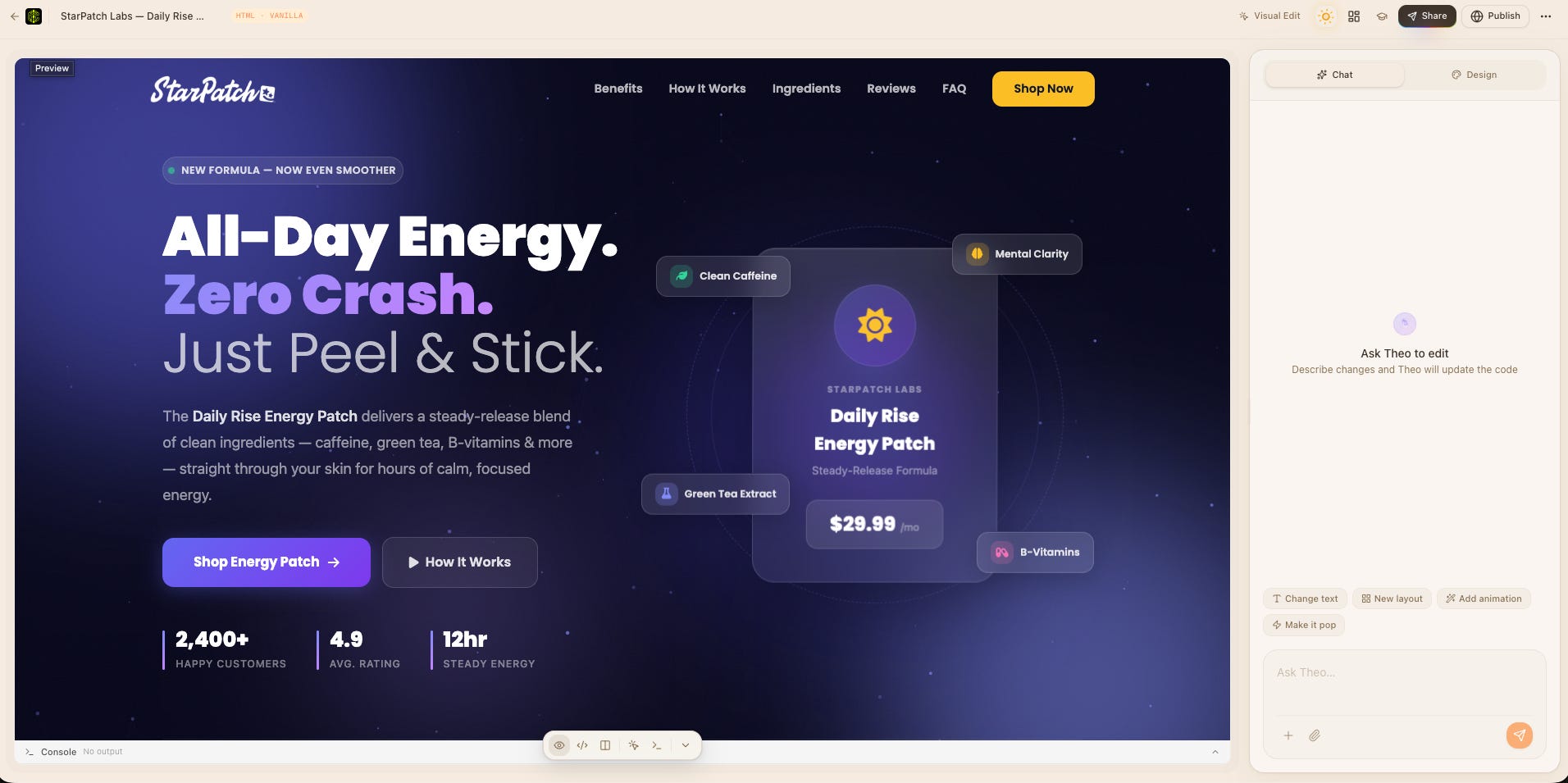
We completely rebuilt the research pipeline. Deep Research now starts with a research plan overlay — Theo shows you what it intends to investigate before diving in, so you can steer the process. Powered by Theo Search Context Model, the pipeline pulls from live sources, ranks them with a dedicated source ranker, and threads inline citations throughout the output.
New capabilities:
Audio overviews — Theo generates a listenable summary of your research, so you can absorb findings on the go
Edit sections — Refine specific parts of the research document without regenerating everything
Follow-up questions — Ask Theo to dig deeper into any section
Research-to-Notes — Create a Notes document directly from research output
This is the intelligence layer underneath. MCIR watches how you interact with Theo over time which modes you prefer, what domains you work in, how complex your queries tend to be and builds behavioral pattern distributions per user.
The result: Theo gets better at routing your messages to the right mode (Fast, Think, Research, Code, etc.) without you having to specify. It uses a three-stage pipeline: regex pattern matching → Theo Fast classification with memory context → confident routing decision. When Theo uses your past behavior to inform a routing decision, you’ll see an Intent Attribution Badge on the message.
Your team’s conversation hub — no Slack tab required.
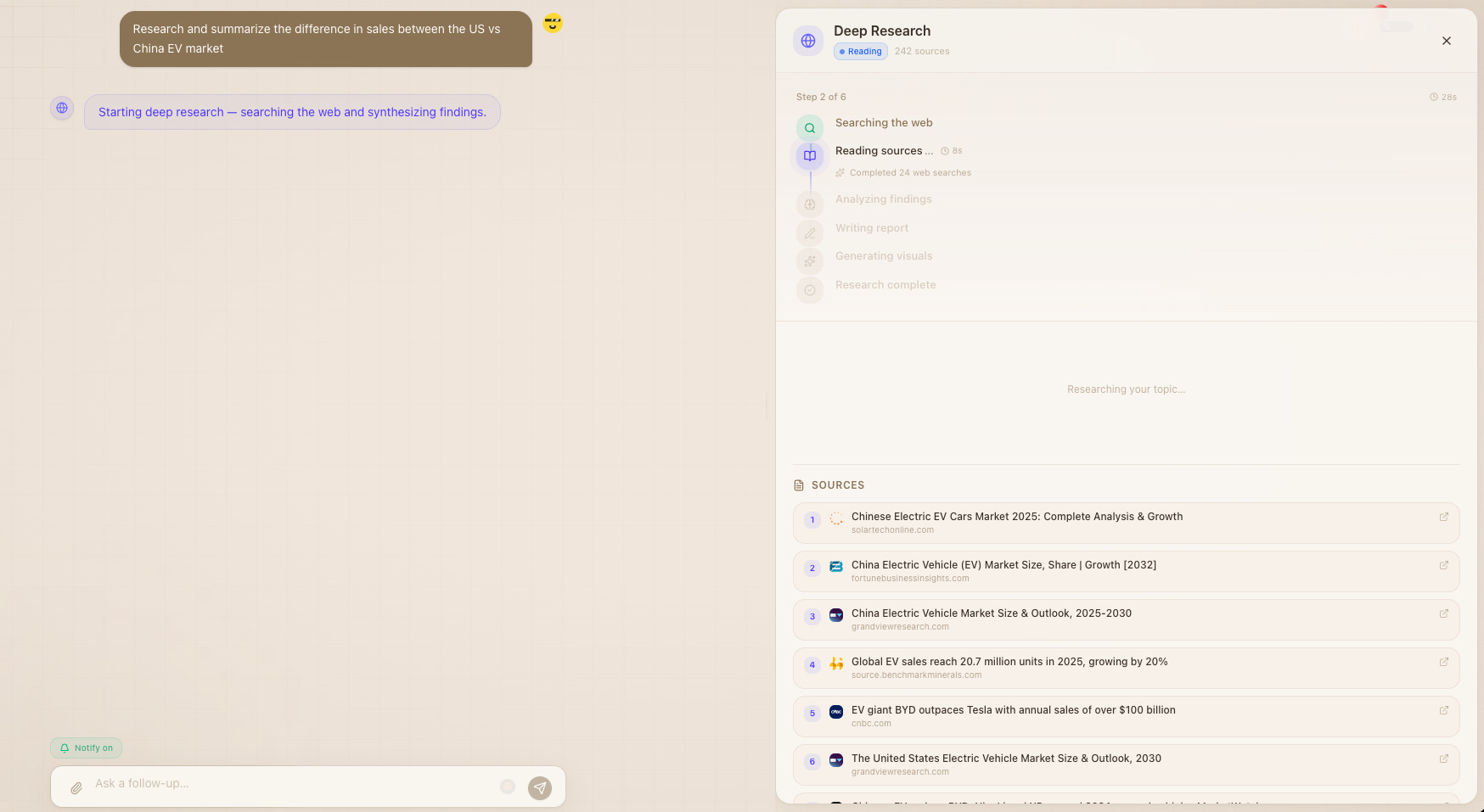
OpenCharts now has a complete real-time messaging system for teams, powered by the Chat SDK.
Create topic-based channels within your organization. Each channel is a dedicated space for focused conversation — project updates, design reviews, standups, whatever your team needs. Full permission controls mean you can gate who can post where.
Private 1:1 conversations between team members, with presence indicators, typing status, and read receipts. DM notifications ensure you never miss a message, and conversations are archived per-organization for clean separation.
Presence & typing indicators — See who’s online and who’s composing
Media attachments — Share files, images, and documents inline
Emoji reactions — React to messages without cluttering the thread
Team invite links — Public join links for frictionless onboarding
Notifications — In-app alerts for DMs and channel mentions
Alongside chat, we shipped a complete team billing overhaul: real-time seat pricing from Stripe in the invite modal, prorated seat purchasing, billing switchover flows for users joining a team with an existing personal subscription, and a plan lockdown interstitial that keeps everything clean.
Your flowcharts can now do things.
EVI is the foundation for turning static flowcharts into executable automation workflows. Draw your process, connect it to real services, and let it run.
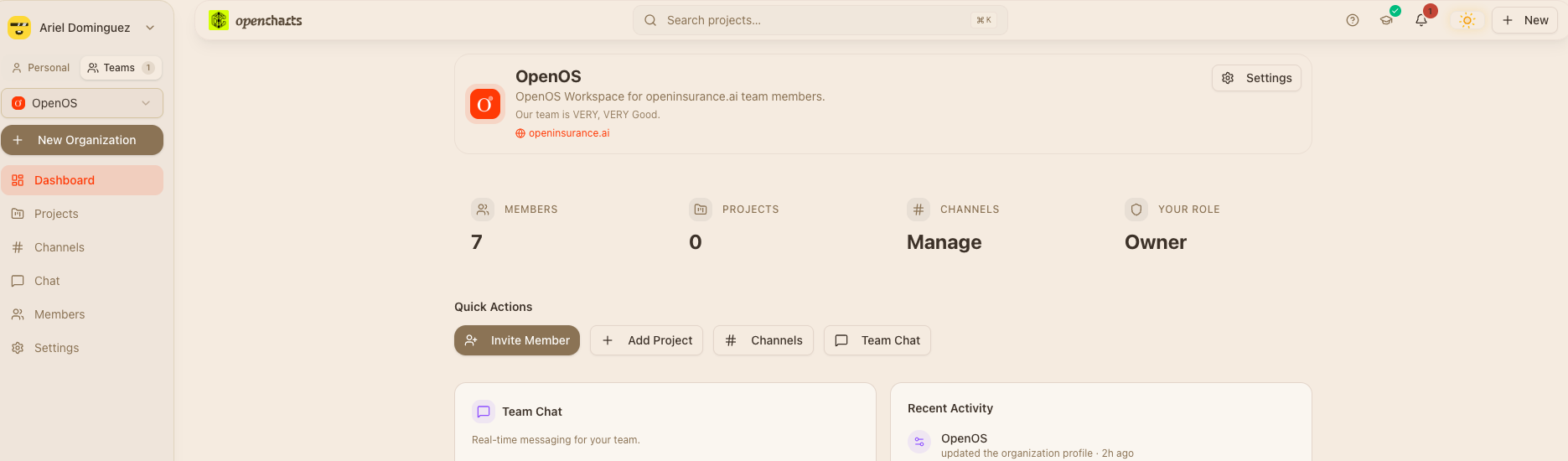
We built OAuth 2.0 + PKCE integration flows for over 15 services:
Productivity: Slack, Notion, Linear, Airtable, Monday.com, Trello
Developer: GitHub
Commerce: Shopify (with GDPR compliance webhooks), Stripe Connect
Communication: Discord, SendGrid, Twilio SMS, WhatsApp Business
Scheduling: Calendly, Typeform
AI: OpenAI
Each connector comes with a setup wizard, resource picker (browse your Slack channels, GitHub repos, Notion pages, etc.), and credential verification. All managed through a unified ConnectorSetupWizard UI.
EVI uses a canvas skill registry with 10 Phase 1 skills across 5 categories (input, processing, integration, output, gate). The bridge layer validates graphs using Kahn’s algorithm for cycle detection, performs topological sort, and converts your flowchart into executable workflow steps.
A unified /automations page aggregates all your active EVI flows, skills, workflows, and hooks. Emergency kill-all endpoint for stopping runaway automations. Full run history and cross-project visibility.
Six AI models. One canvas. Unlimited creative control.
Image mode in Theo now routes across six different AI models:
Google Gemini — General-purpose, fast
Flux-Pro — High-fidelity photorealism
Flux-Schnell — Quick iterations
Recraft — Design-focused, vector-friendly
Seedream — Artistic and stylized
Ideogram — Text-in-image specialist
All of it powered by Theo Vision, an Orchestrator dedicated to understanding intent and picking the best model for you.
An ImageEngineSelector lets you choose your model, or let Theo pick the best one for your prompt. Each generated image gets action chips: Edit, Upscale, Remove Background, and Variations (where each variation comes from a different engine for maximum creative diversity).
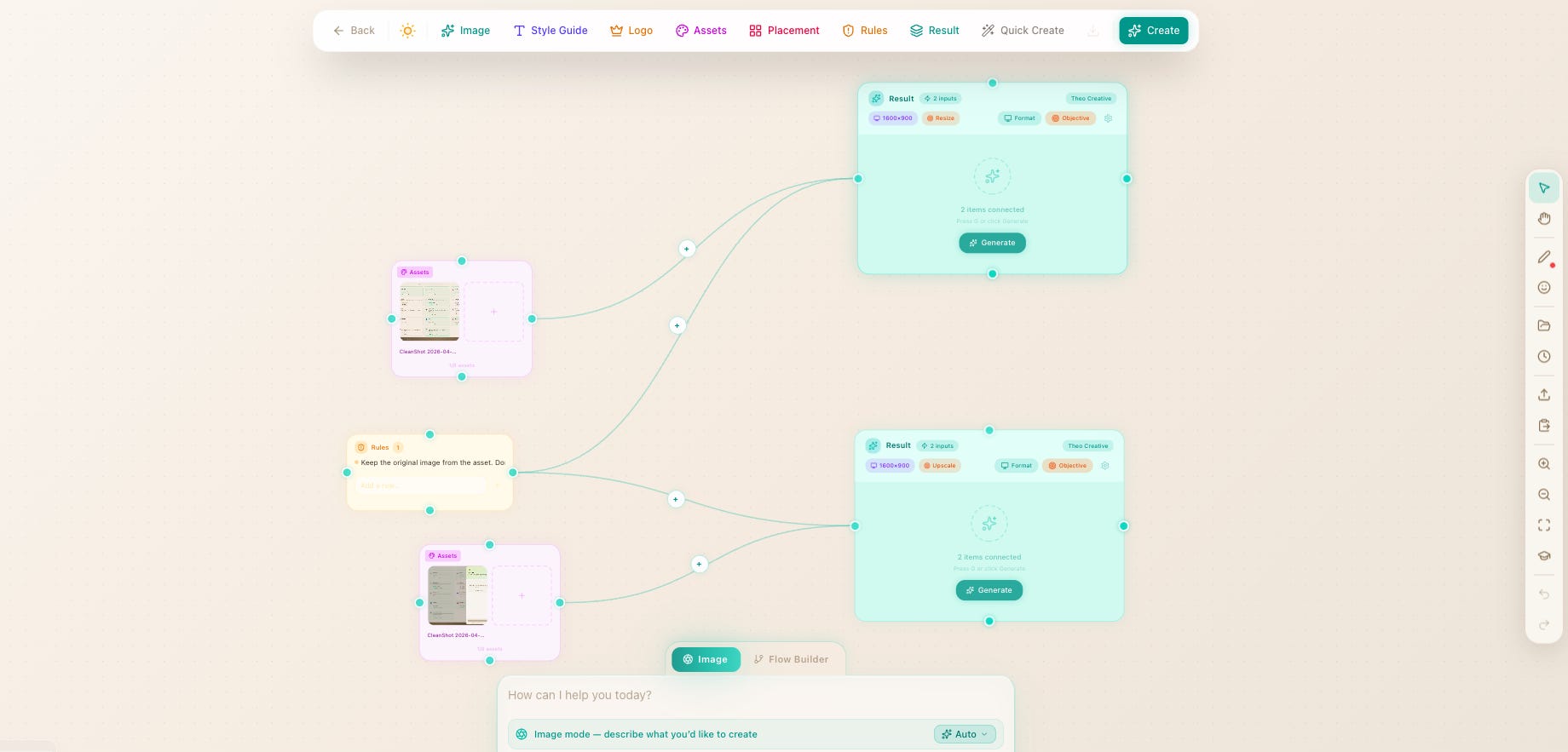
The Image Canvas got a ground-up redesign:
Asset panel with library management
Brand kits for consistent visual identity
Context menus on every element
New node types: stickers, emojis, rules, output format/preset controls
Compare slider for before/after evaluation
Social platform logos for quick social media mockups
Export in multiple formats and resolutions
We shipped a lot more. Here’s the rapid-fire rundown:
Multi-model video routing, a storyboard director, motion graphics, and voice/music layers. Generate professional video content from a text prompt.
Notes now supports backlinks (see what links to the current note), note linking via slash command, unified search across all your notes, content search within note bodies, templates with a picker, and daily notes. Plus new keyboard shortcuts for power users.
A consistency linter that checks your deck for visual coherence. Speaker notes editor. Research integration that pulls live data into your slides. AI image generator modal for creating slide visuals. Region editing — select a specific area of a slide and ask Theo to redesign just that part.
Link your Telegram account to OpenCharts and interact with Theo from any chat. Supports image generation, web search, document generation, and full conversation context. Send a message, get a flowchart back.
Enhanced PodcastPlayer with waveform visualization and cover art. Voice and style options in the generate modal. Public share pages so you can share your AI-generated podcasts with anyone.
New bottom-sheet MobileNodePalette for the flowchart editor. Long-press MobileContextSheet. Floating MobileZoomIndicator. Full Notes mobile formatting sheet and keyboard accessory bar. Code Canvas mobile support.
A storytelling-first redesign: 10 focused sections, interactive podcast player, real presentation screenshots, Meet Theo orchestrator section, all 11 modes deep-dive, and animated collaboration demo.
We’re now officially Open Charts Inc at opencharts.com. All URLs, emails, metadata, and branding updated.
9+ new help pages covering Podcasts, Movies & Videos, Theo AI Overview, Code Mode, Consensus Mode, Video Mode, Social & Calendar Mode, Theo Memory, and Skills & Automation. Plus 27 connector help pages for EVI.
Theo analyzes your projects and suggests folder organization with an AI-powered modal for reviewing and applying suggestions. One click to go from a flat list to a clean project hierarchy.
We’re just getting started. The foundation we laid this month Code Canvas, EVI, the intent system, team infrastructure unlocks a whole new class of workflows. Expect deeper automation capabilities, more connectors, collaborative code editing, and a few surprises we’re not ready to talk about yet.
OpenCharts is free to start. If you haven’t tried it yet, now’s the time.
Have feedback or feature requests? Drop us a line at support@opencharts.com or join the conversation in our Community Forum.
No posts
Comments
Nothing yet. Say the first thing.
Sign in to join the conversation.