
Would you like a quicker way to switch between Simple and All Markup modes while you are editing? This month’s macro makes toggling between the two seamless. Registration is now open for a two-hour workshop about FRedit, Paul Beverley’s most powerful macro.

Sometimes it’s helpful to see tracked changes displayed, such as when you want to undo an edit. Other times, they’re a nuisance, cluttering your screen and your brain. They can even prevent you from seeing when you’ve overlooked a stray double space or accidentally deleted the space between two words. Even if you have a preferred way of working (I actually prefer All Markup), switching between modes is sometimes necessary. In a few clicks, you can change markup modes using the pull-down menu on the Review tab. For a quicker way, try TrackChangeDisplaySwitch.
Whenever you want to toggle between markup modes, run the keyboard shortcut for TrackChangeDisplaySwitch. For instance, if the tracking is showing (in other words, you’re in All Markup), run the shortcut to switch to Simple Markup. If you later need the tracking to be visible, run the same macro again, and it will change back to All Markup. It detects which mode is active and switches to the other.
TrackSimplifier: accepts the tracking for all formatting edits, punctuation edits, and/or edits for multiple spaces
TrackOnOffVisible (PC only): turns Track Changes off and adds a yellow background to remind you that tracking is off; run it again to turn Track Changes back on
TrackOnOffVisibleMac (Mac only): turns Track Changes off and adds a yellow background to remind you that tracking is off; run it again to turn Track Changes back on
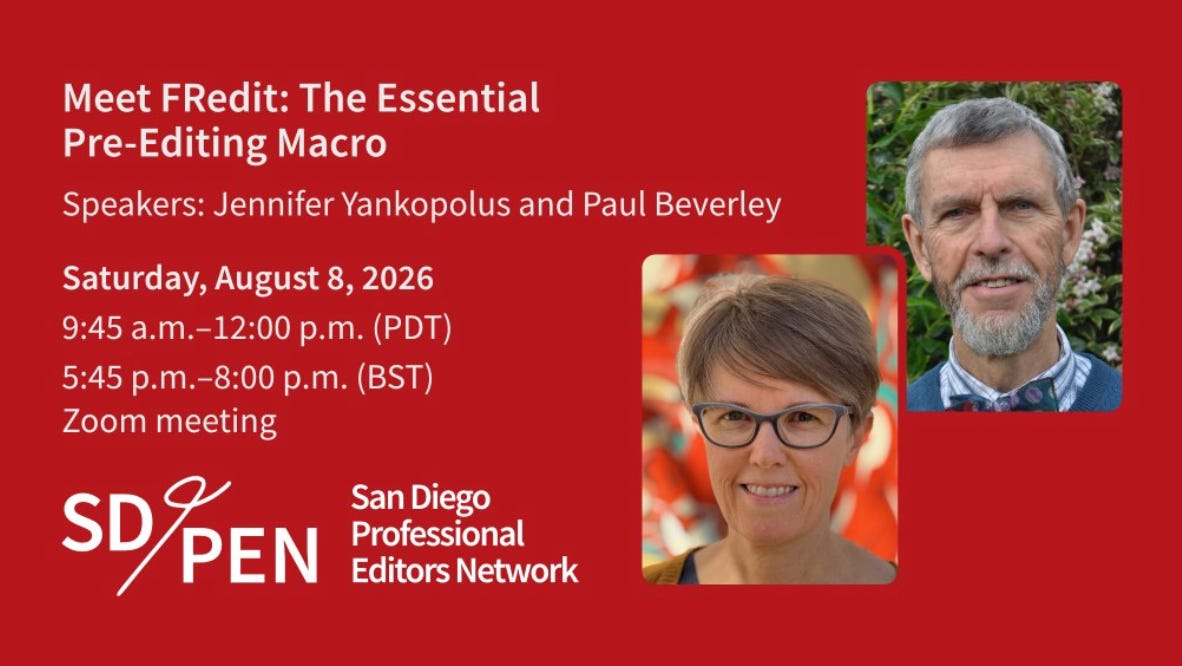
Have you heard editors talking about what a great time-saver FRedit is? It’s earned that reputation. Making repetitive corrections—applying curly quotes, fixing double spaces, standardizing dashes—eats up time that could be better spent on deeper editorial work. FRedit automates these fixes, and many other global corrections, before you even begin editing.
If you’ve been curious about FRedit but haven’t known where to start, or if it’s seemed too complicated to be worth the effort, this workshop is for you. Join Paul Beverley and me for a two-hour introduction to FRedit hosted by the San Diego Professional Editors Network (SD/PEN). You will learn what FRedit is, how it fits into your editing workflow, and how to set up its find-and-replace list to support your projects.
While FRedit is an intermediate macro, the session is designed to be accessible whether you’re an experienced macro user or have never used one. Please note that the workshop will not cover how to install macros.
Meet FRedit: The Essential Pre-Editing Macro
Date/Time: Saturday, August 8, 2026, 9:45 a.m. PDT
Information and registration here
Have a question or want to suggest a macro for a future newsletter, or just want to say hi? Reply to this email.
Happy macroing,
Jennifer
ps: When was the last time you backed up your macros and keyboard shortcuts? If you can’t remember, now is a good time.
Thank you for reading Macro of the Month. If you found this post useful, please share it with other editors.
Comments
Nothing yet. Say the first thing.
Sign in to join the conversation.