
(This is Part 5 of a multi-post series. Access Part 1, Part 2, Part 3, and Part 4 here. And if this is your first time reading, welcome!)
If you’ve been following this series, you’ve seen how AI tools like Claude Code or Codex can take you from zero to a live website without needing a computer science degree. For this post though, I wanted to highlight other ways these new AI harnesses can enable you to turn more of your ideas beyond code into a reality.
So this time, instead of building an app, I used Claude Code and Google’s Nano Banana image generation model to make something I never thought I’d be able to make on my own: a custom font. A real .ttf file, the kind you can install on your computer and use in any design tool. And I want to show you how I did it.
A little context on where this came from
As a Ghanaian-American, Ghana Airways holds a special place for me. Growing up, it was the airline that took my family back to Ghana every year, the plane that meant I was about to see my family, eat good food, and celebrate the holidays in the country my parents called home. I couldn’t tell you much about the in-flight experience (back then there were no personal entertainment screens, which childhood me was not thrilled about), but I remember exactly how those trips felt.
A few years ago I came across a 1962 Ghana Airways route map while browsing apartment posters and fell in love with it. It was a beautiful, bold design that felt like it captured a country at its most energized and hopeful. I wrote about the airline and that poster at the time because I couldn’t stop thinking about it, and I’ve been fascinated with finding ways to bring some of that imagery and spirit back ever since.
All routes lead to Ghana (Airways)
·
March 16, 2022
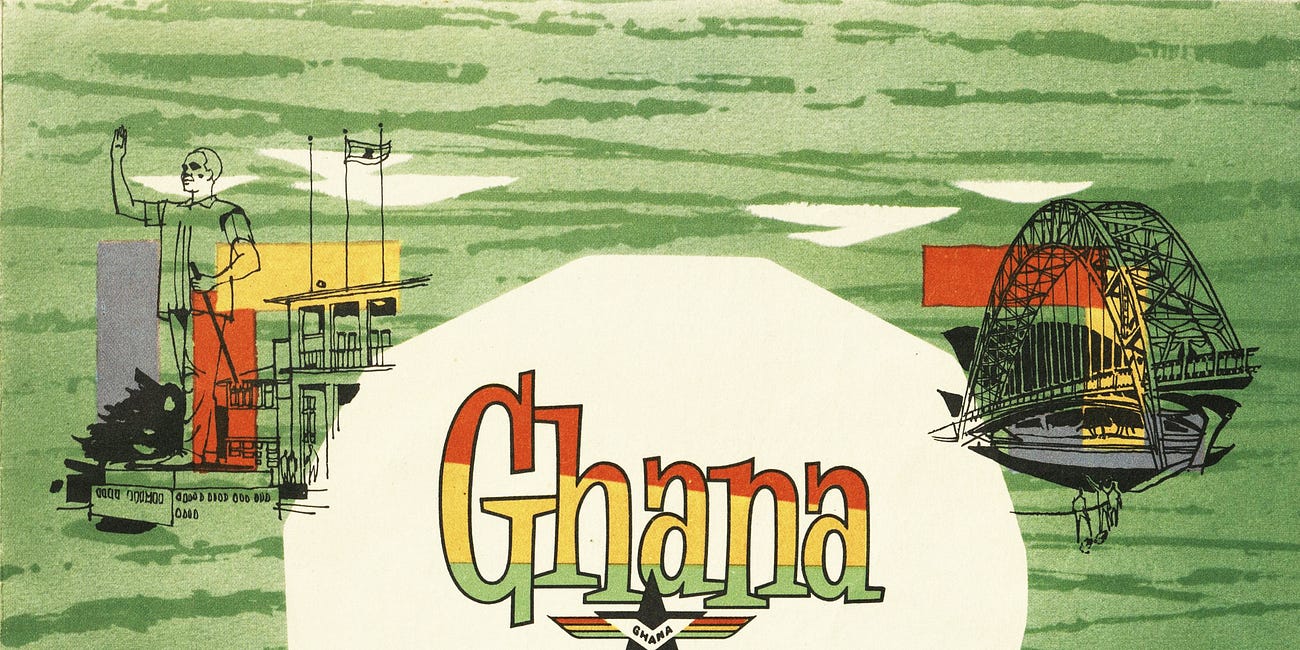
A few weeks back, I discovered one of the most beautiful graphics. At the time, I was browsing through potential apartment posters when it popped out of nowhere. It had these gorgeous, vibrant verdant hues that popped. If someone asked you to prove a picture is worth a thousand words, I’d cite this piece. In seeing it, a wave of pride, excitement, and a…
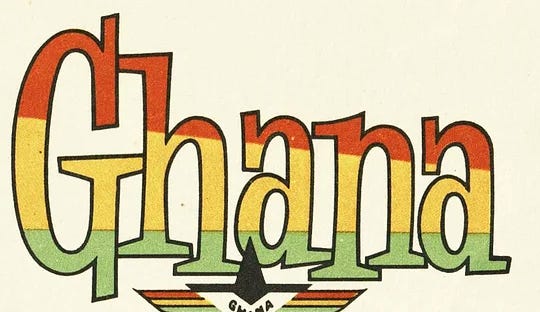
With AI tools, I finally could. So I built a font inspired by the hand-drawn lettering in the poster to use for a play I’m writing (more on that for another post). I’m calling my version Akwaaba Air, Akwaaba being the Twi word for welcome, the greeting that appeared on the sign every passenger saw as they stepped off the plane in Accra before the new terminal opened.
Why I’m writing about this in the Claude Code for MBAs series
I’m writing this post not to say AI is here to replace people. Instead, AI tools allow more people to take ideas in their head and bring them to the world. For this article, I want you to see what becomes possible when you understand what these tools are actually capable of.
There’s a version of creative work, building a visual identity, designing a typeface, putting together marketing materials, that used to require a whole team of specialists and weeks of back and forth. And for most people without a design background, those things just felt out of reach. What I found building Akwaaba Air is that AI tools have genuinely changed that equation. A project like this now becomes something one person with a clear vision and some patience can actually pull off. That excites me a lot, and I hope it does the same for you.
Let’s get into how it works.
What you’ll need
A Google account with access to Gemini and its Nano Banana image generation model
A Claude or OpenAI Codex account (paid tier recommended)
A folder on your computer for storing files
A reference image or clear sense of the visual style you’re going for
Step 1: Use Gemini to generate each letter as an image
The hardest part of building a typeface from scratch is getting every letter to feel like it belongs to the same family. Professional type designers spend years developing the eye for this. What we’re going to do is use Gemini’s image generation to handle the heavy lifting.
Start by giving Gemini a visual reference for the style you want. In my case, I uploaded a section of the Ghana Airways route map and pointed to the “Ghana” lettering specifically. Then ask it to generate each letter of the alphabet in that style, one at a time. Each image should show a single letter as pure black on a pure white background with nothing else in the frame. That constraint matters for the step where Claude extracts the letters, so don’t skip it.
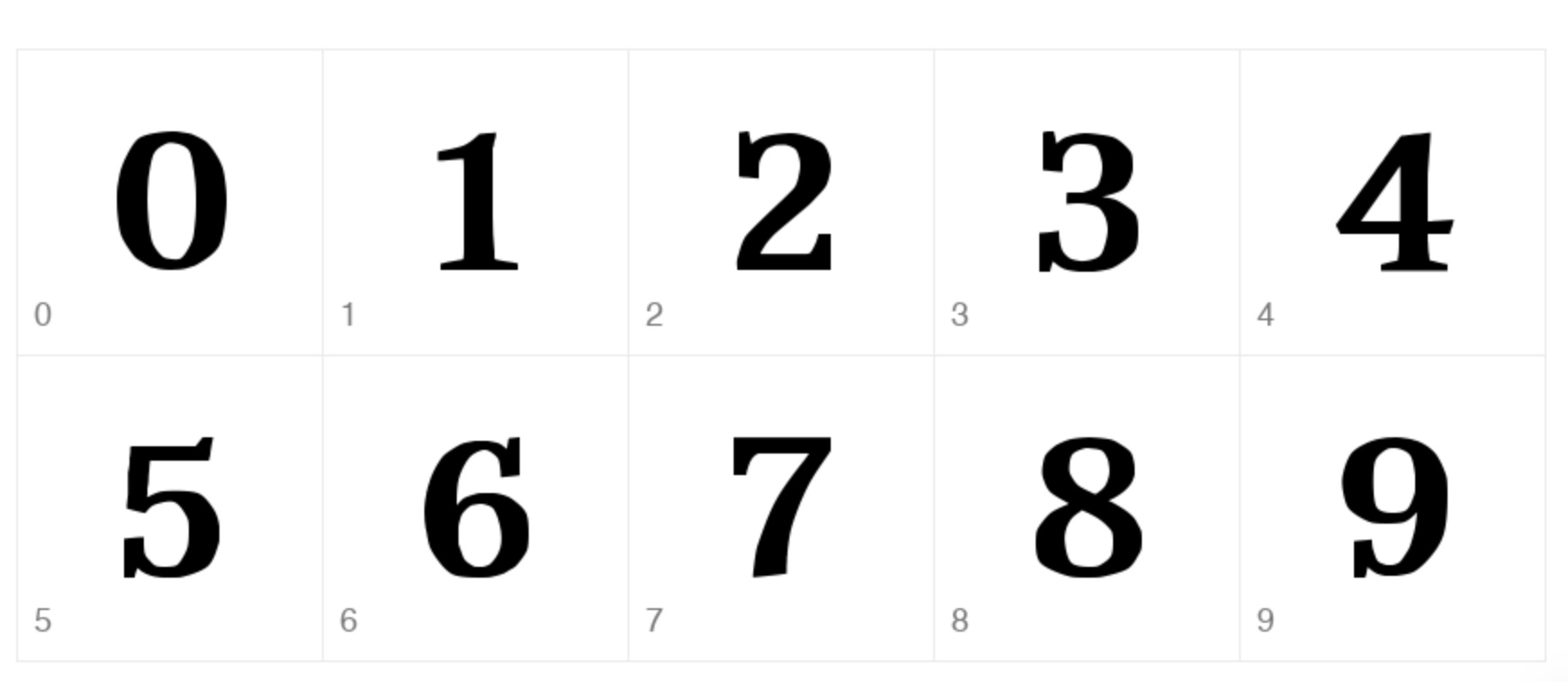
Do your lowercase letters first, then go back and do uppercase, then whatever symbols or numbers you know you’ll need. Save each image with a clear filename as you go (lowercase_a.png, uppercase_A.png, and so on) because you’ll want to stay organized when you hand everything over to Claude.
Step 2: Get your files organized
Create a dedicated folder on your computer and inside it make subfolders for lowercase letters, uppercase letters, and symbols. Move everything into the right place and give clear names to each image file.
When Claude is working with a lot of files, clear structure helps it understand what it’s looking at without you having to over-explain it, which means fewer back-and-forth clarifications and more accurate results.
Step 3: Tell Claude what you’re building and give it the files
Open Claude and explain your goal: you want to generate a .ttf font file from a set of letter images. Then share the images, and before Claude starts working, take a moment to explain what you’re giving it.
Here’s an example prompt to start with: “You’ll be provided with images of individual letters of the alphabet. Lowercase letters are in one folder, uppercase in another. Each image shows a single letterform in pure black on a pure white background. My goal is to have you write a script that opens these image files, extracts the letters, and generates a working .ttf font file. Test the font by generating images of random sentences in the font so I can evaluate the output.”
Claude will write its own script to open each image, extract the letter form from the background, map it to the correct character, and compile everything into a font. It handles all of that for you, but the clearer your description of the files and the goal, the better the output will be. As models improve you can even provide the model an image with all the letters and let the model extract and sort on its own. In my testing Gemini had the best image model for creating text compared to ChatGPT’s image model.
Step 4: Iterate until it feels right
Your first font file probably won’t be exactly what you want, and that’s completely fine.
Go through the letters and notice what feels off. Maybe a few characters look inconsistent with the rest. Maybe the spacing between certain pairs of letters is a little tight or loose. Tell Claude specifically what you’re seeing and ask it to adjust, and keep going until the font feels right to you.
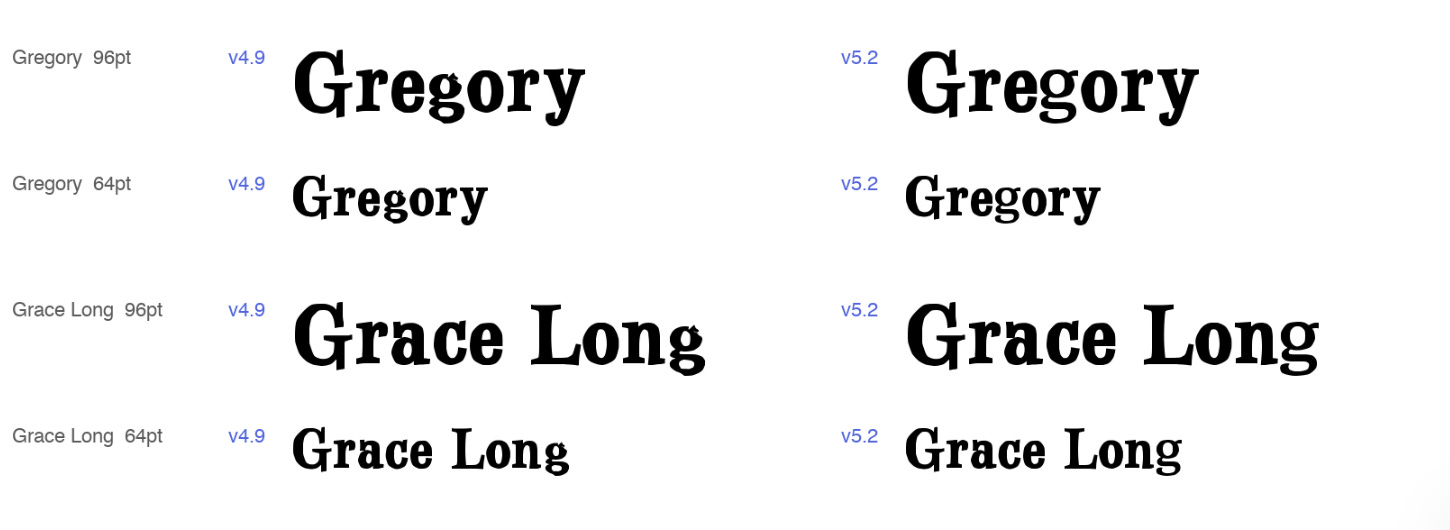
For me, Akwaaba Air ended up being a version of the Ghana Airways lettering that I’d tweaked through iteration to work for my specific uses. The visual inspiration came from the route map, but the final result reflects my own taste and what I wanted from it. That’s really how working with these tools goes. They make it dramatically faster to get from an idea to a real output, but your eye and your judgment are what shape the result. That part is still entirely yours.
What I’m using it for
I’m writing a play called Ghana, Have Faith, and as I wrap up my MBA at Columbia, I’m finally getting back to writing this play. Akwaaba Air is going into the visual identity for the play and I’m excited to have it as part of the world I’m building for this play and other projects I’m working on.
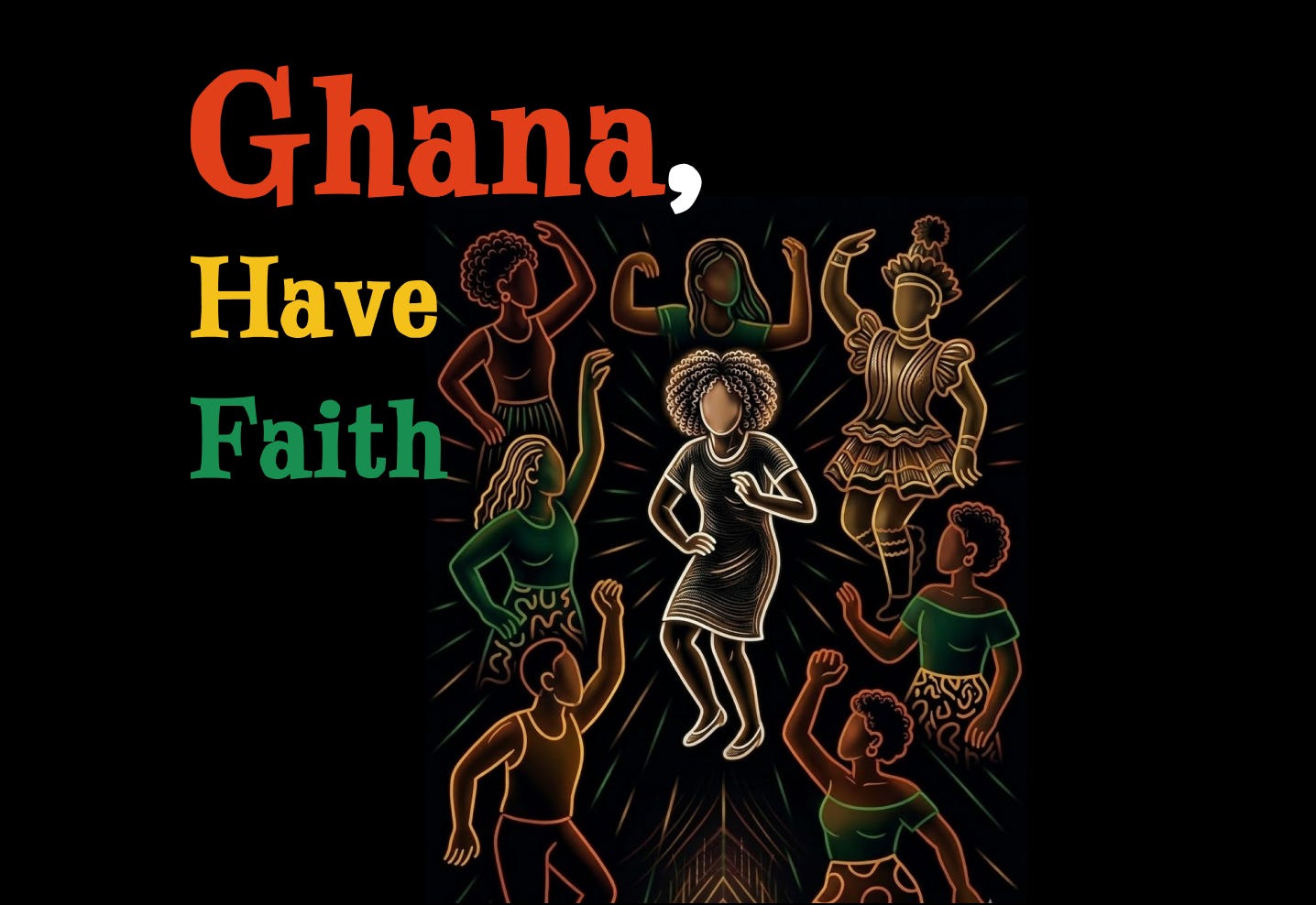
A project like this (developing a custom typeface for a creative work) would have taken weeks and a design team not that long ago. I’m not saying these tools replace the depth of what a skilled type designer can do, but they do make it possible for someone with a clear creative vision to bring something genuinely new into the world on their own. And that possibility keeps expanding as these models get better.
So if you’ve been thinking about these AI tools purely as coding tools, I hope this gives you a different frame for what they can help you build. If you end up making something with this approach, I’d love to see it, just drop a comment or reply to this email.
No posts
Comments
Nothing yet. Say the first thing.
Sign in to join the conversation.