
I have already written a couple of introductory articles on the Pillow image library and another on using the library to read EXIF data. These articles are linked below.
An Introduction to the Python Pillow Image Library
The Python Pillow Image Library part 2
Reading EXIF Data with Python and Pillow
The first article includes a demonstration of how to save an image opened with Pillow, either to create a copy or save changes made by Pillow. This is done by passing a filename to the save method but saving any EXIF data which may have existed in the original file needs a bit more work.
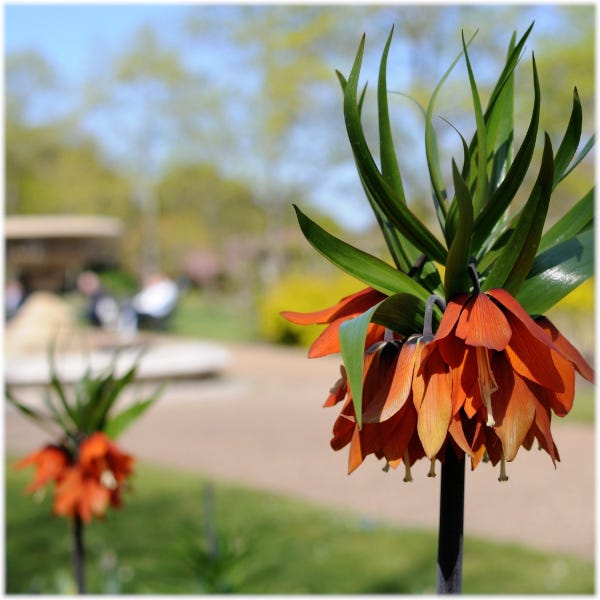
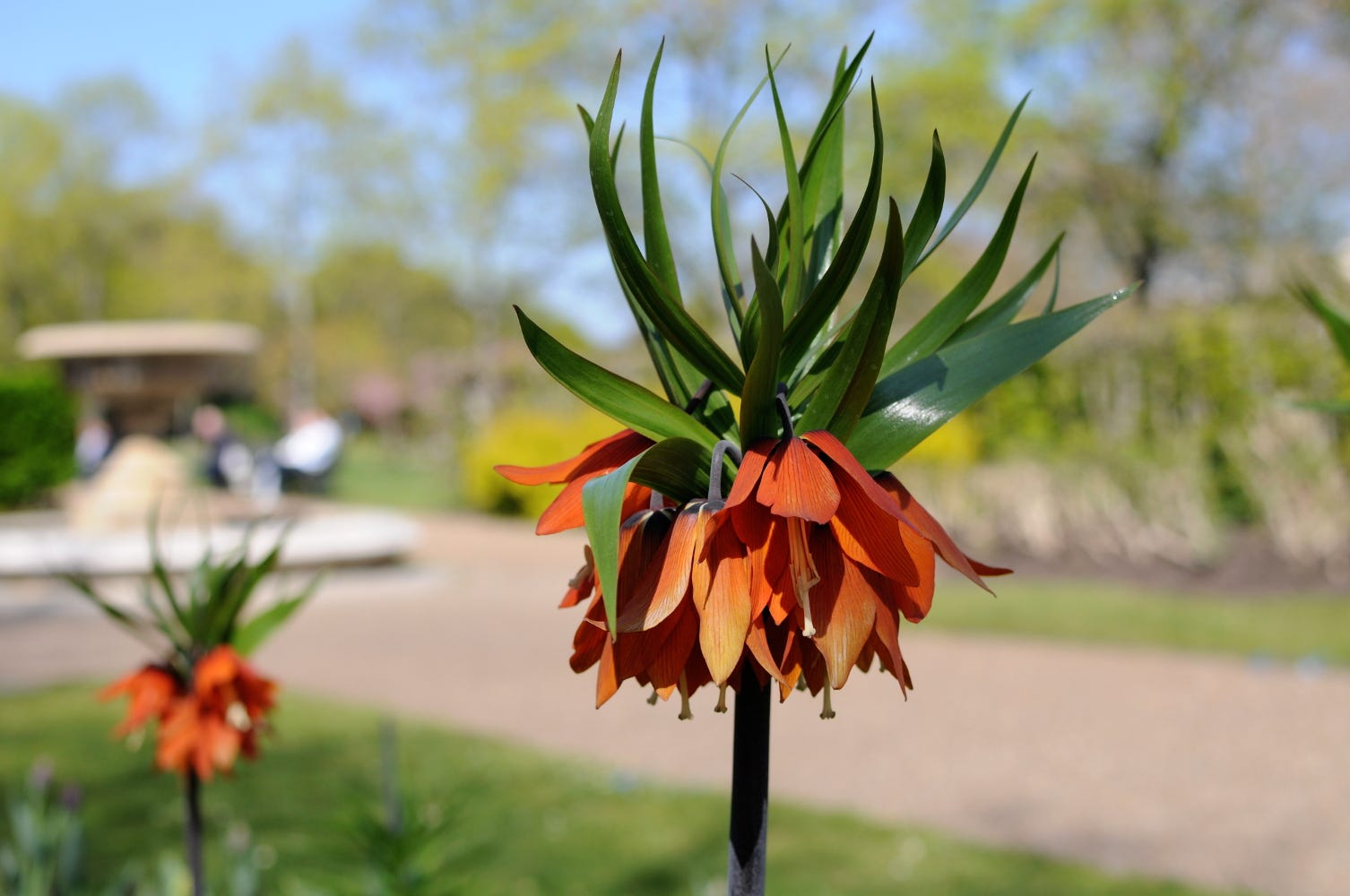
The code for this article consists of a single file called pillowsaveexif.py which lives in the Github repository. This repository also contains the code for my other Pillow articles and photo.jpg, the big orange flower.
This is the entire code in pillowsaveexif.py.
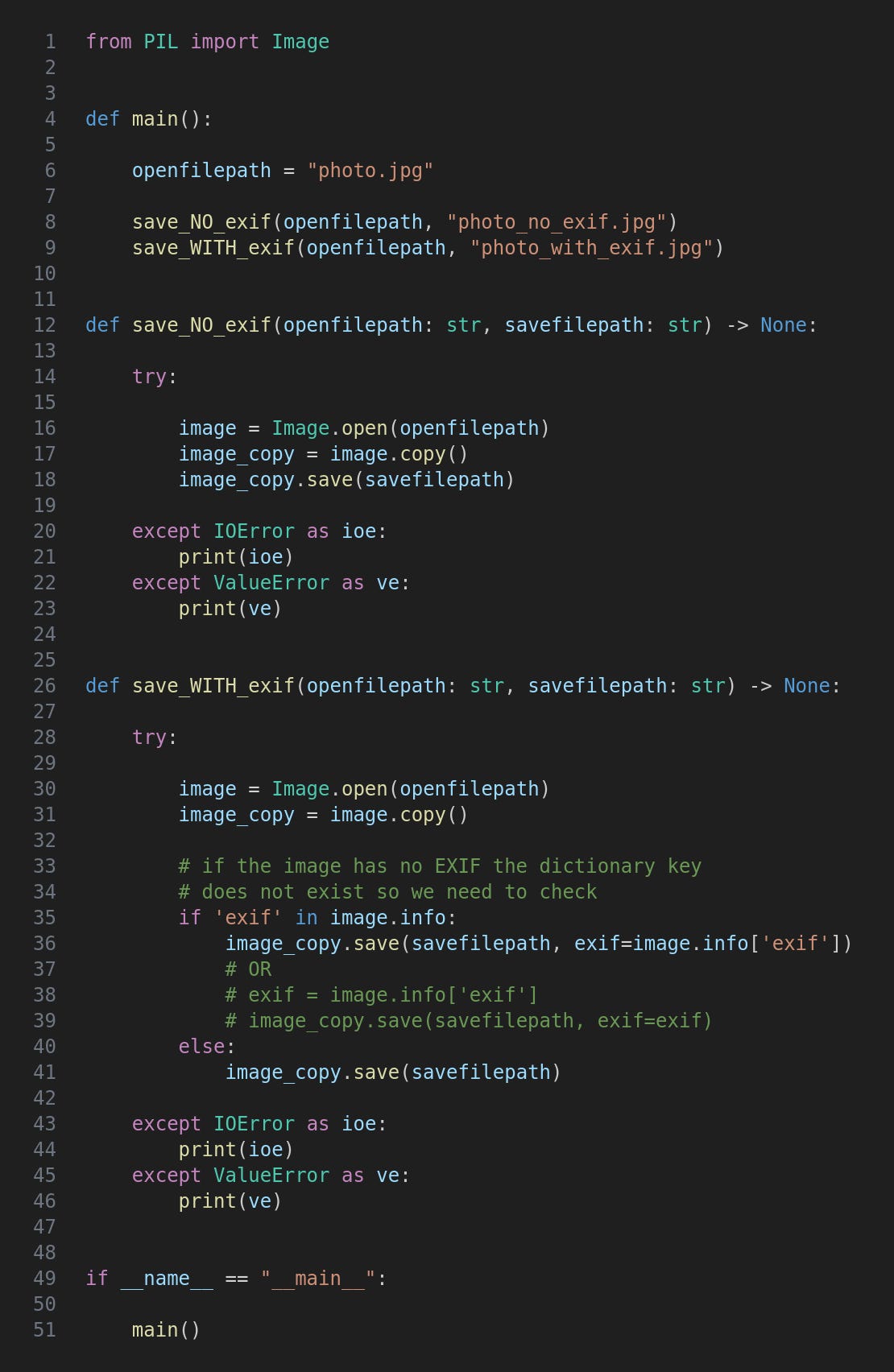
Here we just import Image from the PIL library. (As I mentioned in an earlier article PIL was inherited from Pillow’s ancestor.)
The openfilepath variable is a file with EXIF data. This is passed to two functions which will save copies without and with the EXIF - note the filenames.
The code in save_NO_exif is essentially the same as in the first article of the series in that any EXIF data is lost.
In save_WITH_exif we first check the image’s info property, a dictionary, to see whether there is a key called “exif”. If so then all we need to do is pass it to save as an optional exif argument. Simple!
If the info dictionary does not contain any EXIF then we just call save with a filename.
As an alternative to the if/else I tried this:
exif = image.info.get(’exif’) or None
And then passed the exif variable to save whatever its value. This of course worked fine for images that have EXIF data but passing None as the exif argument caused an exception and, worse, the file to be corrupted. I thought I would mention this just in case you had the same idea, and also as a reminder that neat, tidy and working code is often the result of much trial and error.
Run the program like this:
python3 pillowsaveexif.py
There is no terminal output (unless you get an exception for some reason) but you’ll find a couple more image files have been created, photo_no_exif.jpg and photo_with_exif.jpg. You might like to verify their respective absence and presence of EXIF data.
For updates and random ramblings please follow me on Bluesky.
No AI was used in creating the code, text or images in this article.
Comments
Nothing yet. Say the first thing.
Sign in to join the conversation.