

I have three AI assistants helping me run my life.
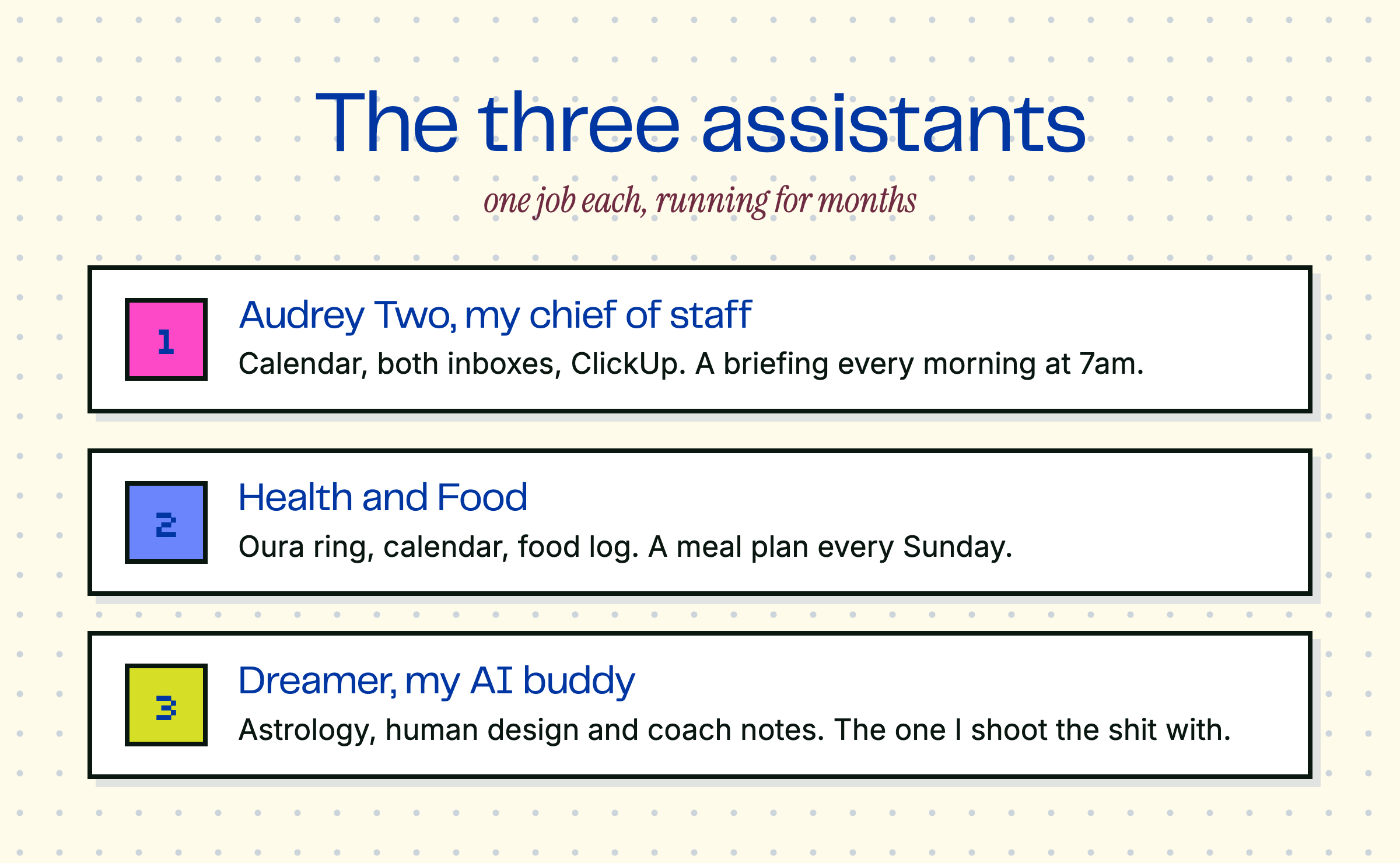
One is a personal chief of staff. One handles my health and fitness. And one keeps me tapped into what’s going on astrologically for me. Each has exactly one job.
Here’s each one, and what they actually do.

(Yes, like Little Shop of Horrors.)
What it’s connected to:
My calendar
My email, both my work inbox and my personal one
ClickUp, where all the project work lives
What it does: every morning at 7am, it sends me my briefing. It’s my morning scan:
What’s on my calendar, with a flag on anything complex or back-to-back (and reminders to do things like, say, eat lunch)
Where my deep work block should go, and whether I have external meetings
Anything urgent sitting in either inbox that needs a reply
The weather, a daily news and content briefing, and any reminders. What’s left, what’s blocked, that sort of thing.
I love this because it does a quick pre-triage so I know what I’m walking into each morning before I’ve gotten out of bed.

The one that keeps me on track.
Stuff like this makes perfect business sense to me, because it’s one less thing I have to think about.
What it’s connected to:
My Oura ring, for sleep, readiness, and workouts
My calendar, so it knows when I’m eating out
A running log of everything I eat
What it does: every Sunday it generates my meal plan for the week, based on my goals, my macros, and what it knows I actually like to eat. (I’ve been training it for about six months.) I review the plan, make changes, and swap in a new recipe I want to try.
Because it reads my calendar, it plans around my real life. If it sees I’m having dinner at Smith & Wollensky one night, it’s going to build a filet and sauteed spinach into my plan, it knows I’m probably going to have a martini, and it adjusts the rest of the day’s plan so I have space for it.
During the day it reminds me to log my meals. I can send a picture of a plate or a nutrition label, but usually I just tell it what I ate and it keeps the running log. What I love is the forward-looking part: after lunch it might say I’m running a little light on protein and to keep an eye on that. It knows the protein shake I like and when to suggest it. And if I’m headed out to eat, I can send it the menu and ask what to order based on what I’ve already had that day.
It gives me the type of feedback a nutritionist would give me, plus the real-time piece a human can’t do.
And I do also work with a human nutritionist. Since the assistant logs everything, she has a live food log she can check throughout the week, and her expert guidance sits on top of what the AI handles day to day. I think working with an expert is super important here, but I have to be realistic about what an expert actually has time for. This gives me the best of both worlds!

Dreamer is tapped into the side of me that loves astrology and human design.
It’s the one I shoot the shit with throughout the day: what’s stressing me out, what I’m excited about, what’s going on astrologically for me and whether this is the week to make a big call or sit on it. It also has access to my meeting notes with my coach and helps keep me on track with what we’re working on together.

Honestly, because I’m such a compartmentalizer.
Each of these is essentially one long-running chat with persistent memory. They don’t expire. I’ve had them running for months and each conversation stays exactly what it is. My chief of staff never has to wade through my macros, and my meal plan never gets tangled up in my calendar triage.
One assistant, one job. Every one of them is better for it.

Start with the chief of staff.
I’ll be back on Friday with support on getting these set up!
Cheers,
Audrey
P.S. If you already have an assistant running, reply and tell me what it does!
Comments
Nothing yet. Say the first thing.
Sign in to join the conversation.