
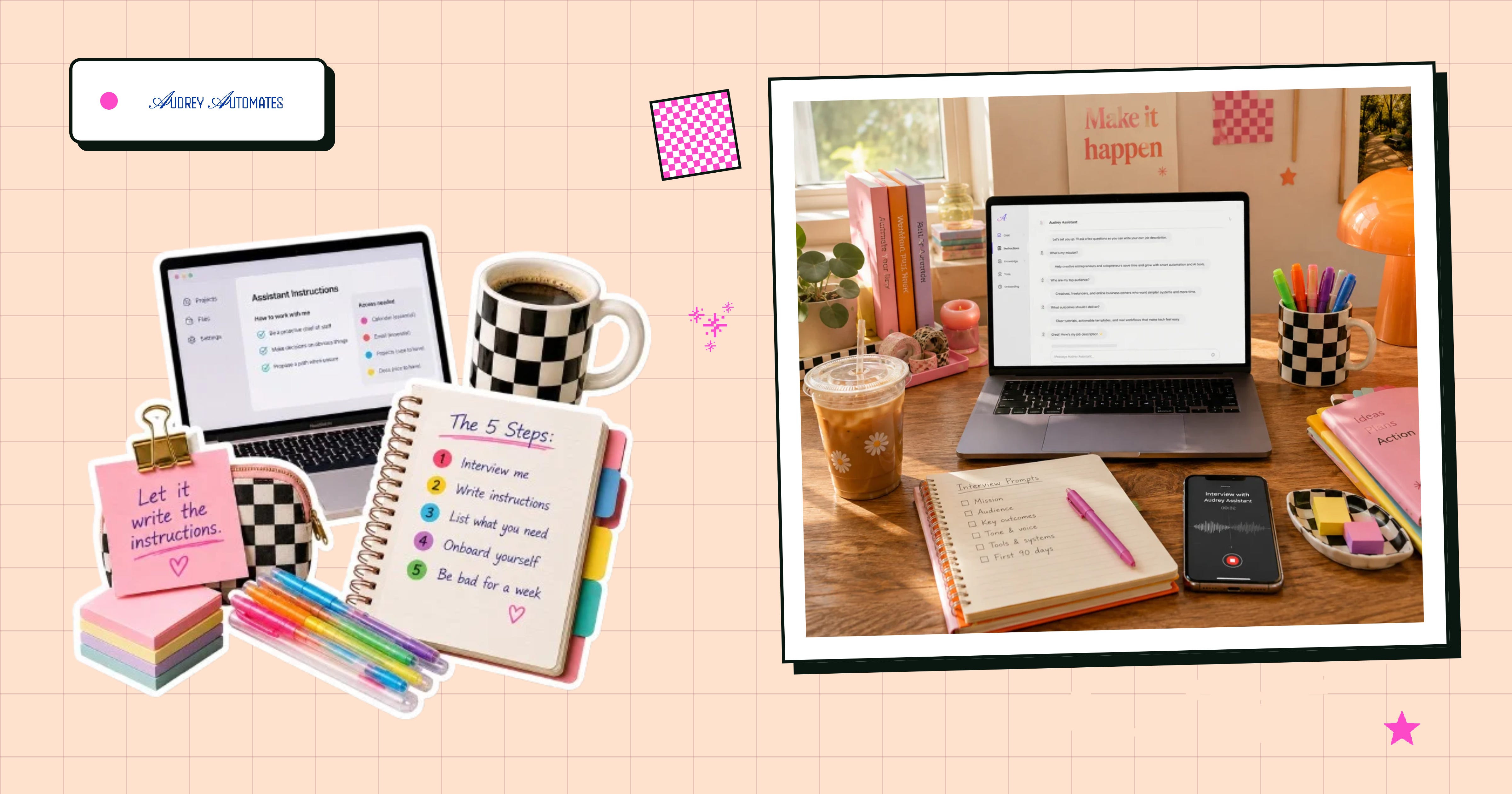
I saw a reminder from Allie Miller on Instagram last week that I loved: AI agents are just document files with instructions.
They’re really not that complicated. An agent is a job description and a set of SOPs, the same things you’d write for a human hire.
Thanks for reading Audrey Automates! Subscribe for free to receive new posts and support my work.
So today: how to write that for yourself, and the questions to ask. This works in Claude, Cowork, or Claude Code, and ChatGPT has its own versions of all of it.
The thing that stops most people is the blank box. You open a new project, it asks for instructions, and you have to somehow write a job description for a coworker you’ve never met. So you type three sentences, it behaves like a slightly worse version of a normal chat, and you conclude this is overhyped.
The fix: stop writing the instructions yourself. Have it write them.

Open a fresh chat and paste this:
I want to build you into a dedicated assistant for [one specific part of my life]. Before you write anything, interview me. Ask me one question at a time about what this assistant should handle, what it should never touch, what a good day looks like, what I keep forgetting, how I want you to talk to me, and what would make me stop using you. Wait for each answer before asking the next. When you’ve got enough, tell me.
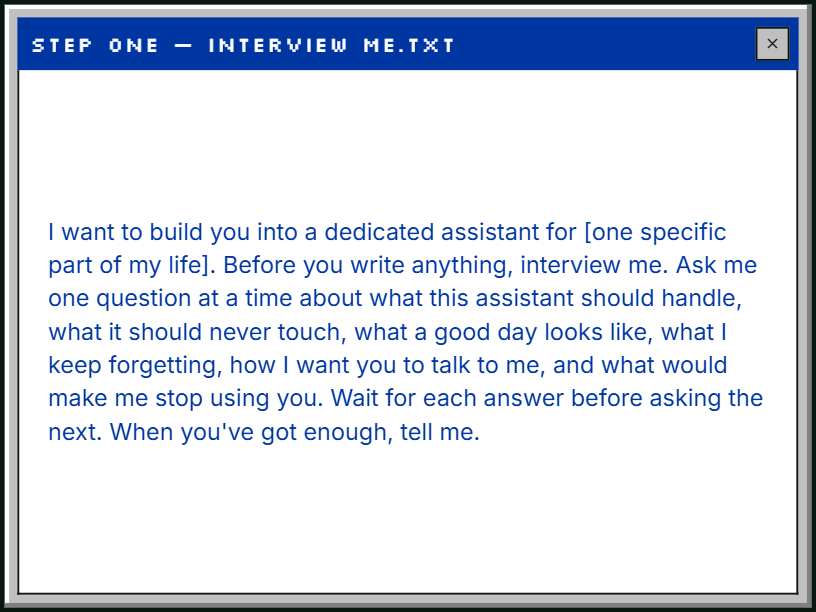
One question at a time is the important part; it helps you not to rush through the answers and really think through what you need.
Dictate your answers if you can. Talking produces something that actually sounds like you.

Same chat, once the interview is done:
Now write the system prompt for this assistant, based on everything I just told you. Write it in my voice. Include how it should talk to me, what it should do without asking, what it should never do, and what to do when it isn’t sure. Then tell me what you left out and why.
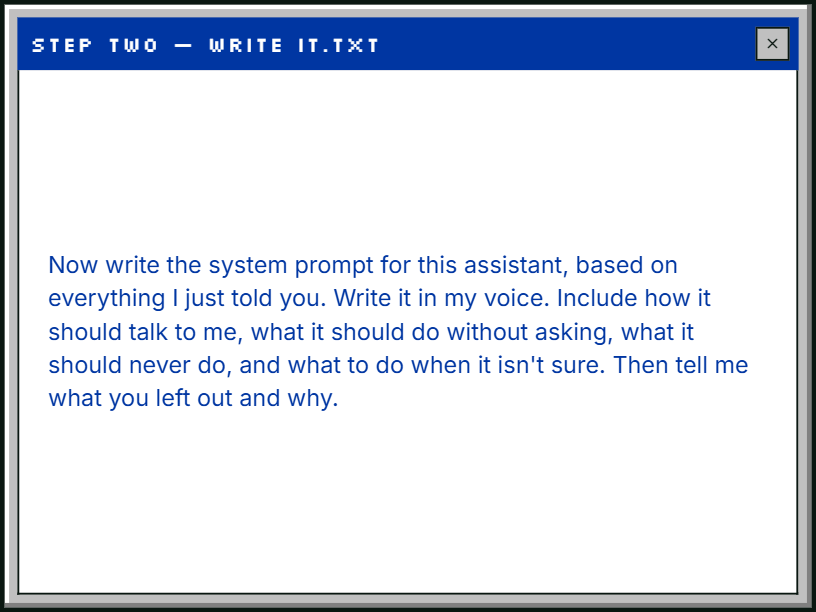
That “tell me what you left out” line at the end is worth keeping. The AI can only write instructions from what you said in the interview, so this makes it list the gaps: the situations you never brought up, where it has no guidance and would just guess. You want to see those now, while you can still answer them.
Read what it gives you, then tweak and workshop until it’s just right. Mine says to behave like a competent chief of staff, not to ask permission for obvious things, and to propose a path when it’s unsure rather than asking me a question. Default AI tone is careful and apologetic, which doesn’t jive with my real workday.
Once you’re set, paste the result into the project’s instructions.

Given what this assistant is supposed to do, what does it need access to in order to actually do it? List what’s essential, what’s nice to have, and what I can skip. For each one, tell me what it can and can’t do without it.
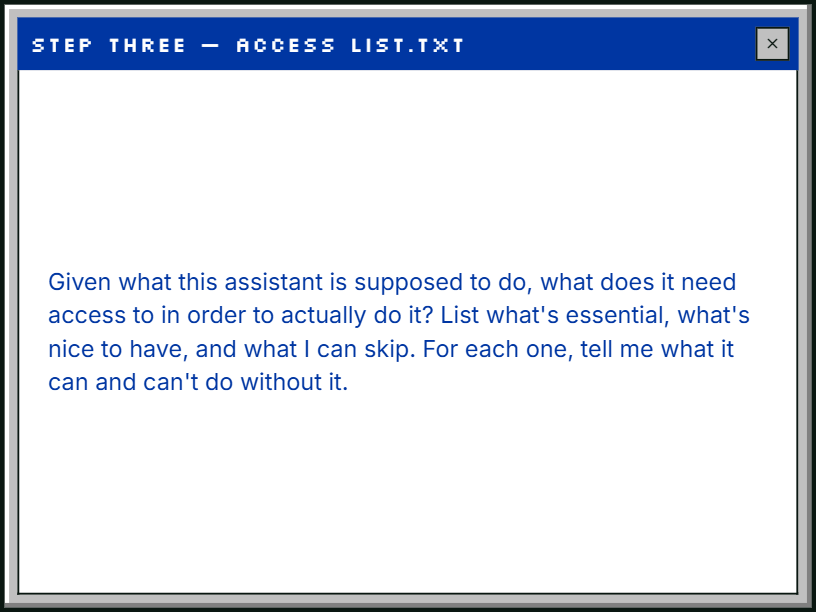
Now you have a build list to get your MCP servers connected. It will also tell you which connections do very little, which can save you an afternoon of setup you didn’t need.

Before you ask it to do a single task, hand it the context.
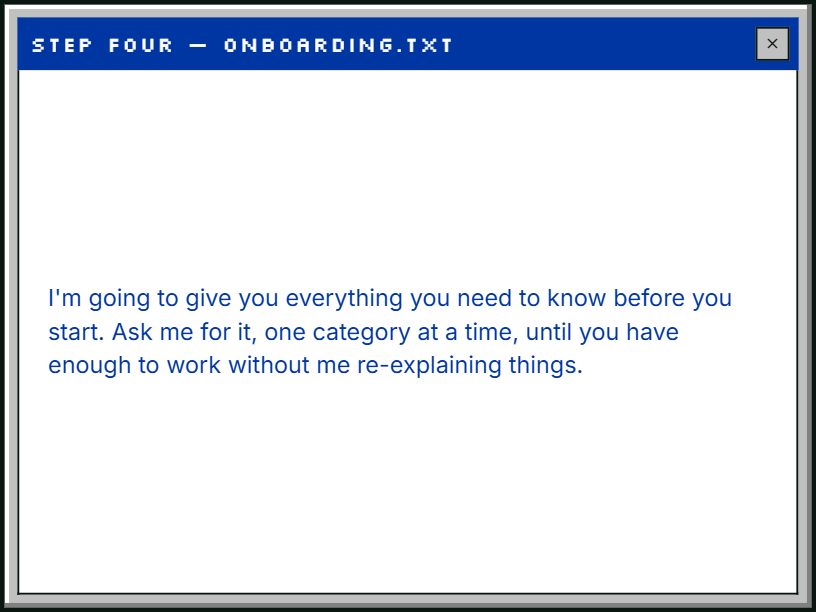
I’m going to give you everything you need to know before you start. Ask me for it, one category at a time, until you have enough to work without me re-explaining things.
This is the difference between an assistant that feels generic and one that feels like it works here. (A new hire with no onboarding produces generic work too. Same fix.)

Have it draft things you don’t send. Have it propose plans you don’t follow. Watch what it gets wrong and tell it, in the moment, in plain language.
The corrections you give in that first week are what make it worth keeping.

Once it works, there’s a fork.
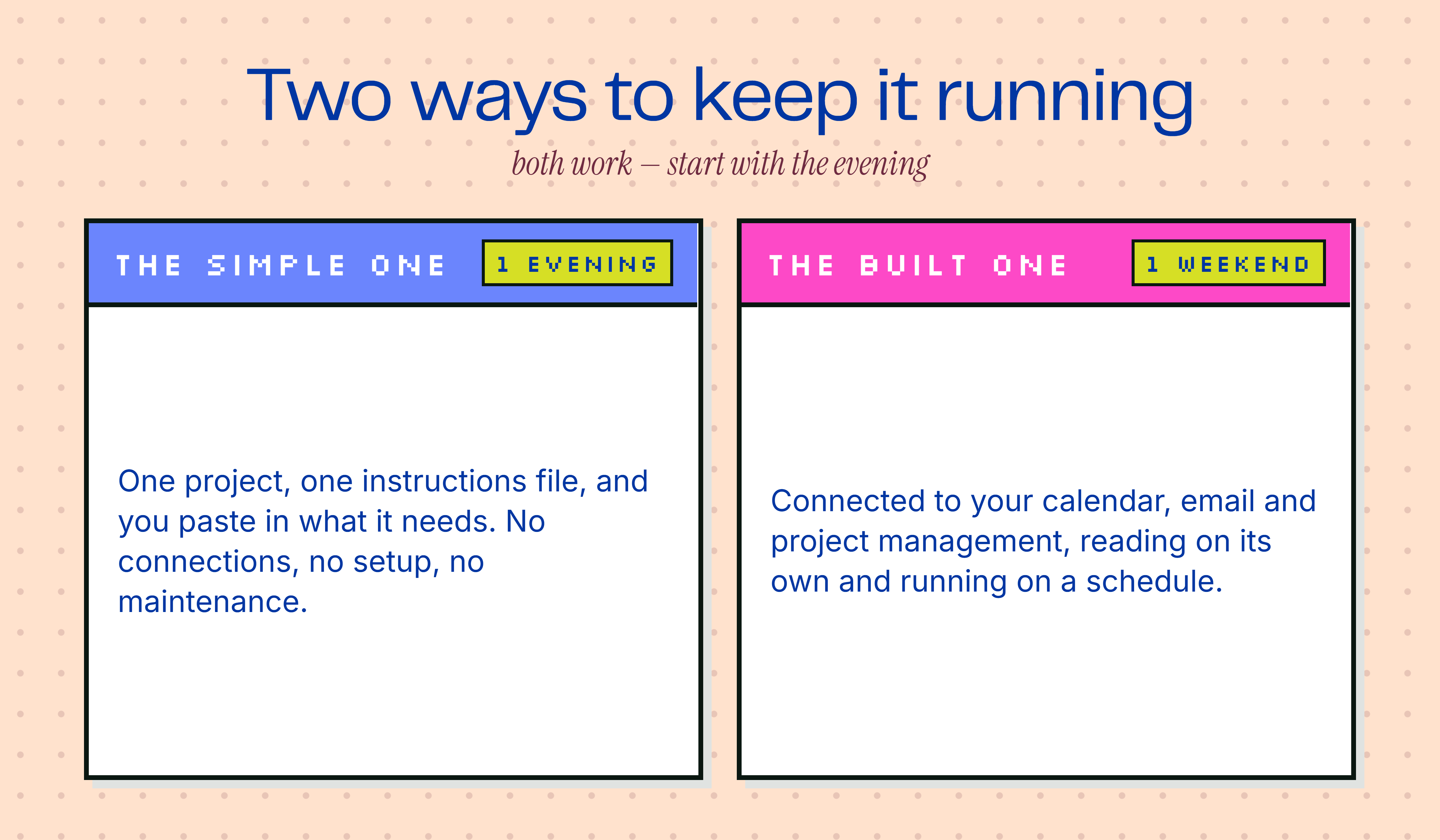
The simple version lives entirely in one project with one instructions file, and you paste in what it needs. No connections, no setup, no maintenance. This is genuinely enough for most people, and it’s where I’d tell everyone to start.
The built version connects to your actual tools, so it reads your calendar and your email and your project management on its own, and it can run on a schedule without you opening anything.
Both work. The simple one takes an evening; the built one takes a weekend.
Start with the evening.
Cheers,
Audrey
P.S. Want a version for Claude Cowork or Claude Code? Tap the links, I’ve got you!
Thanks for reading Audrey Automates! Subscribe for free to receive new posts and support my work.
Comments
Nothing yet. Say the first thing.
Sign in to join the conversation.