The SQL Server STRING_SPLIT function is used to split the string expressions using a specified separator, and its syntax is
STRING_SPLIT (String_Expression, Separator)
The list of arguments available for the method is:
- String_Expression: Please specify a valid String Expression
- Separator: This SQL Server function will use this separator to split the string_expression.
SQL STRING_SPLIT Function Example
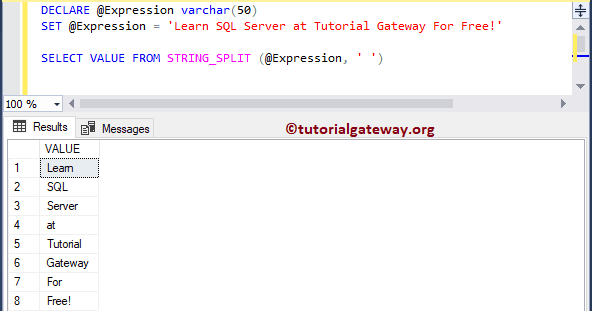
The following String functions query uses the STRING_SPLIT to split the declared string using empty spaces in between the words. Please refer to the list of SQL String Functions from our SQL tutorial.
DECLARE @Expression varchar(50)
SET @Expression = 'Learn SQL Server at Tutorial Gateway For Free!'

SELECT VALUE FROM STRING_SPLIT (@Expression, ' ')
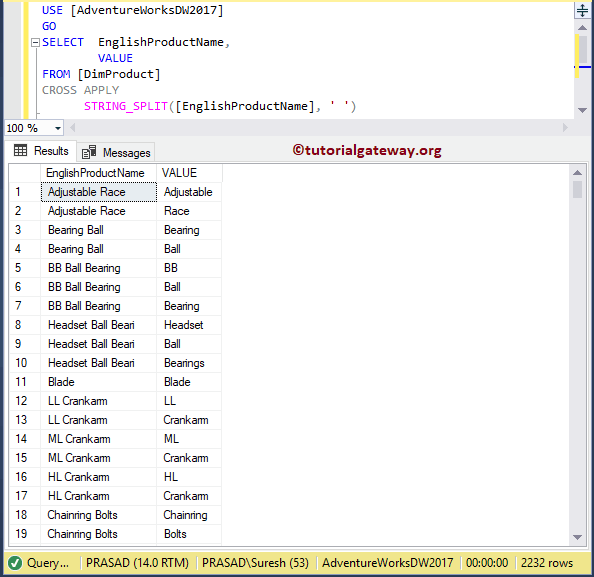
In this example, we are going to use the STRING_SPLIT to split the English Product Name column using a space separator.
USE [AdventureWorksDW2017]
GO
SELECT  EnglishProductName,
        VALUE
FROM [DimProduct]
CROSS APPLY
	  STRING_SPLIT([EnglishProductName], ' ')
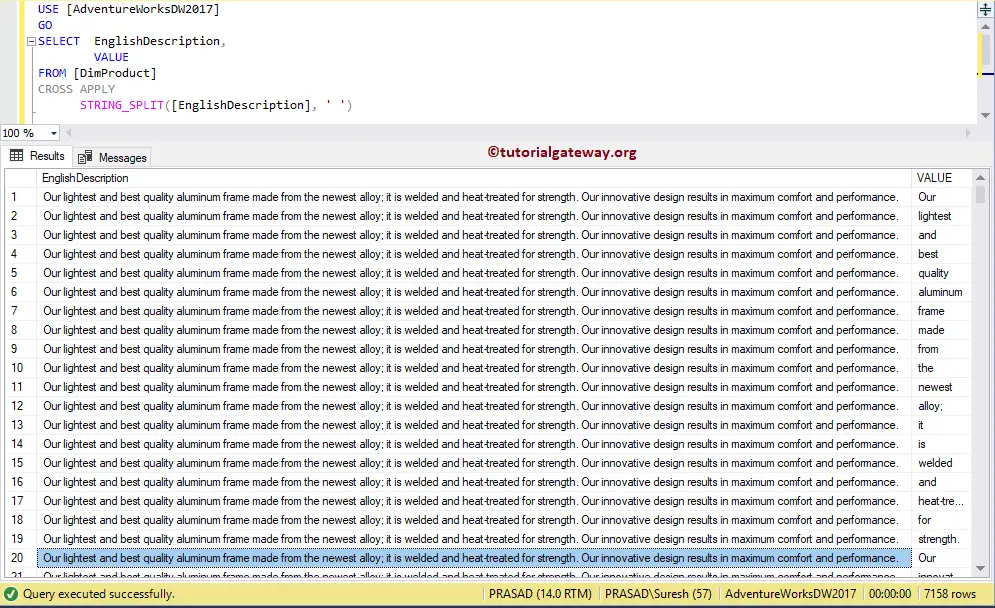
In this example, we are going to use the STRING_SPLIT function to break the English Description column using a space separator. Please refer to the SQL STRING_ESCAPE and SQL STRING_AGG functions.
USE [AdventureWorksDW2017]
GO
SELECT  EnglishDescription,
        VALUE
FROM [DimProduct]
CROSS APPLY
	  STRING_SPLIT([EnglishDescription], ' ')