Thumbnail
Time-based thumbnail preview component for timeline scrubbing and hover previews
Quick Start: Video Track
Thumbnail can read thumbnail cues directly from your video track. Add a <track> with kind="metadata" and label="thumbnails" to your media element.
Mux provides this as storyboard.vtt:
https://image.mux.com/{PLAYBACK_ID}/storyboard.vtt
<Video src="video.mp4">
  <track
    kind="metadata"
    label="thumbnails"
    src="https://image.mux.com/BV3YZtogl89mg9VcNBhhnHm02Y34zI1nlMuMQfAbl3dM/storyboard.vtt"
    default
  />
</Video>
<Thumbnail time={12} /><video src="video.mp4">
<track
kind="metadata"
label="thumbnails"
src="https://image.mux.com/BV3YZtogl89mg9VcNBhhnHm02Y34zI1nlMuMQfAbl3dM/storyboard.vtt"
default
/>
</video>
<media-thumbnail time="12"></media-thumbnail>Anatomy
<Thumbnail time={12} /><media-thumbnail time="12"></media-thumbnail>Behavior
Thumbnail resolves an image for the current time.
Supported source formats:
- Text track:
<track kind="metadata" label="thumbnails" src="...vtt"> - JSON array:
{ url, startTime, endTime? }[] - JSON sprite array:
{ url, startTime, endTime?, width, height, coords }[]
In React, text-track mode needs Player because it reads track state from the player store. JSON modes (thumbnails prop) work without a player.
The component picks the latest thumbnail whose startTime is less than or equal to the current time, then scales/clips sprite tiles to fit CSS min/max constraints while preserving aspect ratio.
Styling
Use state data attributes for pure CSS styling:
media-thumbnail[data-hidden] {
  display: none;
}

media-thumbnail[data-loading] {
  opacity: 0.6;
}

media-thumbnail[data-error] {
  outline: 1px solid #ef4444;
}
React renders a <div> element. Add a className to style it:
.thumbnail[data-hidden] {
  display: none;
}

.thumbnail[data-loading] {
  opacity: 0.6;
}

.thumbnail[data-error] {
  outline: 1px solid #ef4444;
}
Accessibility
Thumbnail is decorative by default (aria-hidden="true"). It is intended for visual preview UX (for example, timeline hover previews) rather than primary accessible content.
Examples
Text Track (VTT)
import { Container, createPlayer, Thumbnail } from '@videojs/react';
import { Video, videoFeatures } from '@videojs/react/video';

const { Player } = createPlayer({ features: videoFeatures });

export default function TextTrackUsage() {
  return (
    <Player>
      <Container className="demo">
        <Video
          className="media"
          src="https://stream.mux.com/BV3YZtogl89mg9VcNBhhnHm02Y34zI1nlMuMQfAbl3dM/highest.mp4"
          preload="auto"
          muted
          playsInline
          crossOrigin="anonymous"
        >
          <track kind="metadata" label="thumbnails" src="/docs/demos/thumbnail/basic.vtt" default />
        </Video>
        <Thumbnail className="media-thumbnail" time={12} />
      </Container>
    </Player>
  );
}
.demo {
  position: relative;
  max-width: 280px;
}

.media {
  position: absolute;
  width: 1px;
  height: 1px;
  pointer-events: none;
  opacity: 0;
}

.media-thumbnail {
  display: block;
  width: auto;
  min-width: 0;
  max-width: 240px;
}

.media-thumbnail[data-hidden] {
  display: none;
}
<section class="demo">
    <video-player>
        <media-container>
            <video
                class="media"
                src="https://stream.mux.com/BV3YZtogl89mg9VcNBhhnHm02Y34zI1nlMuMQfAbl3dM/highest.mp4"
                preload="auto"
                muted
                playsinline
                crossorigin="anonymous"
            >
                <track
                    kind="metadata"
                    label="thumbnails"
                    src="/docs/demos/thumbnail/basic.vtt"
                    default
                />
            </video>
            <media-thumbnail class="media-thumbnail" time="12"></media-thumbnail>
        </media-container>
    </video-player>
</section>
.demo {
  position: relative;
  display: block;
  max-width: 280px;
}

.media {
  position: absolute;
  width: 1px;
  height: 1px;
  pointer-events: none;
  opacity: 0;
}

.media-thumbnail {
  display: block;
  width: auto;
  min-width: 0;
  max-width: 240px;
}

.media-thumbnail[data-hidden] {
  display: none;
}
import '@videojs/html/video/player';
import '@videojs/html/ui/thumbnail';
JSON Array
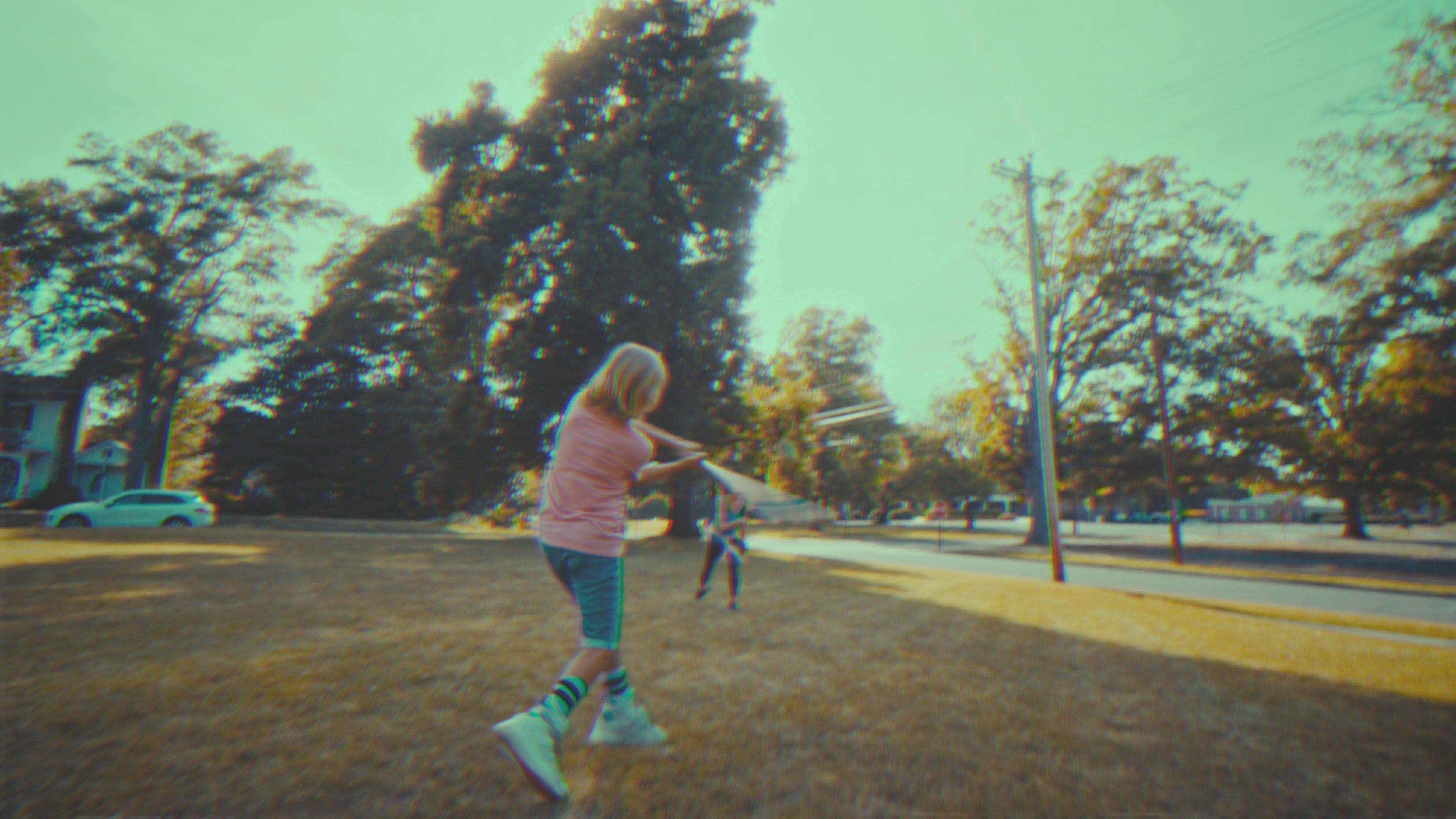
import { Thumbnail } from '@videojs/react';

const THUMBNAILS = [
  {
    url: 'https://image.mux.com/BV3YZtogl89mg9VcNBhhnHm02Y34zI1nlMuMQfAbl3dM/thumbnail.jpg?time=0',
    startTime: 0,
    endTime: 10,
  },
  {
    url: 'https://image.mux.com/BV3YZtogl89mg9VcNBhhnHm02Y34zI1nlMuMQfAbl3dM/thumbnail.jpg?time=10',
    startTime: 10,
    endTime: 20,
  },
  {
    url: 'https://image.mux.com/BV3YZtogl89mg9VcNBhhnHm02Y34zI1nlMuMQfAbl3dM/thumbnail.jpg?time=20',
    startTime: 20,
  },
];

export default function JsonUsage() {
  return <Thumbnail thumbnails={THUMBNAILS} time={12} style={{ maxWidth: 240 }} />;
}
<media-thumbnail time="12" style="max-width: 240px;"></media-thumbnail>
import '@videojs/html/ui/thumbnail';

type DemoThumbnailImage = {
  url: string;
  startTime: number;
  endTime?: number;
};

type ThumbnailDemoElement = HTMLElement & { thumbnails?: DemoThumbnailImage[] };

const thumbnail = document.querySelector<ThumbnailDemoElement>('media-thumbnail');
if (thumbnail) {
  thumbnail.thumbnails = [
    {
      url: 'https://image.mux.com/BV3YZtogl89mg9VcNBhhnHm02Y34zI1nlMuMQfAbl3dM/thumbnail.jpg?time=0',
      startTime: 0,
      endTime: 10,
    },
    {
      url: 'https://image.mux.com/BV3YZtogl89mg9VcNBhhnHm02Y34zI1nlMuMQfAbl3dM/thumbnail.jpg?time=10',
      startTime: 10,
      endTime: 20,
    },
    {
      url: 'https://image.mux.com/BV3YZtogl89mg9VcNBhhnHm02Y34zI1nlMuMQfAbl3dM/thumbnail.jpg?time=20',
      startTime: 20,
    },
  ];
}
JSON Sprite Array
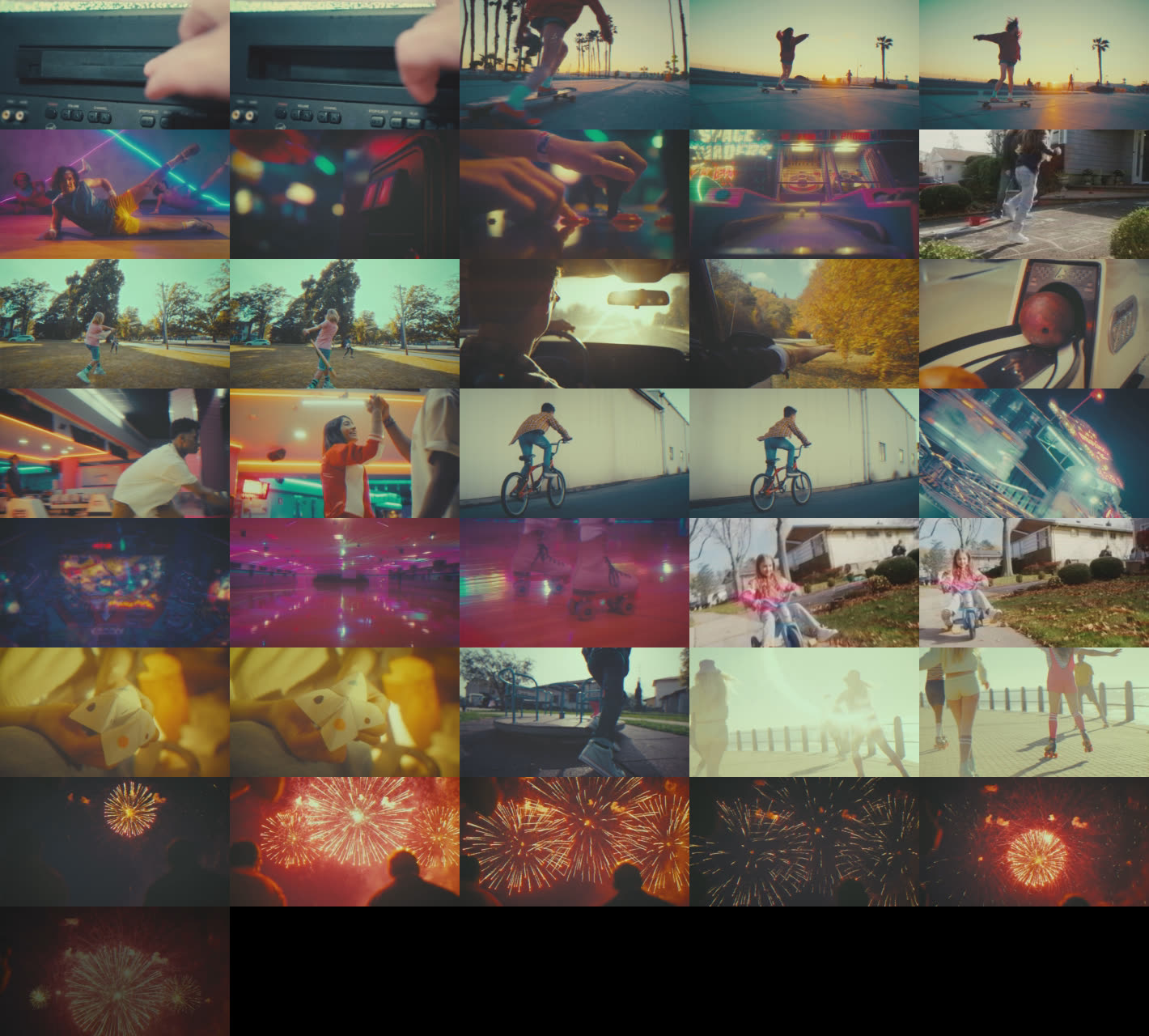
import { Thumbnail } from '@videojs/react';

const THUMBNAILS = [
  {
    url: 'https://image.mux.com/BV3YZtogl89mg9VcNBhhnHm02Y34zI1nlMuMQfAbl3dM/storyboard.jpg',
    startTime: 0,
    endTime: 10,
    width: 284,
    height: 160,
    coords: { x: 0, y: 0 },
  },
  {
    url: 'https://image.mux.com/BV3YZtogl89mg9VcNBhhnHm02Y34zI1nlMuMQfAbl3dM/storyboard.jpg',
    startTime: 10,
    endTime: 20,
    width: 284,
    height: 160,
    coords: { x: 284, y: 0 },
  },
  {
    url: 'https://image.mux.com/BV3YZtogl89mg9VcNBhhnHm02Y34zI1nlMuMQfAbl3dM/storyboard.jpg',
    startTime: 20,
    width: 284,
    height: 160,
    coords: { x: 568, y: 0 },
  },
];

export default function JsonSpriteUsage() {
  return <Thumbnail thumbnails={THUMBNAILS} time={12} style={{ maxWidth: 240 }} />;
}
<media-thumbnail time="12" style="max-width: 240px;"></media-thumbnail>
import '@videojs/html/ui/thumbnail';

type DemoThumbnailImage = {
  url: string;
  startTime: number;
  endTime?: number;
  width?: number;
  height?: number;
  coords?: { x: number; y: number };
};

type ThumbnailDemoElement = HTMLElement & { thumbnails?: DemoThumbnailImage[] };

const thumbnail = document.querySelector<ThumbnailDemoElement>('media-thumbnail');
if (thumbnail) {
  thumbnail.thumbnails = [
    {
      url: 'https://image.mux.com/BV3YZtogl89mg9VcNBhhnHm02Y34zI1nlMuMQfAbl3dM/storyboard.jpg',
      startTime: 0,
      endTime: 10,
      width: 284,
      height: 160,
      coords: { x: 0, y: 0 },
    },
    {
      url: 'https://image.mux.com/BV3YZtogl89mg9VcNBhhnHm02Y34zI1nlMuMQfAbl3dM/storyboard.jpg',
      startTime: 10,
      endTime: 20,
      width: 284,
      height: 160,
      coords: { x: 284, y: 0 },
    },
    {
      url: 'https://image.mux.com/BV3YZtogl89mg9VcNBhhnHm02Y34zI1nlMuMQfAbl3dM/storyboard.jpg',
      startTime: 20,
      width: 284,
      height: 160,
      coords: { x: 568, y: 0 },
    },
  ];
}
API Reference
Props
| Prop | Type | Default | Details |
|---|---|---|---|
crossOrigin | 'anonymous' | 'use-credentials' | '' ... | — | |
| |||
fetchPriority | 'high' | 'low' | 'auto' | — | |
| |||
loading | 'eager' | 'lazy' | — | |
| |||
time | number | — | |
| |||
State
render, className, and style props.| Property | Type | Details |
|---|---|---|
loading | boolean | |
| ||
error | boolean | |
| ||
Data attributes
| Attribute | Type | Details |
|---|---|---|
data-loading | ||
data-error |