
I watched a founder last week spend 47 minutes going back and forth on email just to book a single 30-minute call.
47 minutes. For a 30-minute meeting.
That’s not a time management problem. That’s a systems problem. And it has a fix that takes less time to set up than the meeting itself.
I built it. I’m giving it to you today. Free.
What This Agent Does
This isn’t a Calendly link. This isn’t a booking page someone has to visit.
This is a fully autonomous AI agent that lives inside your workflow stack and handles your entire calendar without you touching it.
Tell it what you need in plain English. It executes.
It can do five things out of the box:
Get all your upcoming events and summarise them, create a new event instantly, update an existing one if plans change, delete a cancelled meeting, and create an event with an attendee and send the invite automatically.
No clicking. No opening Google Calendar. No back and forth emails. It just runs.

How It’s Built
Three components. All free.
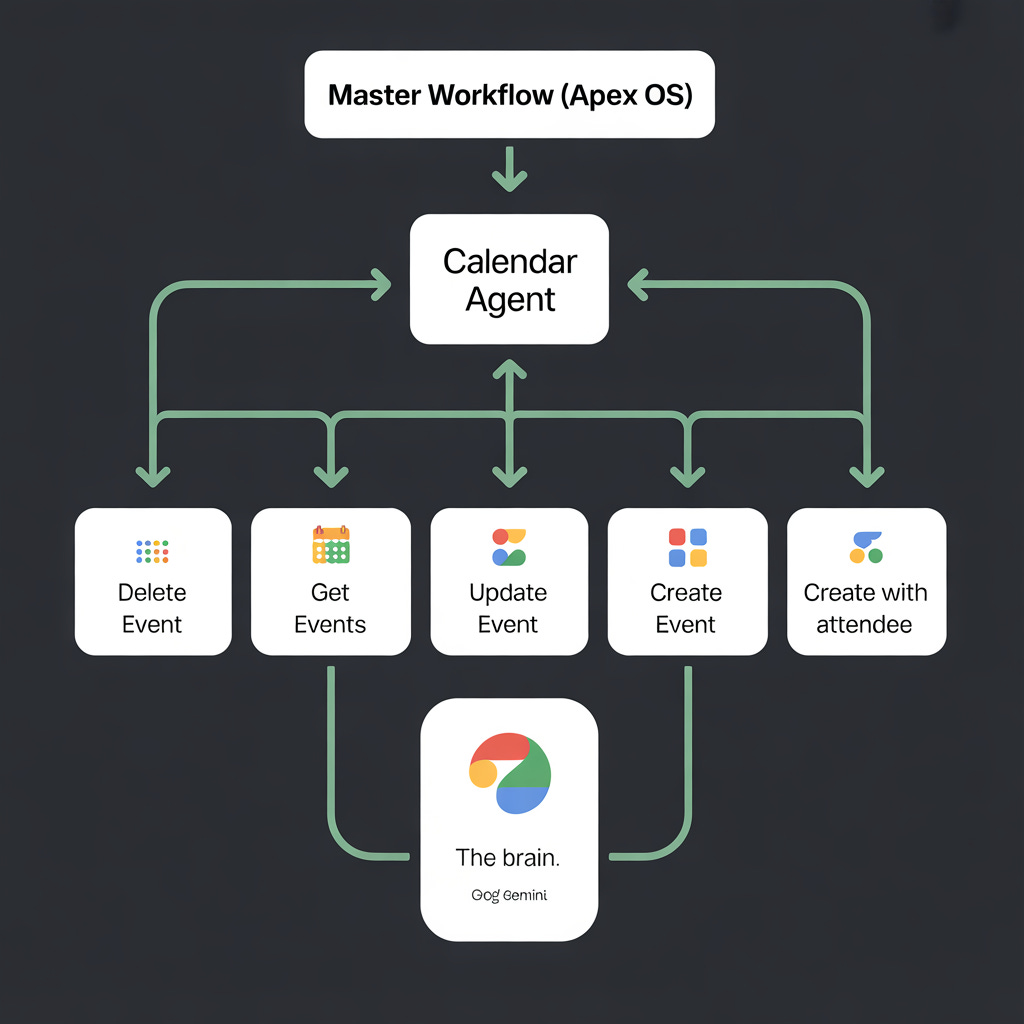
The Brain — Google Gemini Gemini reads the instruction, understands what action is needed, and decides which tool to use. It reasons through the request like a human assistant would.
The Hands — 5 Google Calendar Tool Nodes Delete Event, Get Events, Update Event, Create Event, Create Event with Attendee. Each one is a direct action into your Google Calendar. Gemini picks the right one based on what you asked.
The Trigger — “When Executed by Another Workflow” This agent doesn’t sit alone. It plugs into a bigger stack. When your master workflow needs to handle scheduling — it calls this agent, gets it done, and moves on. That’s the Apex OS model. One orchestrator. Specialist agents doing specific jobs. Everything connected.
The Real World Use Case — What I Just Built For a Client
This isn’t theory. I just finished a custom build for a physical goods company.
Their info@ inbox was getting quote requests all day. Someone had to read every single email, pull up their pricing sheet, calculate the quote manually, and write a reply. Four hours every day. Every single day.
We mapped their entire pricing sheet into an n8n logic engine. Now their inbox reads incoming requests, pulls the right pricing data, calculates the quote, and sends a professional reply — automatically.
The Calendar Agent sits on top of that same stack. When a prospect replies to a quote and wants to book a call — the agent handles the scheduling without anyone touching it.
Quotes out. Calls booked. Zero manual work.
Build time: 48 hours. Time saved: 4 hours every day.
That’s what a properly built agent stack looks like.
Now Here’s How To Set This Up Yourself — In Under 5 Minutes
I know what happens when most people see a JSON file.
They open it. See a wall of text. Close the tab. Never think about it again.
So I’m going to make this stupidly simple. Three tools. All free. No coding. No server. No developer.
What You Need Before You Start
n8n account — free at n8n.io
Google account — you already have this
Gemini API key — free at aistudio.google.com
The JSON file — grab it at the bottom of this post
That is it. If you can use Notion you can run this workflow.
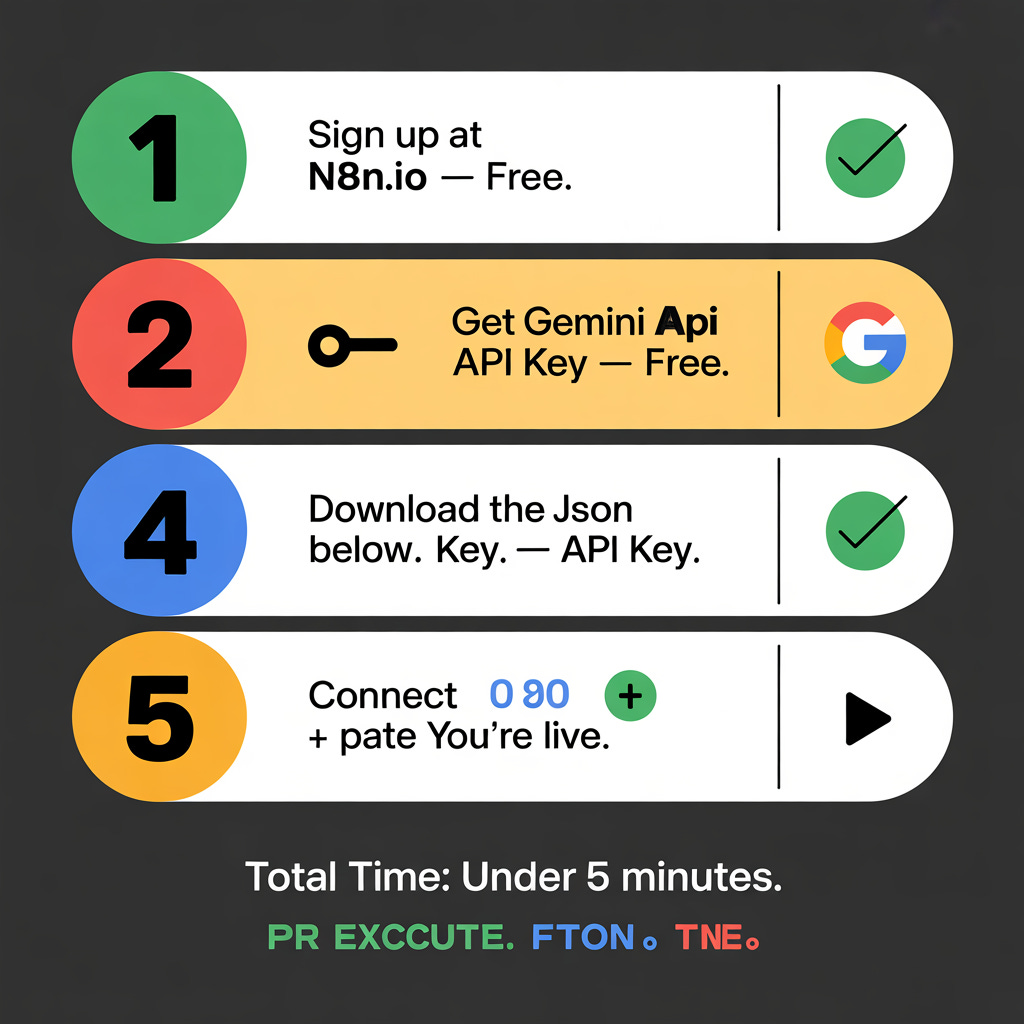
Step 1 — Get Your Free n8n Account
Go to n8n.io and sign up. You get a cloud account instantly. No credit card. Nothing to install. You’re in your workflow canvas in under 2 minutes.
Step 2 — Get Your Free Gemini API Key
Go to aistudio.google.com. Sign in with your Google account. Click “Get API key” in the top left. Copy it. Done. The free tier gives you more than enough calls to run this workflow every day.
Step 3 — Import The Workflow
Download the JSON file below. Open n8n. Click “New Workflow.” Click the three dots menu in the top right corner. Hit “Import from file.” Upload the JSON.
Your entire workflow appears instantly. Every node. Every connection. Already built. Already wired together.
Step 4 — Connect Your Accounts
Click the Google Calendar nodes and connect your Google account when prompted. Paste your Gemini API key into the Gemini Chat Model node where it asks.
Two connections. Takes 90 seconds.
Step 5 — Hit Execute and Test It
Click “Execute Workflow” at the bottom. Type “What meetings do I have this week?” and watch it pull your real calendar data back.
That’s it. Your agent is live.
Want This Built For You Instead?
If you’d rather skip the setup entirely and just have a custom agent running in your business — I do that too.
I’m taking on a small number of done-for-you automation builds this month.
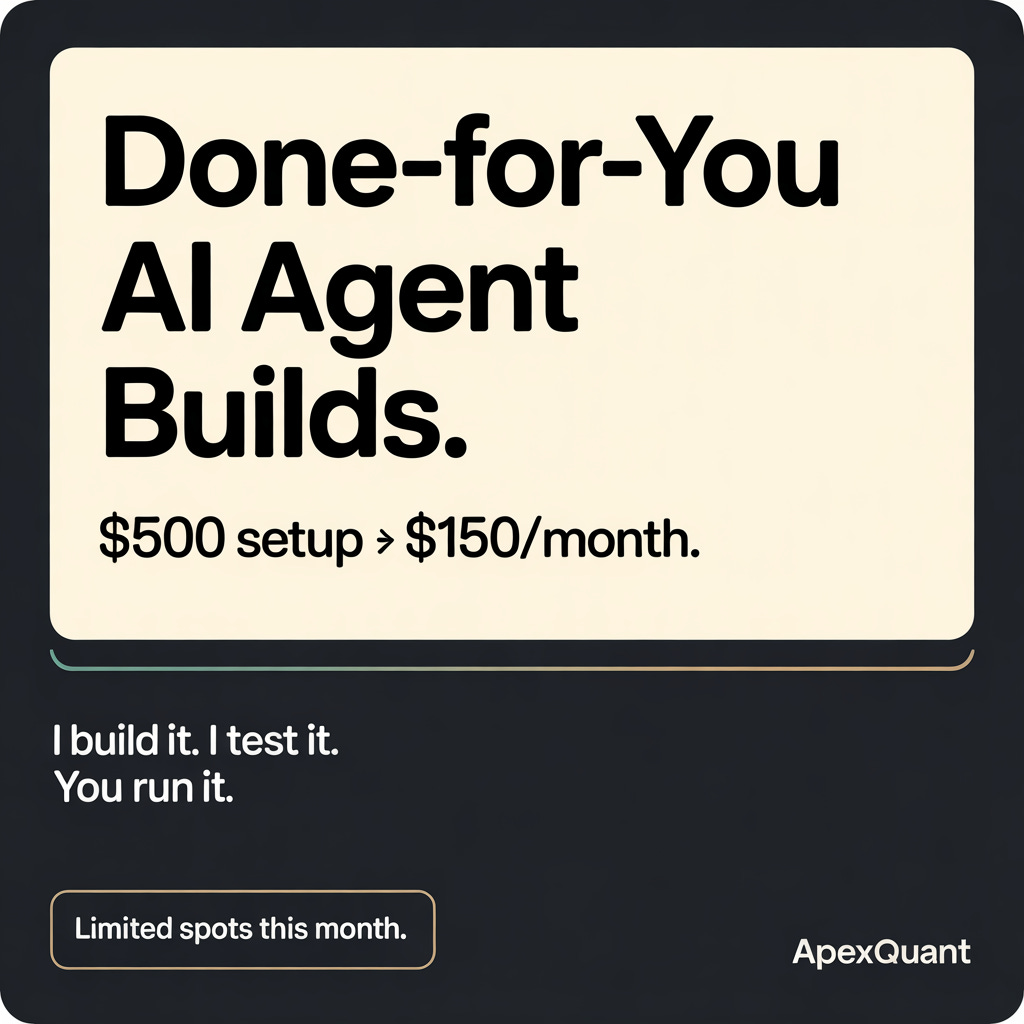
$500 setup fee. $150/month to maintain and improve it.
I map your workflow, build the automation, test it, and hand you a system that runs itself. You don’t touch the nodes once.
Limited spots. I only take on builds I can actually deliver properly.
Reply to this email with “AGENT” and tell me the one task eating most of your time. I’ll tell you if it’s a fit.
Want To Reach 23,800 AI-First Founders?
This newsletter lands in the inboxes of founders and agency owners actively building with AI — every Tuesday, Thursday, and Saturday. 30% open rate. 2.9% CTR.
If your tool belongs in front of this audience — let’s talk.
→ Book a call with me or email me: nefro992@gmail.com
Grab The Free Calendar Agent JSON
Download it below. Import it into n8n. Follow the 5 steps above.
Download the Free Calendar Agent JSON
💬 Two questions before you go:
1 — What is the ONE task you do every day that you wish an AI agent could just handle for you?
Drop it in the comments. I’ll pick the most requested one and build the full workflow blueprint for it next issue — JSON included.
2 — Want the Inventory Quote Logic extension?
The one I built for the client above — where the inbox auto-drafts quotes from a pricing sheet. Comment “QUOTE” below and if enough people want it I’ll drop that JSON next week too.
Found this useful? Forward it to one founder who’s still doing this stuff manually. Takes 5 seconds.
— Patrick
Comments
Nothing yet. Say the first thing.
Sign in to join the conversation.