
Xcode Cloud scripts fail in the least cinematic way possible: one tiny assumption, one missing context value, and suddenly CI behaves nothing like your local machine 😅
That is where Apple’s environment variable reference becomes more useful than it looks. It is not documentation you read for fun. It is documentation you need when your custom build script has to understand what workflow is running, what build action is happening, which app target is involved, or what commit produced the artifact.
And this connects directly with custom build scripts. Xcode Cloud supports scripts inside a ci_scripts directory next to your project or workspace, which is usually where teams hide the real CI glue: dependency setup, generated files, dSYM uploads, release metadata, logging, and workflow-specific checks.
Hardcoded CI scripts age badly. Context-aware scripts survive longer.
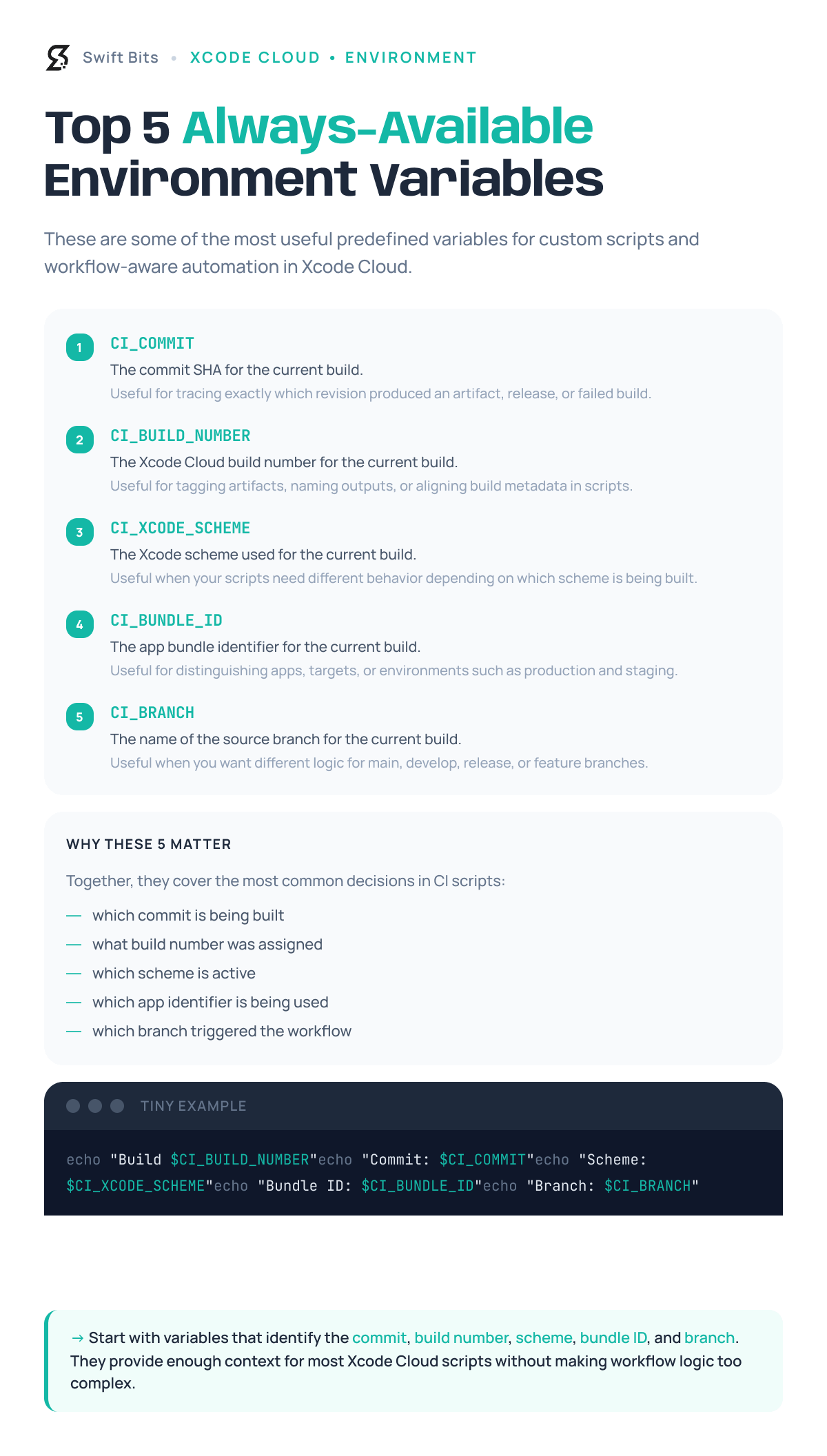
I’m sharing some of the popular ones that are actually handy when you need your build scripts to stop guessing and start reacting to the real workflow 🛠️
No posts
Comments
Nothing yet. Say the first thing.
Sign in to join the conversation.