

You know, over the last few years, I’ve tested a ridiculous number of AI writing tools, AI website builders, AI headshot generators, AI detectors, AI humanizer tools, and pretty much every new AI tool that promised to save me hours of work.
But recently, I became curious: Can AI actually generate presentations that don’t look like they were made by AI?
I’m talking about presentations you’d confidently use for a client pitch, startup fundraising, a sales meeting, a conference talk, a YouTube presentation, or even a college project.
So over the last few weeks, I spent a lot of time testing some of the best AI presentation makers.
Some tools generated beautiful slides in less than two minutes but filled them with generic content.
Some produced excellent content but made slides that looked like PowerPoint templates from 2012.
Others created stunning presentations but gave me almost no control over the design afterward.
For all of them, I simply gave them a prompt, and within minutes, I had a presentation that looked like a professional designer had spent hours creating it.
That’s when I realized that generating presentations is easy. However, generating one that people actually enjoy looking at and that is worth going through is much harder.
So in this post, I’m going to share the best AI presentation makers I tested in 2026, what they’re actually good at, where they fall short, and which one I’d personally recommend depending on your workflow.
Note: The links in this post will take you to the official websites of the respective AI presentation makers. None of them are affiliate links, so I don’t earn a single dollar if you sign up. My goal is simply to share the best AI presentation makers I’ve personally tested that can genuinely save you time and help you create better presentations.
If you found this post valuable or learned something new, consider becoming a paid subscriber to this newsletter if you haven’t. It’s the best way to support my work and keep this kind of content coming.
With that said, let’s get started.
If you just want the answer:
Decksy (Best Overall): Delivers the best balance of AI-generated content, storytelling, and presentation design with surprisingly little editing required.
Julius AI (Best for Data-Driven Presentations): Ideal for presentations built around spreadsheets, reports, research, and data analysis, with AI that can understand your data and turn it into presentation-ready slides.
Presentations.ai (Best for Business Presentations): Excellent for sales decks, investor pitches, company reports, and professional presentations where structure matters.
Gamma (Best for Modern AI-Generated Presentations): Creates beautiful, modern-looking presentations in minutes and makes it incredibly easy to refine individual slides with AI.
Canva (Best All-in-One Design Platform): Perfect if you already use Canva and want AI-generated presentations with complete control over templates, branding, and design.
Pitch (Best for Team Collaboration): Built for startups and teams that need collaboration, comments, version history, and presentation sharing in one place.
Alai (Best for Branded Presentations): A great option if you want to build presentations around your own design system and brand identity while still using AI to speed up the process.
Let me be honest, every AI presentation maker can generate slides since that’s not the difficult part.
The hardest part is:
figuring out what each slide should say
organizing ideas logically
making the slides visually appealing
avoiding walls of text
keeping everything consistent
That’s exactly what the best AI presentation maker should help with.
So while testing these tools, I looked beyond the flashy demos and focused on these parameters:
Does it create useful content instead of filler?
Are the slides presentation-ready?
Can I easily edit everything?
Does it save me time, and is it free to use up to a certain limit?
Would I actually use it for client work?
Based on those criteria, here are the best AI presentation makers I’ve tested.
If I had to recommend just one AI presentation maker to most people, Decksy would probably be my first choice.
The reason is that Decksy tries to generate a presentation that actually tells a story and spends more effort organizing ideas into a logical flow.
And that’s how it balances content quality and design better than most of the tools I tested.
How to get started:
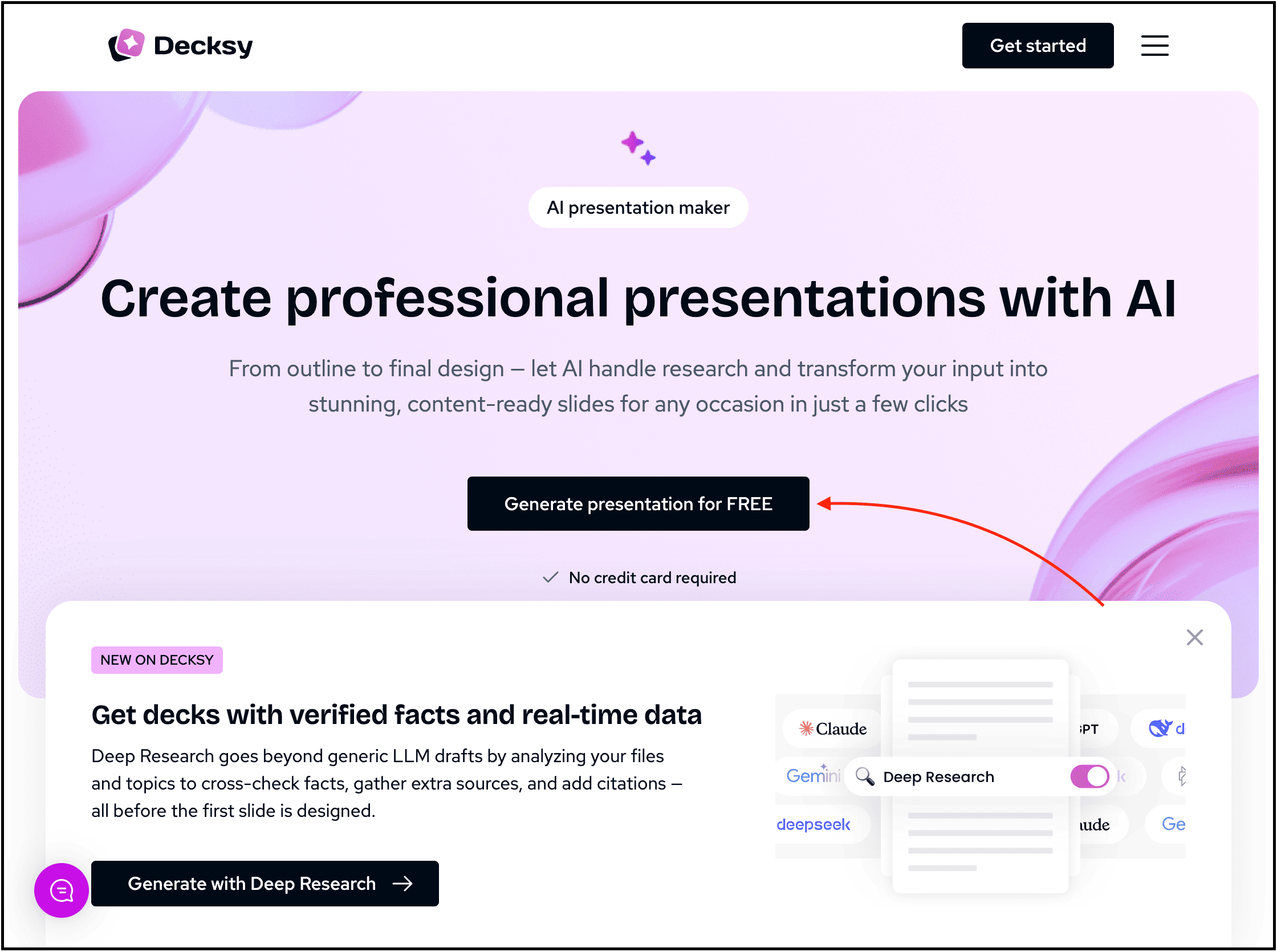
To try it out, visit their website, create your account, and write a prompt along with your preferred options.
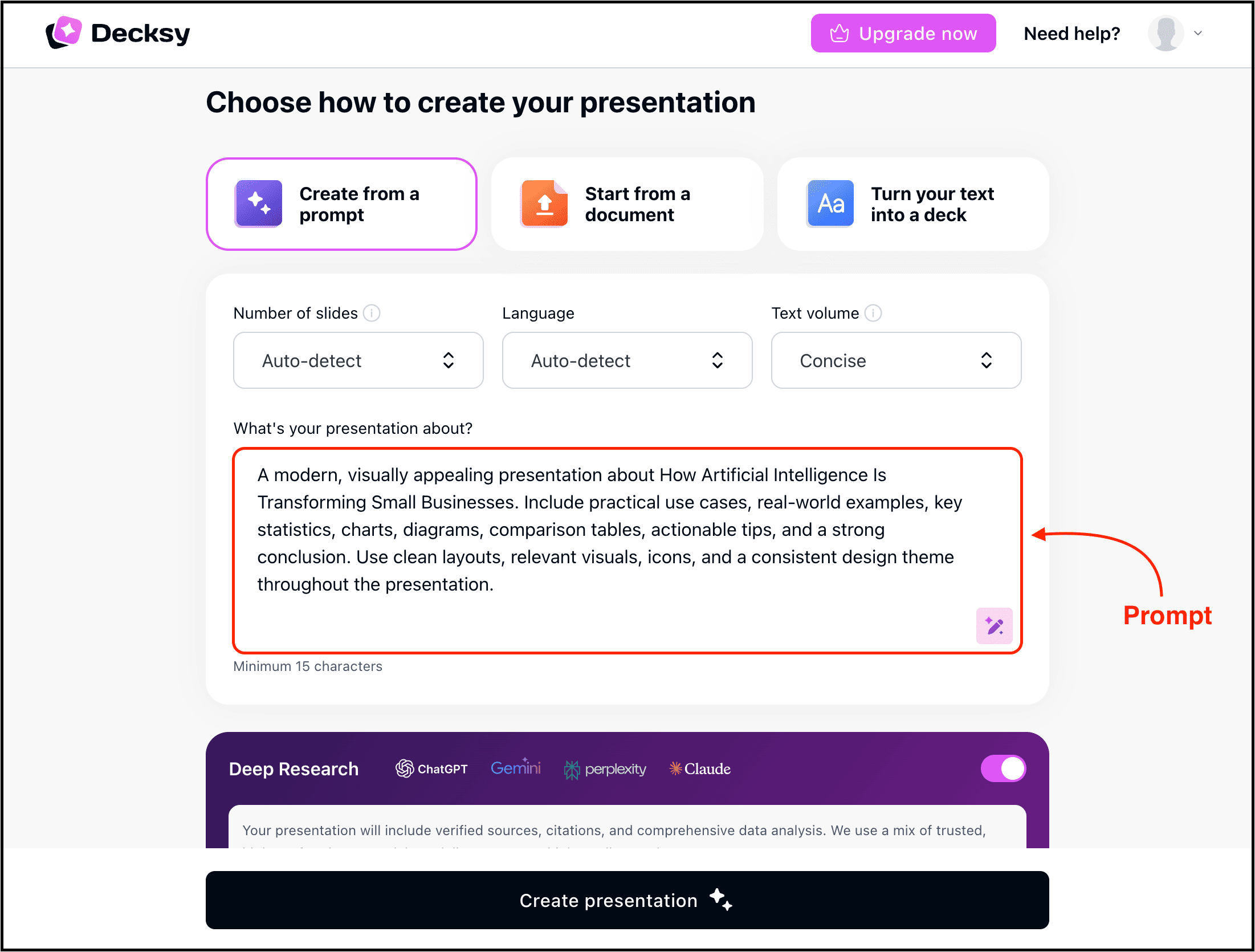
My experience:
I wrote the above prompt describing what I wanted.
Within minutes, Decksy generated a presentation outline that I could further edit, followed by a presentation that required only minor edits.
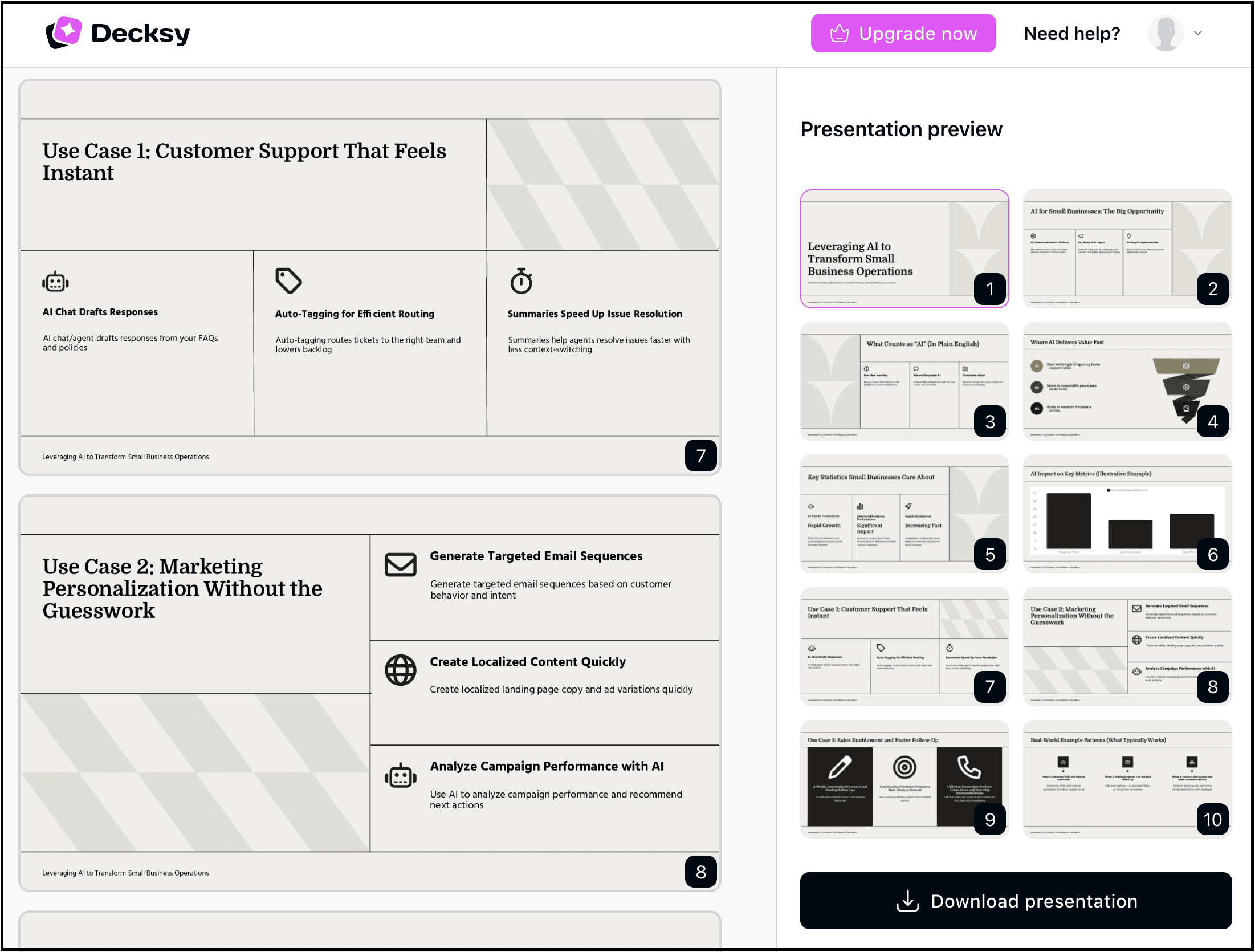
And as you can see, Decksy’s presentations felt much more modern. The layouts were cleaner, the spacing looked intentional, the typography was easy to read, and the slides never felt overcrowded.
That alone can save hours of manual formatting.
If your presentation requires highly technical charts, complex financial models, or company-specific branding, you’ll probably want to make a few edits afterward.
Best For:
Consultants
Startup founders
Marketing presentations
Client proposals
Business professionals
Anyone who wants presentations that actually look professionally designed
If your presentations rely heavily on data, charts, reports, or spreadsheets, then Julius AI is one of the best AI presentation makers you can check out.
This one is more of an AI-powered data workspace and has a number of tools, out of which we are going to use the AI presentation maker.
How to get started:
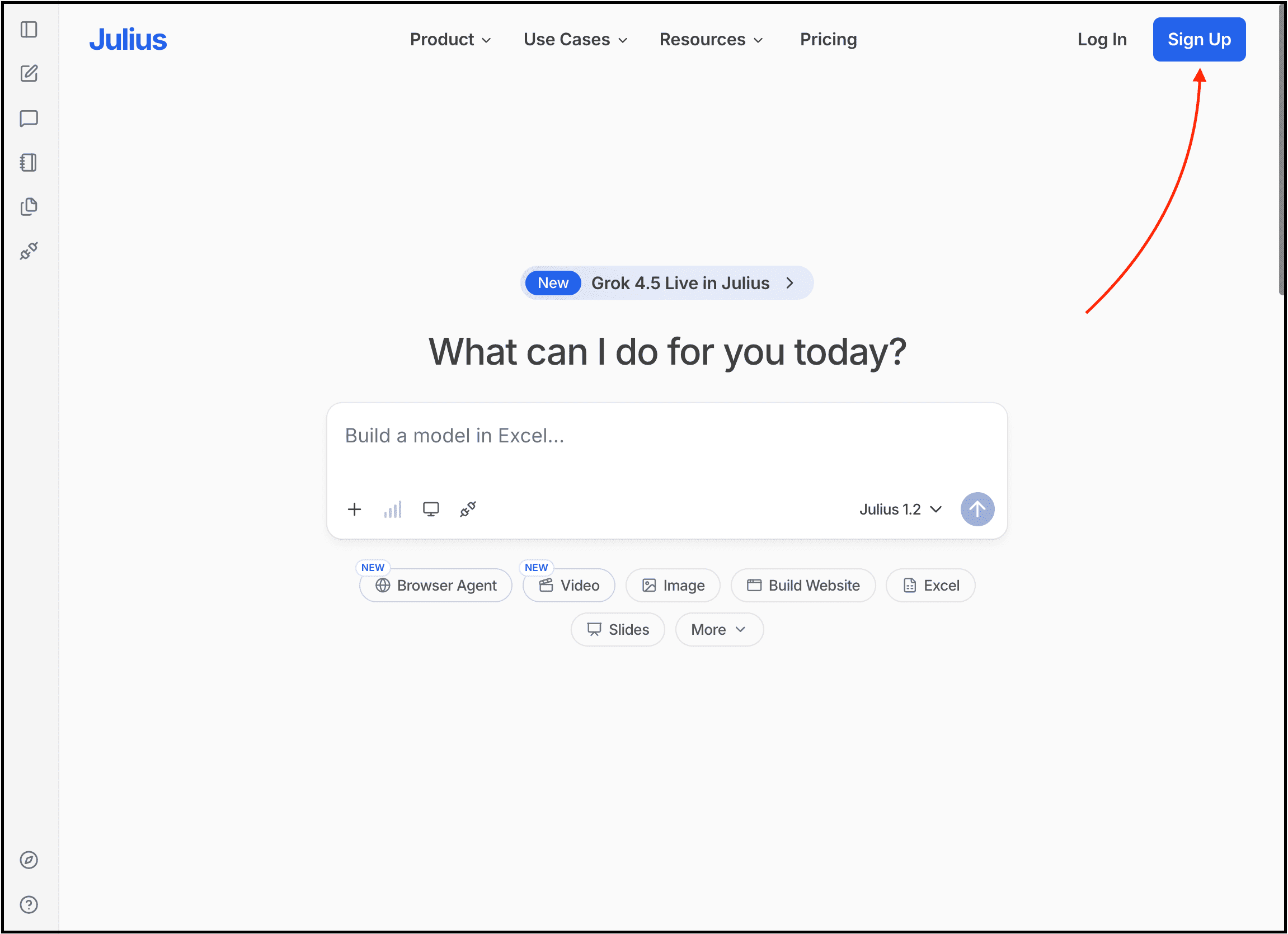
Visit their website, create your account, and simply describe the presentation you want to create. You can also upload spreadsheets, PDFs, reports, or other documents if you already have the information prepared.
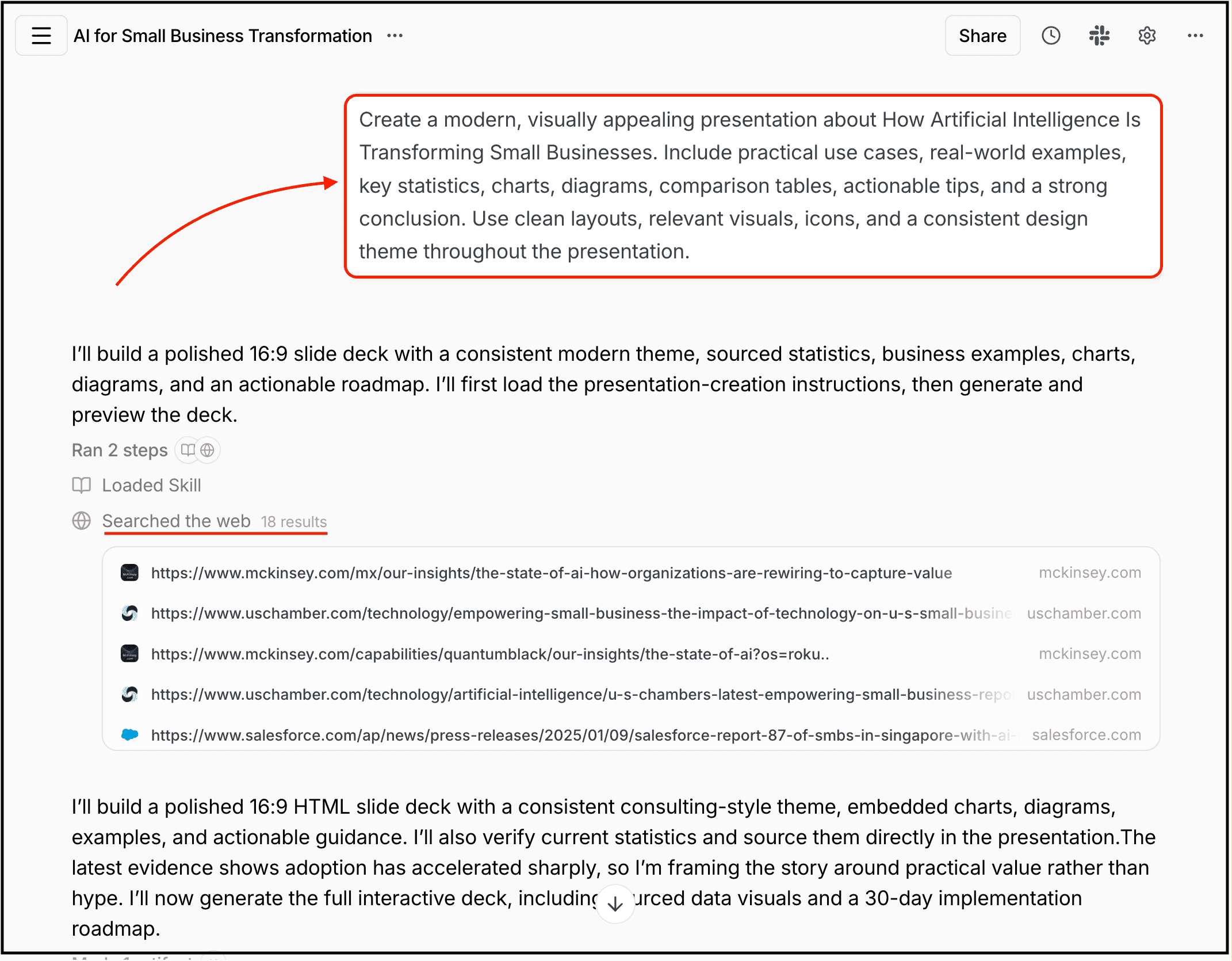
Within a few minutes, Julius generates the presentation, creates the visuals, and organizes everything into an editable slide deck that you can export as a PPT or PDF.
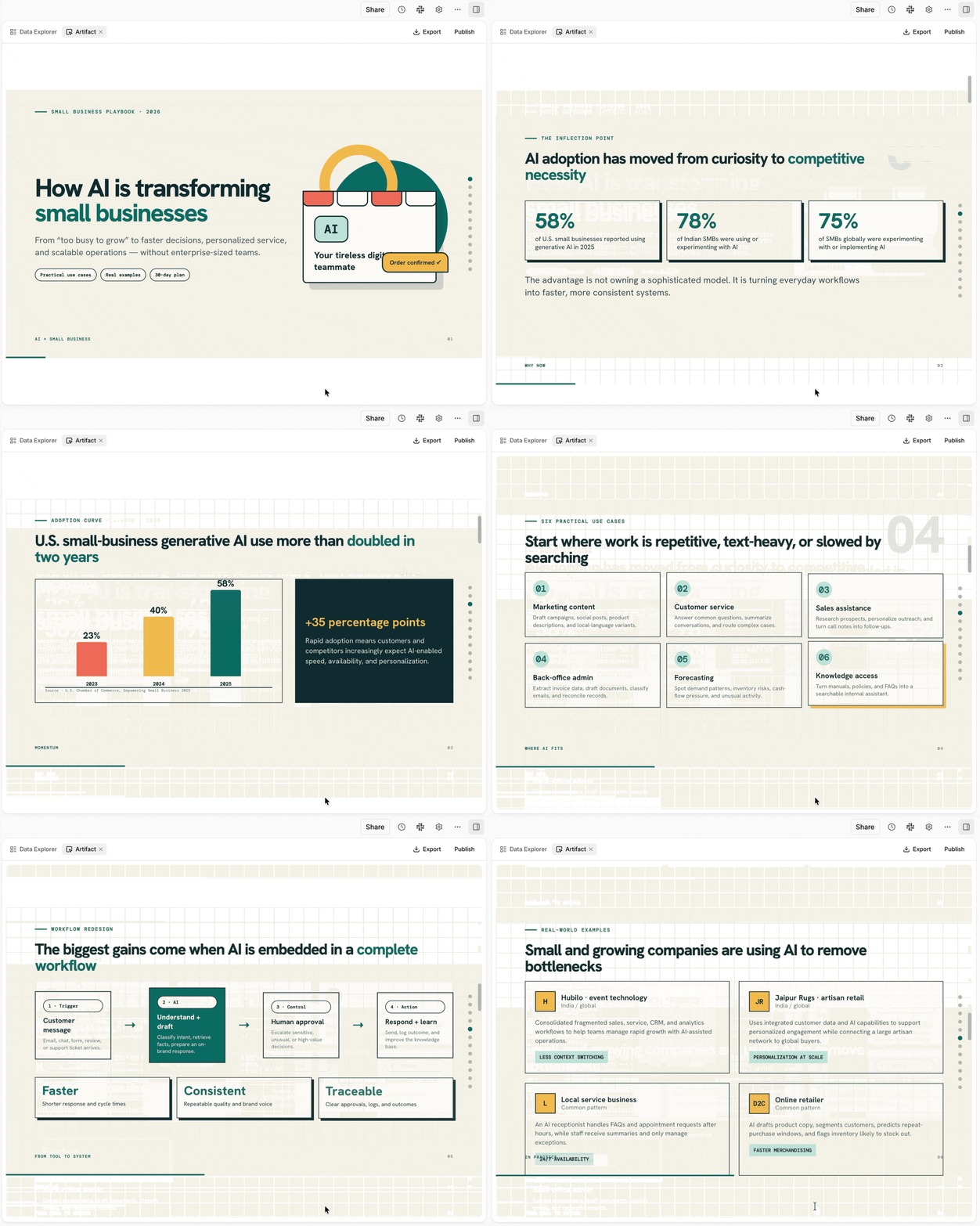
My experience:
I can see that it goes through the internet to find information, and can even upload my own data.
Julius AI then goes a step further by actually understanding my data before turning it into a presentation.
That makes it especially useful for business reviews, investor updates, financial reports, research presentations, and any presentation where numbers matter just as much as design.
Best For:
Business reports
Investor presentations
Financial analysis
Research presentations
Marketing reports
If your presentations are primarily for work rather than school or personal projects, then Presentations.ai deserves a serious look.
How to get started:
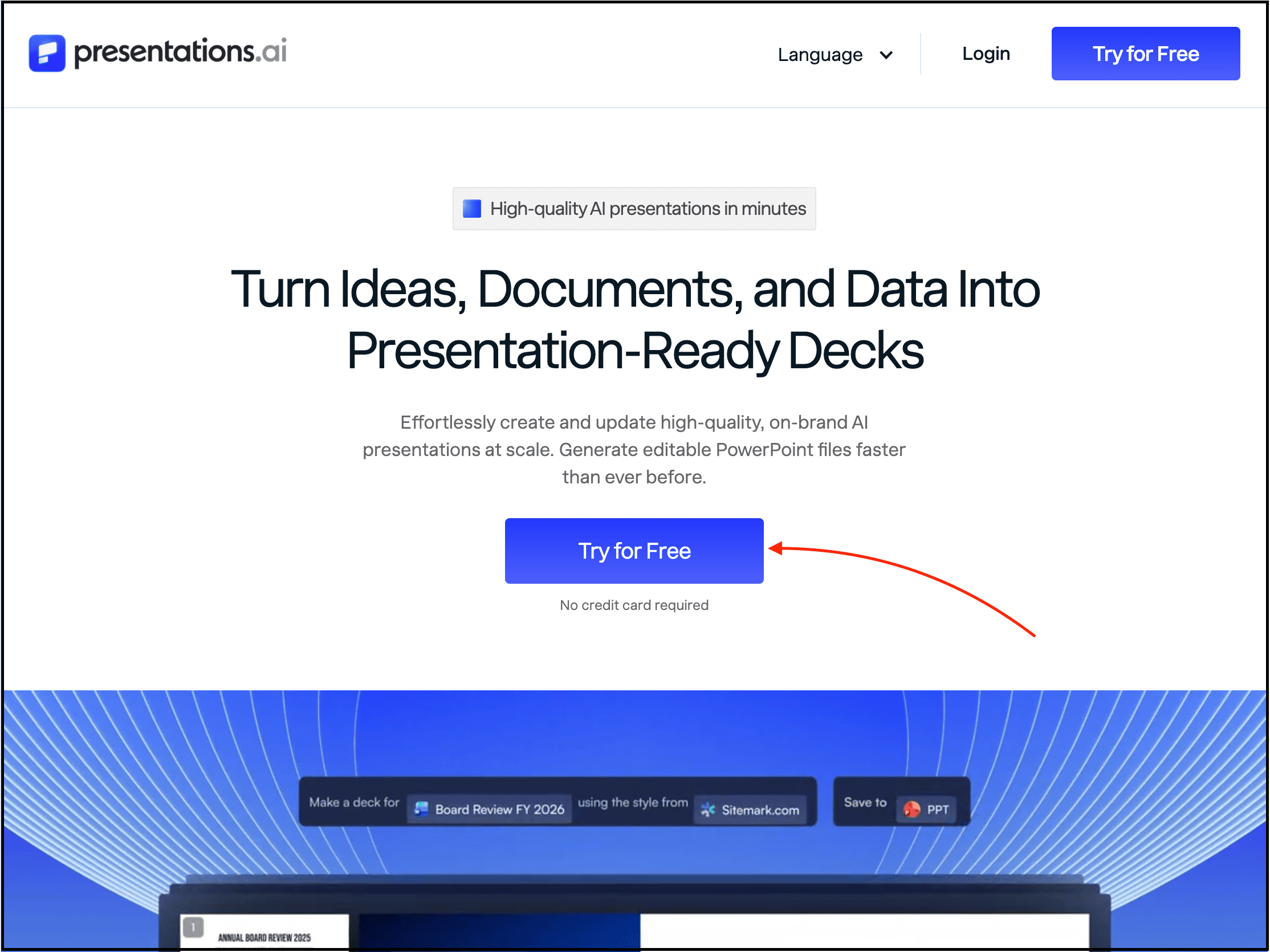
Just visit their website, create your account, and then you can write a prompt, upload files, or simply paste your website URL to generate a presentation.
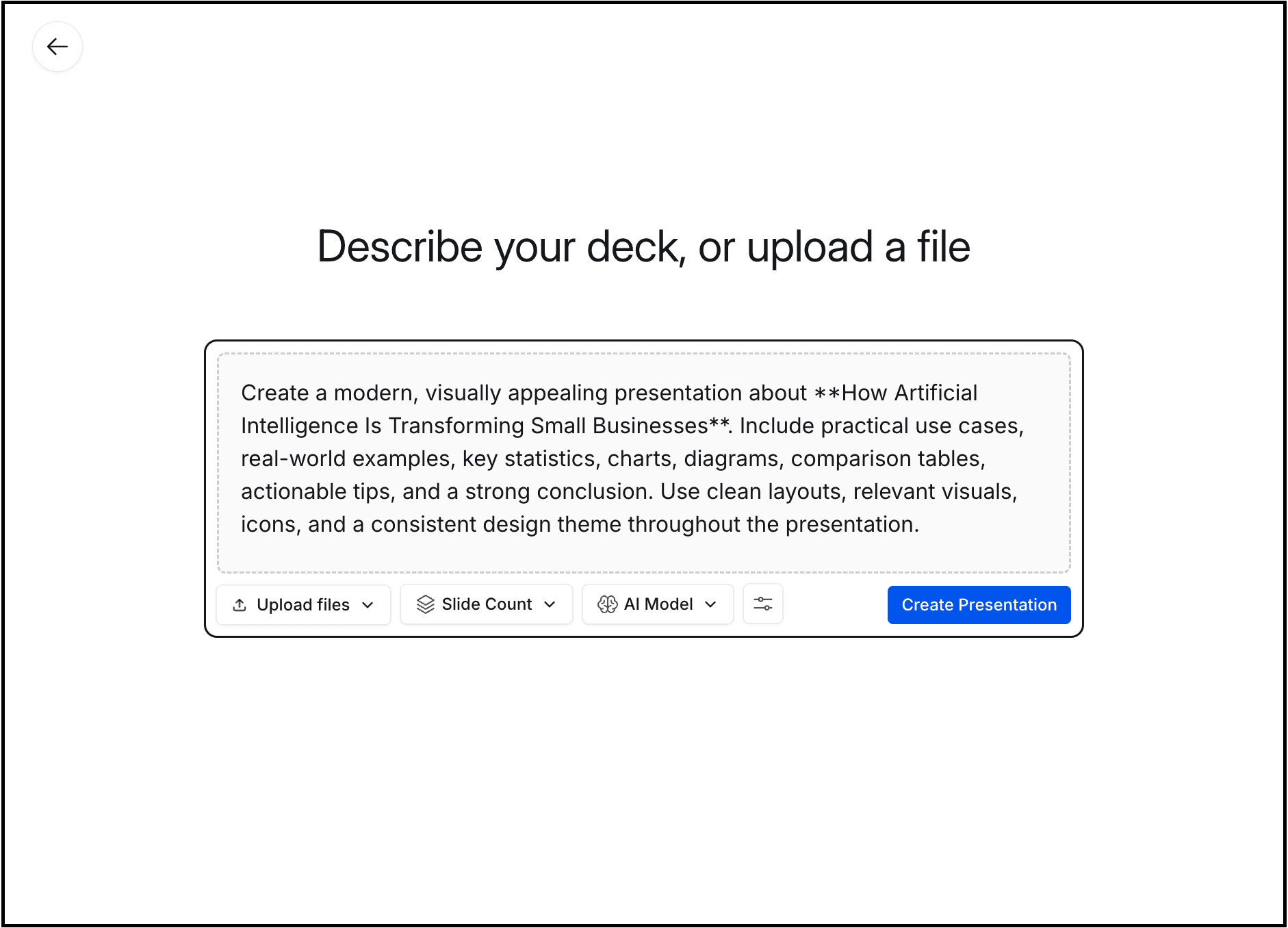
Here, you can even select the AI model you want to use, the number of slides you want, and more.
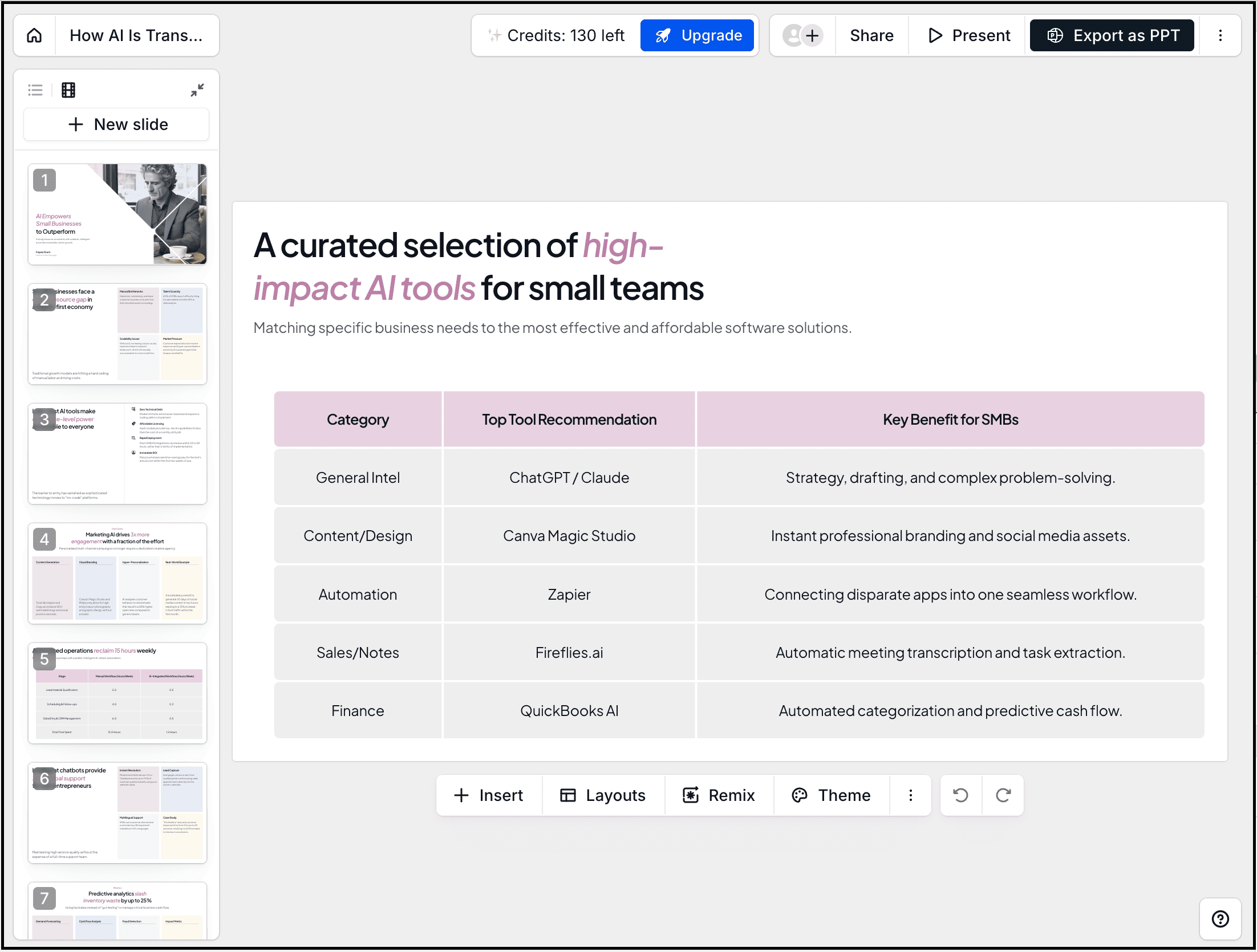
As you can see, both the content and the design are top-notch, which is why I’ve included it here.
One thing I noticed while testing is that the AI organizes everything into a logical business presentation.
It feels more like working with someone who understands how presentations are used inside companies rather than simply generating slides.
Best For:
Sales teams
Consultants
Startup founders
Investor pitch decks
Marketing presentations
Corporate presentations
If you’ve spent any time looking for AI presentation makers, you’ve almost certainly come across Gamma.
And after testing it, I completely understand why it’s become so popular.
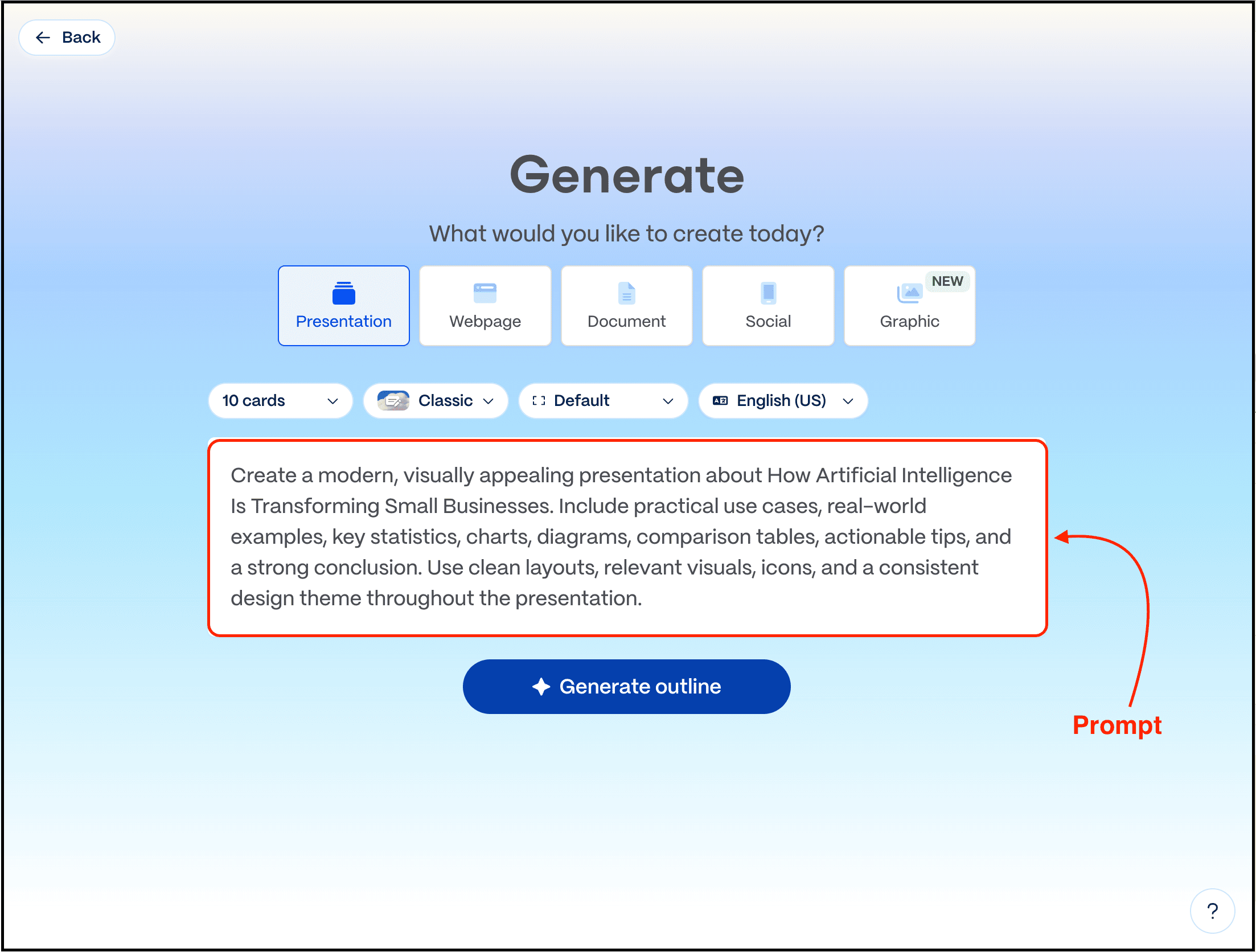
Gamma feels like an entirely different way of creating presentations where you simply describe your topic.
Then it generates the structure, writes the content, selects layouts, adds visuals, and creates a presentation that already looks polished before you’ve touched a single slide.
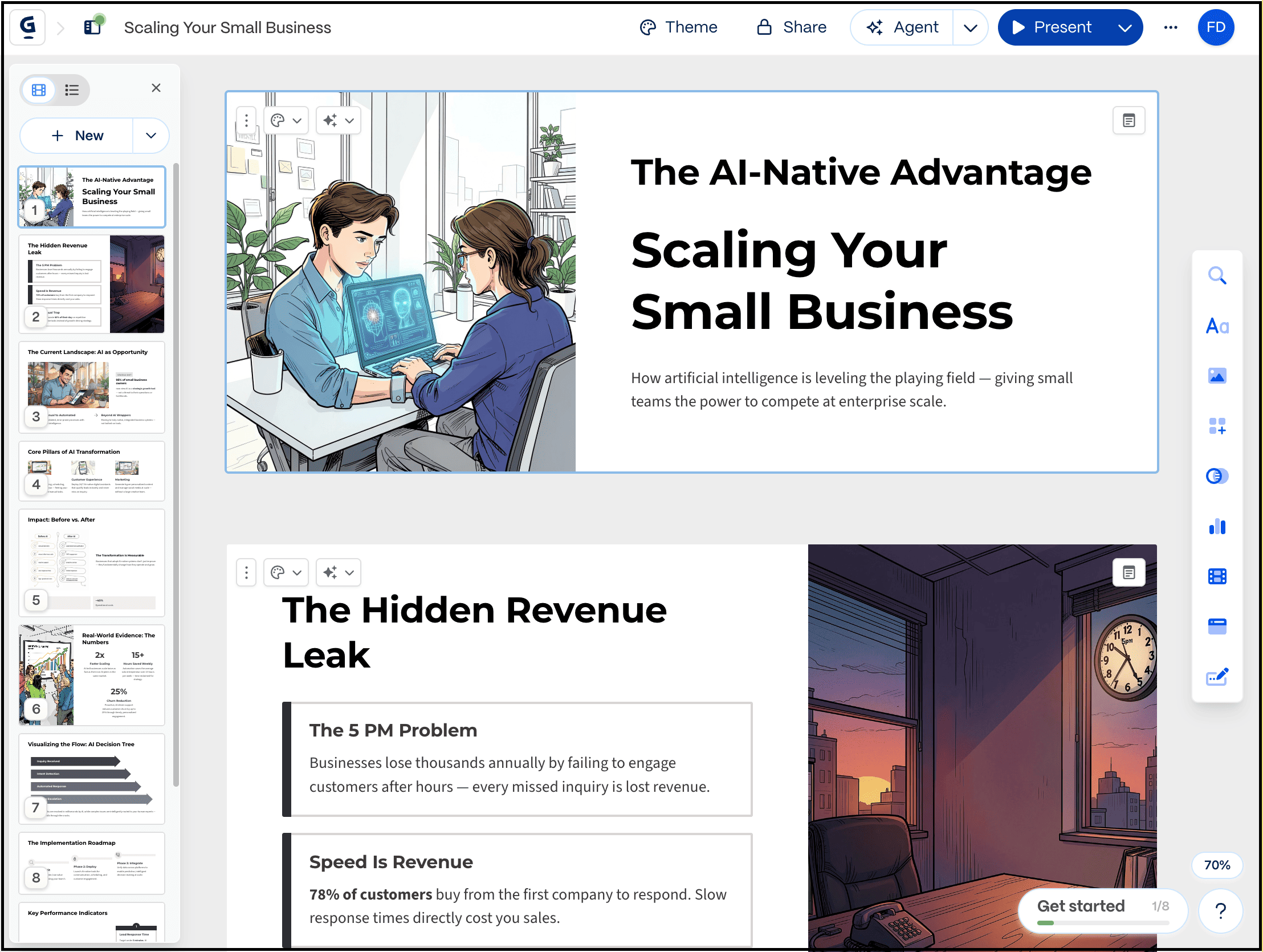
As you can see, the designs simply look good, modern, minimal, and clean.
Another feature I liked is how easy it is to regenerate individual sections.
Didn’t like one slide? Ask Gamma to rewrite it.
Need more details? Expand it.
Want fewer words? Shorten it.
Need a different tone? Regenerate it.
That iterative workflow feels much more natural than constantly copying and pasting between ChatGPT and PowerPoint.
The main issue is that it generates too much generic content, so I prefer Decksy or simply write the content myself.
Best For:
Entrepreneurs
Teachers
Students
Marketers
Content creators
Anyone creating presentations regularly
Canva actually doesn’t need an introduction since millions of people already use it for designing, social media graphics, and more.
And now you can even generate presentations with AI, and then use millions of stock photos, icons, charts, videos, brand kits, templates, animations, and more.
Also, if you’re already using Canva for your work, staying within the same ecosystem simply makes sense.
How to get started:
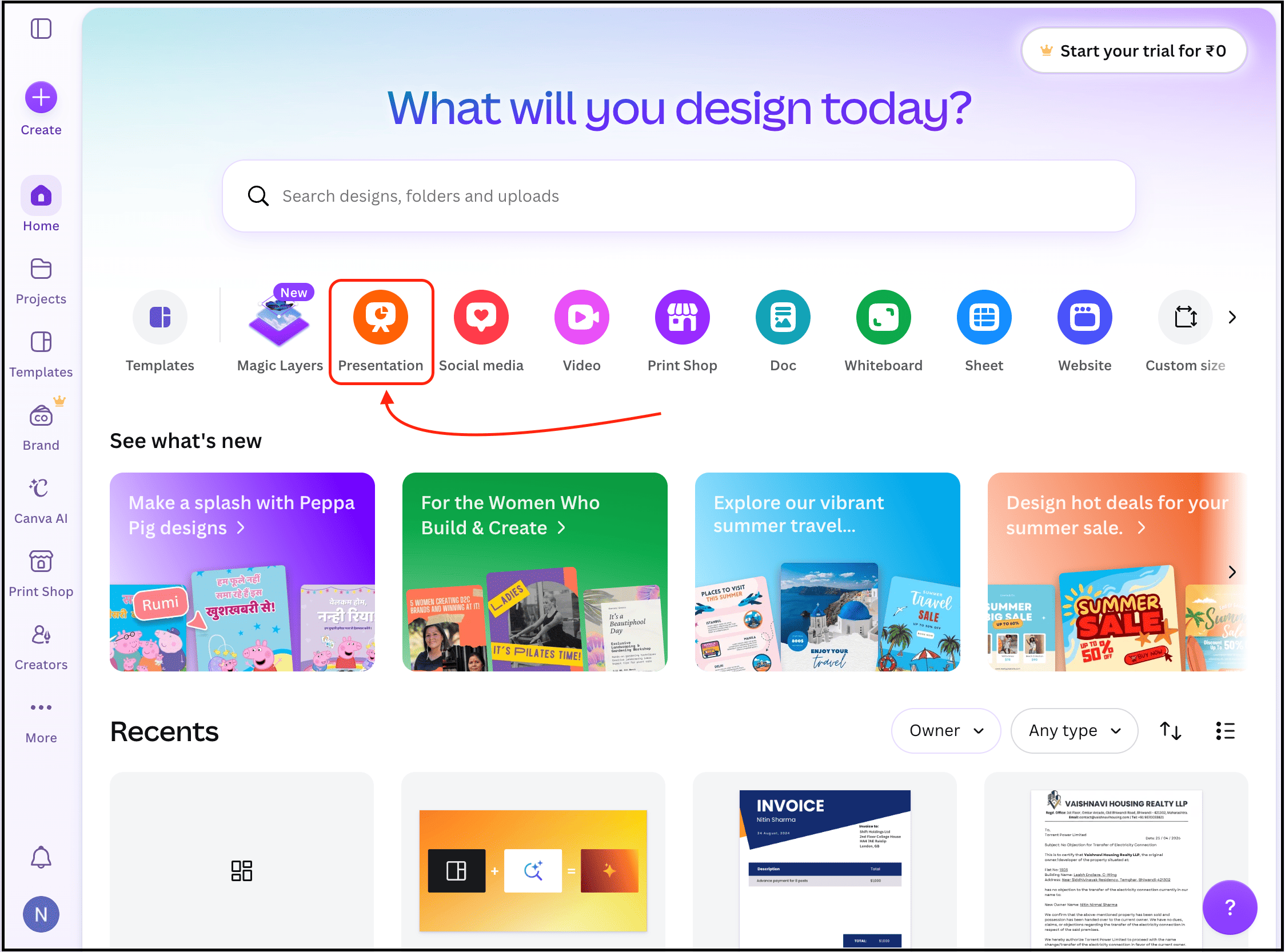
To try it out, open your Canva account and select the “Presentation” option.
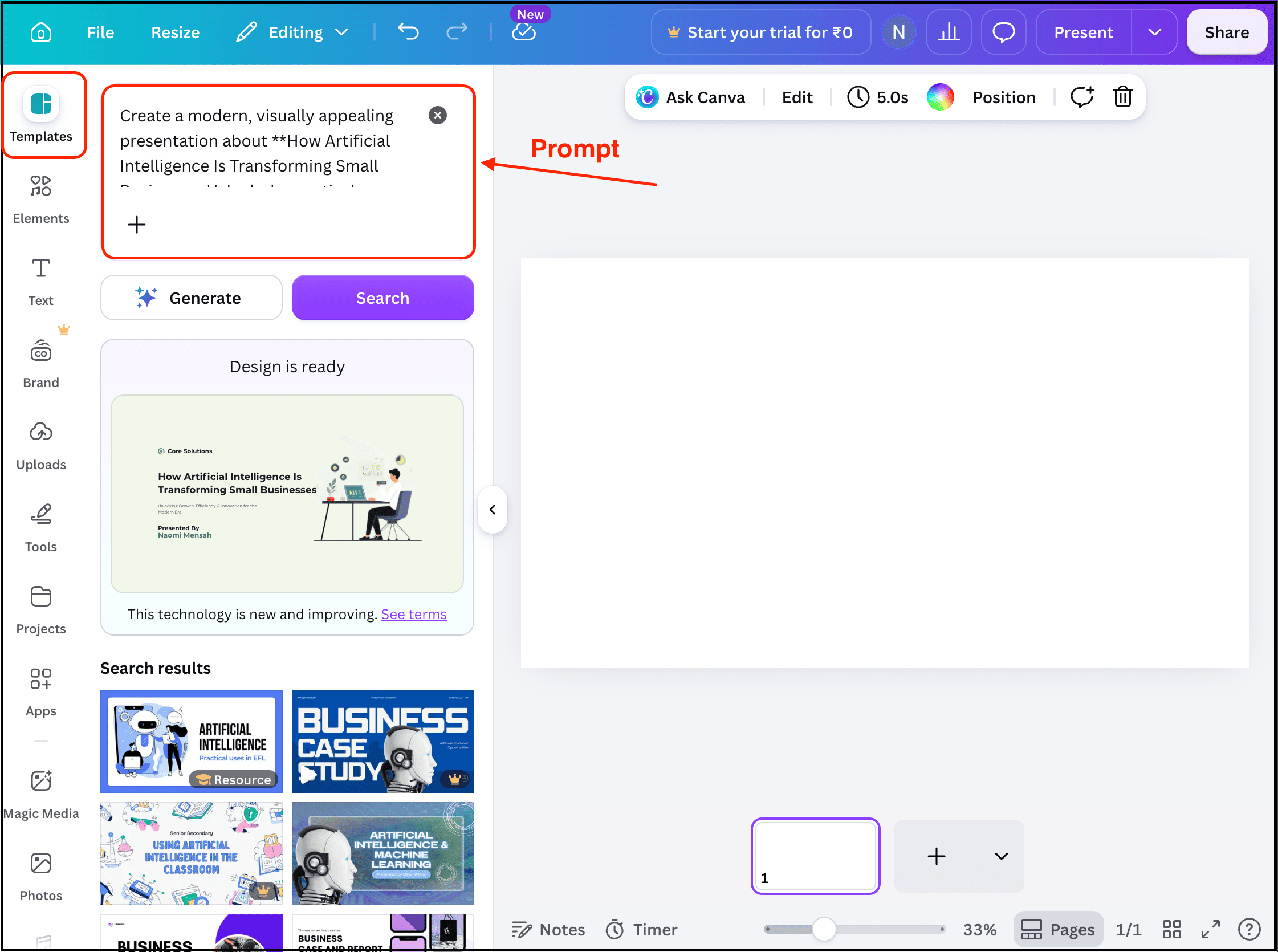
Then select the “Templates” tab, enter your prompt, and click the “Generate” button.
Within seconds, it will generate the presentation, and I found that the content is much better than what Gamma generated.
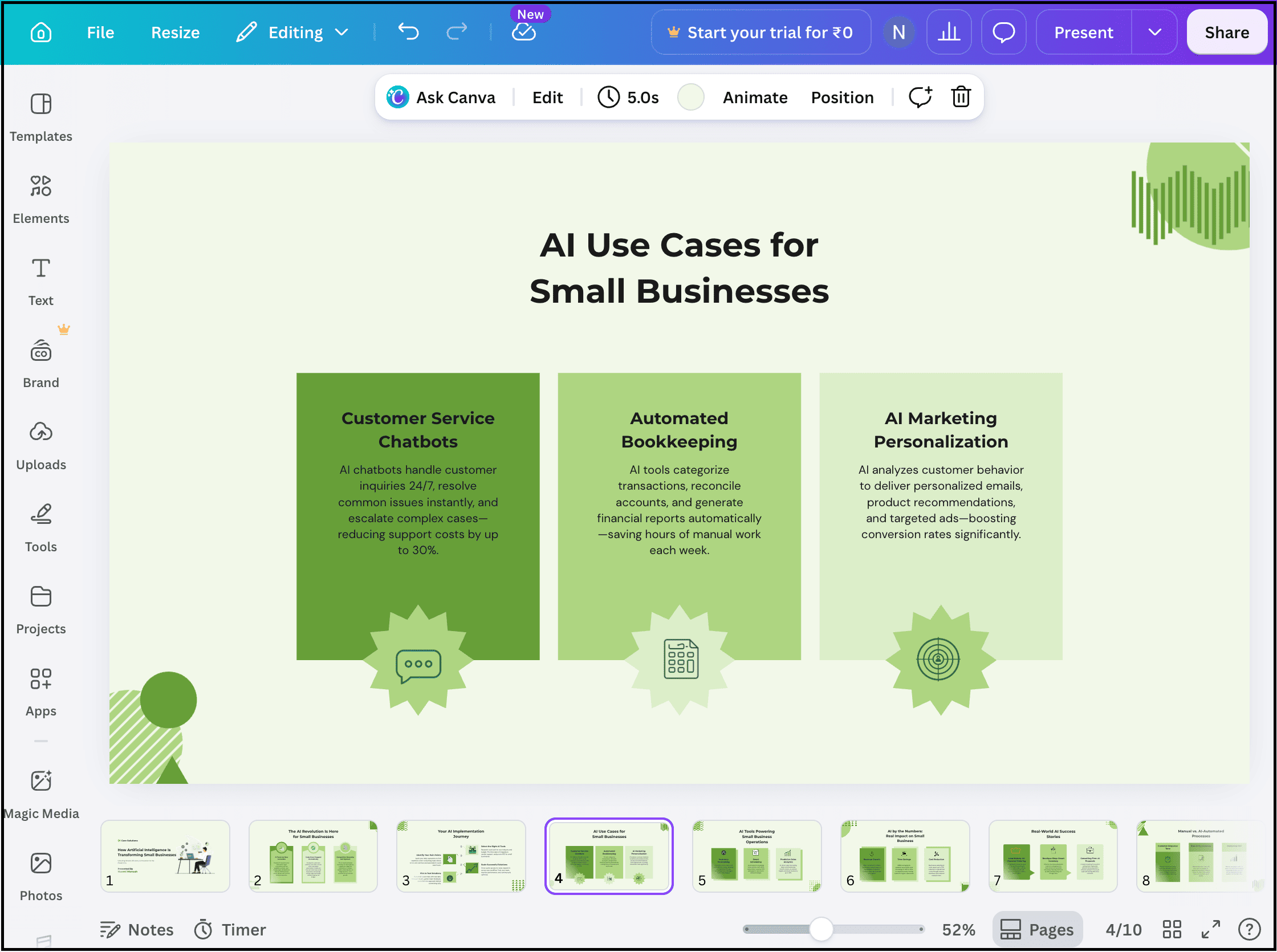
If I want to, I can easily edit it, use different templates and elements, or upload content related to the presentation.
And that makes it incredibly easy to create a high-quality presentation.
Best For:
Beginners
Marketing teams
Small businesses
Content creators
Pitch feels like the Notion of presentation software, where you can collaborate with your team members to create presentations, add feedback, share updates, track changes, and more.
And that’s what makes it useful for startups and growing companies.
How to get started:
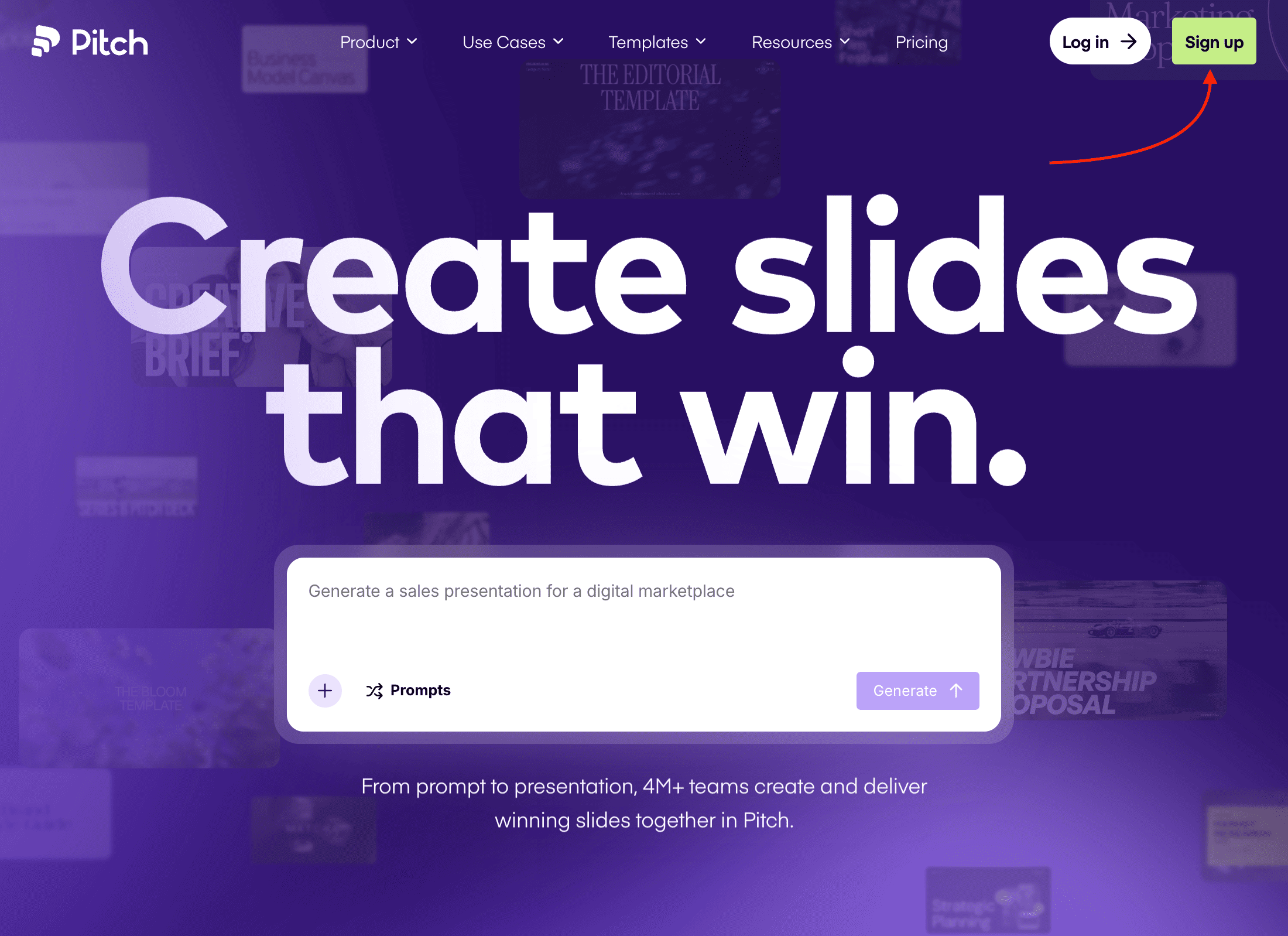
To try it out, simply visit their website and click the “Sign up” button to create your account.
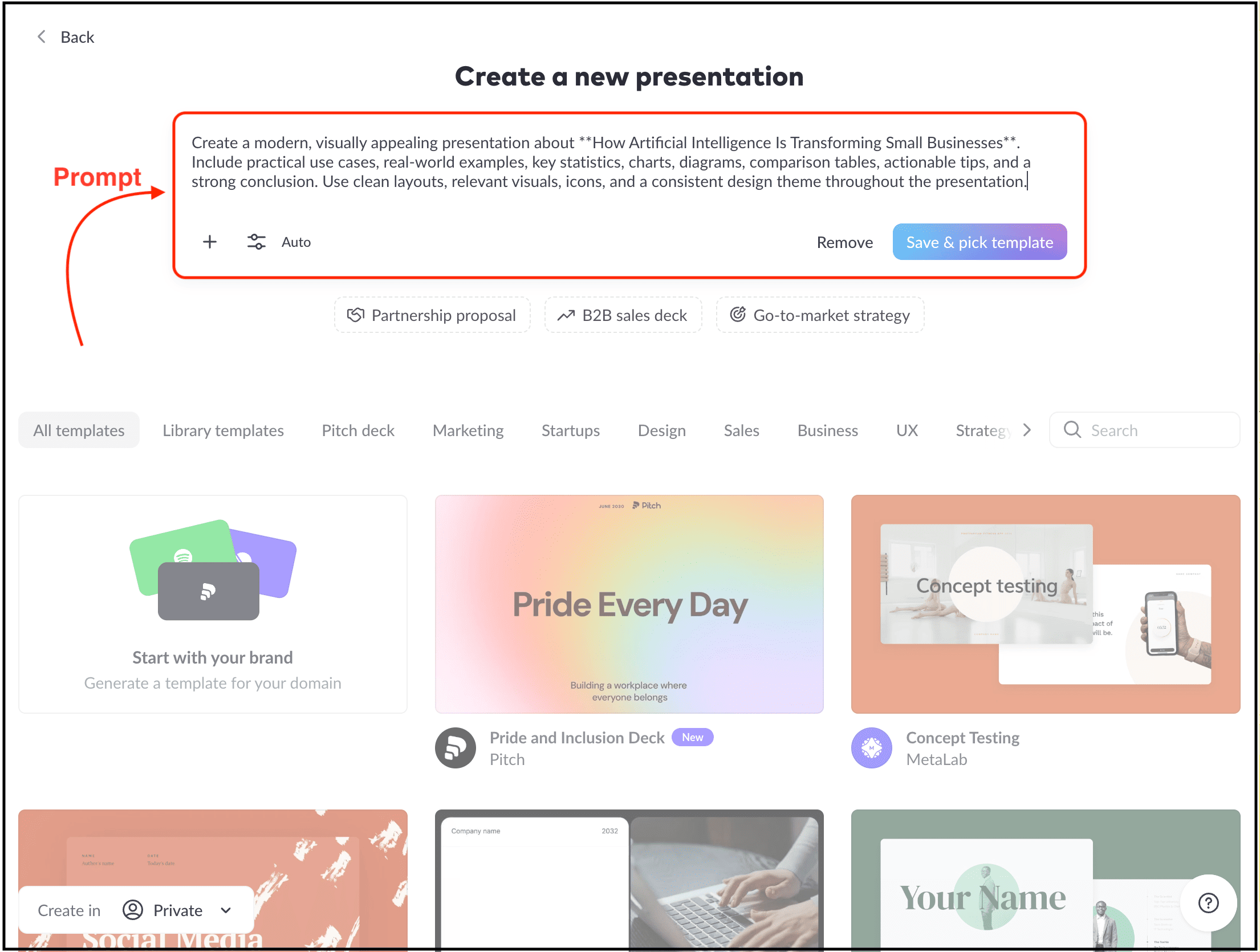
Then you just need to write your prompt, submit it, and pick the template you want to use.
Here’s what it generated:
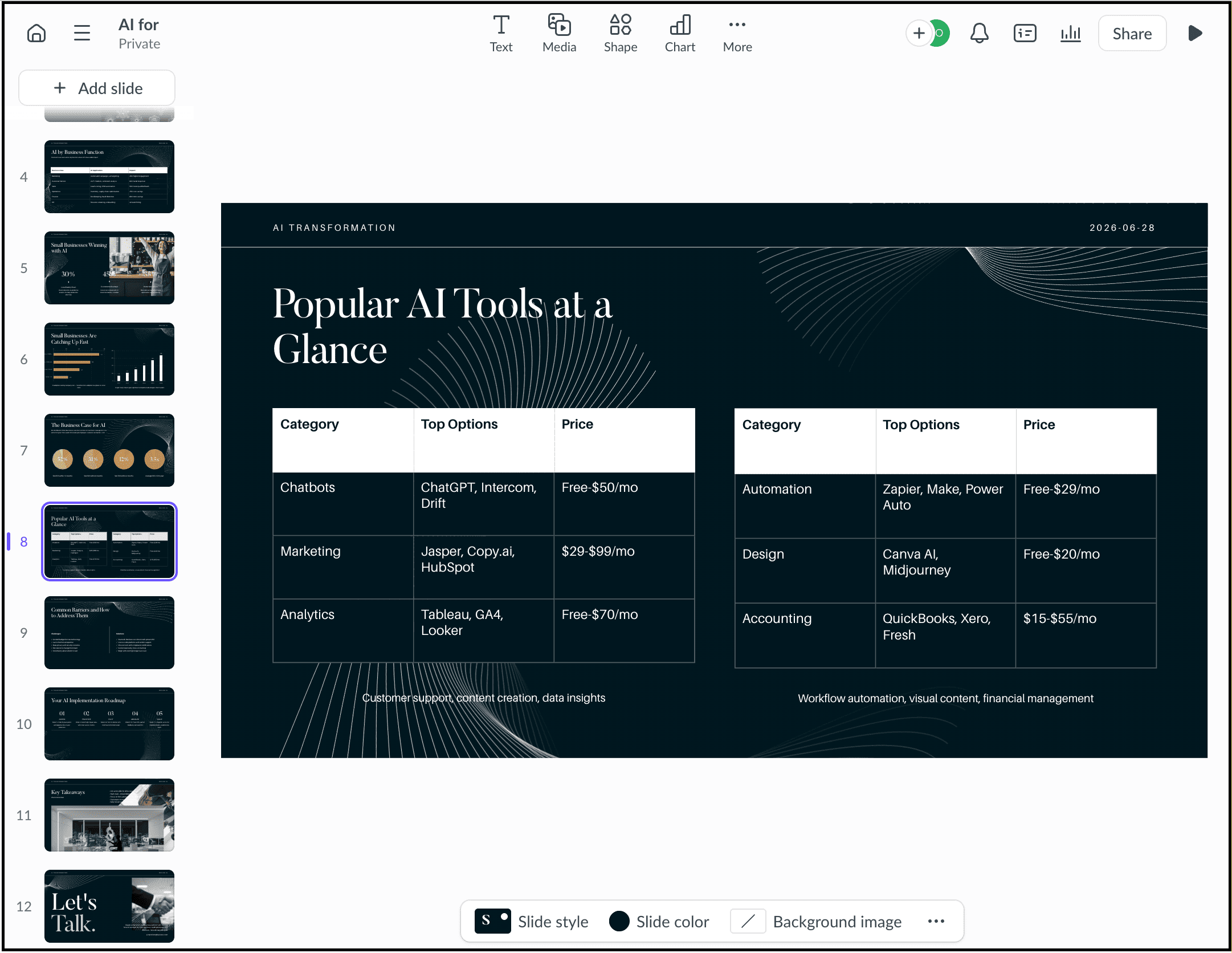
When I tested it, the presentation looked modern, and I could further edit it however I wanted.
I also noticed that most of its features are designed for team collaboration. So if you simply want to create presentations for yourself, use tools like Decksy or Canva. But if you’re working with a team, this is a much better choice.
Best For:
Startups
Agencies
Product teams
Remote teams
Alai is one of those AI presentation tools that doesn’t get talked about nearly as much as some of the bigger names.
But after trying it out, I think it deserves a place on this list.
The reason is that you can create your own brand system, edit presentations using AI or manually, and it’s even backed by Y Combinator.
How to get started:
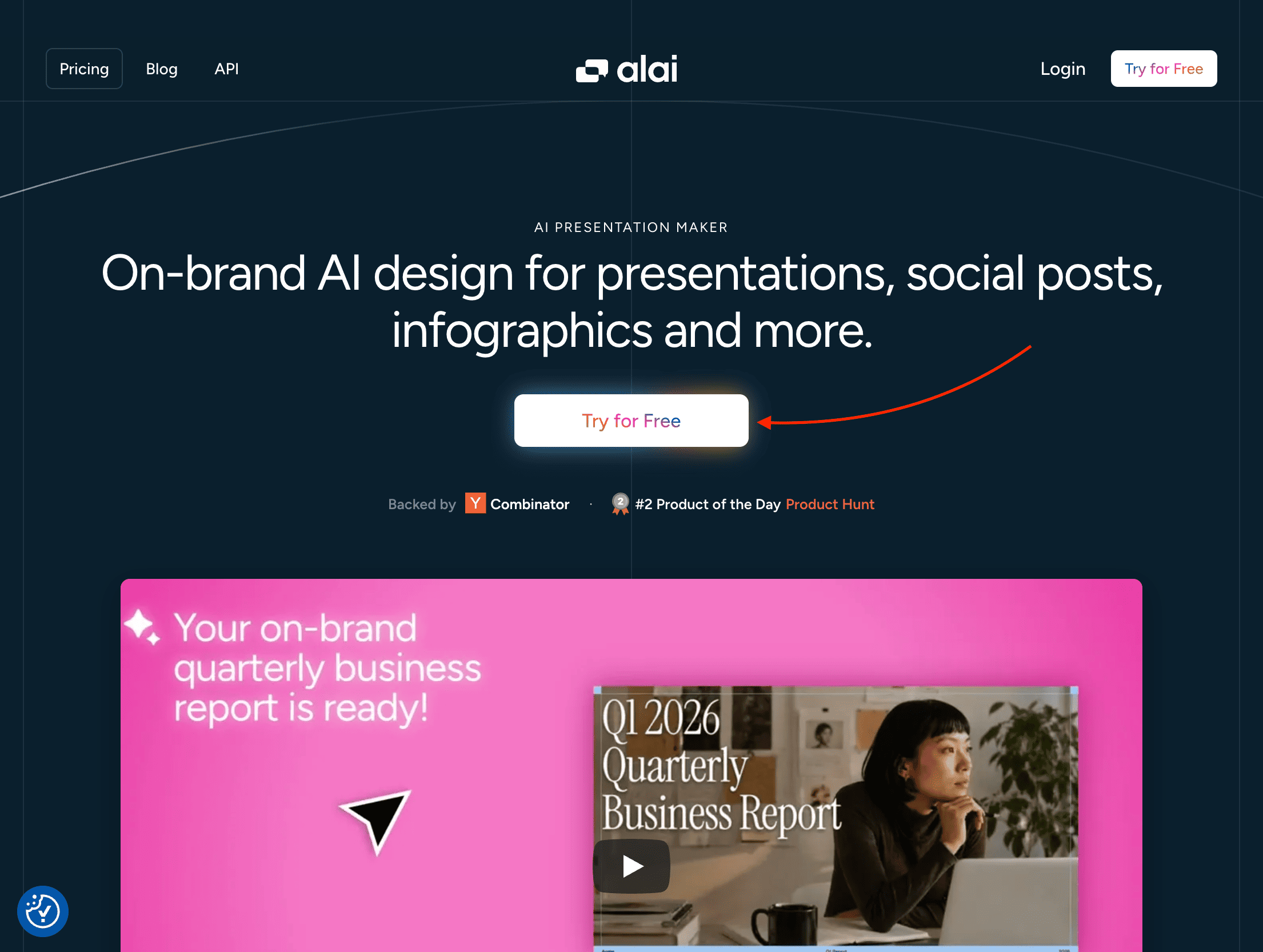
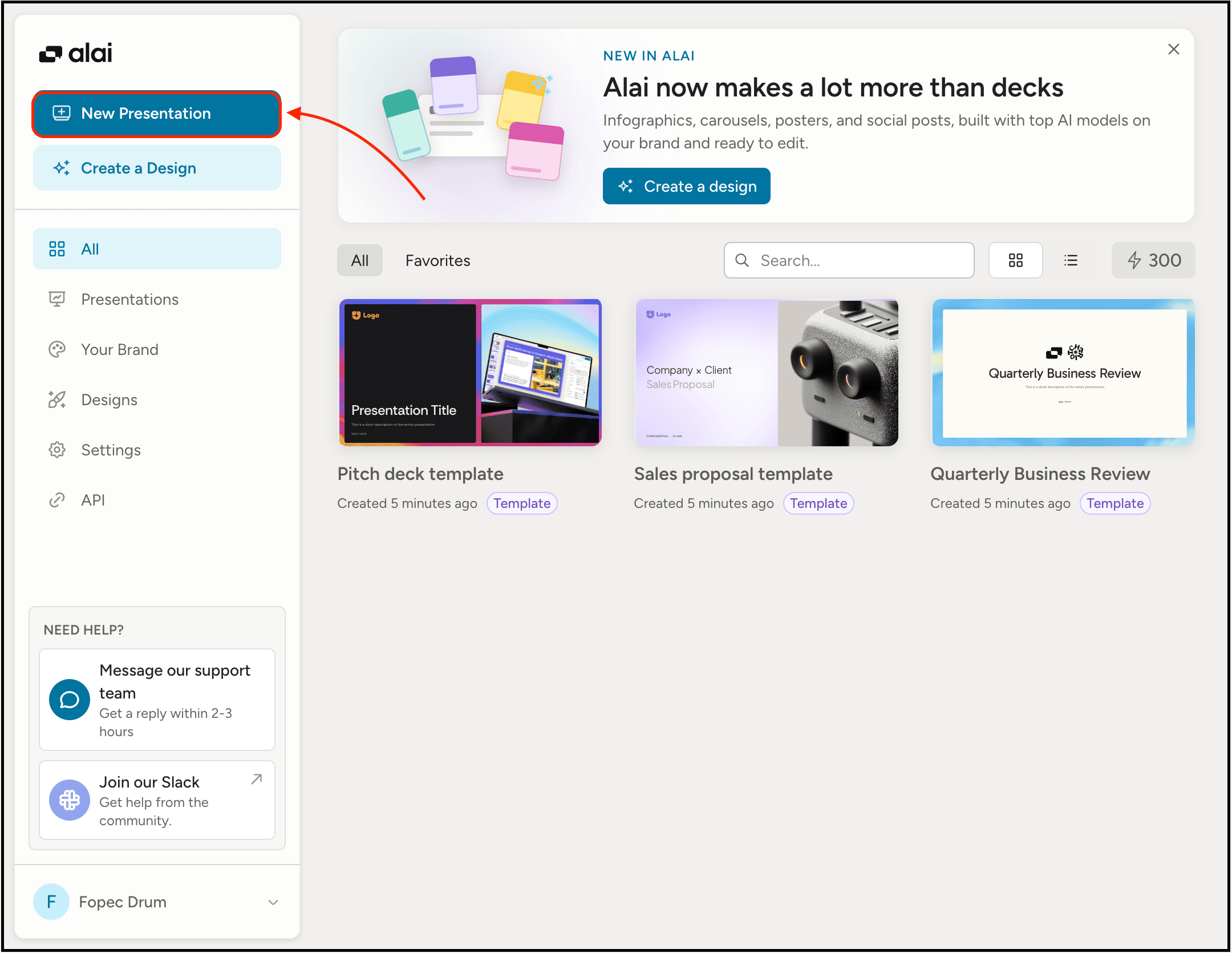
To try it out, visit their website, and after creating your account, select the “New Presentation” option.
Then select the type of slides you want to generate, such as Modern Slides, Creative Slides, Classic Slides, and more. I selected the “Modern Slides” option and chose one of the design systems.
Then I wrote a prompt, answered a few questions, and went with the outline it suggested to generate all the slides.
It took around 5 to 6 minutes, and here’s what it generated:
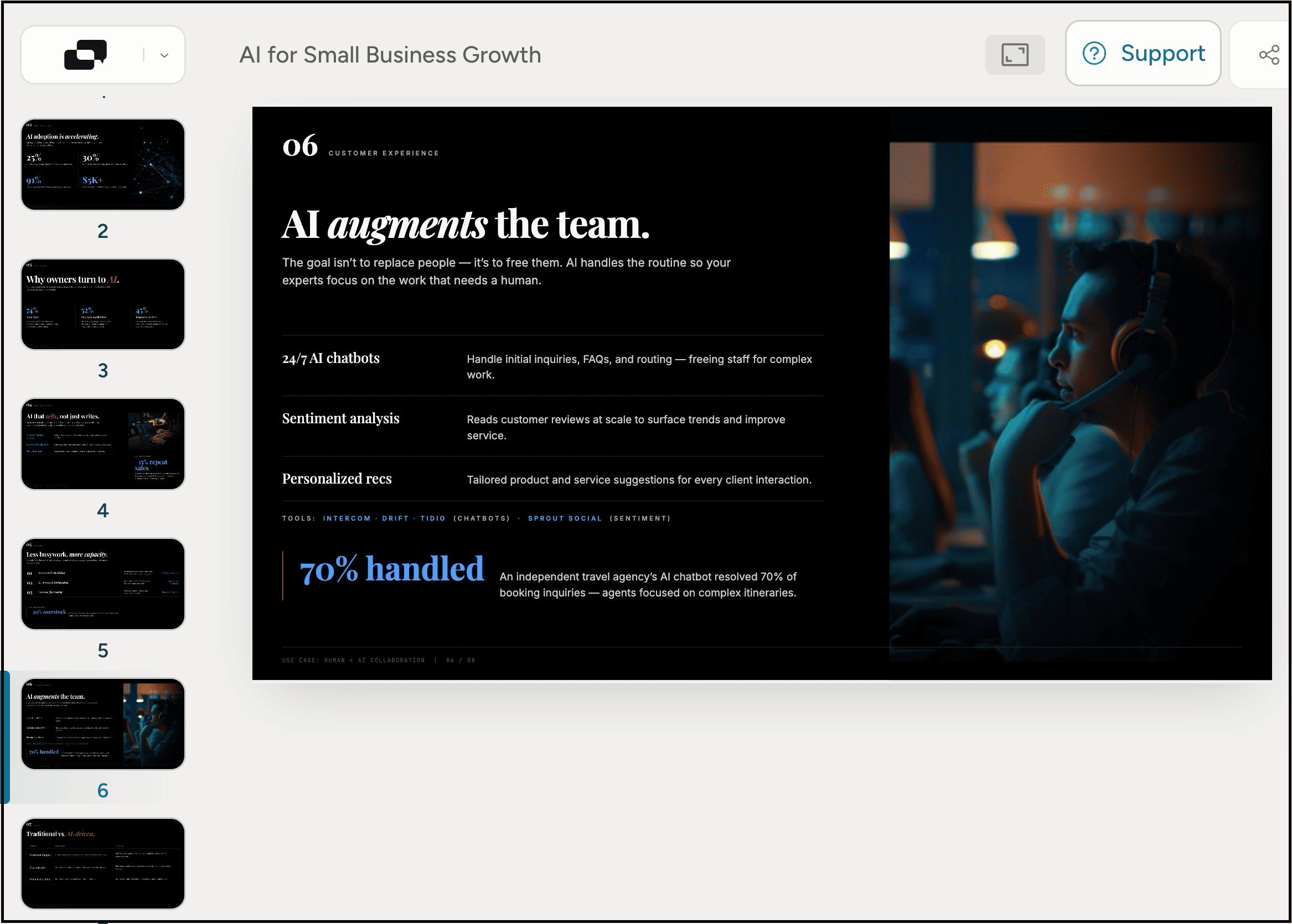
As you can see, the design is better than many of the previous tools I recommended, but you still need to review the content, adjust the messaging, and make it your own.
Best For:
Students
Business presentations
Sales pitches
Marketing presentations
Anyone who wants to create presentations faster
After spending time testing these tools, here’s the simplest recommendation I can give.
Use Decksy if you want the best overall combination of AI-generated content, presentation design, and ease of use.
Use Julius AI if your presentation is built around spreadsheets, reports, research, or other data, and you want AI to understand the information before turning it into presentation-ready slides.
Use Presentations.ai if you’re creating business presentations, sales decks, or investor pitches where structure and professionalism matter.
Use Gamma if your priority is generating beautiful, modern-looking presentations as quickly as possible.
Use Canva if you already use Canva for your design work and want everything in one ecosystem.
Use Pitch if you regularly collaborate with teammates and need built-in sharing, feedback, and version control.
Use Alai if you want more control over branding and design systems while still using AI to speed up presentation creation.
If you’re completely new to AI presentation makers, I’d start with Decksy, Julius AI, Presentations.ai, or Canva. Together, they offer the best balance of content quality, presentation design, flexibility, and ease of use.
That said, don’t expect any AI presentation maker to create the perfect presentation with a single prompt. You’ll still need to review the content, refine the messaging, replace generic examples, and make the presentation your own.
What these tools really save you is the time spent creating slide layouts, organizing ideas, and formatting everything manually, so you can focus on improving the content and delivering a presentation that people actually enjoy watching.
Hope you like it.
That’s it — thanks.
If this resonated with you, share it with someone who needs to read it or repost it, since most people want to learn practically about AI but won’t access posts like this.
And that’s where you can help someone you care about use AI practically and get ahead.
Comments
Nothing yet. Say the first thing.
Sign in to join the conversation.