
AI coding tools have become a regular part of my workflow.
But recently I ran into a simple problem: I keep reusing the same prompts.
Whether it’s research, data analysis, brainstorming, or content creation, some prompts are too useful to lose inside old chat histories.
So I decided to build a simple Chrome extension that could save, organize, and reuse prompts directly from the browser.
Then I had ChatGPT, Claude, and Gemini build it for me.
To keep things fair, I gave all three AI models the same project brief.
The extension needed to:
Use Chrome Manifest V3
Store data locally
Require no account or server
Save prompts with titles
Display saved prompts in a popup
Allow editing and deleting prompts
Copy prompts to the clipboard
I also evaluated more than just whether the code worked.
I looked at:
Ease of use
Quality of explanations
Completeness of the project
Improvement suggestions
Overall usefulness
For testing, I used:
GPT-5.5 (ChatGPT Free)
Claude Sonnet 4.6
Gemini 3.5 Flash
ChatGPT got me from idea to working prototype in just a few minutes.
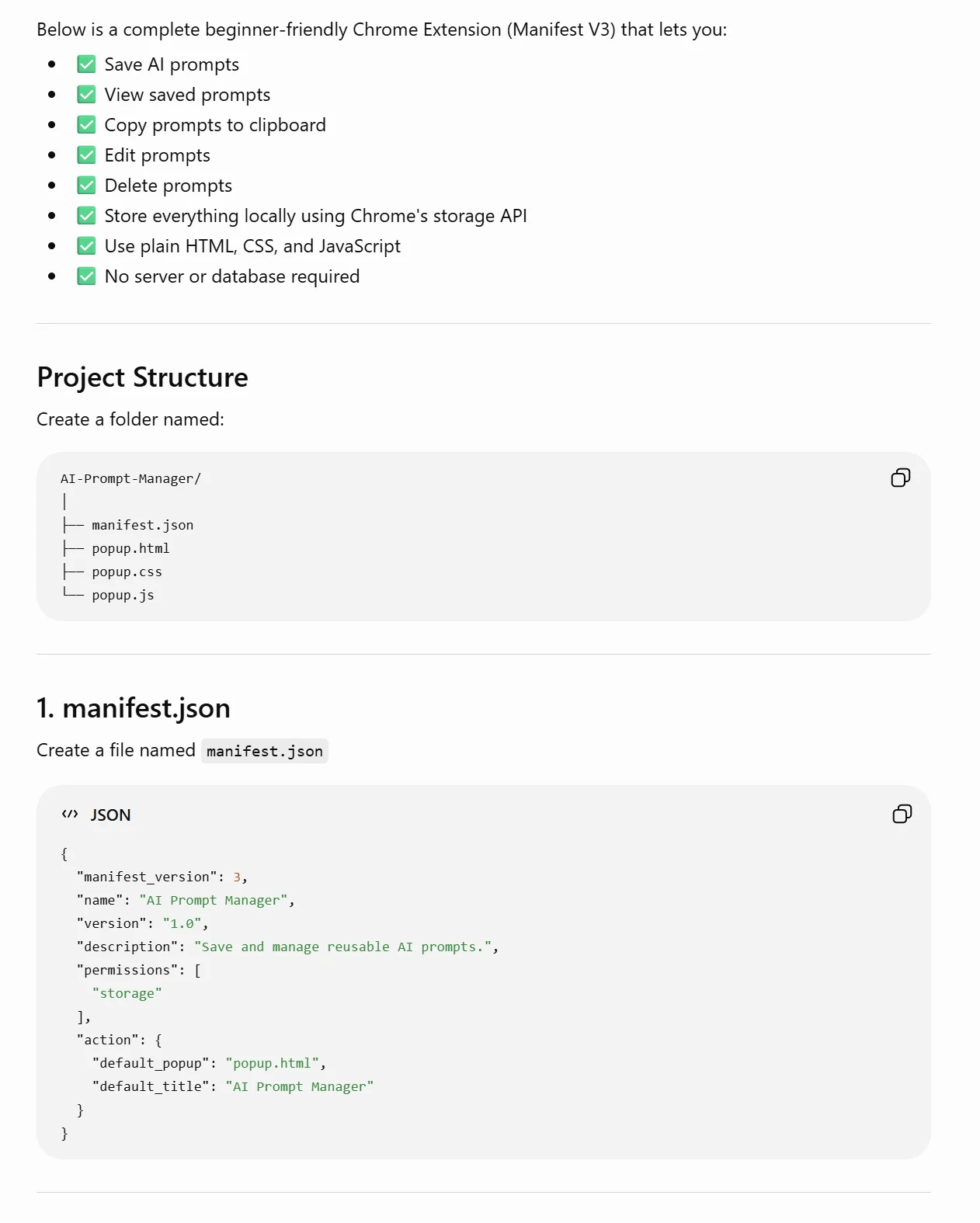
The generated extension handled all the basic requirements:
Save prompts
View prompts
Copy prompts
Delete prompts
The instructions were easy to follow, making it a great option for beginners.
The biggest weakness was depth.
ChatGPT explained what to do, but not always why the code worked. If you’re trying to learn extension development rather than simply build something, you’ll likely want more detail.
It also missed one feature I immediately wanted: inserting saved prompts directly into active text fields instead of relying on copy-and-paste.
To its credit, ChatGPT suggested this as a future improvement along with several other useful upgrades.
Gemini’s output felt the most organized.

The code was clearly presented, the file structure was easy to understand, and the setup instructions were excellent.
For someone building their first Chrome extension, Gemini probably offered the smoothest learning experience.
The extension itself worked well and delivered the core functionality I requested.
Where Gemini stood out was in explaining the architecture behind the project.
It spent more time helping me understand:
File organization
Extension structure
Chrome setup
How individual components worked
The downside was that its improvement ideas felt more conservative.
It focused on explaining the project rather than expanding it.
Claude took the longest, but it produced the strongest result.
Instead of delivering only code snippets, Claude packaged the project into a complete ZIP file.
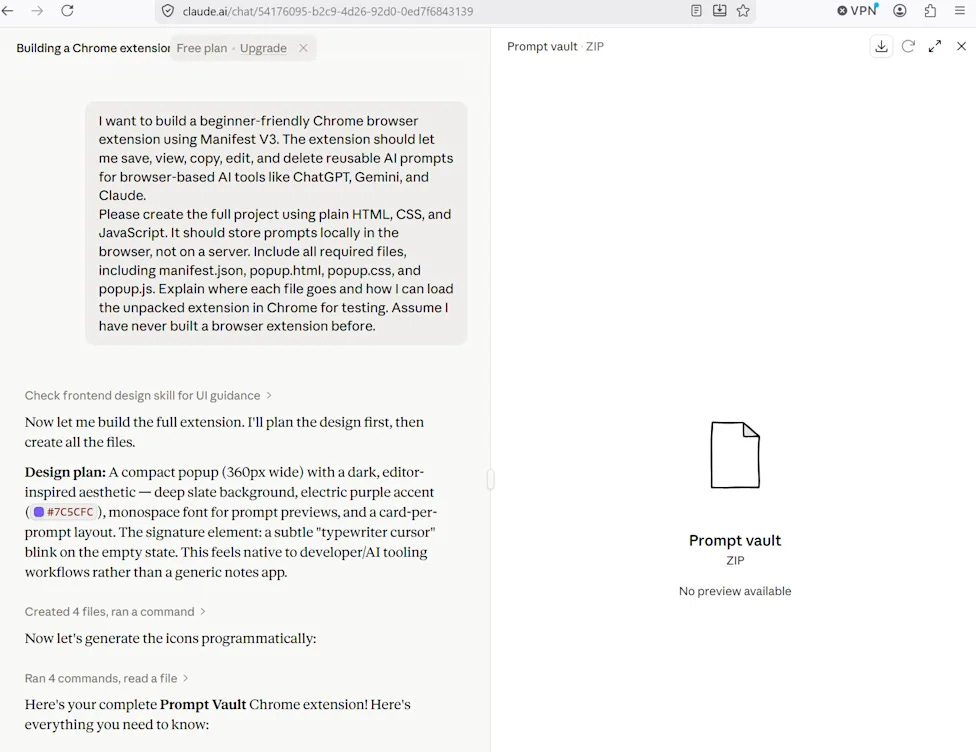
The extension immediately felt more polished.
Beyond the requested functionality, Claude added:
Search
Tags
Better prompt organization
User feedback messages
Dark mode styling
A cleaner interface
These additions mattered more than I expected.
Once you save dozens of prompts, finding them becomes just as important as storing them.
Claude clearly thought beyond the assignment and focused on solving the real-world problem.
The tradeoff was that it explained less.
Compared with ChatGPT and Gemini, Claude assumed more trust from the user and spent less time teaching how everything worked.
For this specific project, Claude came out ahead.
Not because it explained the code best.
Not because it was the fastest.
Because it built the extension I would actually continue using after the test ended.
ChatGPT was the easiest to follow.
Gemini was the best teacher.
Claude delivered the most practical tool.
This test highlighted something important about modern AI coding assistants.
The competition is no longer about generating code.
All three models can generate code.
The real difference is how they approach the problem.
Some optimize for education.
Some optimize for speed.
Some optimize for the final product.
The best AI coding tool depends on what you’re trying to achieve.
If you want to learn, Gemini may be the better choice.
If you want a quick prototype, ChatGPT is hard to beat.
But if your goal is to end up with the most polished first version of a real application, Claude currently has a strong case.

Meta has removed a new Instagram AI feature just days after launch following widespread criticism from users and creators. The tool, part of Meta’s new Muse Image generator, allowed people to create AI-generated images by tagging public Instagram accounts for inspiration. Many users objected to having their photos used in AI creations without notification, while others warned the feature could be abused to generate misleading or inappropriate content.
In response to the backlash, Meta admitted the feature had “missed the mark” and discontinued it entirely. The decision comes amid growing scrutiny over how AI companies use public content and highlights the challenges platforms face when balancing AI innovation with privacy, consent, and creator rights.

Researchers at cybersecurity firm Tracebit have discovered a new defensive technique called “context bombs” that can disrupt AI-powered hacking agents. The approach works by feeding AI attackers specially crafted prompts that trigger the model’s own safety guardrails, causing it to halt or abandon its task. In testing, the researchers found that context bombs could significantly reduce the effectiveness of autonomous AI attacks.
The technique can be tailored to different AI models. For example, references to politically sensitive topics such as Tiananmen Square were effective against some Chinese AI models, while biological safety-related content proved more successful against leading Western models. While context bombs are not a complete solution, the researchers believe they could become a useful tool for defending sensitive systems as AI-driven cyberattacks become more common.

Connected Papers helps you see how academic papers are connected to each other.
It is useful when starting a literature review because it shows related papers, important references, and research clusters visually.
That’s it for today.
The AI race is accelerating - new breakthroughs, new tools, and new possibilities are appearing faster than ever.
The biggest risk isn’t AI replacing you. It’s someone using AI better than you.
Until next time: stay curious, stay ahead, and keep exploring the future of intelligence.
No posts
Comments
Nothing yet. Say the first thing.
Sign in to join the conversation.