
Let’s dive back into Affinity after my maternity leave with a few “assets for encouragement” :) Today I’m releasing a small set of underwater-themed assets for my paid Substack members. I’ve been dabbing into more realistic non-fiction illustrations mixed with graphic decorative elements and textures - perhaps this will inspire you too to expand your portfolio?
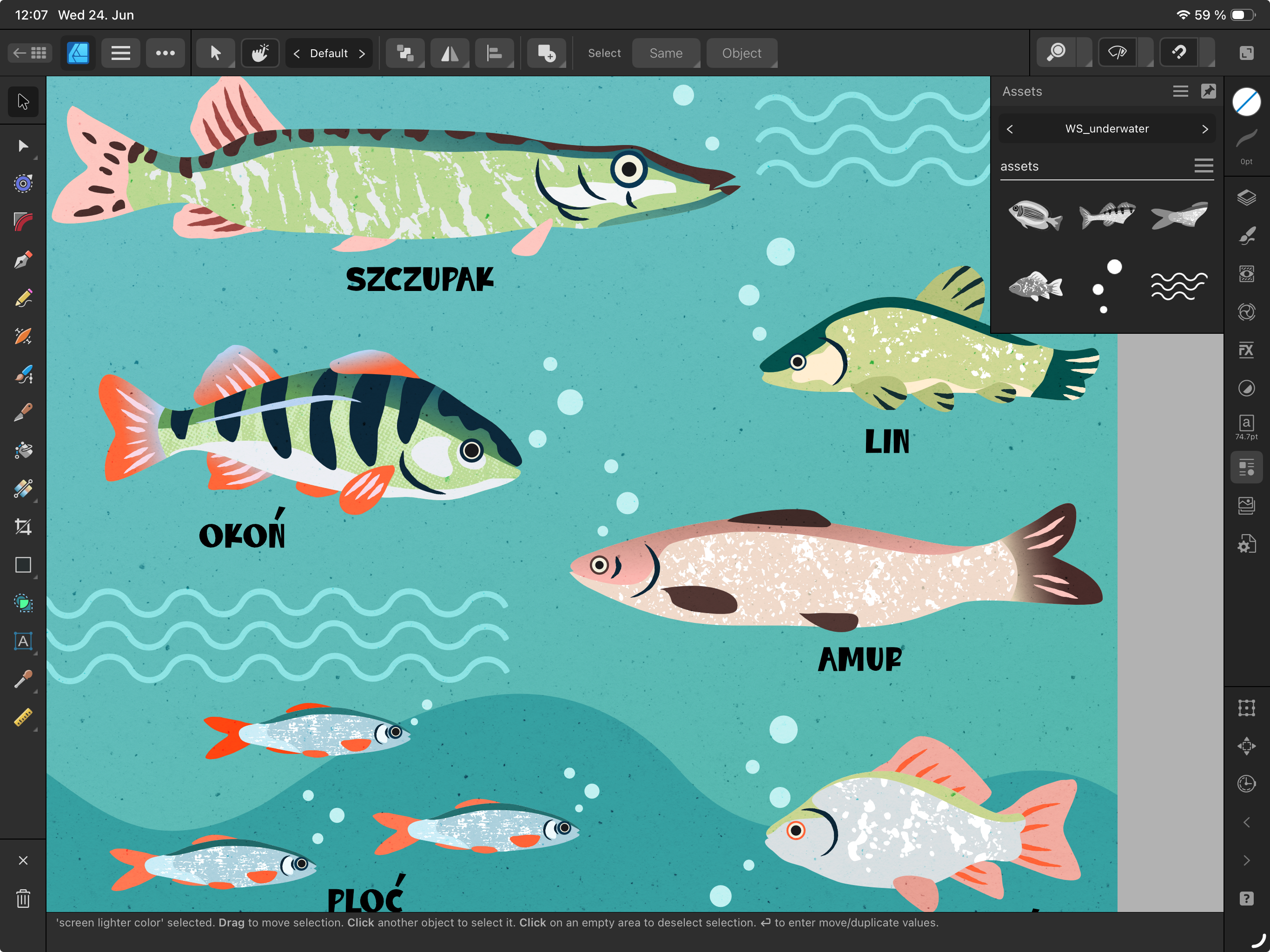
4 hand-drawn fish, all vector based and with vector-based textures inside the shapes, for your own exploration
bubbles and waves for fast copy paste into your illustration
Thank you so much for supporting me and my blog publication! Ready to download? :)
PS: these also work for Affinity V3 on my desktop!
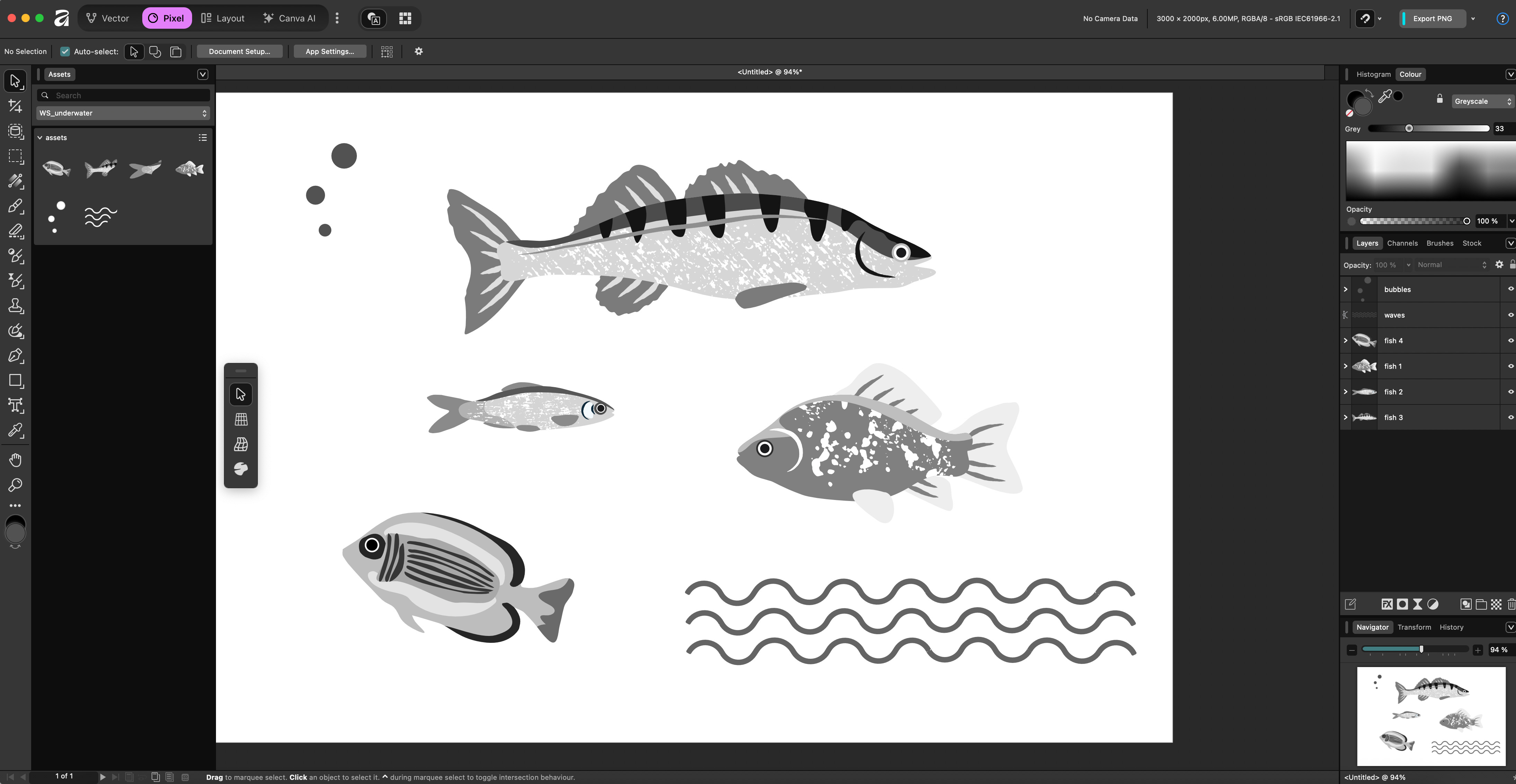
Open Affinity - I am currently on the iPad V2
Navigate to the Assets Studio - right-side menu on the iPad. For the desktop you need to activate the Assets view from the Window > Assets area.
Click on the hamburger menu in the top right of the panel and choose Import Assets. Those need to be saved somewhere first, either in a file on your iPad/computer, or to your cloud storage.
They will magically appear in your assets library!
Comments
Nothing yet. Say the first thing.
Sign in to join the conversation.