
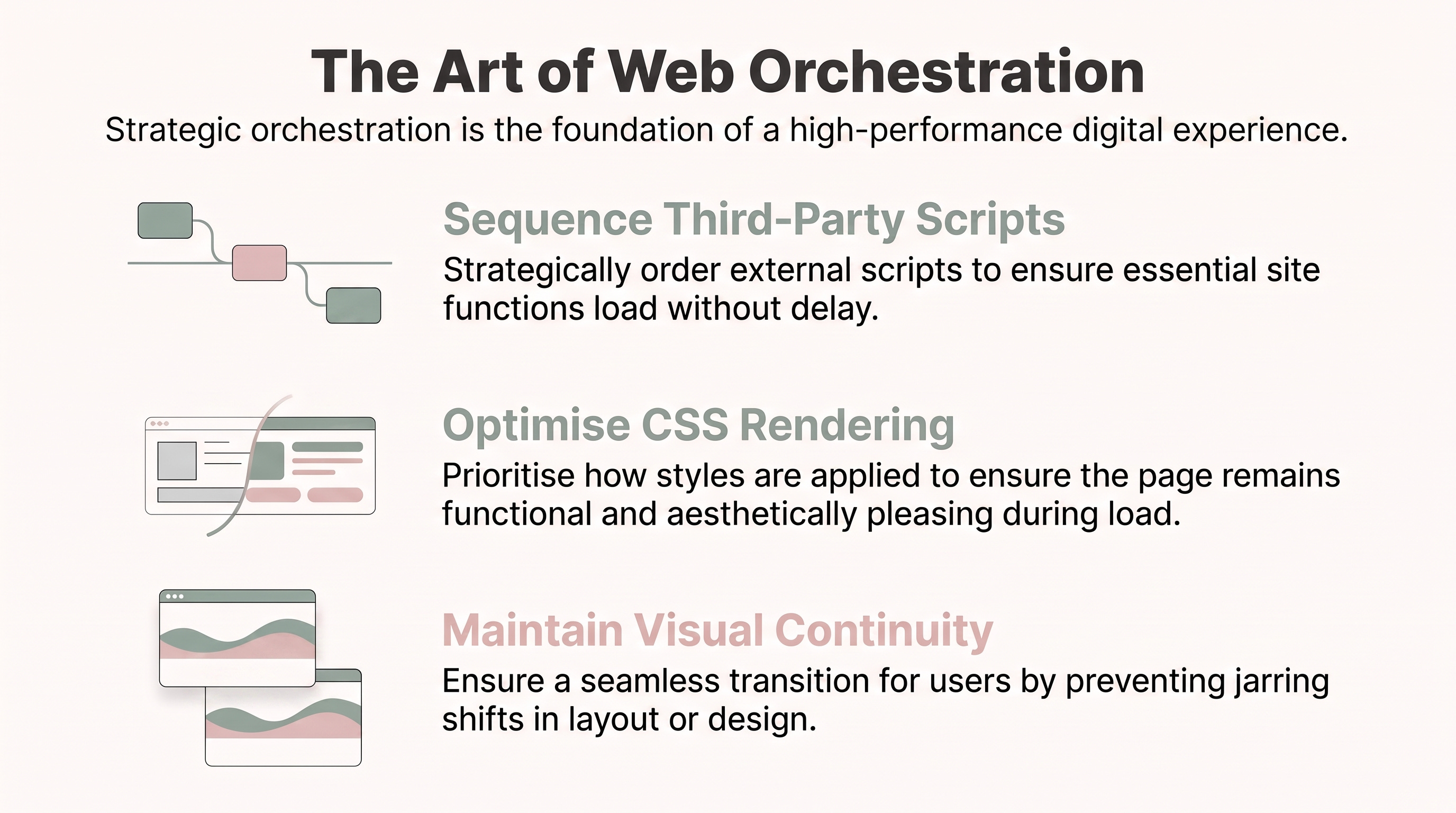
We have all experienced the frustration of visiting a website that feels “heavy”. You click a link, and instead of content, you are met with a stuttering scroll, a shifting layout, or a screen that remains blank while the browser struggles to process a mountain of invisible data. For a user, these delays are not just minor inconveniences; they are a signal to abandon the site entirely.
In the early days of the internet, performance was often a simple matter of file size. To make a site faster, you simply made the images smaller. Today, web development is as much about orchestration as it is about coding. As developers, we must act as conductors of a complex symphony: managing local styles, external scripts, and font files to ensure they arrive and execute in an order that prioritises the human experience.
To build a high-quality site, you must learn to optimise how resources are requested and rendered. This post covers the most impactful takeaways for keeping your sites fast and legible, ensuring your first impression is never a slow one.
A third-party (3P) resource is any content consumed by your site that is located on another domain. This includes analytics, map embeds, social media widgets, and advertising scripts. While these tools add value, they are a primary cause of performance degradation. Data shows that over 94% of web pages use third-party resources, which often block the main thread and require multiple network round trips.
To mitigate these risks, you must act as a strict gatekeeper. Before adding a new package, I recommend using tools like Bundlephobia to audit the performance tax of any npm package. Once you decide a script is necessary, you must control its loading behaviour:
defer: The script is fetched in parallel while the HTML parser runs, but execution is delayed until the DOM construction is complete. This should be your default choice for non-critical scripts.async: The script is fetched in parallel but executes as soon as it is available, blocking the parser during execution. Use this only for scripts that must run early, such as critical analytics.
A senior specialist’s secret is knowing that async and defer naturally lower a resource’s priority. If you need to override this, consider using Priority Hints (fetchpriority) to give the browser explicit instructions on what to fetch first. When used alongside connection-warming techniques, the results are significant:
“The real-world metrics showed a 400ms improvement at the median and greater than 1s improvement at the 95th percentile.” (Davies, as cited in Patterns.dev, n.d.). Reference: Patterns.dev. (n.d.). Optimize loading third-parties. https://www.patterns.dev/vanilla/third-party
Modern browsers have introduced a powerful CSS property called content-visibility that became Baseline Newly available as of September 2024. This property allows the browser to skip the rendering work (specifically layout and painting) for elements that are currently off-screen.
By applying content-visibility: auto, you can achieve up to a 7x rendering performance boost during the initial page load because the work is deferred until the user actually scrolls near the element.
Pro Tip: Pair content-visibility: auto with contain-intrinsic-size. This provides the browser with a placeholder height for the element, preventing the scrollbar from “jumping” and the layout from shifting as the content is eventually rendered.
This is an “additive” benefit; supported browsers see a massive gain, while older ones simply ignore it and render normally. It is a “no-brainer” for modern performance.
“Layout shift” often occurs when a primary web font fails to load quickly, causing the browser to swap in a fallback typeface that occupies a different amount of space. This ruins legibility and shifts content under the user’s cursor.
The font-size-adjust property, which reached Baseline 2024 status in July, allows us to match the “aspect value” of our fallback font to our primary font. The aspect value is the ratio of the height of lowercase letters (x-height) to the font size.
Technically, the browser calculates the adjusted size using the formula: u = (m / m’) s (Where m is the aspect value of the primary font, m’ is the aspect value of the fallback, s is your specified font-size, and u is the new adjusted size applied to the fallback).
“Legibility of fonts, especially at small font sizes, is determined more by the size of lowercase letters than by the size of uppercase letters.” (MDN Web Docs, 2026). Reference: MDN Web Docs. (2026, May 23). font-size-adjust. https://developer.mozilla.org/en-US/docs/Web/CSS/Reference/Properties/font-size-adjust
By ensuring the lowercase letters of a fallback font like Times match the x-height of a primary font like Verdana, you maintain visual continuity and readability even on slow connections.
Managing scripts manually is complex, which is why modern frameworks like Next.js utilise Conformance. Conformance is a system that codifies best practices into rulesets that prevent performance “anti-patterns” from being introduced in the first place.
The Next.js Script component simplifies orchestration through three main strategies:
beforeInteractive: For critical scripts (like bot detection) that must run before the page is interactive.afterInteractive: The default (equivalent todefer) for scripts that can wait until the page is usable.lazyOnload: For non-essential scripts that should only load during browser idle time.
For developers looking to push boundaries, experimental tools like Partytown can move intensive third-party scripts entirely off the main thread and into web workers, ensuring the user’s browser remains responsive.
Performance is as much about “perceived speed” as it is about raw data. Resource hints like dns-prefetch and preconnect act as a “warm-up” for the browser, establishing connections to third-party domains before the resource is even requested.
For heavy content like YouTube embeds or Google Maps, the facade pattern is essential. This involves loading a static image or a lightweight “preview” that looks like the real element. The heavy assets are only fetched once the user interacts with the preview.
Warning: If you implement a YouTube facade, be aware of a specific quirk on iOS and Safari macOS 11+: users will have to tap twice, once to load the embed and a second time to actually play the video.
Achieving high performance is not a one-time task; it is a continuous process of auditing, sequencing, and refinement. As the web grows more complex, the ability to conduct these various resources (from fonts to third-party trackers) becomes the hallmark of a professional developer.
By being intentional about what you ask the user’s browser to do, you build a more resilient web. As you look at your current projects, ask yourself: Is this third-party dependency truly worth the performance tax it levies on your users, or is it time to take back control of your orchestration?
Thank you for reading… :D
Comments
Nothing yet. Say the first thing.
Sign in to join the conversation.