
Hey friends 👋
Welcome to another Signal Pro workflow issue.
Earlier this week I posted an infographic on LinkedIn built from Anthropic’s Economic Index data. The colours, typography, even the spacing between the data points—all of it matched Claude’s own brand closely. And whilst the designing was done by Claude Design, that didn’t mean it could, off the back, perfectly emulate the Claude brand palette one-for-one. The reason I was able to achieve this was through building your very own design system within Claude Design. Today I’ll show you exactly how it works.
Claude Design is Anthropic’s design workspace. I like to think of it as Figma or Canva on steroids—and much more intuitive too, given you drive it using both the chat interface on the left and an interactive canvas on the right.
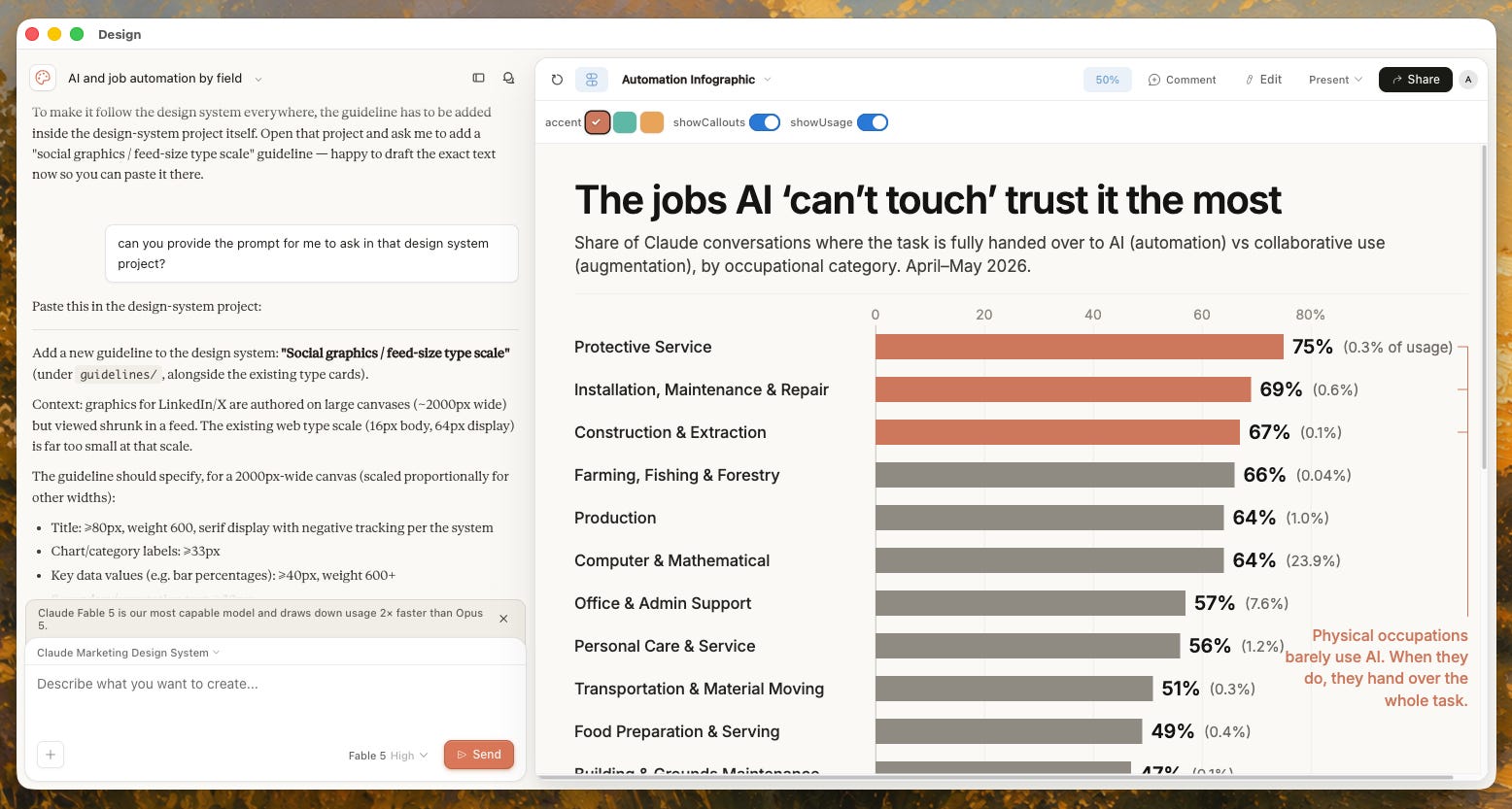
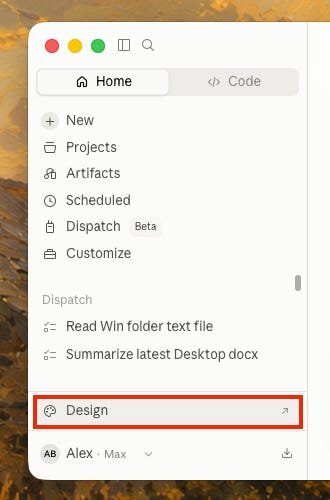
It can replicate the design styles and palettes of different brands across your own assets. It’s available in both the Claude Desktop app and web app, by clicking the sidebar in Claude and you’ll find Design sitting in the bottom-left corner.
Next to the templates sits a design system dropdown, and I’d say it’s the most important part of the whole product.
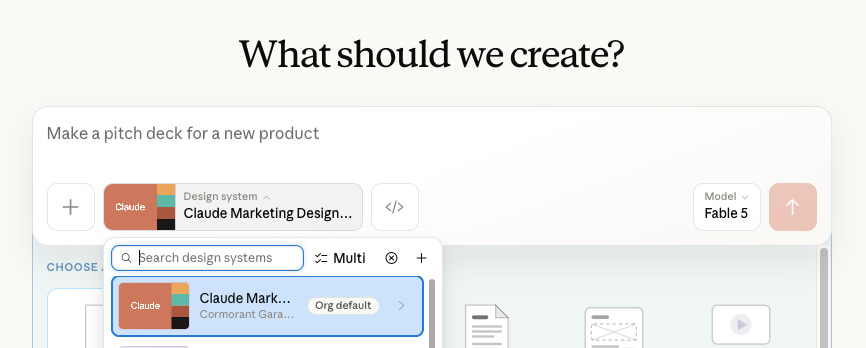
A design system tells Claude Design exactly how everything it makes should look, whether it be the colours, the typography, the spacing, the shapes, or even how a form field behaves when you interact with it.
Now Claude provides some ready-made systems, a bit like Microsoft PowerPoint or Google Slides handing you themes to pick from.
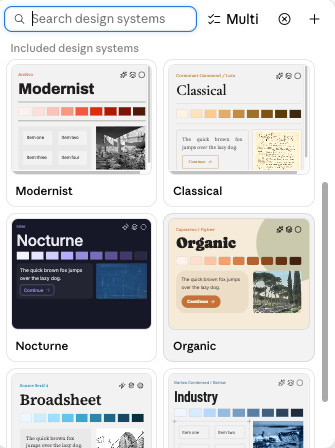
They’re perfectly fine to use, but we want to differentiate, as so much AI-generated design is recognisable as AI-generated. We have two routes to elevate this. Either we can build one around our own brand, or borrow from companies whose design you admire.
As the saying goes, “good artists borrow, great artists steal”, so we’ll begin with the borrowing route. There’s a public GitHub repository holding ready-made design system files for dozens of recognisable brands: Claude, Cohere, ElevenLabs, Cursor, Cal.com, Apple, Airtable, Airbnb and plenty more. Each one is a single .md file (plain text, the same format as the Cowork context files) that you upload once, and Claude Design rebuilds that brand’s entire visual language for you to create with.
I tested it with Claude’s own design system, partly because I love their warm, minimal style and partly because it provides a great litmus test to see how the markdown files behave in Claude Design. Five minutes after uploading one file, Claude Design had produced the complete system from brand foundations, colour accents, typography, down to the specific font families and a sample marketing site that sits remarkably close to the real claude.com.
Here’s the exact setup I use, step by step, from the file I uploaded to the prompt that produced the finished infographic. Copy it and everything you make in Claude Design from here on comes out looking like your brand made it.
Comments
Nothing yet. Say the first thing.
Sign in to join the conversation.