
You’ve probably seen it everywhere, AI this, AI that. Photoshop has rolled out a whole suite of AI-powered tools over the last couple of years: Generative Fill, Generative Upscale, Harmonize, Generate Background. The list keeps growing. And if you’re working through one of our courses, you might be wondering why we haven’t covered any of it.
Fair question. Here’s the honest answer.
At Longina Phillips Designs, we don’t just teach textile design we do it, every day, for real clients. So when Adobe started releasing these AI tools, we didn’t just read about them. We sat down and tried to use them the way we’d use any other tool: to create work that meets the standard our clients expect.
And the truth is, they’re not there yet.
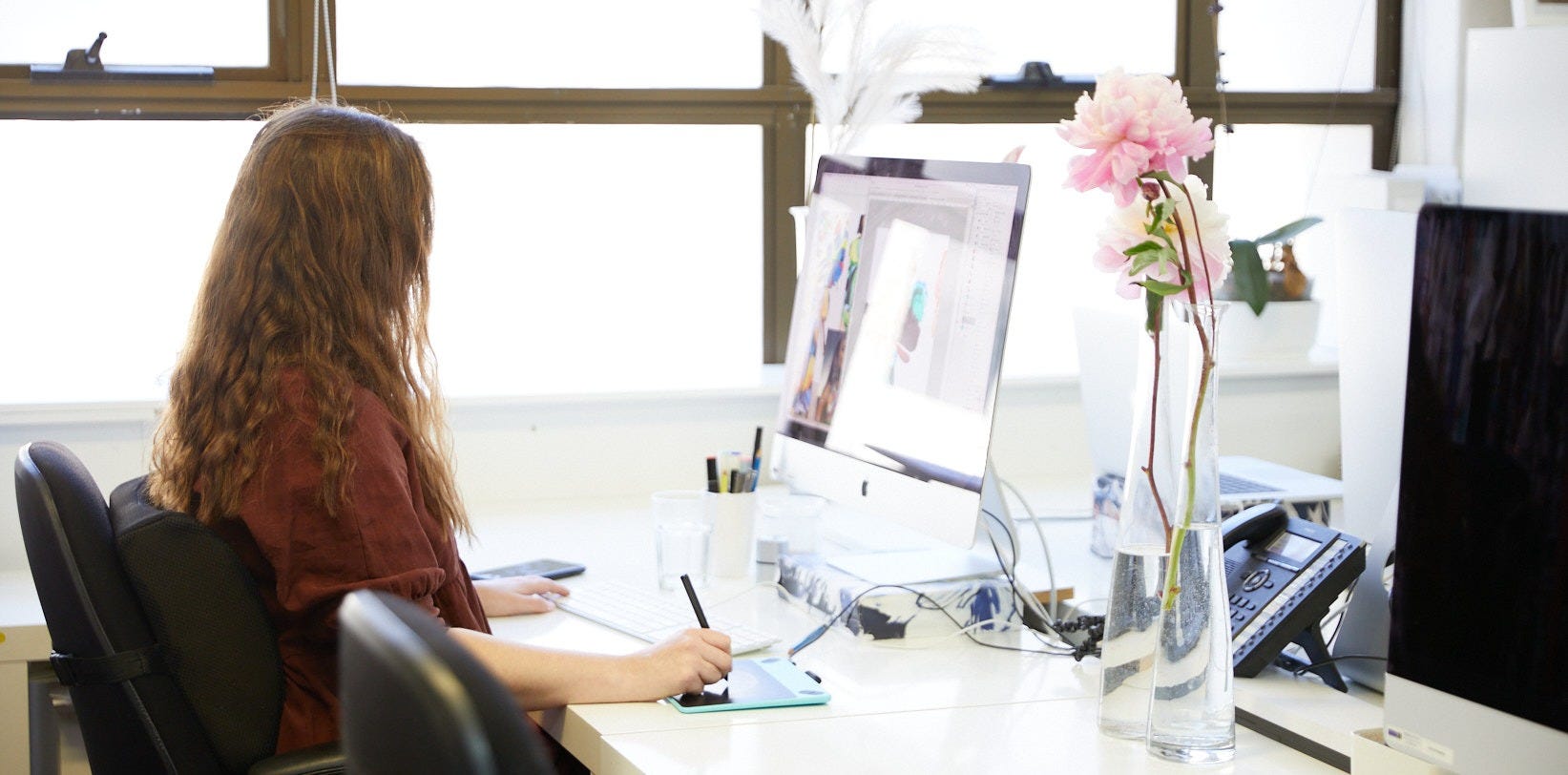
The outputs lack the precision we need. The colour accuracy isn’t reliable enough for production work. When you’re designing a repeat that’s going to be printed on thousands of metres of fabric, “close enough” doesn’t cut it. We need exact. We need consistent. And right now, these tools give us neither.
We Only Teach What We Actually Use
This is something we feel strongly about. There are plenty of courses out there that will teach you the latest shiny feature because it makes for a good thumbnail. That’s not what we do.
Everything in our courses is something we use in the studio. Every technique, every shortcut, every workflow it’s been tested in real production, on real briefs, for real clients. If we haven’t used it ourselves and found it reliable, it doesn’t go in the course. Simple as that.
That’s not going to change just because a feature has “AI” in the name.
We want to be clear about this: we’re not anti-AI. We’re not burying our heads in the sand. We’re watching it very closely, and we revisit these tools with every new update Adobe releases.
The technology is improving. Generative Fill is better now than it was a year ago. Generative Upscale has potential for getting files to print resolution. But “has potential” and “ready for professional use” are two very different things.
When these tools reach a point where we’d genuinely use them in client work that’s when they’ll go into the courses. Not before.
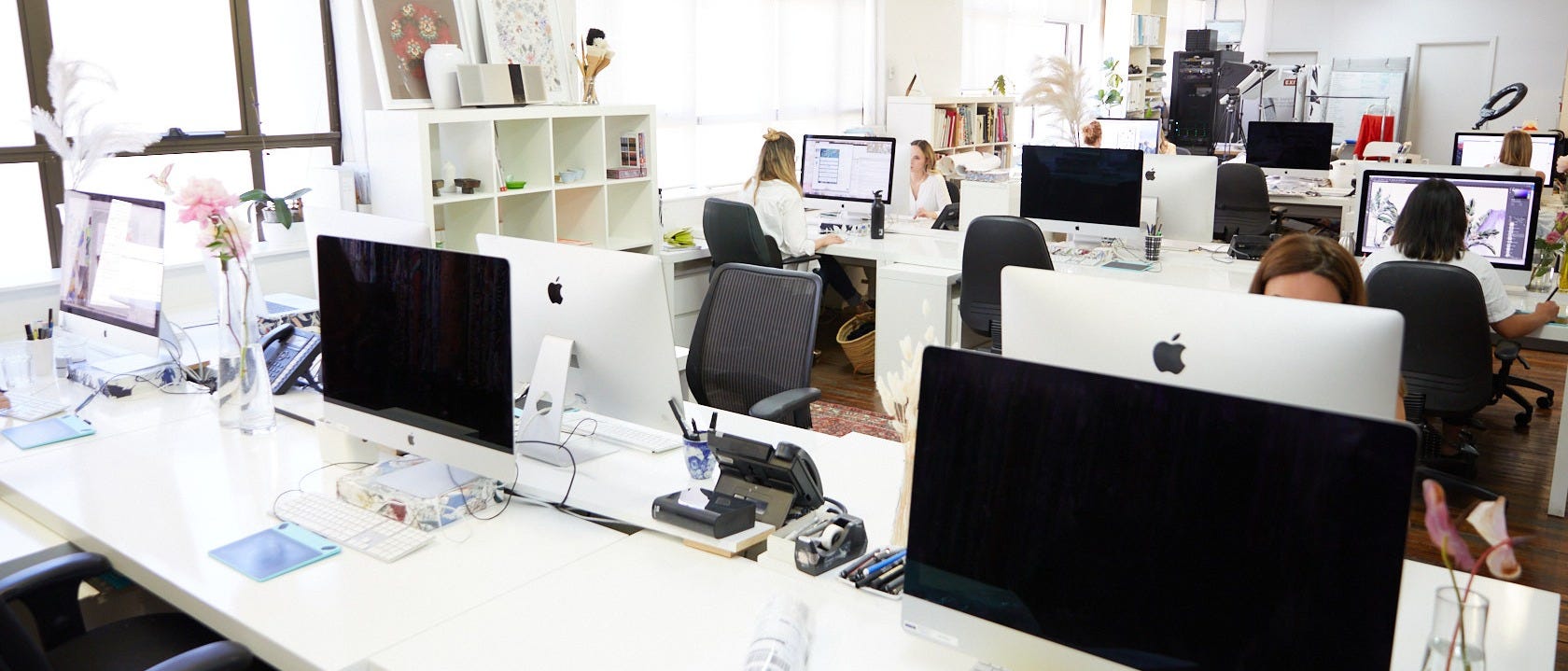
If you’re working through any of our courses, you’re learning the real skills. The ones that actually get used in studios, in production, in the industry. These fundamentals aren’t going to become obsolete. If anything, they’ll become more valuable.
Here’s why: when AI tools do eventually reach a professional standard, the designers who understand the fundamentals, who know what makes a good repeat, who understand colour relationships, who can troubleshoot a file, will be the ones who can use AI effectively. You’ll know what to ask for because you’ll understand what good looks like.
The designers who skipped the fundamentals and jumped straight to AI? They’ll have no way of knowing whether what the tool spits out is actually any good.
Keep going. Seriously. The work you’re doing right now is exactly right. Master the techniques. Build your eye. Get comfortable with the process.
And when Photoshop’s AI tools are ready for the real world, we’ll be the first to tell you and the first to show you how to use them properly.
Until then, trust the process. We’ve got you.
TPS x
No posts
Comments
Nothing yet. Say the first thing.
Sign in to join the conversation.