
Hello, all!
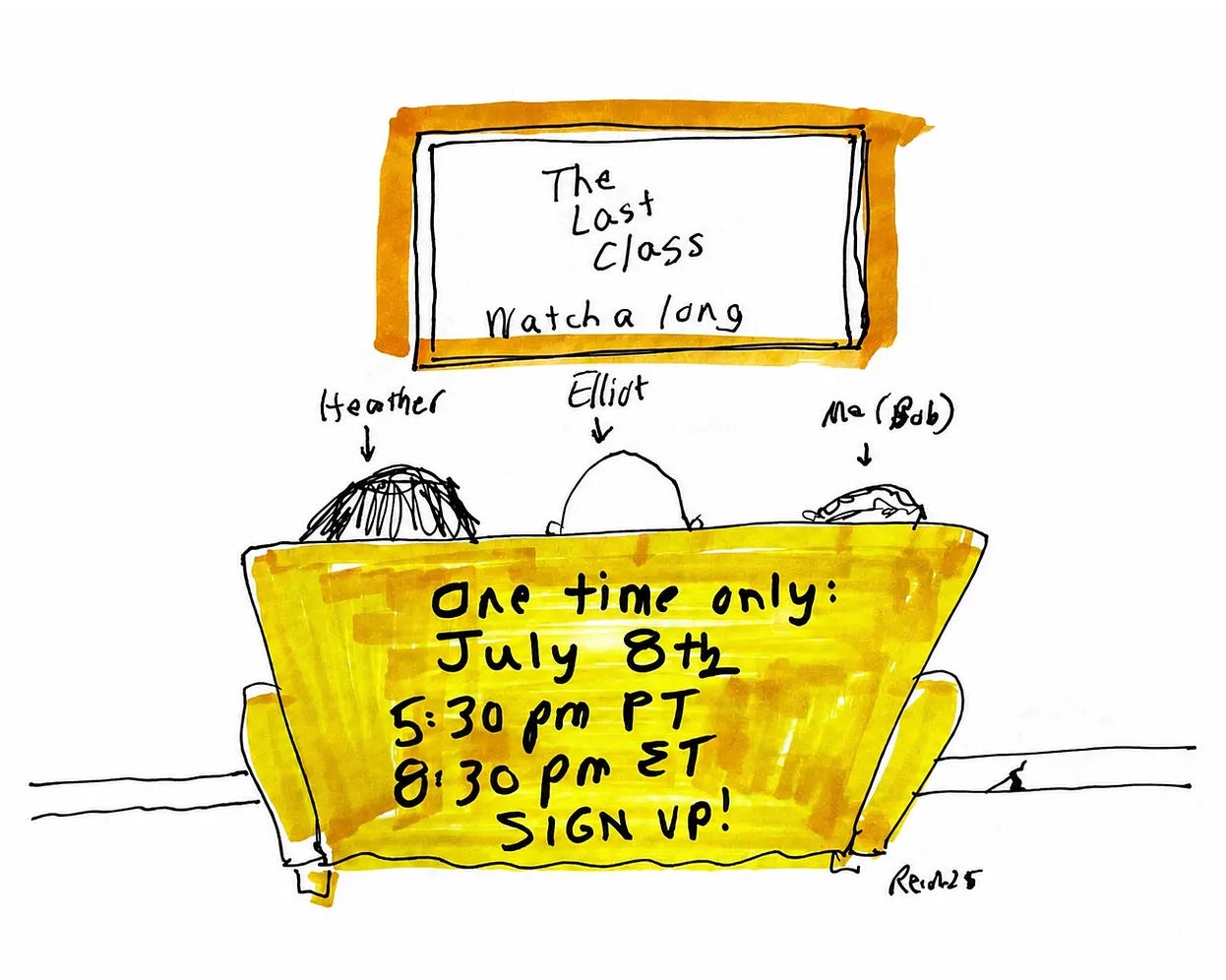
Tonight is the final live online watchalong of The Last Class film about Prof. Robert Reich’s final semester of teaching. We are thrilled that so many of you have signed up to join Prof. Reich and us today at 5:30 p.m. PT / 8:30 p.m. ET for our latest experiment in this wild and improbable run of The Last Class.
Click HERE for the link to the live watchalong of the film which, again, will begin at 5:30 p.m. PT / 8:30 p.m. ET.
The two of us will be watching the film together with Prof. Reich! We will speak before and after the film, and provide a bit of commentary while it plays.
If you haven’t already seen The Last Class, or even if you have, gather with friends for this special one-of-a-kind event!
Here’s what you need to know:
The watchalong is today, Wednesday, July 8 at 5:30 p.m. PT / 8:30 p.m. ET.
The three of us will be watching the film along with you!
At 5:30 p.m. PT/ 8:30 p.m. ET this link will go live with Prof. Reich, Heather, and Elliot.
You can bookmark the link now so you can find it easier later.
Prof. Reich will join us to kick-off the watchalong and offer some live commentary during the film (71 mins).
A short Q&A will follow.
When the event ends, the link for the film will no longer be watchable.
The watchalong is FREE. But for those that can afford it, you’re welcome to donate to support our work.
This is a LIVE event, so there is no ability to pause or rewind the film while watching
Please share this announcement with others. There is no cap on total viewers and we hope to see as many of you as possible.
Watching on your computer (or TV)
Click on the big orange button for the link. It will open in the YouTube app automatically and it will start playing.
The primary way to view the film for this watchalong is on your computer. If you want to get more advanced, here is some more info about watching it on your TV: It’s possible to cast from your computer or phone to your TV, depending on what kind of computer/phone and TV you have. With Mac laptops and a smart TV, for example, you can play the film on your computer and then use “Airplay” to cast it from your computer onto your TV. You might also be able to use an HDMI cable (and an adaptor if you have a Mac with USB-C/Thunderbolt ports) to link your two devices.
Thank you!
See you at the movies,
Heather & Elliot
No posts
Comments
Nothing yet. Say the first thing.
Sign in to join the conversation.