
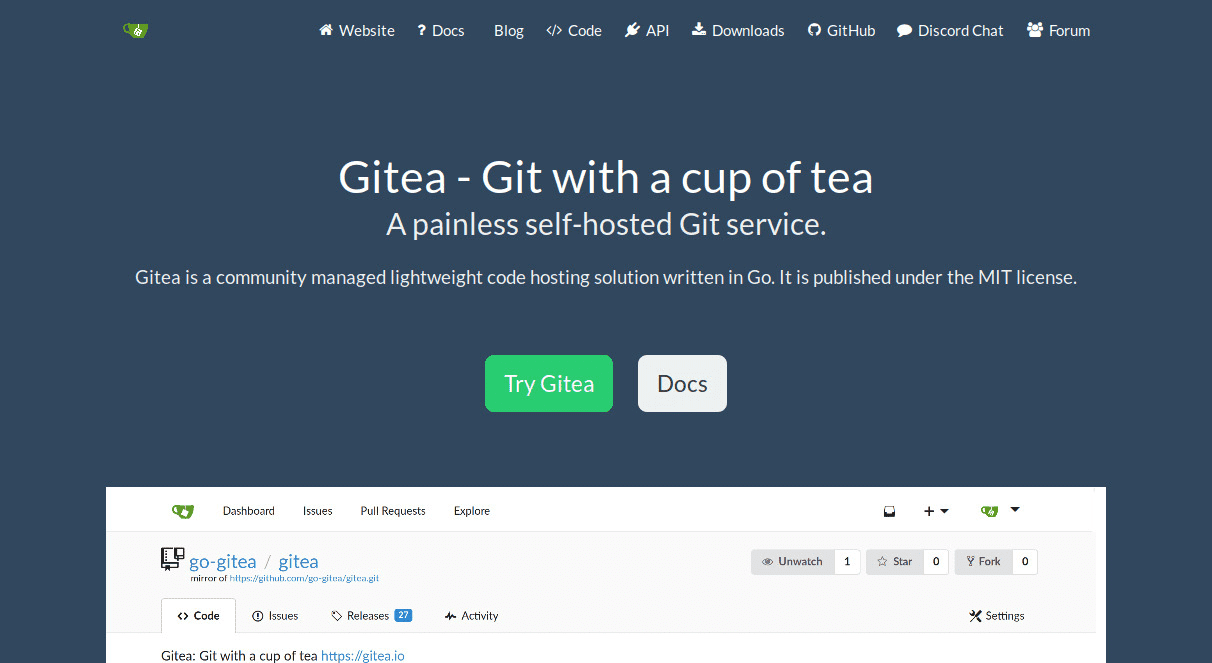
Running web applications from the subdirectory of a URL has its benefits.
There doesn’t seem to be much talk about this
technique.
A series of posts about running my
favorite open source applications from a URL subdirectory sounds like a good
idea.
It’s useful when you need to expose a web application quickly without
provisioning a new subdomain and SSL certificate.
For example let’s run Gitea from the subdirectory of
a domain using nginx We will make Gitea
accessible from a URL of the form https://www.example.com/gitea or
https://www.example.com/git.
To accomplish this, reverse proxy using a separate location block in the nginx
configuration.
We are connecting over a
unix socket to access the Gitea instance. The forward slashes at the end of
the proxy_pass are important and match the location block.
nginx
location /gitea/ {
    proxy_pass http://unix:/opt/gitea/var/lib/gitea/gitea.socket:/;
}
Then in Gitea’s app.ini configuration, adjust the server block to match the
location block specified
above.
Be sure that
broad caching and deny directives
are not applied to the reverse proxy location block or you might end up with
strange 404s and exotic behavior.
ini
[server]
PROTOCOL         = unix
SSH_DOMAIN       = example.com
DOMAIN           = http://www.example.com/gitea/
ROOT_URL         = http://www.example.com/gitea/
HTTP_ADDR        = /opt/gitea/var/lib/gitea/gitea.socket
In
future versions of Gitea,
the unix protocol value is deprecated in favour of http+unix.
ini
[server]
PROTOCOL         = http+unix
SSH_DOMAIN       = example.com
DOMAIN           = http://www.example.com/gitea/
ROOT_URL         = http://www.example.com/gitea/
HTTP_ADDR        = /opt/gitea/var/lib/gitea/gitea.socket
A user can access the full Gitea instance from the gitea/ subdirectory of the
URL.
All applications are not created equal and some blow up badly in a subdirectory. Gitea supports this natively from the configuration.
Some applications require elaborate tricks, workarounds, or source code changes that are probably not worth the effort.
Comments
Nothing yet. Say the first thing.
Sign in to join the conversation.