
ChatGPT finally got a job.
Give it a goal, and ChatGPT Work gets context from your files, connected apps, and the web.
Then it plans the work, revises as it goes, and keeps things moving while you’re away.
So you come back to a finished deliverable, not another chat response.
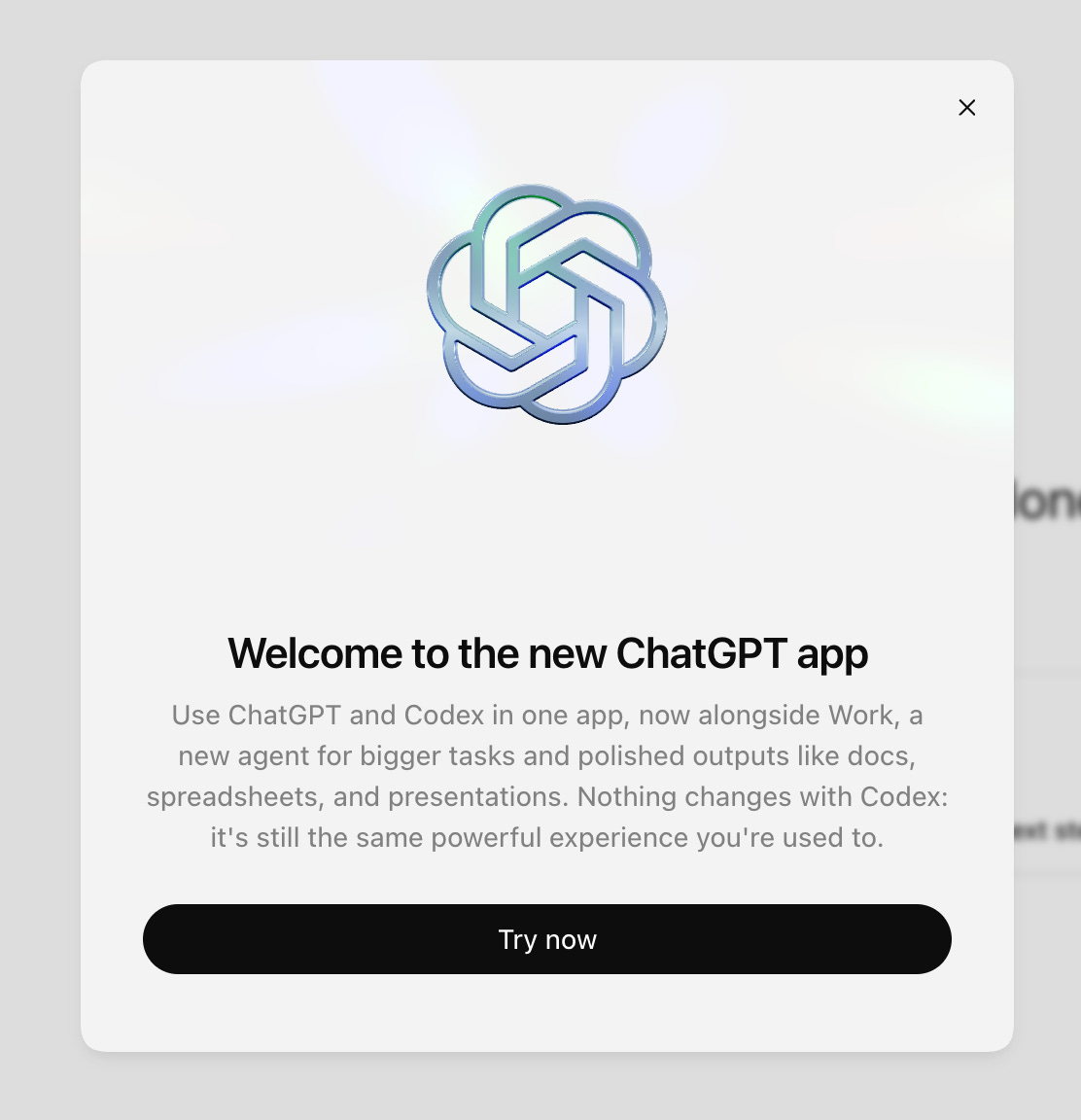
And ChatGPT got a new desktop app that puts Chat, Work, and Codex in one place.
GPT-5.6 brings Sol, Terra, and Luna for demanding, everyday, and quick work.
ChatGPT Work handles research and analysis, then takes the whole project from the first step to the finished result.
A browser inside ChatGPT lets Work do research and tasks online.
ChatGPT Sites builds interactive websites you can share.
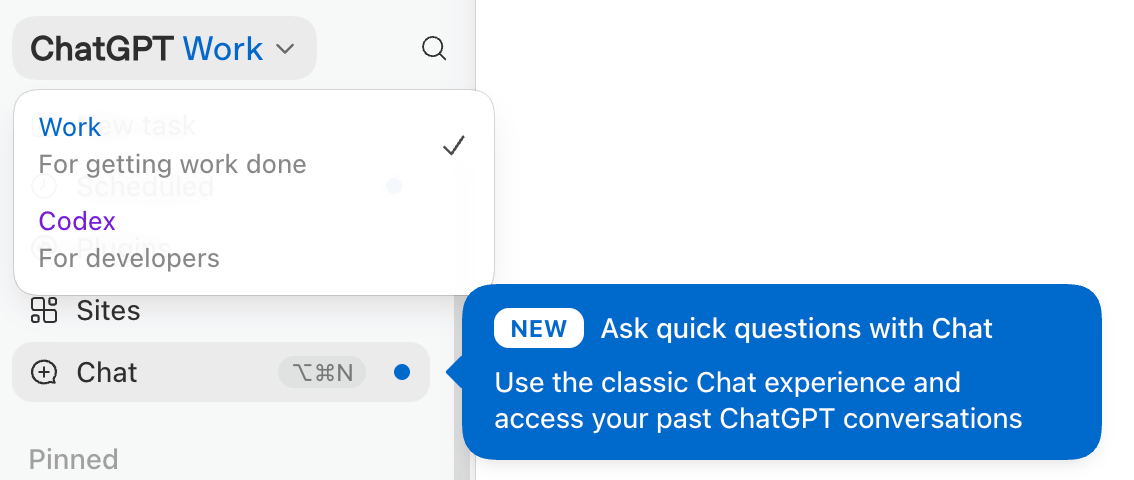
Inside ChatGPT, three different tools handle three different kinds of work.
Chat handles conversations, brainstorming, and quick questions.
Work manages projects and completes the assignment.
Codex runs advanced builds like websites, applications, code, and technical projects.
Start with the assignment, and Work makes a plan, pulls together the relevant files, messages, research, and connected tools, then works through each step.
Work creates:
Documents
Spreadsheets
Presentations
Sites
That’s the difference between asking for help and handing over the task.
GPT-5.6 is here with Sol, Terra, and Luna.
Sol handles the assignments that require serious thinking, deeper research, and several decisions connected together. Give Sol a complicated project and let it work through the details.
Terra handles the everyday work. Drafting, organizing, summarizing, planning, and turning a pile of information into something useful all fit here.
Luna clears the quick tasks. Short answers, simple rewrites, fast summaries, and small jobs that need to get done before they clog up the day.
Terra and Luna are available in ChatGPT Work and Codex, but not in standard Chat conversations.
GPT-5.6 also adds two new reasoning modes for difficult assignments:
Max gives a problem more time to reason before returning an answer.
Ultra divides a complex assignment across subagents, so one project gets a whole crew working through different parts of the task.
The browser works across websites and web-based files.
Work uses the browser to visit websites, compare information, collect details, follow instructions, and bring the results into a larger project.
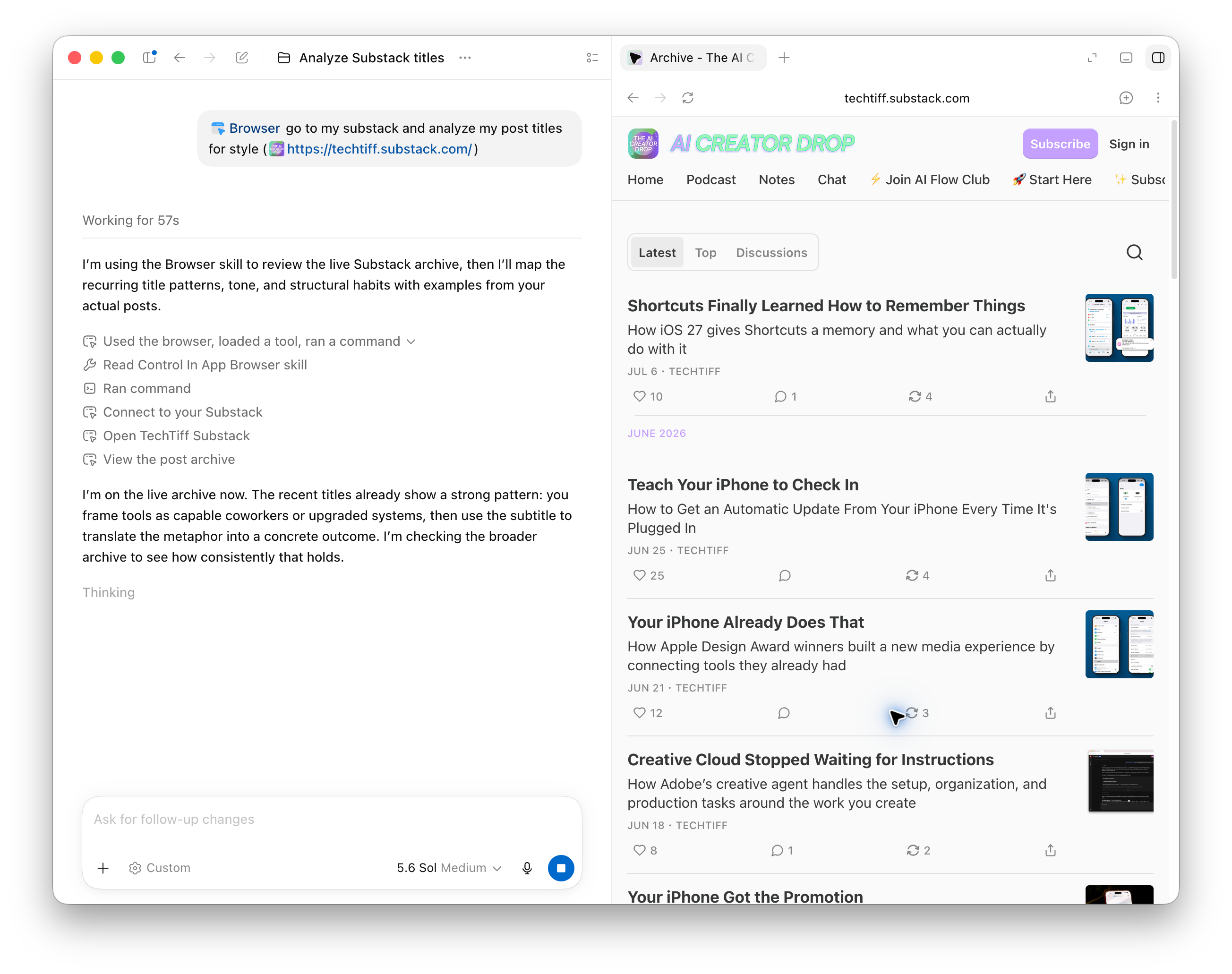
The built-in browser opens web-based files from Google Workspace and Microsoft 365 directly inside the ChatGPT app.
The files Work creates can be opened in the side panel, beside the conversation.
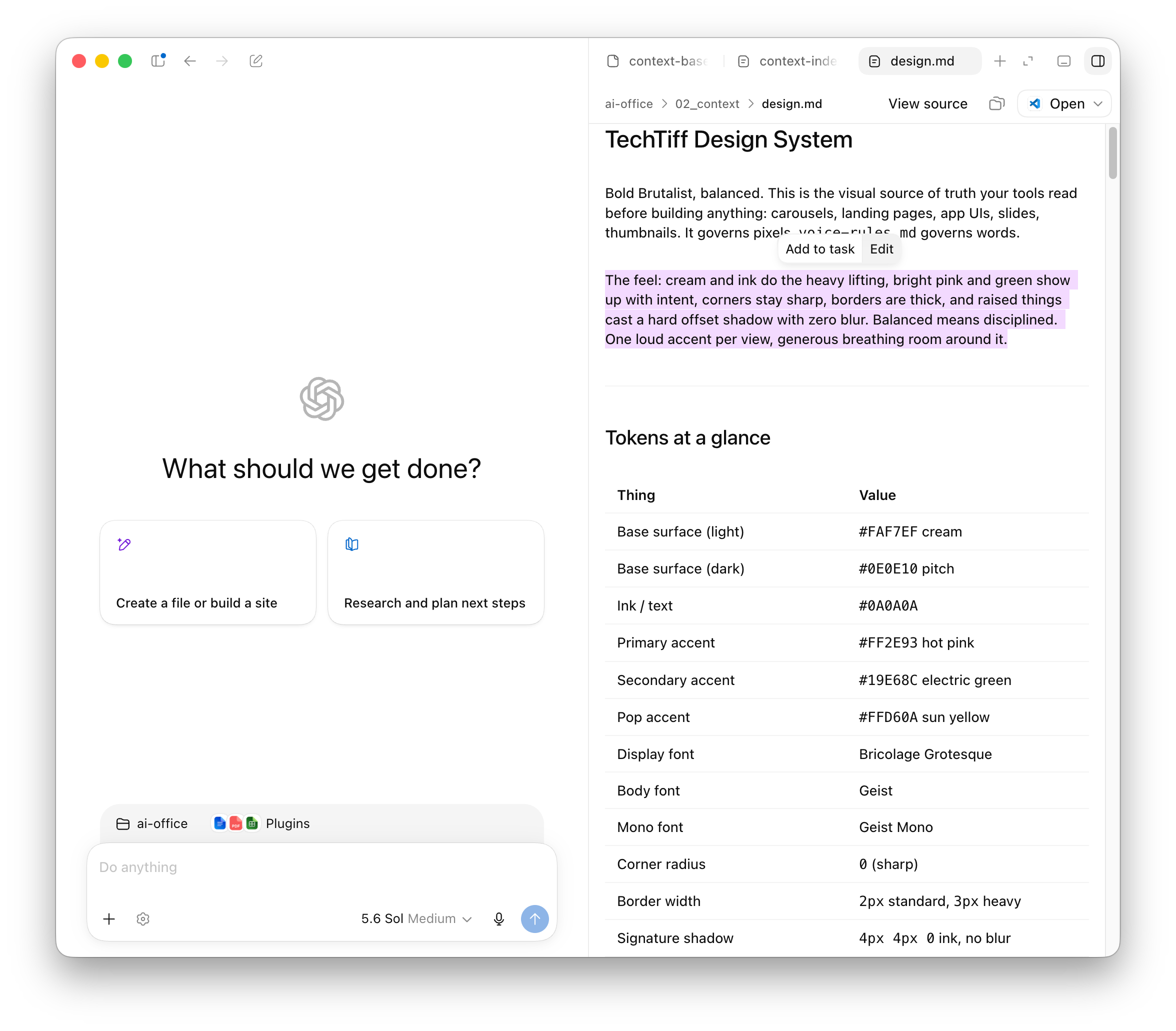
My AI Office is a folder of markdown files on my computer. Now the files are viewable and editable inside ChatGPT’s side panel.
So Work finds the context, creates the content, and updates the source files without sending me into another app.
Plugins connect accounts and services.
Plugins connect ChatGPT to your tools like email, calendars, cloud storage, team conversations, project trackers, CRMs, and other work systems.
ChatGPT may recognize which plugin it needs to use for a task, or you can tell it to use one by typing @ followed by the app name.
Desktop Computer Use works with permitted local apps and files.
Desktop Computer Use lets it use your device the way you would, and it keeps working while you step away from the keyboard.
Set it up under Plugins, then use @Computer Use or tag the app you want it to use.
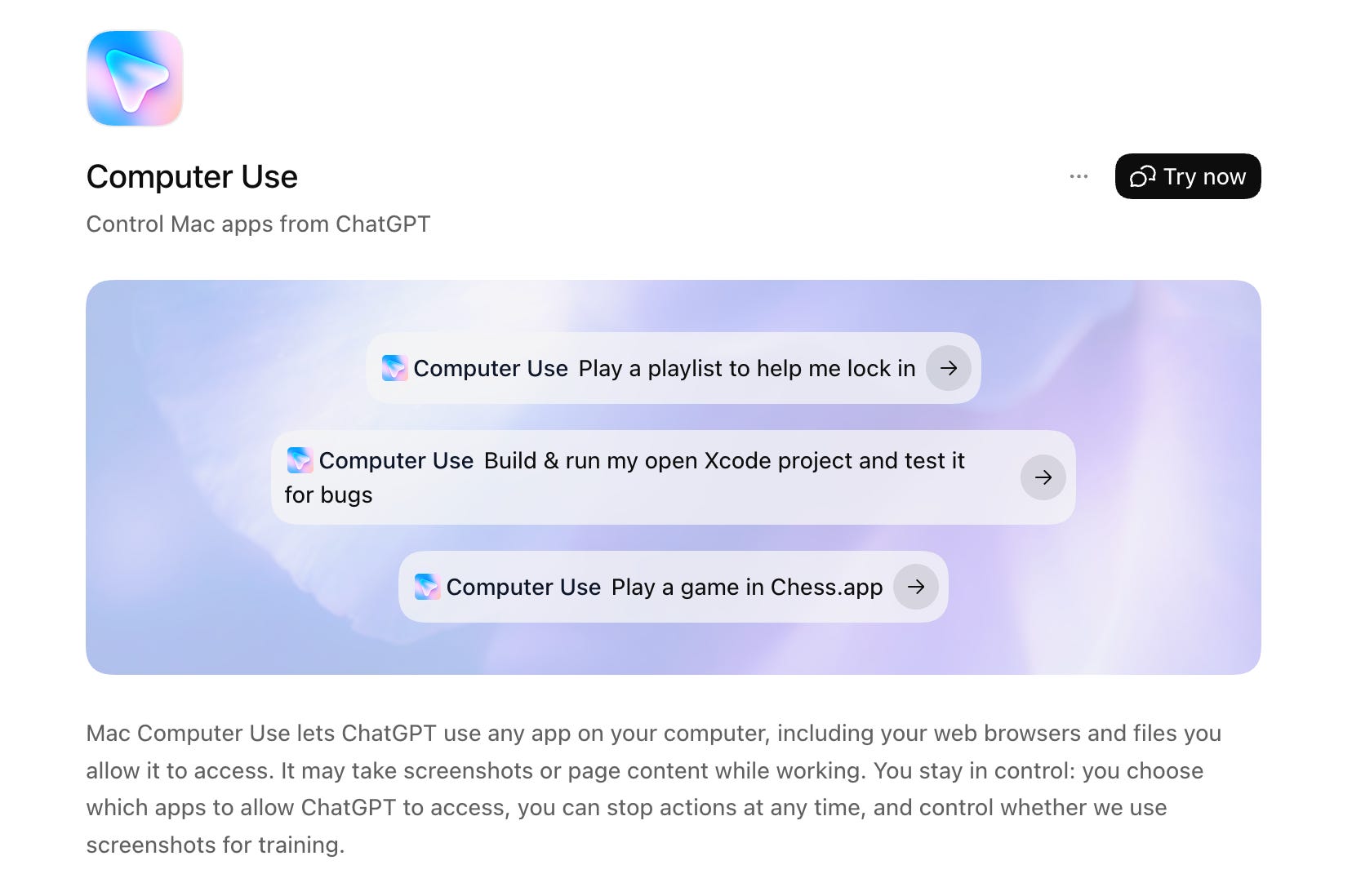
This is how Work moves beyond an uploaded file and starts working across the places where the project already lives.

Now ChatGPT can actually work with the apps you use and handle the updates for you.
Scheduled Tasks let ChatGPT run something once, repeat it on a schedule, or monitor for meaningful changes.
Create one in a conversation by describing the task and when you want it done, or manually inside the Scheduled Tasks tab.
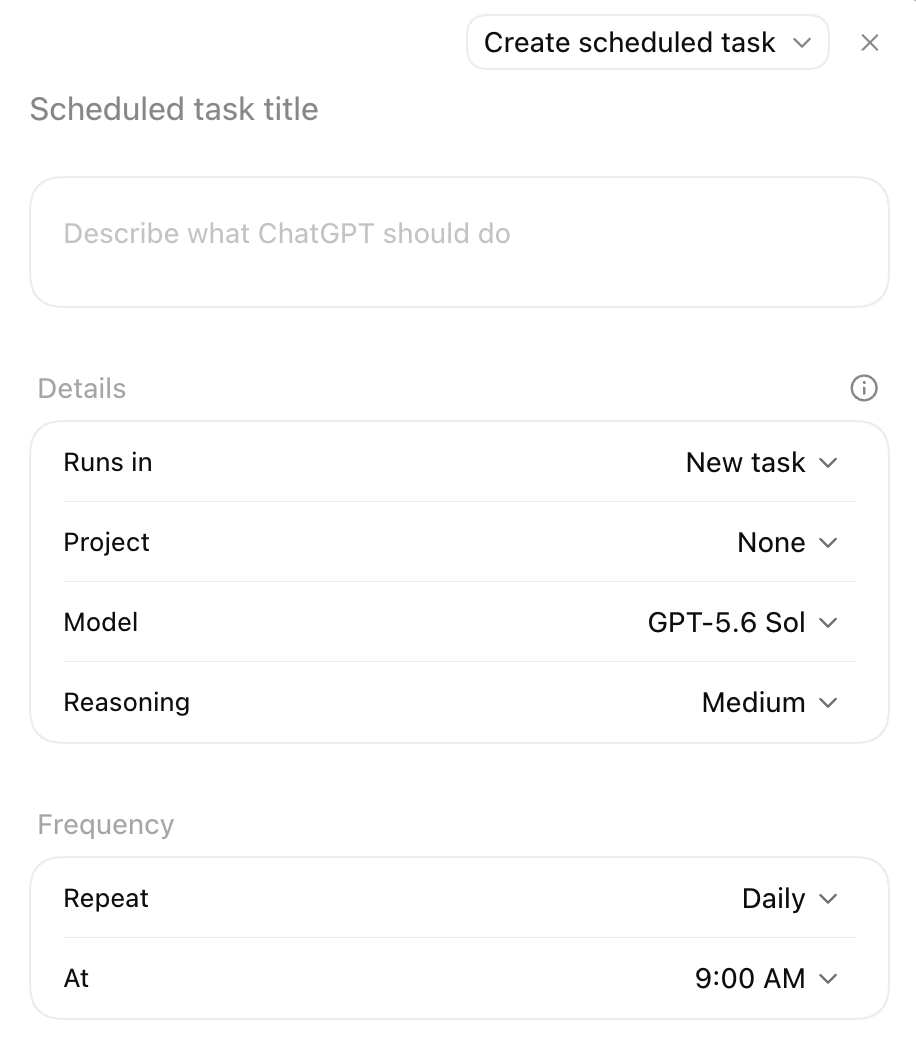
Use them to:
Review new emails every morning and update a project tracker
Monitor customer feedback and refresh a report
Rebuild a weekly meeting agenda with the latest information from Slack
You set what it checks, how often it runs, and which actions require approval.
Sites gives your work a home on the web by turning ideas, plans, data, and existing work into interactive websites, apps, and games.
I tested this by giving ChatGPT the materials from a workshop I taught last month focused on building a shared company context for an AI team.
ChatGPT reviewed the workshop and turned it into an interactive lesson with a shareable URL.
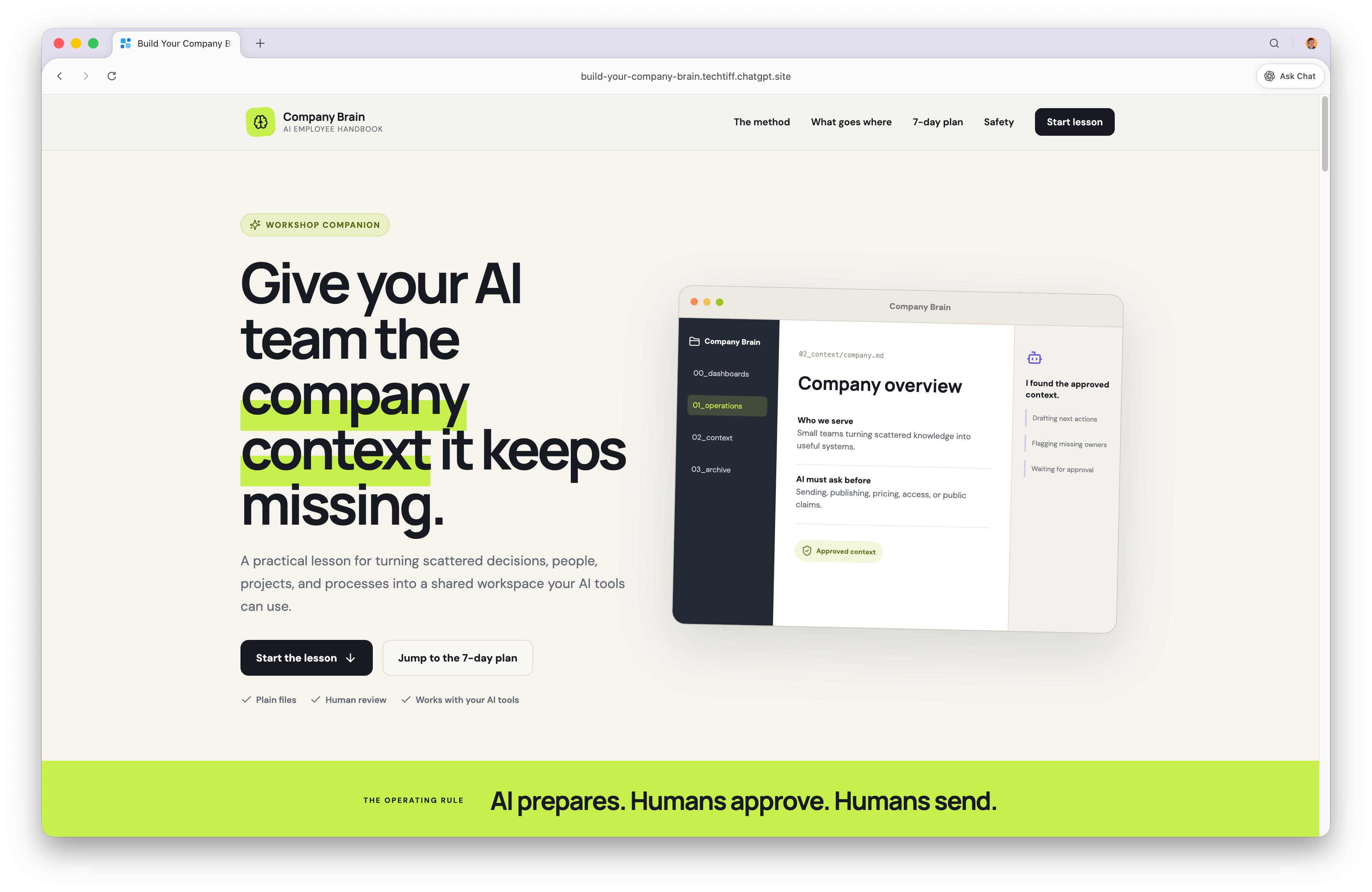
The site has:
A structured workshop companion
Interactive examples
A polished landing page
So my 1-hour workshop turned into something people could move through at their own pace on their own schedule.
Sites can be shared or private, and work for dashboards, launch calendars, reports, prototypes, internal tools, project trackers, games, learning experiences, and lightweight apps.
On web and mobile, Work is rolling out first to Pro, Pro Lite, Enterprise, and Edu, followed by Plus and Business over the coming days.
The new desktop app is available globally on Mac and Windows, with Chat, Work, and Codex available on every plan, including Free.
Current ChatGPT desktop users need to follow the prompt inside the app to download the new version. Codex users only need to update their existing app.
Working with the team means giving Work access to more than a conversation. The browser opens websites. Plugins pull information from your connected accounts. Computer Use lets the agent access desktop applications and local files you’ve allowed it to work with. Set the boundaries before the work begins.
Grant access only to the files, apps, and accounts required.
Sign in through the browser, never by pasting credentials into the conversation.
Require approval before sending, publishing, deleting, purchasing, or sharing.
Stop the task when it opens something outside the assignment.
ChatGPT used to answer the question and leave you with the work. Now it makes the plan, gathers the context, uses the tools, and finishes the assignment.
Give it the goal and let it clock in.
Inside AI Flow Club, we build practical systems that give AI the context, tools, and instructions to complete real assignments. Join us at flow-club.techtiff.ai.
Comments
Nothing yet. Say the first thing.
Sign in to join the conversation.