

This is issue #70 of Taskflow Tuesday, where I share 3 things that can help you to get digitally organized so that you can spend more time on what truly matters.
I love this post from Lizzie Campbell because it has the structure of a Weekly Reset while being flexible for how real life goes and how real people behave.
We aren’t machines programmed to perform the same tasks over and over again perfectly. We love variety. The best systems flow with the variability of our schedules, energy levels, and moods on a particular day.
I like this idea because it’s how I have started to view my own routines. I have a menu of good options and I do 2-3 based on what I want or need that day.
This way I’m not behind or failing yet again on my plan.
Flexibility is built into the plan because that’s real life.
The consistency is found in doing the 2-3 things (maybe it’s just 1 thing on low energy days) each week over time.
What on Lizzie’s list stands out to you that you would like to implement? Let me know in the comments!
If you haven’t been to the Notebook corner of the internet before - it’s wild.
Thousands of videos of journal setups, bullet journaling, micro journaling, pocket notebooks, pen hauls, 3-notebook-systems, digital notebooks, etc…
It’s an endless rabbit hole of content about writing with a pen on a book of empty paper.
Last week I took the deep dive, and I loved it.
There are so many benefits about writing out your thoughts and putting what’s in your head onto paper - and the fact that it’s fully Analog in a world overrun by the Digital is a huge plus.
My productivity system has been strictly digital for years, but I’ve started playing around with a hybrid setup. I know many of you have a hybrid setup so forgive me for talking about this as if it’s new or revolutionary haha.
I picked up a 6 ring modular A5 notebook last month and I’m using it for habit tracking and simple weekly planning.
It’s been really nice to start on pen and paper to get the big picture and main tasks for the week and then move into Notion where I have all of my project details, recurring tasks, and daily work.
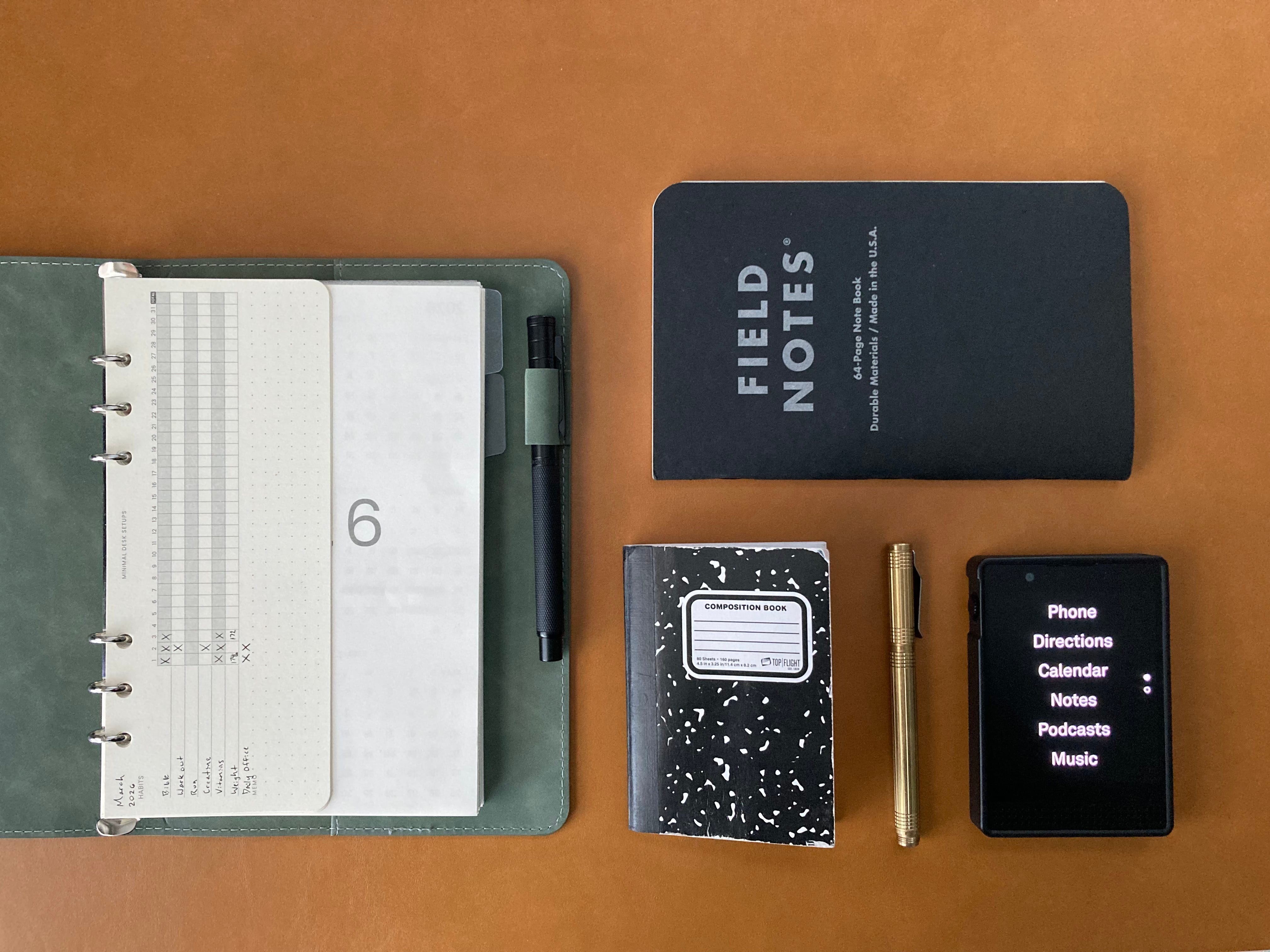
After watching so many pocket notebook videos, (huge shout out to Steven Foster who’s videos I am currently binging) I am hoping to become that guy who carries his notebook in his back pocket at all times. I want my first reaction, when I have an idea, to be to reach for my notebook instead of my phone.
I would love to know how you use notebooks, how you journal, and anything else about the world of notebooks!
Use the following keyboard shortcuts to quickly change your view and see the right picture you need to schedule your time.
Y - Year View (Unfortunately this view doesn’t show any info. If you need that feature and are willing to pay for it you can check out Kalnext)
M - Month View
W - Week View
X - Custom number of days (I have mine set to 4 in settings)
D - Day View
A - Schedule View (underrated)
Hope that helps speed things up!
⚡️
That’s all for now! Have a great day. 👊🏼
David
😁 Enjoying the newsletter? Have a friend who would appreciate it as well? Click the button below and help me grow the Taskflow Tuesday community!
👋 When you’re ready, here are 2 ways I can help you:
⚡️ My Course: The Taskflow Blueprint
A 4-week self paced reset to help you clean up digital clutter, build better habits, and create a productivity system that actually works for your real life.
🤝 Learn about my 1:1 business consulting program
Get hands-on help implementing simple, sustainable systems for your tasks, tools, calendar, and routines - so your business runs smoother and you feel in control again.
Comments
Nothing yet. Say the first thing.
Sign in to join the conversation.