
Let me rewind.
I have had a cracked phone screen for a while, and it bothers me because first of all, I did not crack it (someone small in my home did) and secondly, I hate looking at the crack and smashed corner.
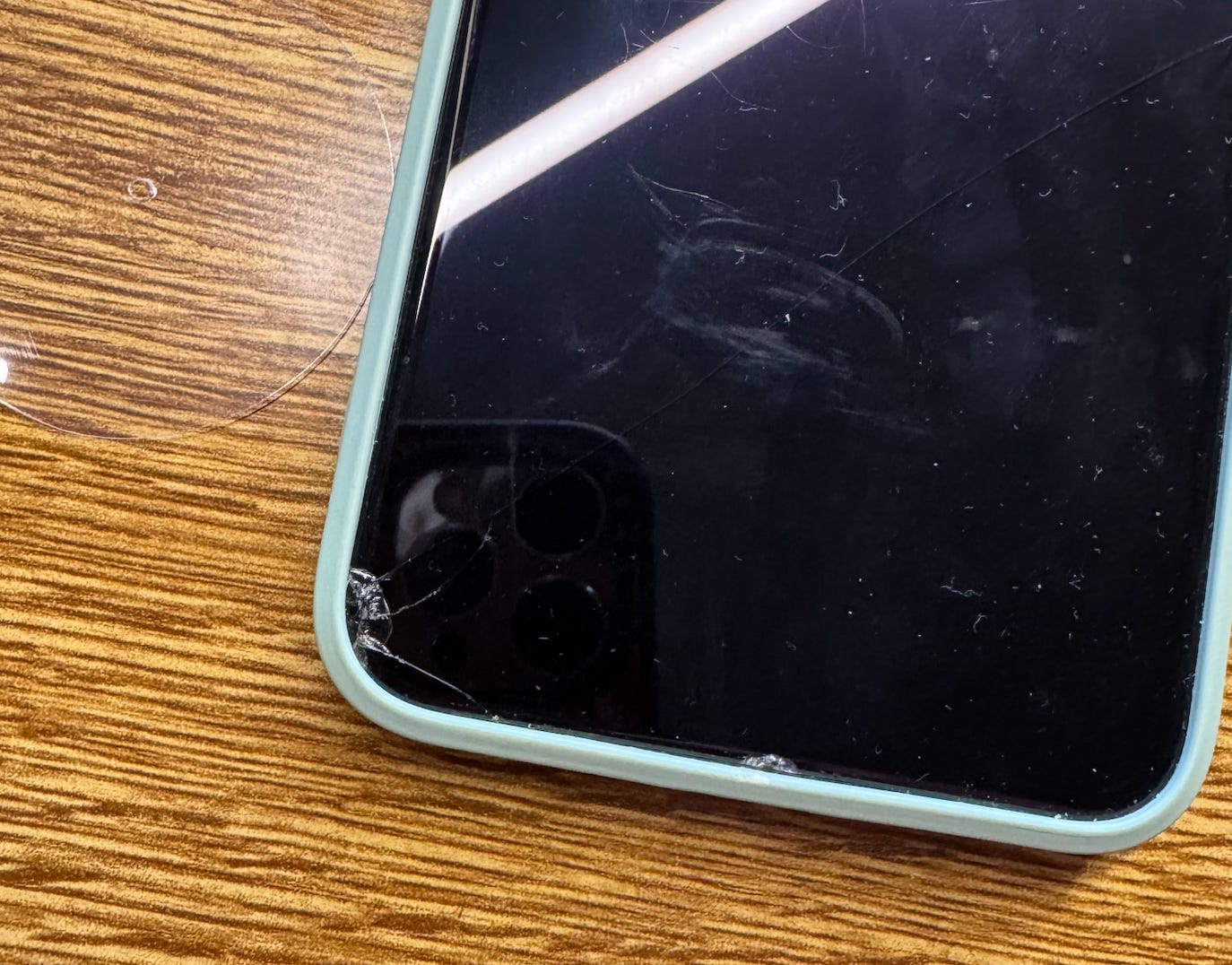
Evidence of said cracked corner (plus a faint hairline crack across the front if you can see it)..
So I looked up how much it would cost to replace the screen (rather than buying new), and was shocked to see that it was pretty much the price of the phone itself (it is considered old as it is an iPhone XS Max).
That led me down a rabbit hole of YouTube videos, particularly this channel iDoctorUK showing people how to do things like replace the battery on their phone or the cracked screen.
The actual cost of the screen as a part, was 75% cheaper, as in only 1/4th of the cost the repair shop would take to do it (mini tools notwithstanding).
So I thought.. why not?
It brought to mind this concept I just recently learned about called Misogi.
Once a year, do something so hard you might fail. That’s Misogi—a ritual of discomfort that could change how you see the rest of your life.
Basically, try something where there is an equal chance of you succeeding or failing.
And trust me this was it. I had never repaired a single electronic device in my life, let alone a phone and thought - let’s go for it.
Here’s how that journey went..
It started with my swearing and cursing at the phone because I couldn’t get the damn screen to lift from the bezel edge (it is so smooth!)
I finally managed to wedge in this device to create a cap between the screen and the bezel edge:
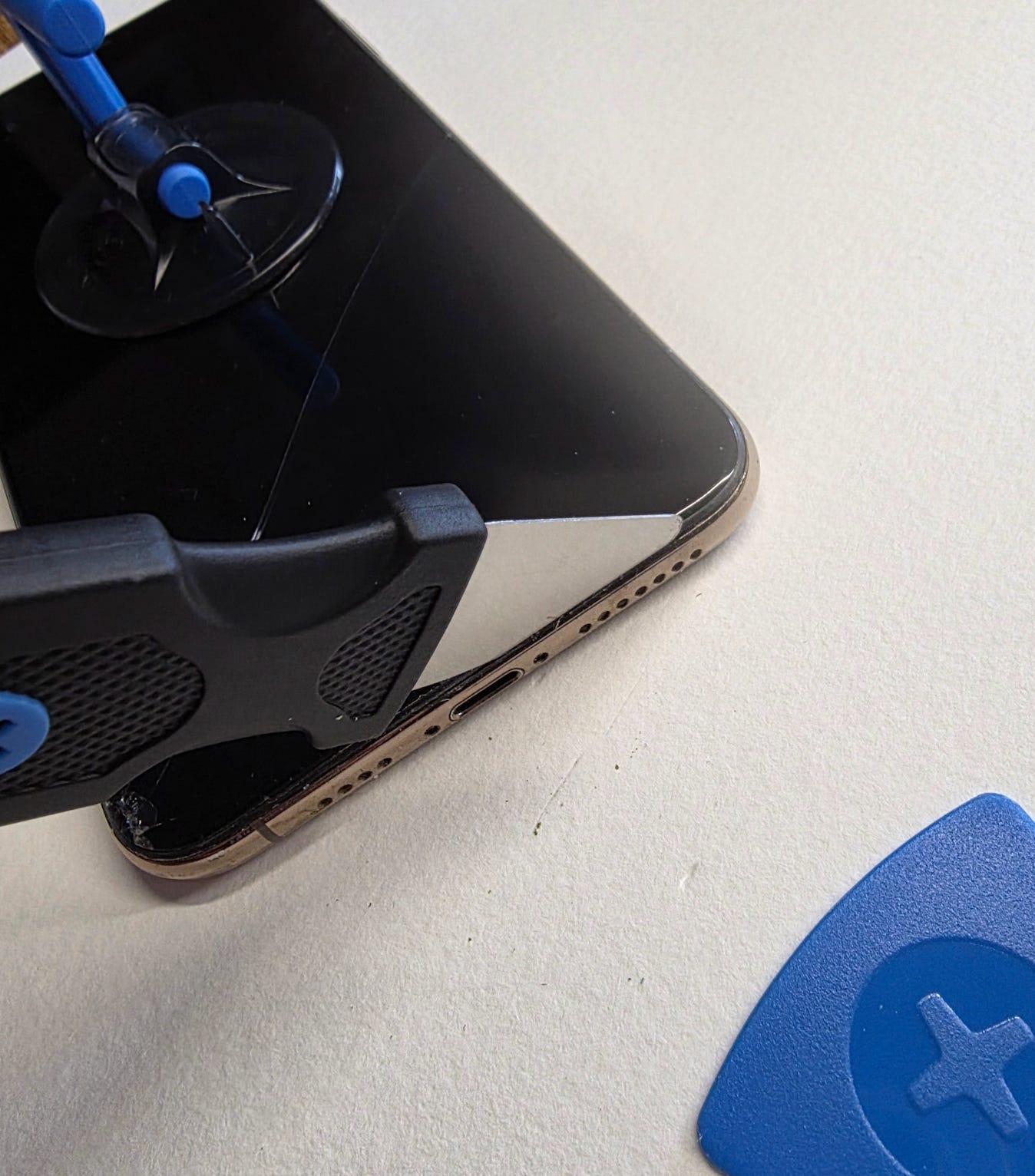
Then came the first mistake where I was sure I completely failed and f*cked up the whole thing so badly that I might as well toss it into the recycling electronics e-waste disposal bin.
I had taken that little blue pick in the corner, and as per directed and I ran it around the edge to loosen up this thick black goo that makes it water-resistant, and so I could slowly (!!!) lift the phone screen up to be able to get to the components inside.
Except… in doing so, I completely severed the cables for the screen without knowing it.
I didn’t go LIGHTLY at the edges, careful not to do anything, I went in like a fiend and ran the pick around deep and aggressively in an attempt to pry the screen off.
The completely severed cables to the right. I was in despair.
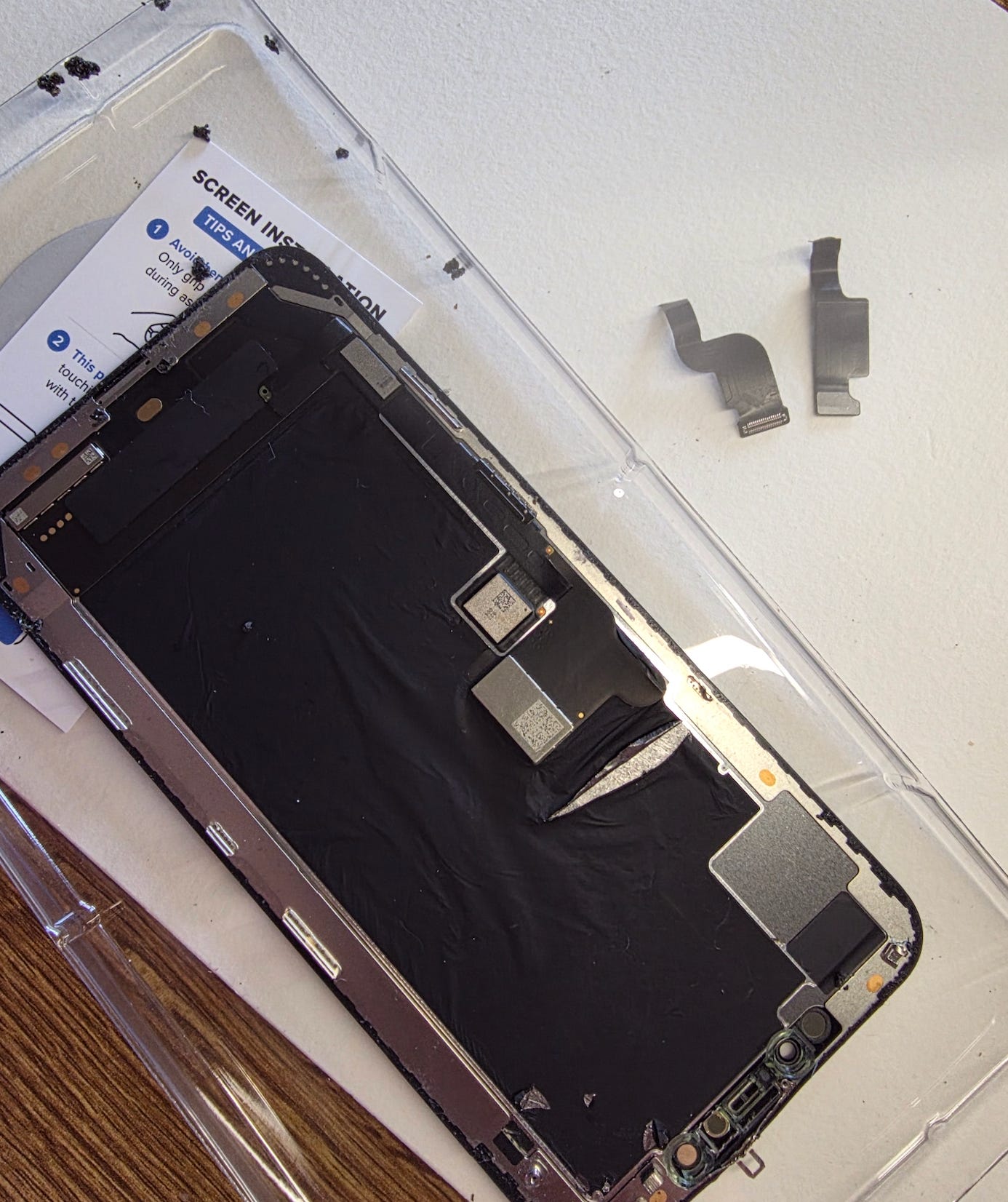
Then I took a deep breath, ate some chocolate and a glimmer of hope filtered in because I realized I may not have severed the ONE CABLE THAT MATTERED.
There were three cables you see..
I severed the two that did not matter as they would be ripped disconnected off the phone anyway, and there were new cables on the new screen that would then attach as replacements.
I decided to perservere.
Then came my Second Mistake where I was about to lose it.
The mini screws that they used Y000 triwing and whatever they’re named, felt like they had been GLUED IN.
Of course they weren’t? Were they?
But it took me about 1.5 hours just to remove 6 tiny ass screws, nothing like the easy 2 minute job the guy on the screen made it look like.
I ended up having to snap the panel you see above (top left), that is the earphone piece that I was VERY LUCKY NOT TO BREAK OR SNAP IN HALF WITH MY AGGRESSIVE PICK AS IT IS VERY DELICATE, and I slowly, and gently snapped off the top right screw (pictured below on the screen, top right corner by the yellow oval on the right).
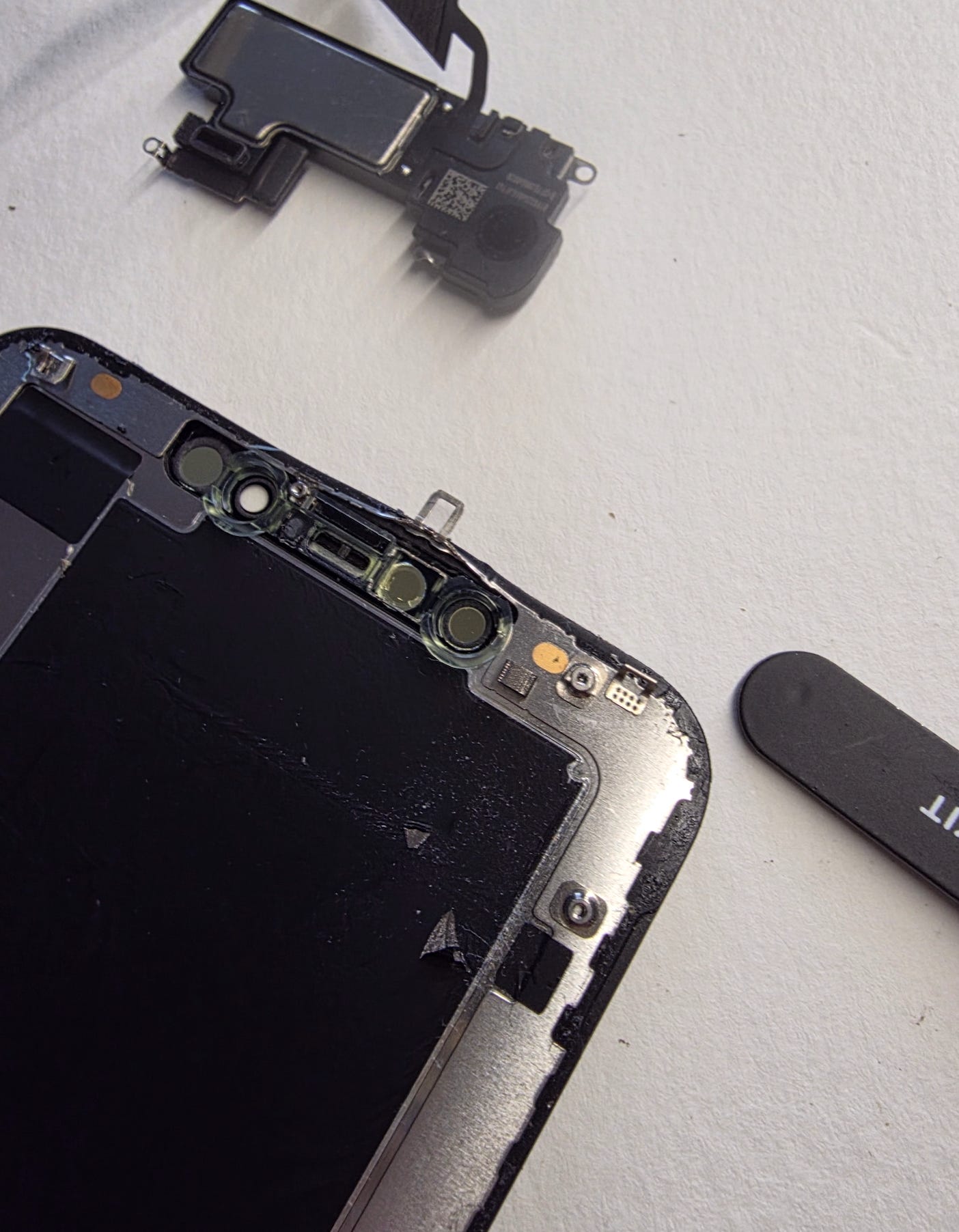
Yes. I broke the panel holding the screw right off because 45 minutes of trying to unscrew this stupid thing was not doing it.
But. At least I got the old screen off and preserved what was important from it (earphone bit).
I cleaned all the goo around the edges - see below:
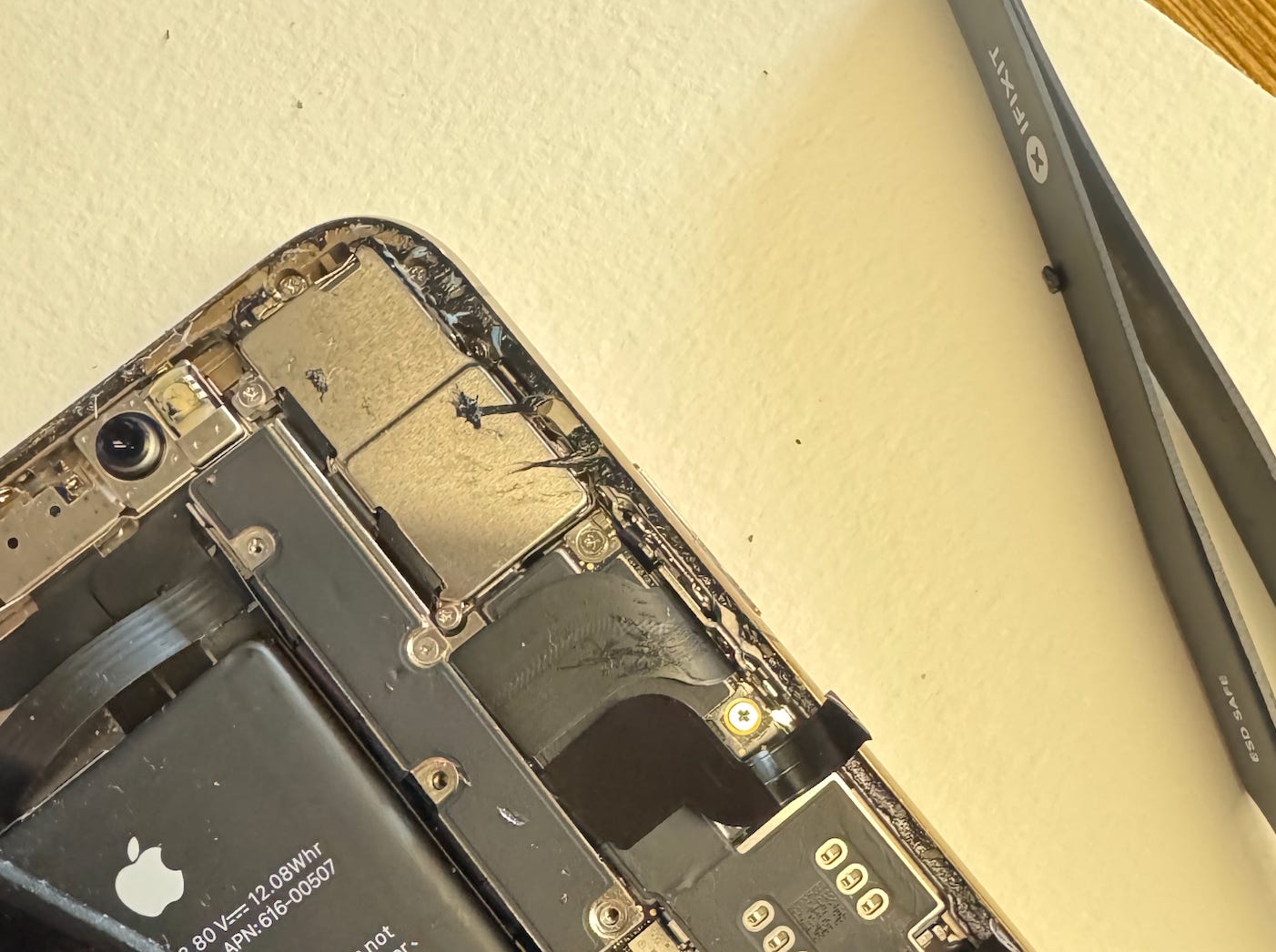
Then I started to re-assemble the phone, whereby I made my Third Mistake and lost the mini tiny, grain-of-sand-sized screw in the carpet. I searched but there was no way in hell it was coming back.
It bounced off my shirt and onto the floor, never to be seen again.
So.. I took that screw that I snapped off from the top right-hand corner, and repurposed it into that hole. Seemed to work (?).
Then I looked closely at the screw and saw a little bit of blue on the bottom of it, which looked like transparent leftover blue film, which is likely what gave me such a hell of a time in removing it, as it was Not. Twisting. Out.
All the screws that gave me trouble, all had that blue plastic film at the end of their tips. I don’t know if my toolset was not good enough or what, but it was a trial.
New screen in all of its glory before I attached the earphone piece at the top:
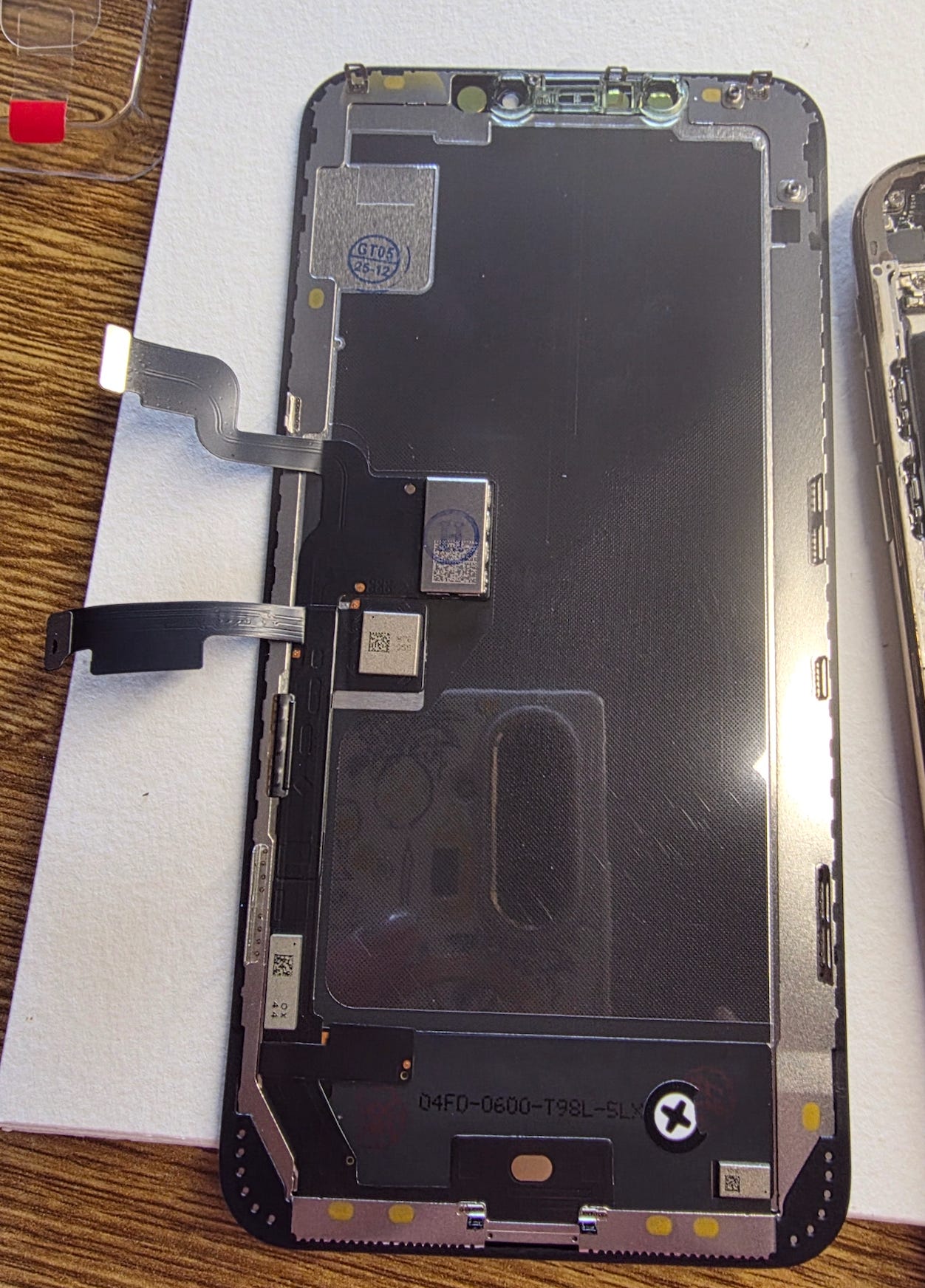
Never ever have I been so happy to see two cables sticking out of the left side in the exact spots where I snapped the other ones on the old screen.
Then I held my breath, prayed to all the deities I could think of and tested the phone with its brand new screen:
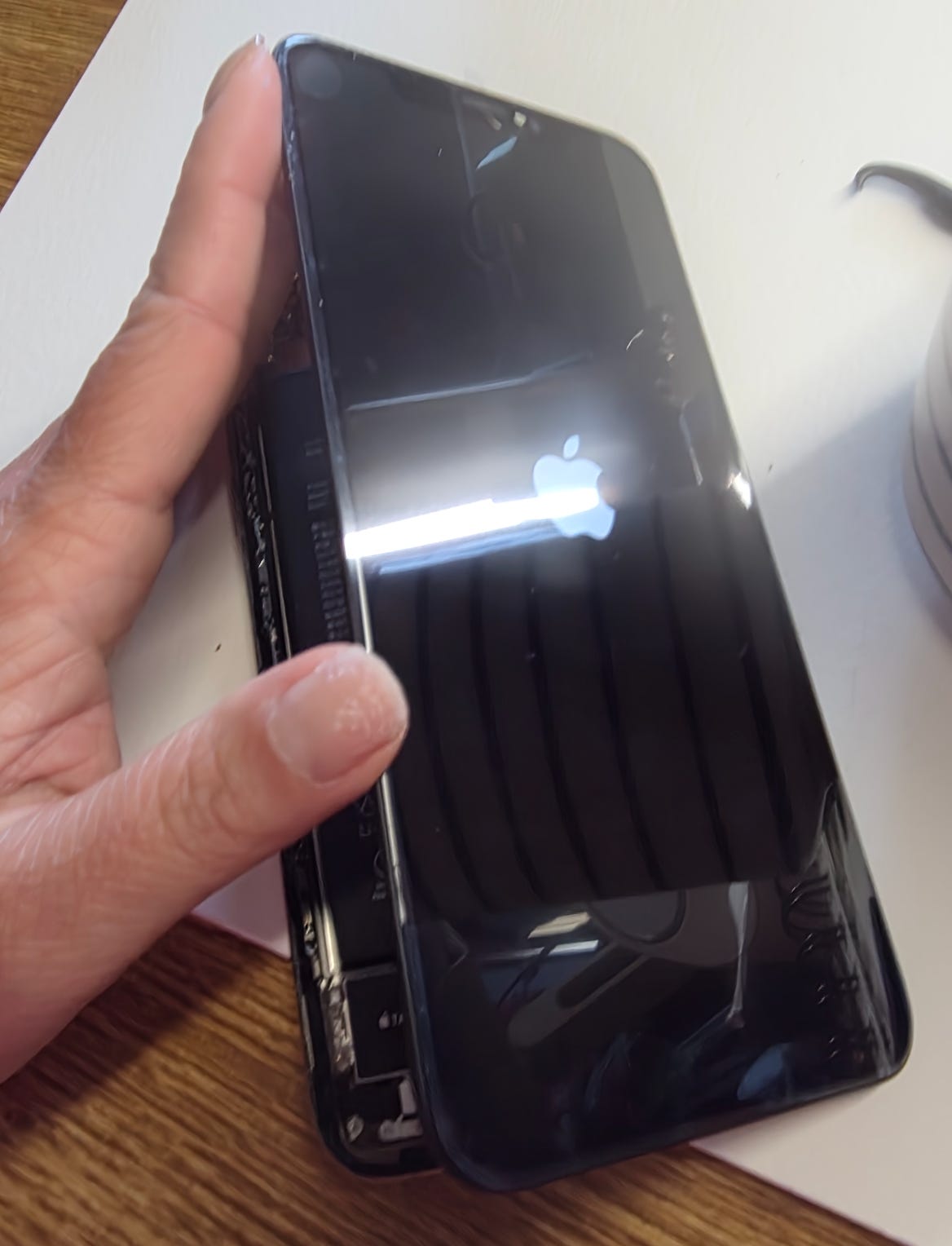
IT TURNED ON AND IT WORKED!!!!!!!!!!!!!!!!!!!!!!!!
I excitedly started replacing all the screws in the EXACT order they came out in (as per the video), cleaned up the edges, re-applied the new black goo to make it water resistant et voilà… I had a brand new phone screen.
I practically cuddled it like a newborn when I was done.
Then I gently applied a tempered glass covering to the front of it, so that if it ever falls again and cracks, it cracks the glass cover and not the screen.
— the end —
So all of this to say… that I unlocked a new skill in myself with this replacement phone screen, and it worked to boost my confidence in that.. I can indeed, do difficult things.
They certainly looked “easy” online, but I can tell you that if you ever plan on replacing the screen yourself, here are my tips:
They may have not applied in the screws nicely to be able to remove them easily so take breathers, have VERY good tool kits and swear a lot
That black goo around the edges almost took me out
The lifting of the screen was one of the hardest parts of the job
Go easy with that pick
Everything else was pretty easy, as per the video tutorial, but I tell you… if I ever have to replace another screen in my life, I will be extra careful and I have learned a lot from this experience.
Until next time.
Sherry
Comments
Nothing yet. Say the first thing.
Sign in to join the conversation.