
Alright, enough theory. Let’s dive into the first actual project I built using AI in Replit.
The idea came while I was listening to the Hard Fork podcast. They were talking about building a simple pool maintenance app, and it sparked something. I thought, “Okay, that seems doable.” At the time, I had just moved into my first house, and I was quickly discovering how much ongoing maintenance homeownership actually requires. Everything from replacing air filters to draining hose bibs before winter—there was a long and growing list of recurring tasks I didn’t want to forget.

So I figured—why not build a lightweight home maintenance app? Something that could let me add tasks, set a frequency, and then get a text reminder when it was time to take care of it. Simple, right?
And honestly? It kind of was.
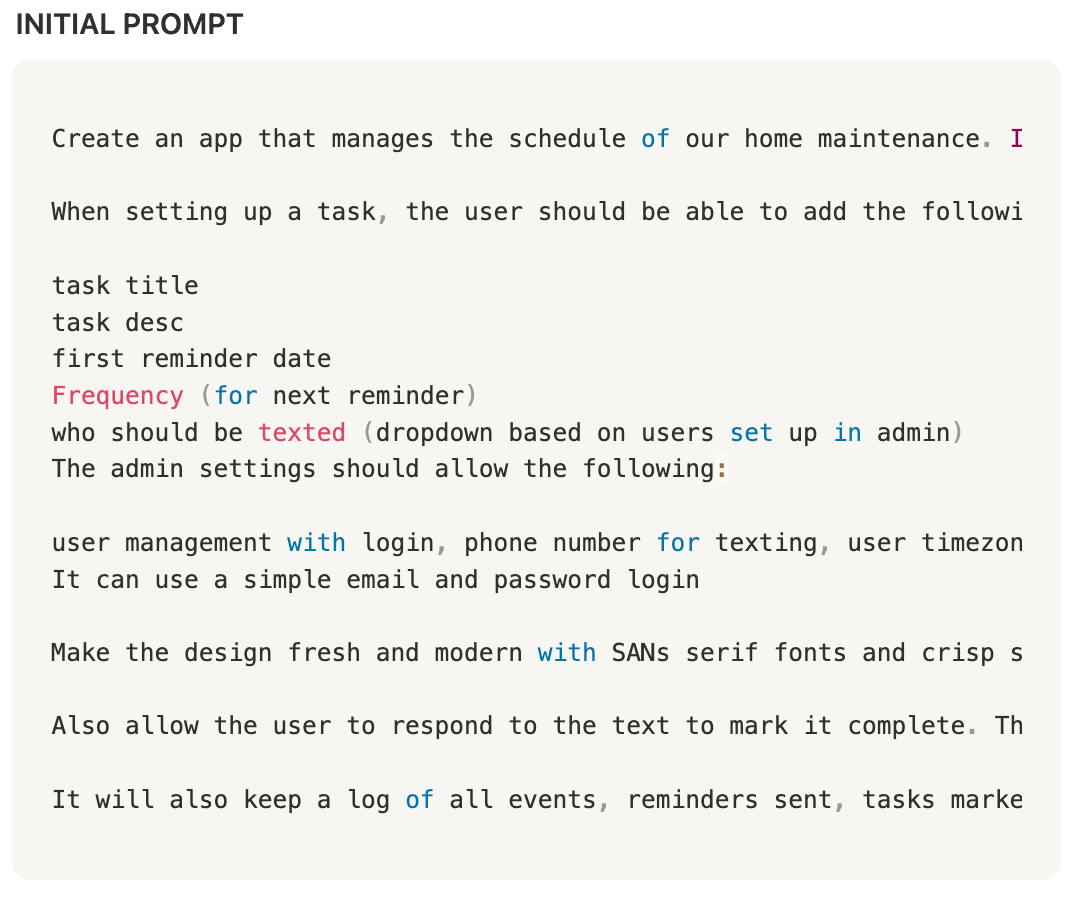
Read to bottom to see the prompt and app screenshots.
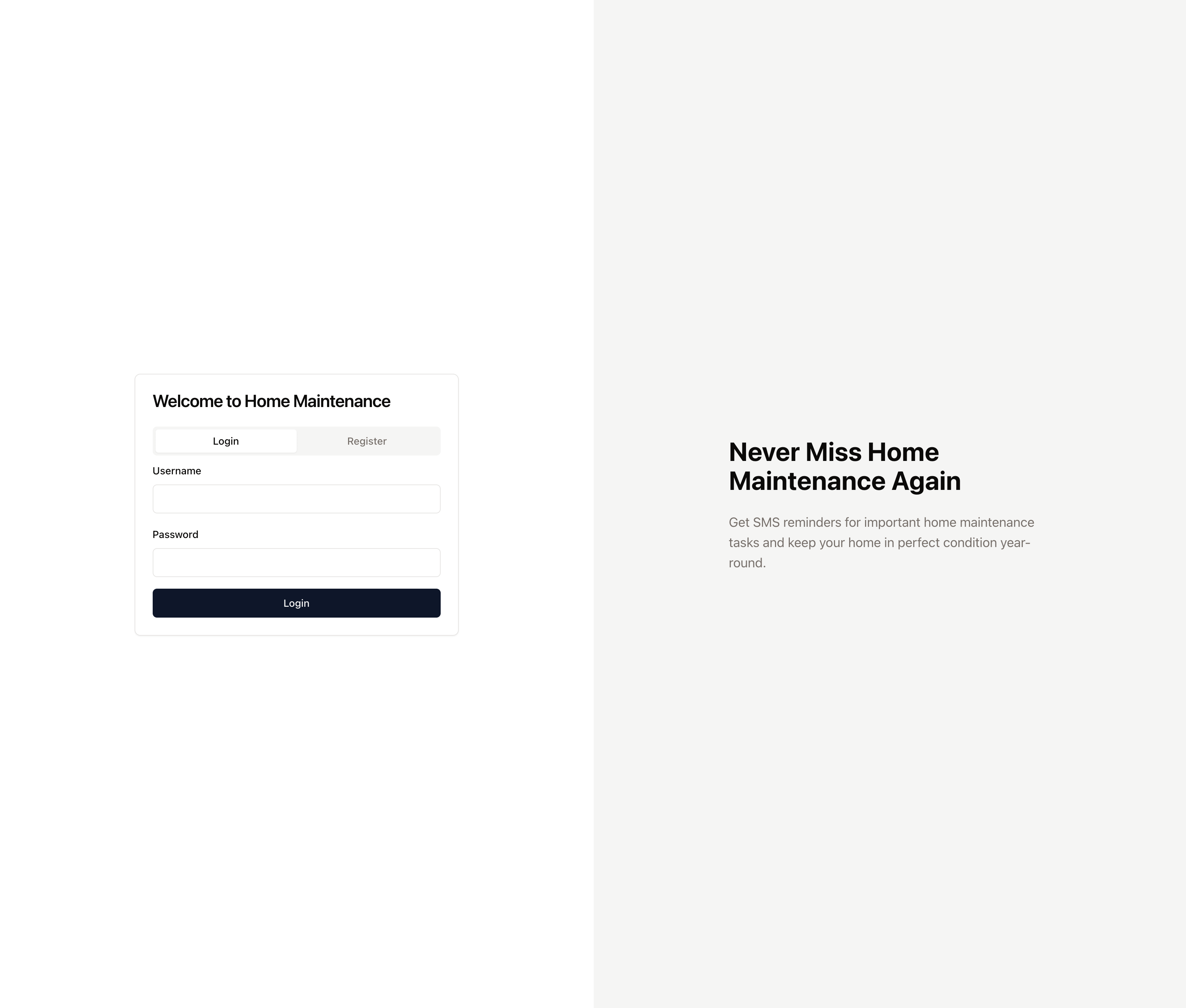
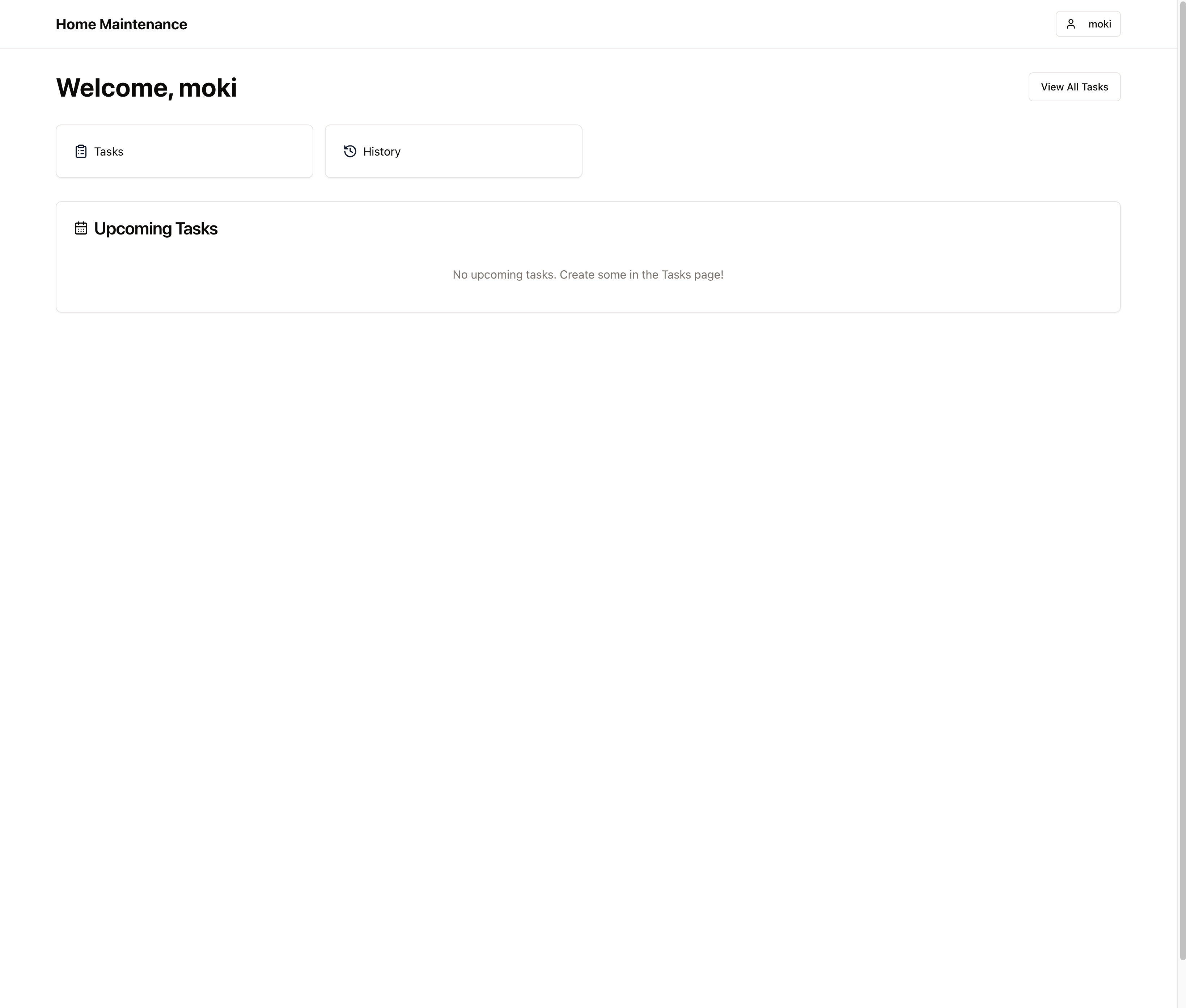
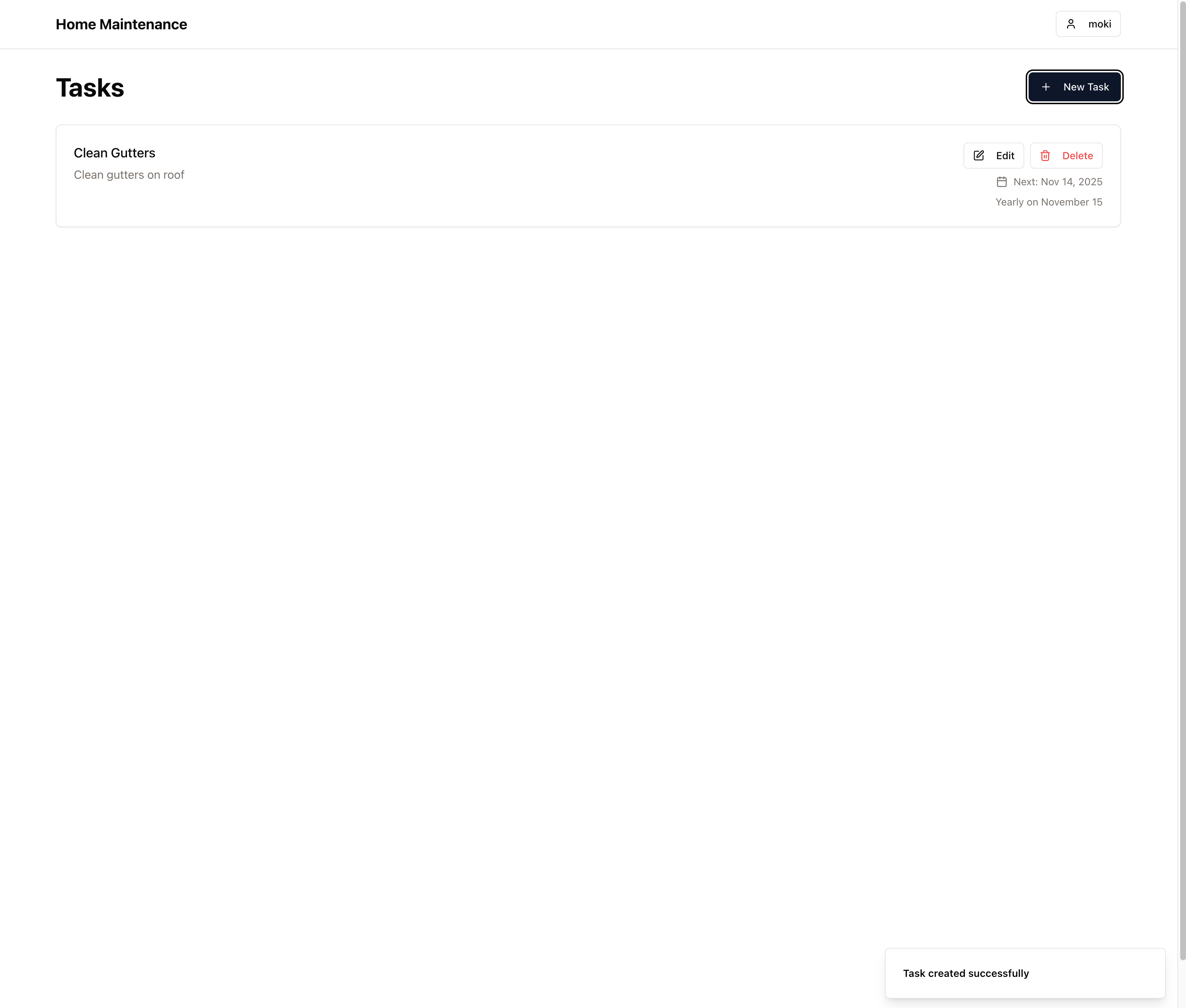
🛠️ Getting Started in Replit, I kicked things off with a few prompts—I’ve included one of the initial ones at the bottom of this post. The response blew me away. Within minutes, the app had a clean UI, task creation flow, and a calendar integration. There were definitely bugs—registration/login issues, no real user accounts, and it was missing some key functionality like editing and deleting tasks—but the baseline experience was there.
Of course, things got a little more chaotic from there.
🤖 Talking to AI Is... a Skill There were times I asked the AI to fix things and it just... didn’t. It would hallucinate a solution or pretend like it fixed something, but the bug would remain. At one point I even started typing my prompts in all caps out of frustration—which was both petty and hilarious—but then, weirdly, it actually started listening better? I’m not proud, but it was a moment.
Then I realized that every time I reloaded the app, all my data was gone. No persistent database. So I asked it to add one. It did... poorly. The database it created wasn’t wired up correctly. I ended up asking it for the credentials so I could log in and tweak it myself—falling back on knowledge from past app builds. That became a theme: AI gets you 80% there, but you still need to know how things work under the hood to get it across the finish line.

✨ What AI Does Well (...and what impressed me most):
Interface design: It made clean, beautiful interfaces without being asked. And when I did want to change something—say the accent color—it would regenerate the CSS styles across the whole app instantly. That kind of speed is hard to beat.
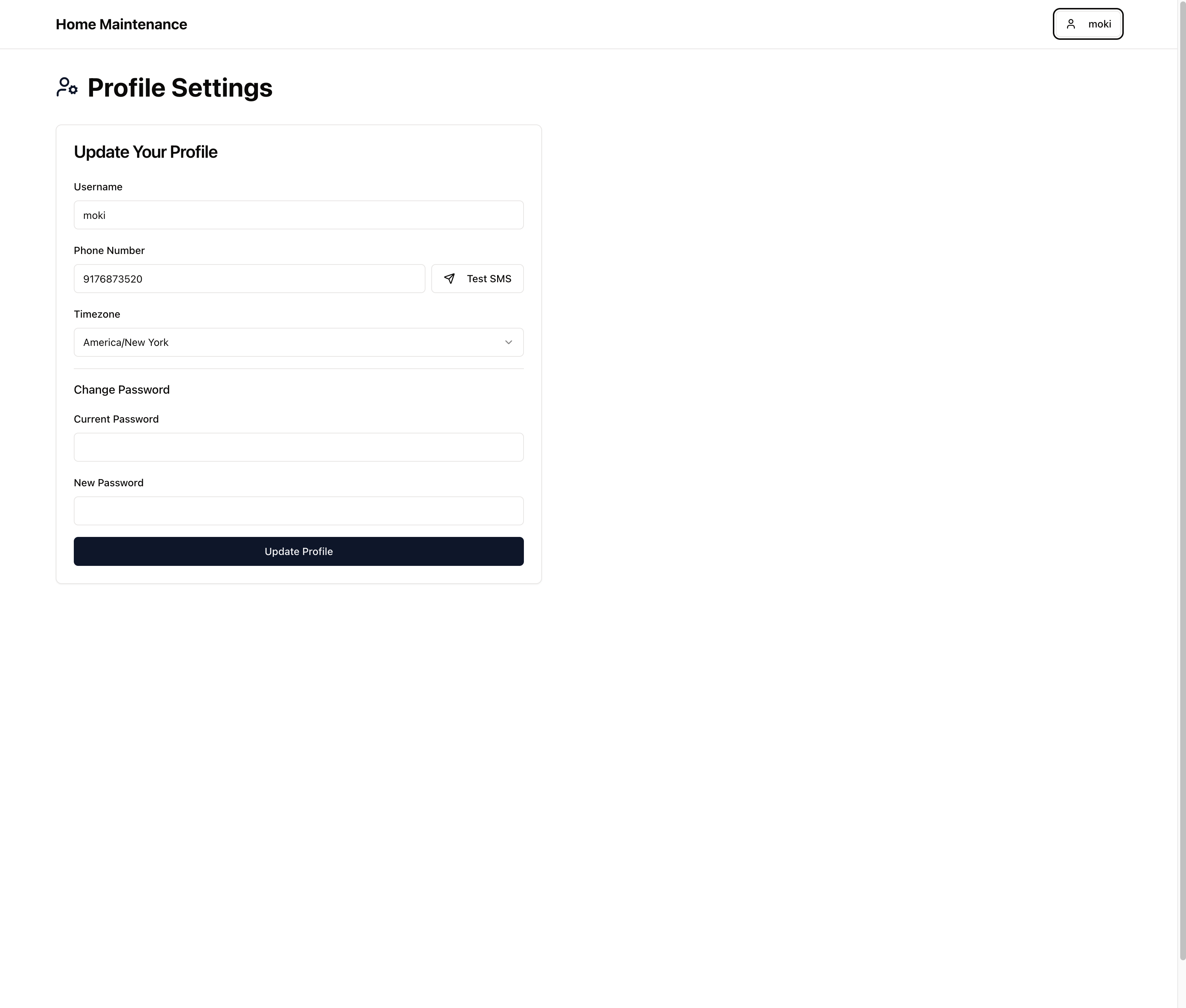
Integrations: I wanted to add SMS reminders and asked how to send texts. It walked me through setting up a Twilio account, configuring the tokens, and where to paste them. It didn’t just write the code—it helped me get the pieces in place.
Vocabulary-based logic: It helps to know the right terms. For instance, if you ask it to handle CRUD operations (“create, read, update, delete”), it performs better than if you try to explain each action in plain English. It responds to precision.
💸 Costs and Checkpoints: Here’s where things get interesting (and a little expensive). In Replit, you use either the “agent” or the “assistant” to build apps. The agent is smarter and faster but costs $0.85 per checkpoint, and every prompt basically triggers a checkpoint. That adds up—especially once you hit 100+ iterations.
The assistant is cheaper at $0.05 per task, and Replit recommends it for lighter tasks like styling or small copy tweaks. But I’ve had a harder time using it effectively—whenever I hand over even slightly complex tasks, it tends to break the app. So I’ve stuck with the agent for now, since I’ve mostly been doing heavier development.
⚠️ What to Watch Out For: Here’s what I learned the hard way: AI makes things look polished fast. So fast that you assume everything is working fine. But once you start digging into the logic and testing thoroughly, you start to notice gaps.
And you have to test. Not just by clicking around — I'm talking real QA. Because while the AI is eager to help you find a bug and offer a fix, it has no idea if that fix actually worked—or if it quietly broke something else. I've had to use browser developer tools to inspect DOM issues, check console logs, and dig into the network requests, just to help it understand what was going wrong. It's incredibly cooperative—but not all that self-aware.
🧱 The Takeaway: Despite the bumps, this was a great first project. Building a home maintenance app felt both personal and practical, and AI made it possible to go from concept to functioning product in a matter of days. It gave me a real sense of momentum, and more importantly, a sense of control. I wasn’t waiting on a dev sprint or managing a backlog—I was building. It wasn’t until after I had completed the project that I realized that I just could have used the reminder app on my phone for all of this.
Here’s the initial prompt that started the whole experience and screenshots of the app below. This is just the beginning — I’ll be sharing more apps I’ve built (some more complex, with real-world users), and what I’m learning as I keep pushing the limits of AI development.
Because as exciting as this technology is, we’re still figuring it out. And that’s what makes it so worth exploring.
-moki
SEE THE APP SCREENSHOTS BELOW

No posts
Comments
Nothing yet. Say the first thing.
Sign in to join the conversation.