
👋 Hello and welcome to our intermittently appearing newsletter with news, events, updates and other information about our race timing app. #happytiming
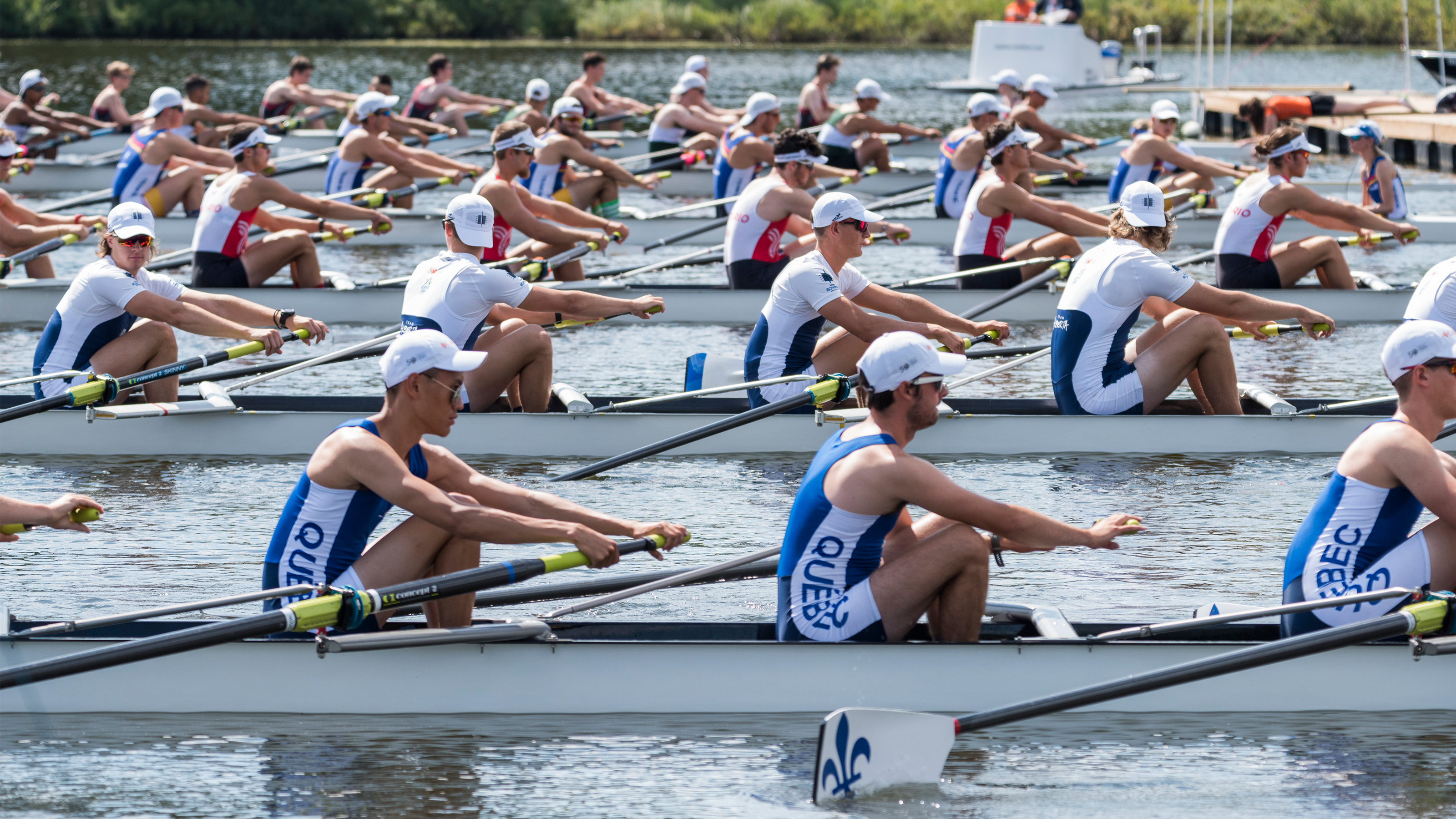
We wrote up two new longer posts on Substack to outline how RaceClocker features are designed to support the two dominant race types in rowing, the time trial format in head race rowing or for preliminaries and the classic lane based regatta format. For the latter we recently released some new features that makes RaceClocker even better suited for DIY timing of regattas.
RaceClocker's new progression feature makes it easy to move athletes through multi-round events, from heats or morning time trials into quarterfinals, semifinals, and finals. Available to Premium subscribers, this feature is built into the Results view for the logged-in race director. You define who advances either by rank within a wave or by overall best time across waves (grouped by same category), and RaceClocker fills in the next round's start list automatically, copying all participant details across.
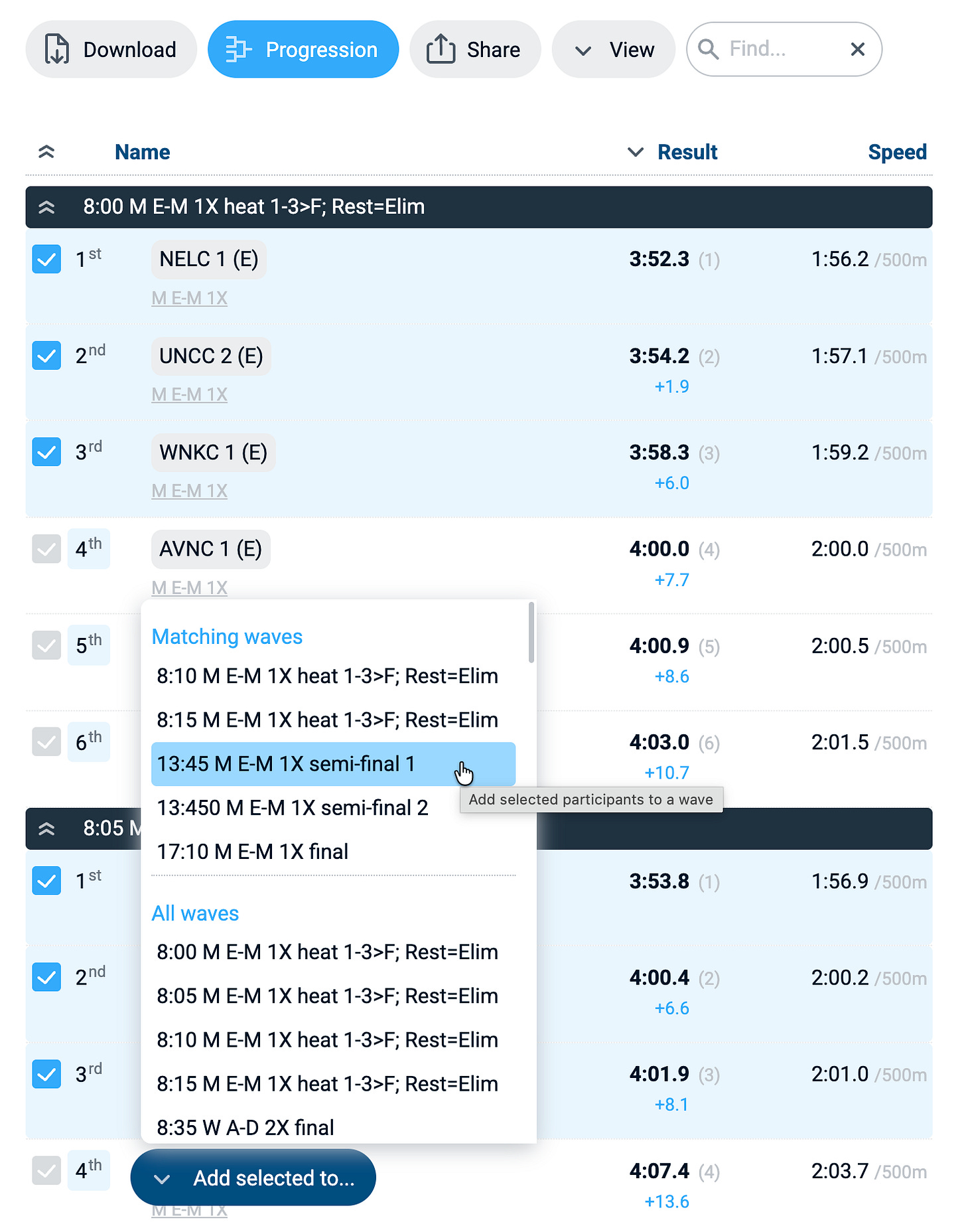
It's not a fully automated regatta manager, but it keeps the race manager in control and avoids filling start lists by hand between rounds, or the need to include placeholders up front. Currently, future rounds are seeded with the fastest from the heats in the center lanes and the slower towards the outer lanes. This can be manually adjusted in the start list editor if needed. A tutorial video walks through the full setup.
RaceClocker now supports a dedicated mode for beach sprint and knock-out format races where participants mark their own finish by pressing (or sometimes slamming) a big red wired or wireless USB or Bluetooth emergency button, one for each lane.
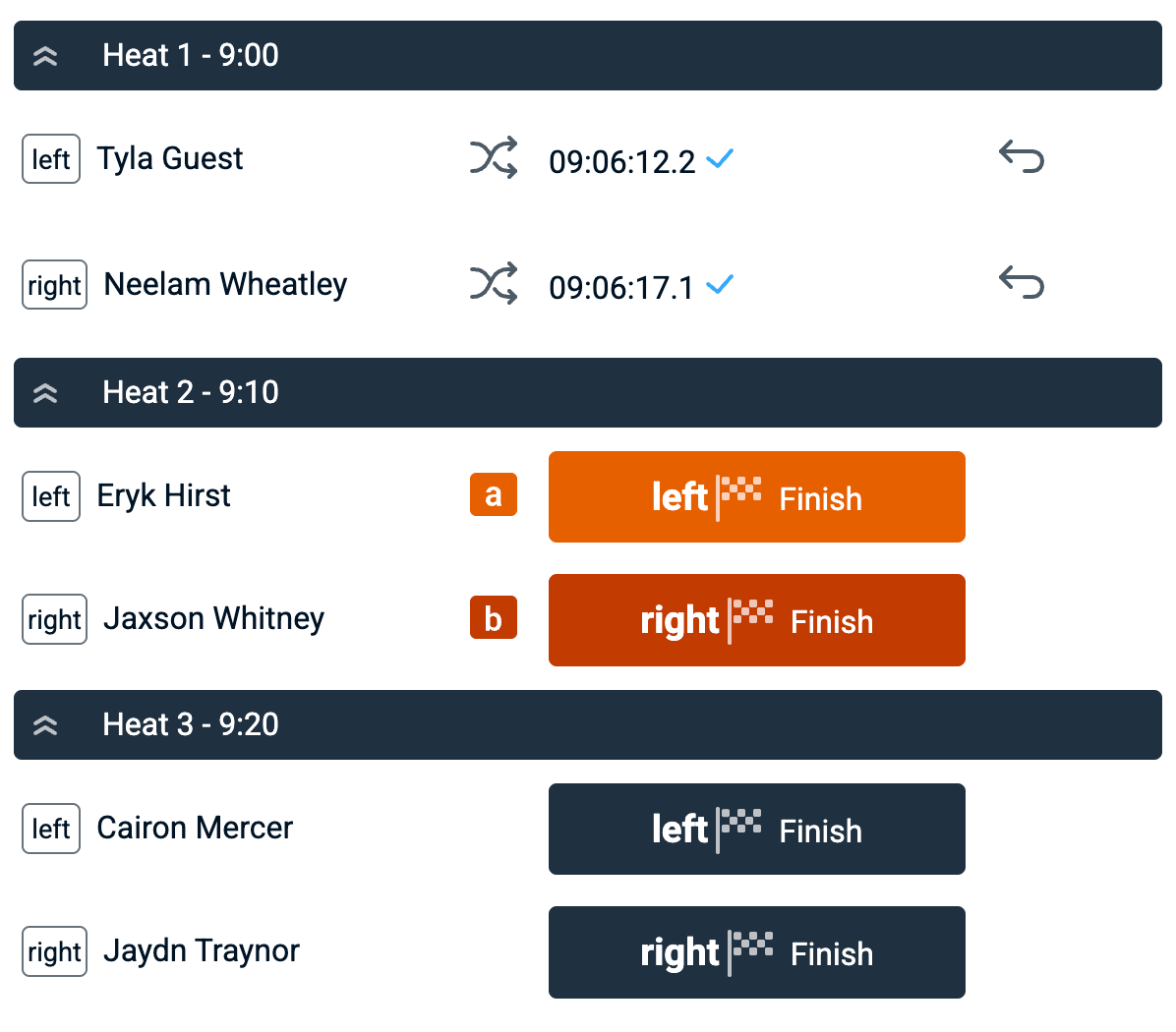
In RaceClocker’s list timer, a single click on a participant's name arms the corresponding timer button for spacebar timing. And now a Shift-click on a second participant arms the second hot button (shown in dark orange). To make the mapping clear at a glance, an orange a icon and a dark orange b icon appear in the view. Once set, pressing the ‘a’ key fires the first lane and the ‘b’ key fires the second — letting sprint finishers stop their own clock right at the finish line. See hardware supported timing here.
RaceClocker now includes a dedicated broadcast view for Premium subscribers, designed to be composited as a graphics overlay in streaming software such as vMix or OBS. Each heat has its own page that moves through three states: the start list before the race, a live running clock with race progress once underway, and the final results as soon as times are in.
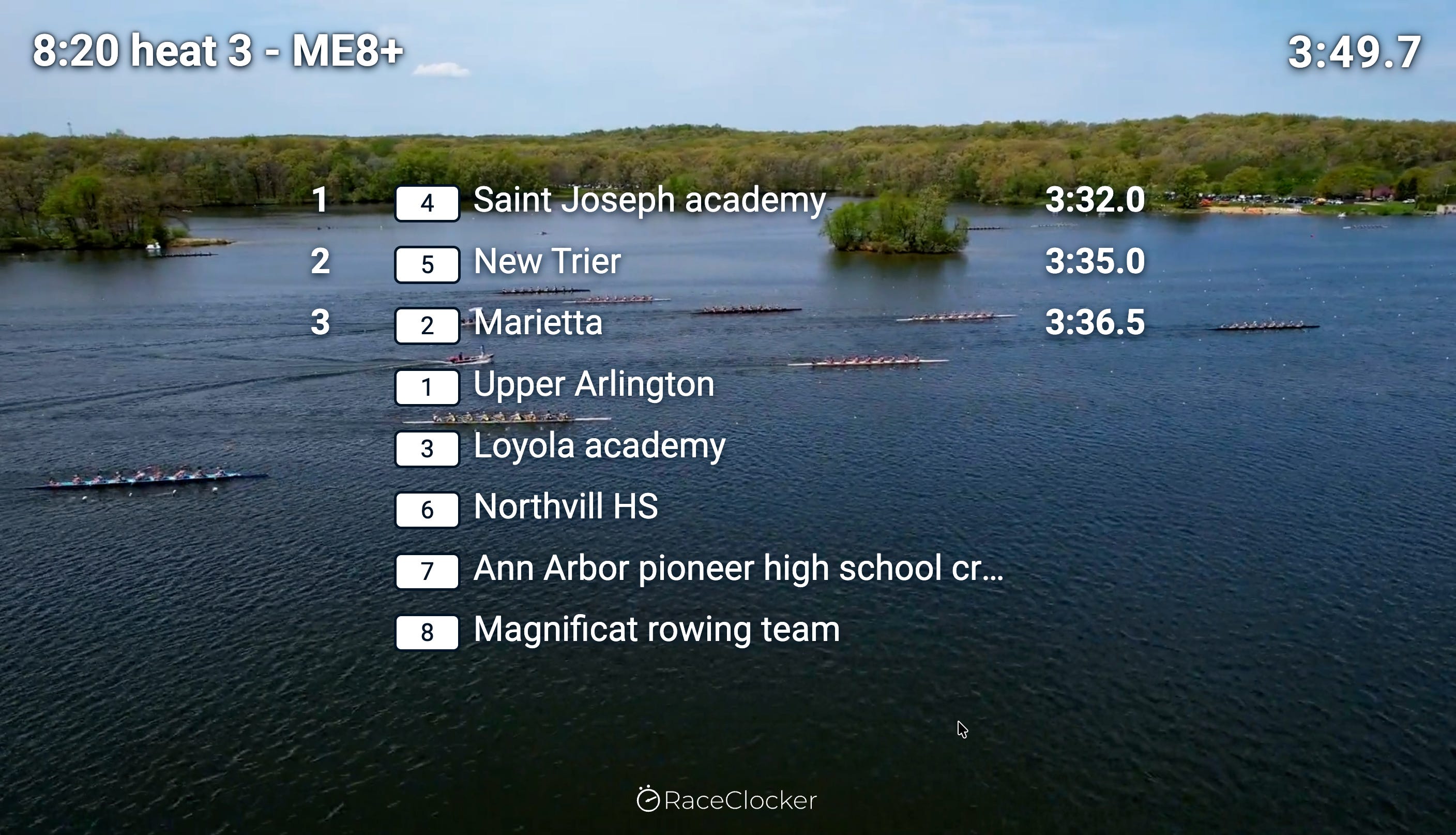
The background is transparent for direct compositing over a video feed, and the overlay stays in sync with the live timing feed, every new timestamp appears instantly in the view. It opens in its own browser window with scalable graphics so a broadcast operator can pick it up as a video source. Mid May, this features was applied for the first time at the ESPN coverage of the MAC Women’s Rowing Championship. Broadcast overlay is available for wave-based races only. More information here.
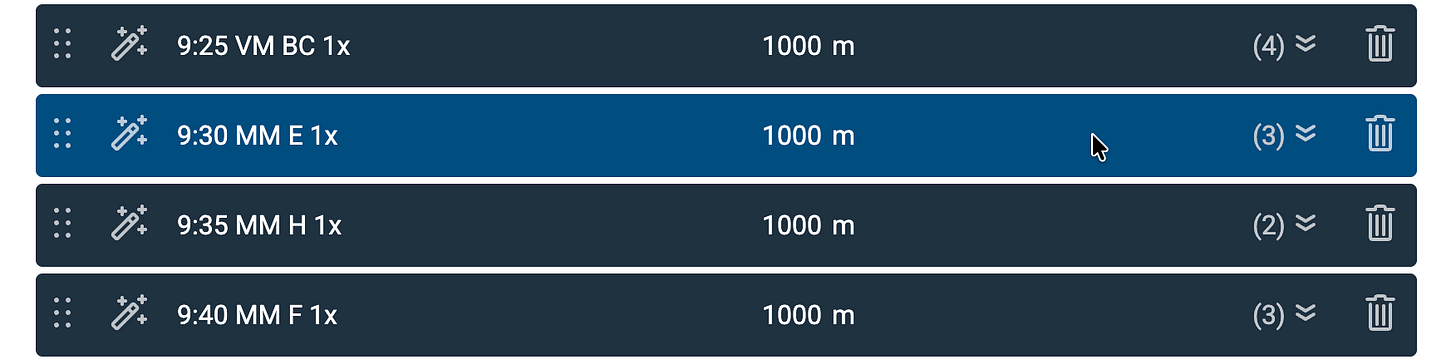
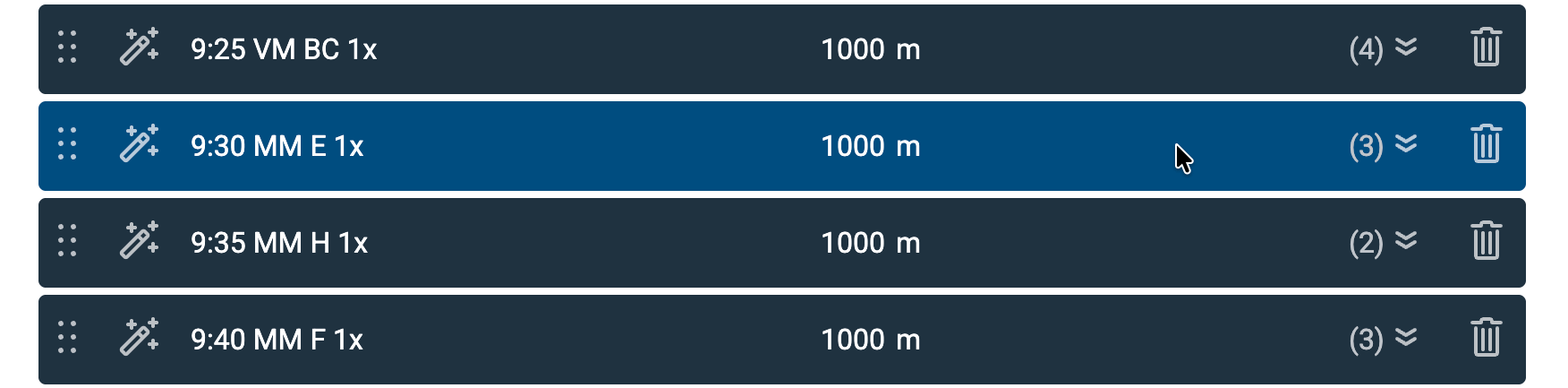
Pin a group or wave in the start list. This is a bit of a hidden, but useful feature. When clicking on the background of a grey wave or category group header in the start list editor, it turns dark blue to indicate it’s pinned, and therefore remains visible during filtering. This comes in handy when using the search field to filter an imported list, and then drag/drop crews to a particular (pinned) heat.
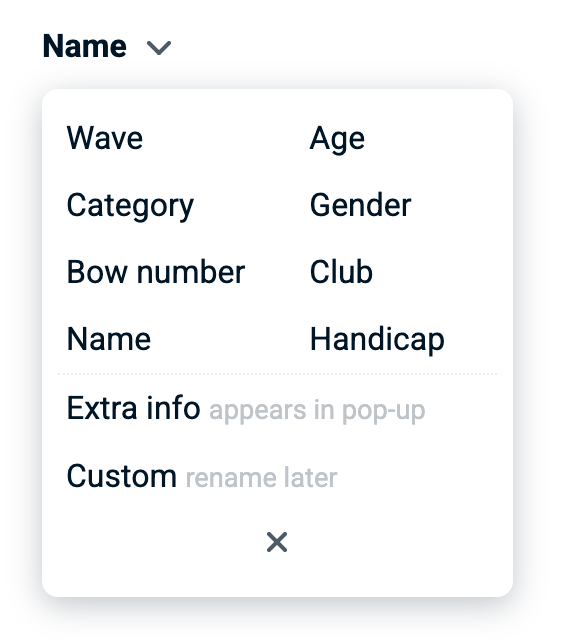
A blue pinned group header The lay-out of the column mapper during import has been improved, with better clarification of the special ‘Extra info’ and ‘Custom’ fields. We also made it wider and shorter, so that the preview of data to be imported is more readable.
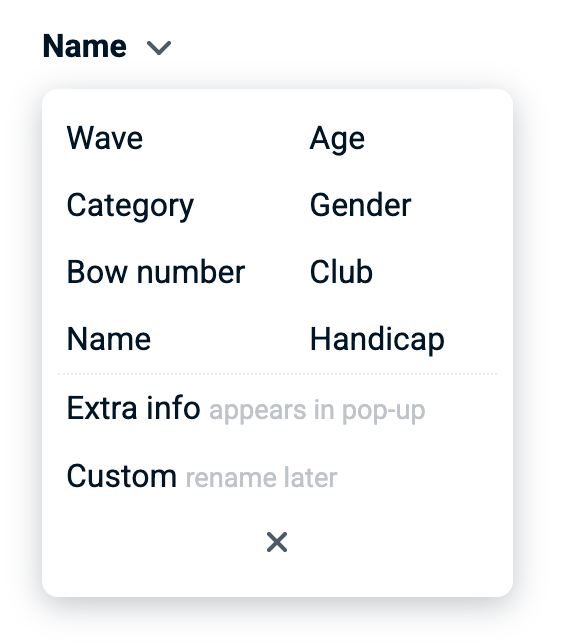
Column mapper to pair source data to RaceClocker fields

No posts
Comments
Nothing yet. Say the first thing.
Sign in to join the conversation.