
👋 Hello and welcome to our intermittently appearing newsletter with news, events, updates and other information about our race timing app. #happytiming
As an explorative project we developed a custom app for ON Running's Real Energy campaign. The concept: urban runners race from billboard to billboard across the city, scanning QR codes at each stop. The app then displays the next check point on a map, guides runners visually and capture the split time. The fastest 'billboard runner' of the week wins a pair of running shoes.
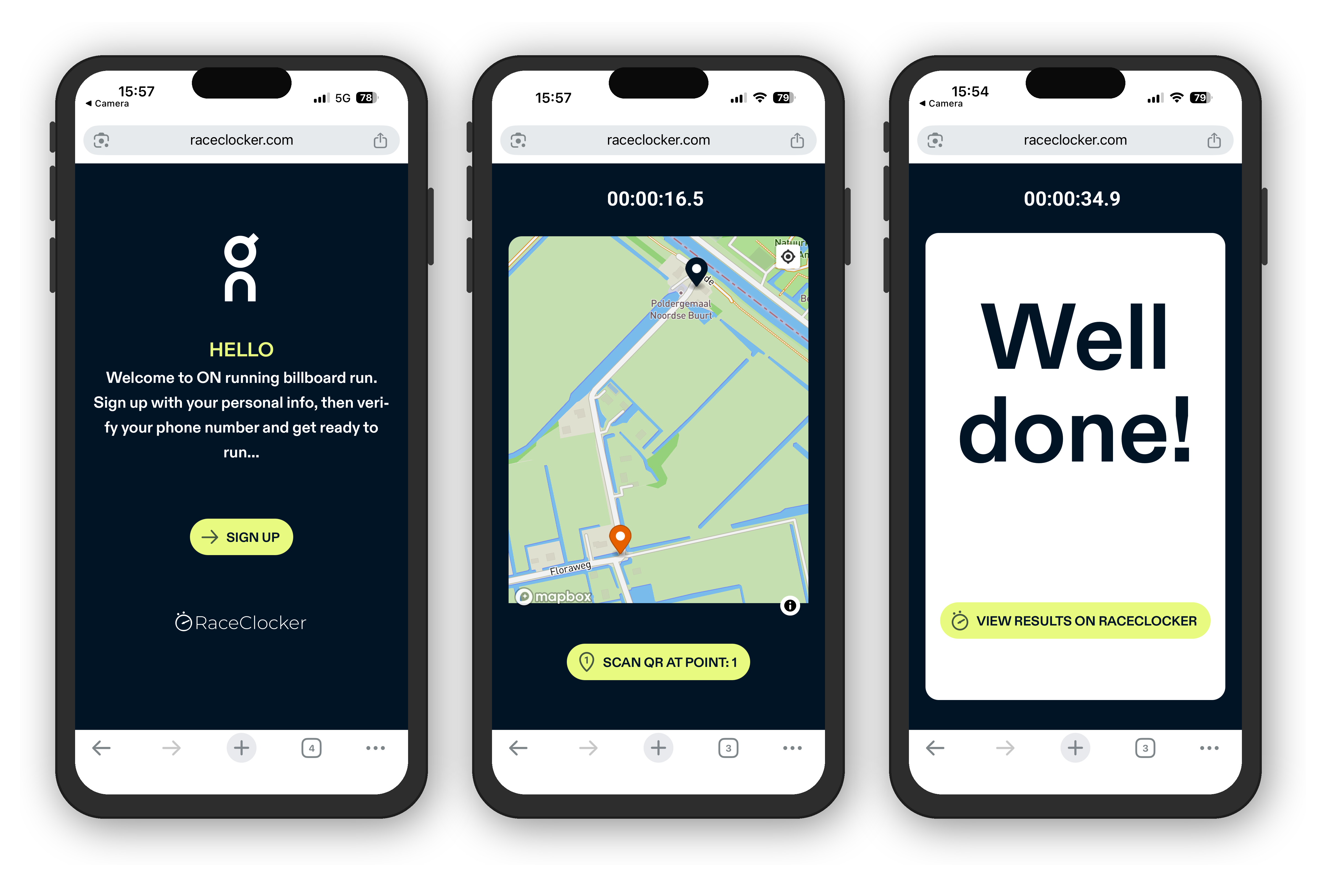
New concepts we tested with this app are 1) SMS message based phone number verification, 2) self-timing by participants with QR code scanning and 3) adding time stamps to RaceClocker’s backend via an api. We worked together with running event organizer Indierunner and the ‘Real Energy Race’ campaign was piloted in Amsterdam, Rotterdam, and Utrecht. See impression here.
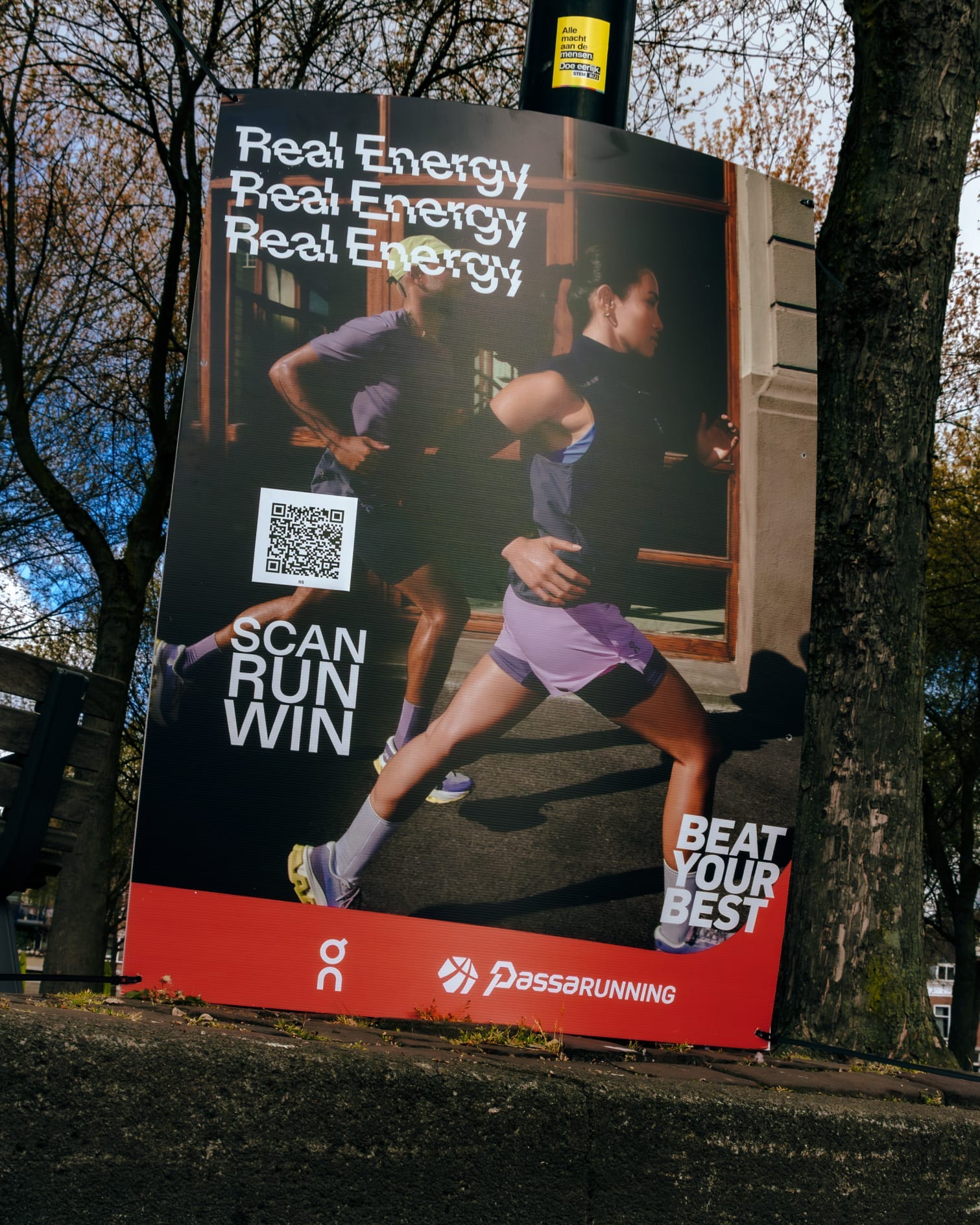
This project marks our first steps into two exciting new RaceClocker developments. The first is the expansion of our public API — planned for launch in 2026 — that will let anyone build their own timing application on top of the RaceClocker backend. And the second is a new timing mode in which race participants wear a QR code (their RaceID) printed on their bib number and where a QR code reader at the finish line makes the time stamp.
Notes in the RaceClocker results now support multiple colors to better reflect the importance of messages. Notes are short text blocks that can be placed between groups, such as waves or categories in both the start list and results view. They're a great way to share important information for timekeepers, athletes, or spectators: think race instructions, schedule changes, or general announcements.
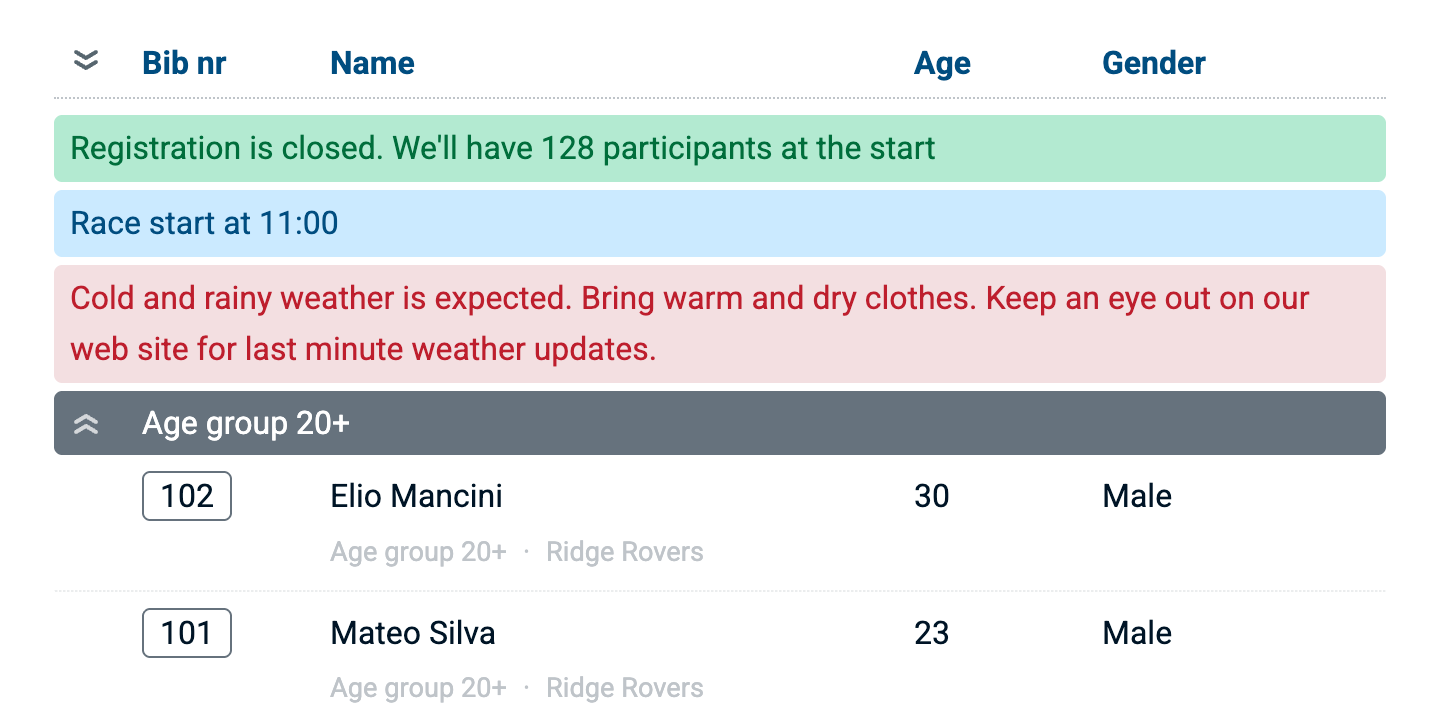
Notes are managed directly in the start list editor, and a single icon button cycles through the three available color modes.
RaceClocker races used to base the calculation of speed or pace on a single overall distance per race. In practice however, many races include multiple events with varying distances — for example, different running course lengths for different age groups.
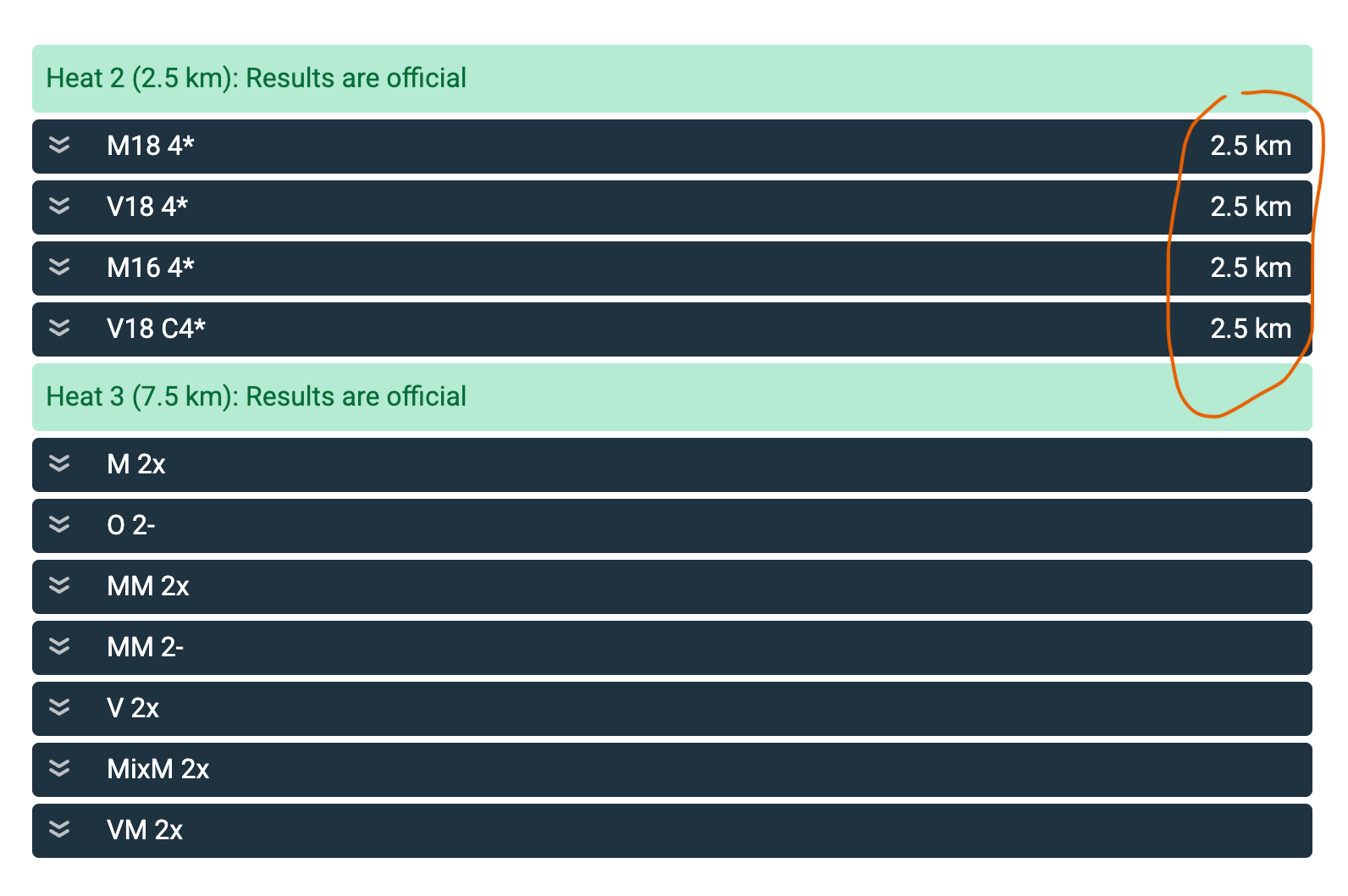
We've now added the option to override the default race distance at the wave or category level. Each wave or category can have its own distance assigned, allowing pace, speed, and rankings to be calculated correctly for every group, even when participants are running different courses. The distance override is set in the start list editor as part of the wave or category group header.
The next release of our free Finish Cam app for iPhone will include (some form of) bib number recognition. We’re currently making good progress with visual bib number recognition as an alternative option to electronic timing. Testing will start soon.
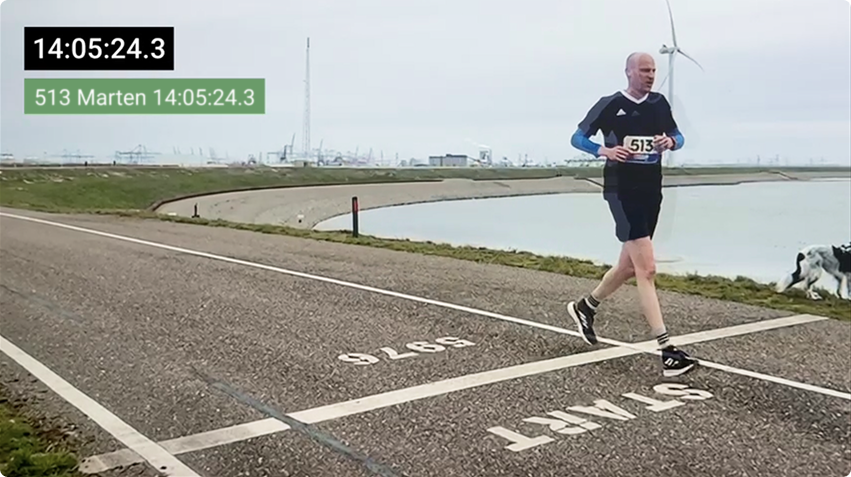
The concept involves recognizing and reading bib numbers as they approach the finish line and then determine the bib position relative to the finish line to determine the time stamp point. Time stamps are then auto-added to the RaceClocker race for review by the race director.
The view with “Live finishers”, previously designed for HYROX events is now available for all sports and race types. When the results link is appended with #finishers, the live mode is triggered from the link. More detail here.
Penalty notes from the race jury are now shown in the results for each participant, even when no time penalty has been applied.
The JSON results feed now includes a section with the race data itself, like name, distance, sport type etc. Scroll all the way down here to see the effect.
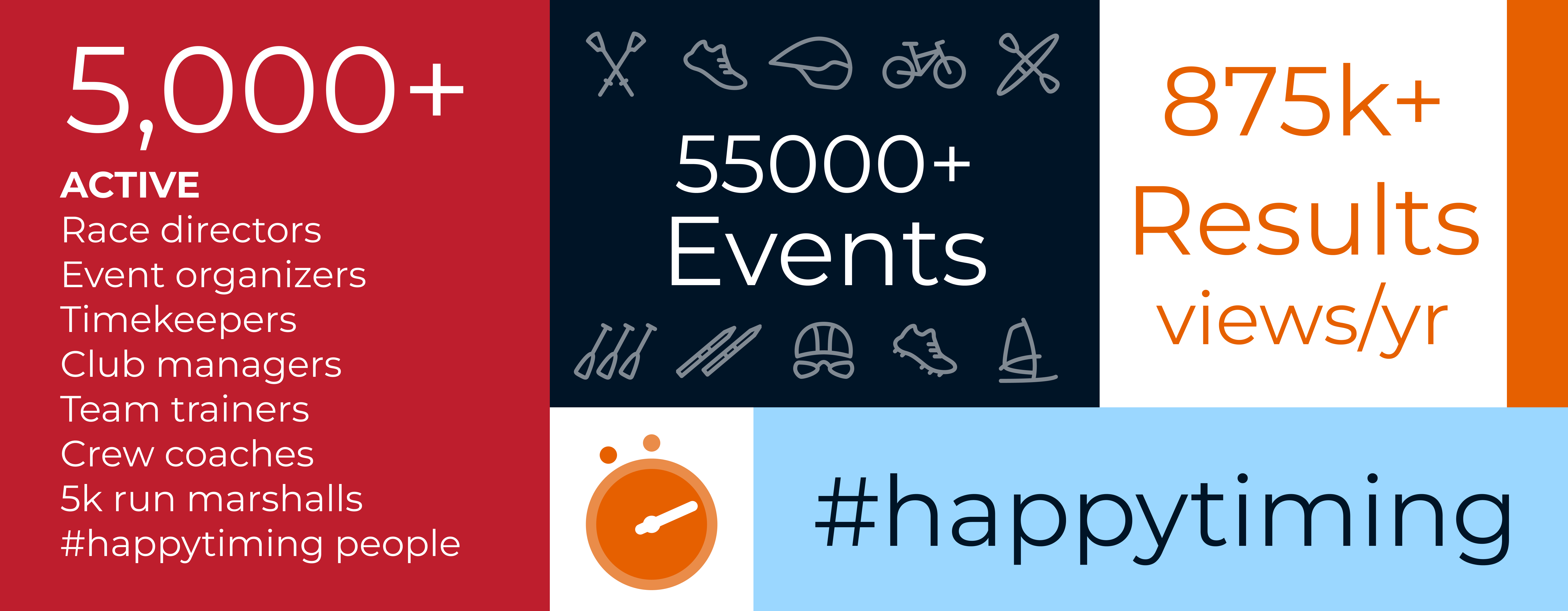
Our latest KPI numbers:

No posts
Comments
Nothing yet. Say the first thing.
Sign in to join the conversation.