
Build an AI AGENT LIVE Training
Here is a rubric for what I use and dont use.
It does a job I already do every single week.
It beats the free version at that exact job.
It saves me real time or makes me real money.
So here is the real list. The tools I open on a normal Tuesday, what I use each one for, and why it earns the money. I also cut a few this year, and I will tell you exactly why at the end.
Voice dictation that turns talking into clean, formatted text. Easy peasy! i love it.
I use it to draft. I talk, it types, and the output comes out readable instead of a wall of run-on speech. When I am clearing messages or getting a first pass of an idea down, saying it out loud is faster than typing it, and Flow keeps up.
It stays because I talk to it every day and the dictation built into my phone hands me a mess I have to clean up. Talking my way through a first draft is simply faster than typing it.
The top ChatGPT tier. Advanced models and higher usage limits. I use chatgpt for ideation and organizing my thoughts. I also use it for my home projects and personal dashboards like my renovation, budgets/wealth management, kids and house things.
The mid tiers cap out on limits and model access right when I hit my stride, and losing that momentum costs me more than the upgrade does.
Lately I’ve been using the new Chatgpt Work feature and playing around with what I’m going to keep here or with Claude cowork. So far its less picky about permissioning so I dont feel like I have to babysit it as much.
Chatgpt also released Sites so you can now have it host more content for you in the cloud and generally its allowing you to schedule things without you having to be online all the time, which is ideal for me. My goal is to be offline MORE not attached to a computer all day pressing “approve” which is how I feel with claude code sometimes.
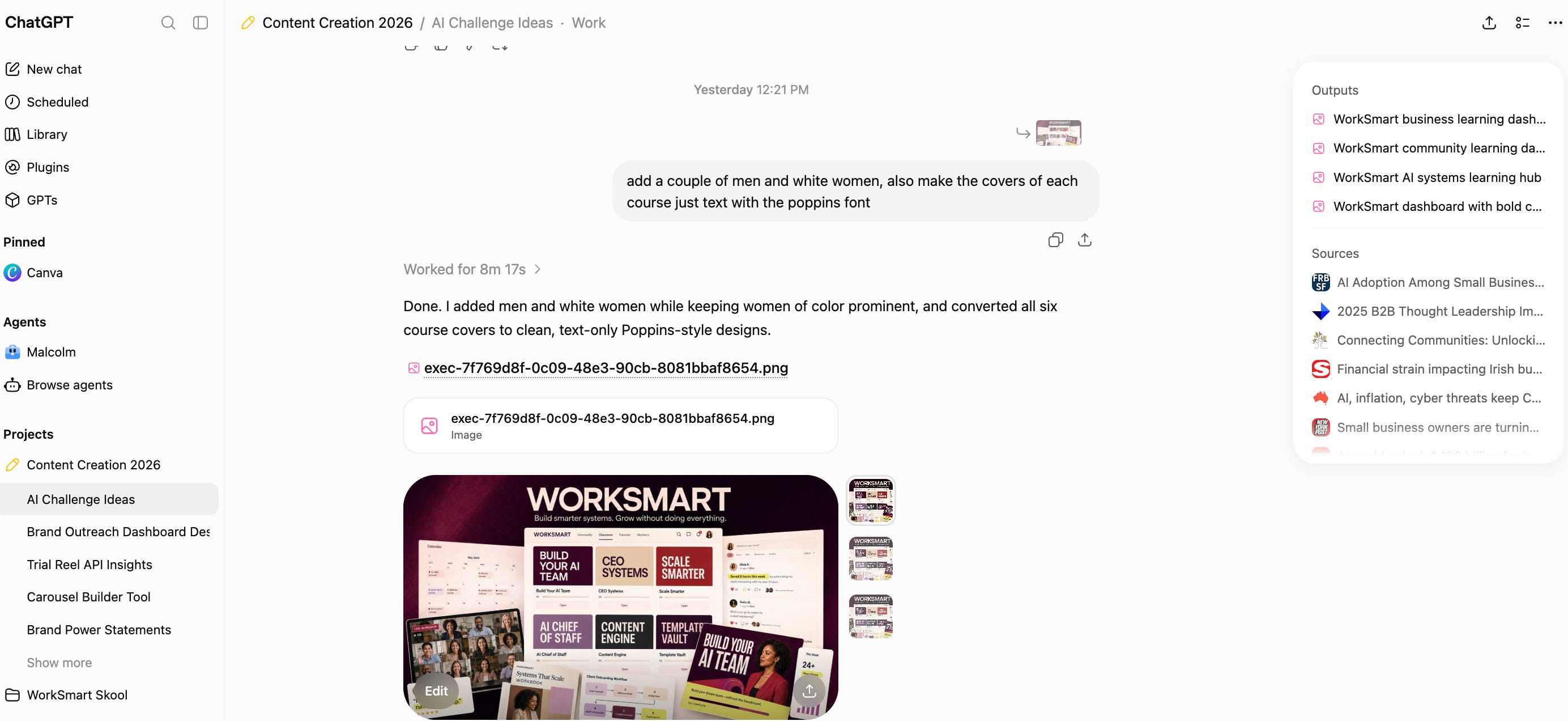
Chatgpt’s image generation is also pretty ideal for quick lilttle graphics and simple changes on photos. It’s plugins are great like the integration with adobe and a few others IN the app which keeps the quality of their outputs pretty nice.
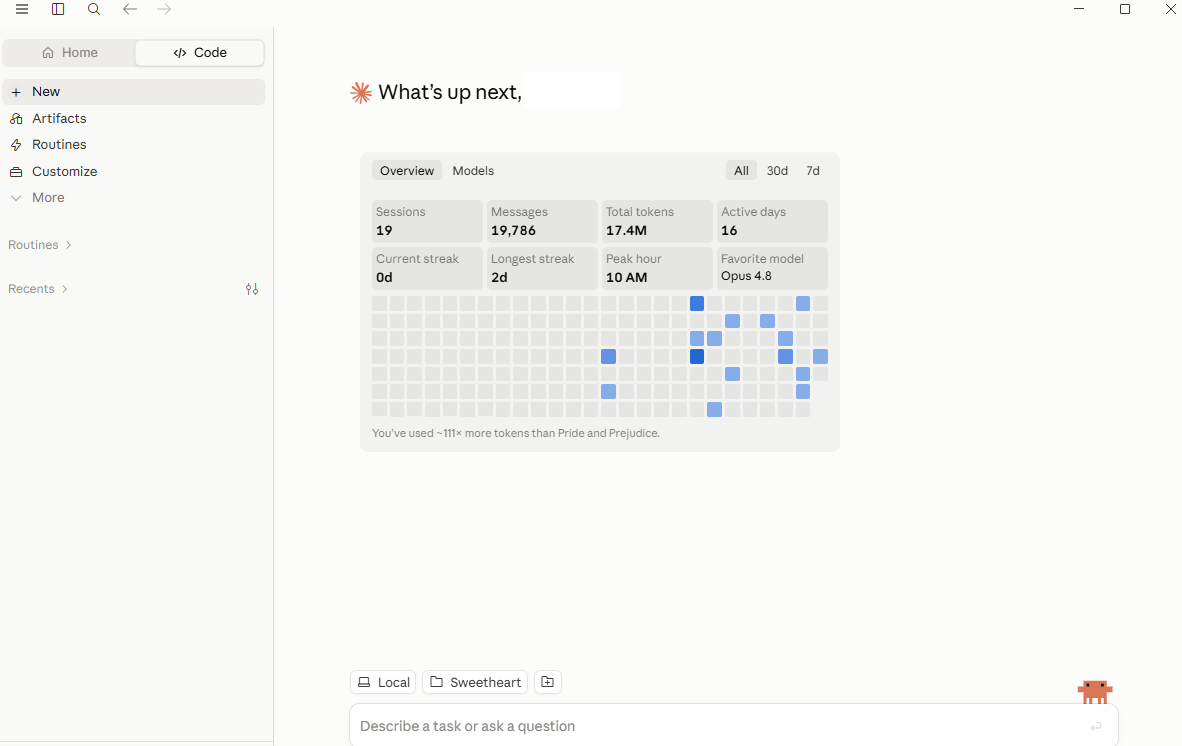
The top Claude tier.
I use it for dashboards and coding. It still is the smoothest for me for large batch work and building tools, working in artifacts, and running Claude Code to put small builds together. When I want something functional and not just a block of text, this is where I go to get started. I also of course love Claude Design which chatgpt doesnt have.
The lower tiers run out of room on anything longer, and one working tool I put together in an afternoon replaces hours of my own time or a developer’s invoice.
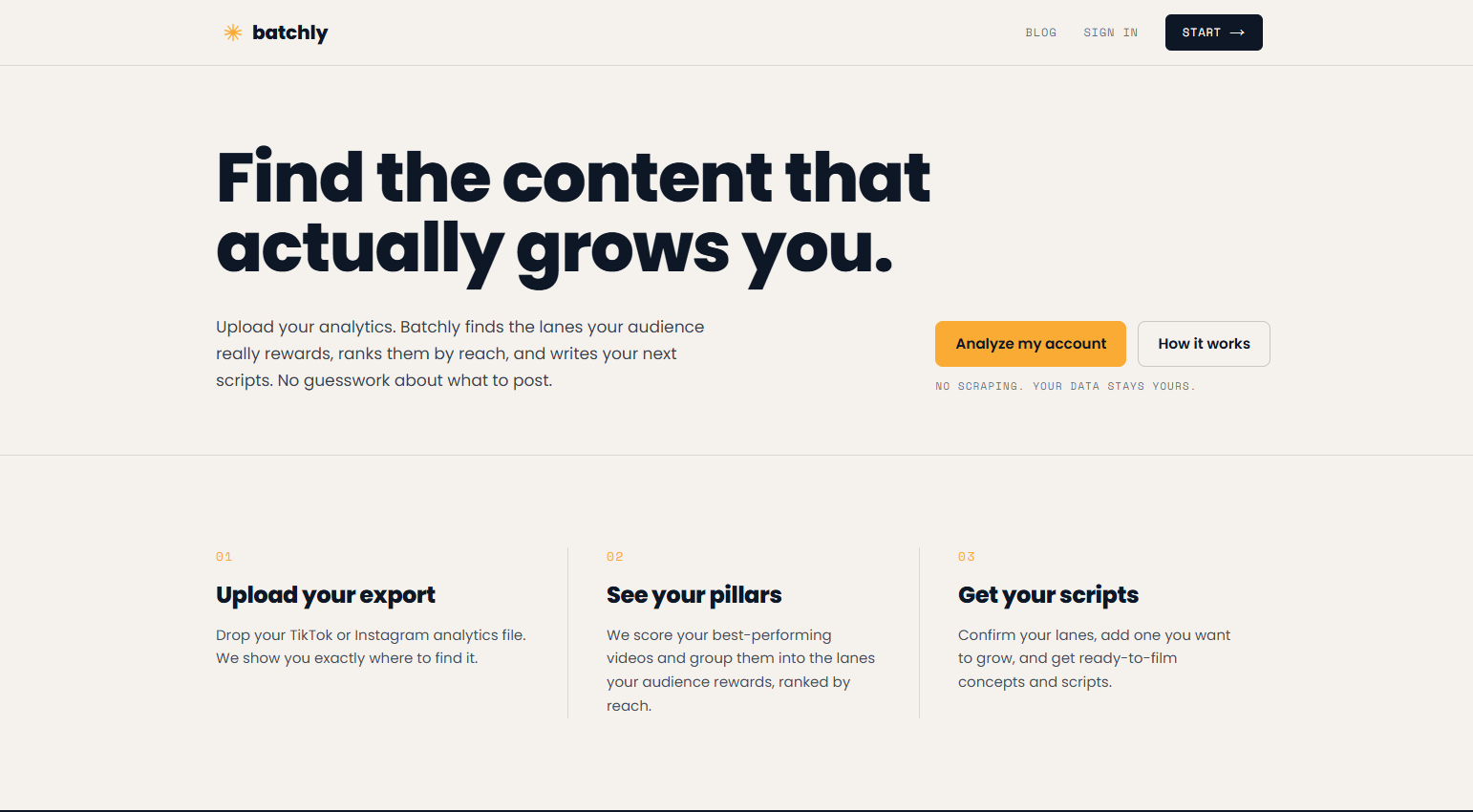
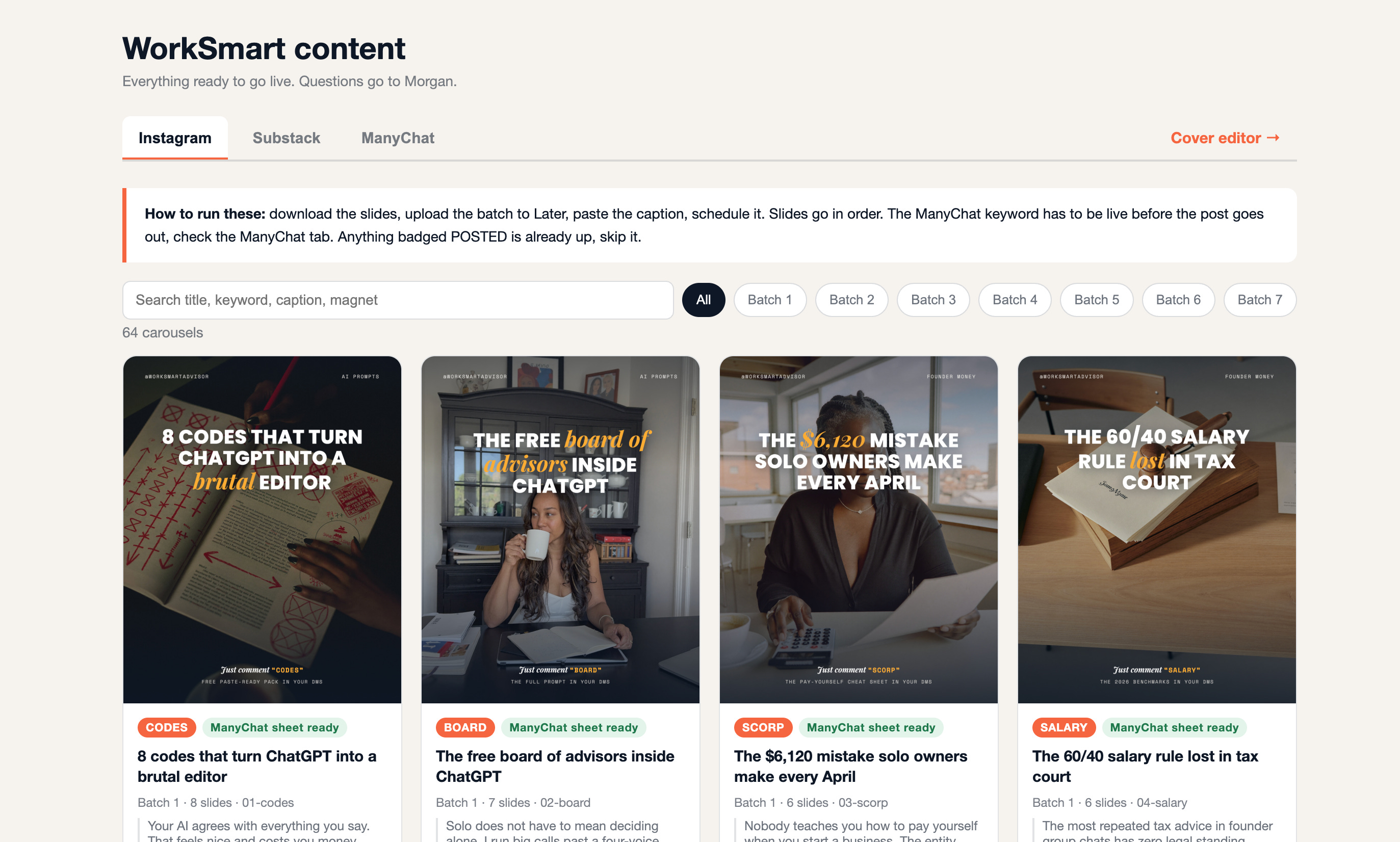
These are the tools we built in-house, and I run the business on them. The Scale Plan for mapping the next 30 days, Batchly for content, and the members hub where the whole thing lives.
I am not going to pretend I use them because I have to. I use them because they do jobs I need done, and I built them to work the way I work. The Scale Plan sets my priorities, Batchly tells me what to post, and the hub keeps it all in one place.
They cover jobs I would otherwise stitch together across five different apps, and because they are built for exactly how I work, nothing generic keeps up.
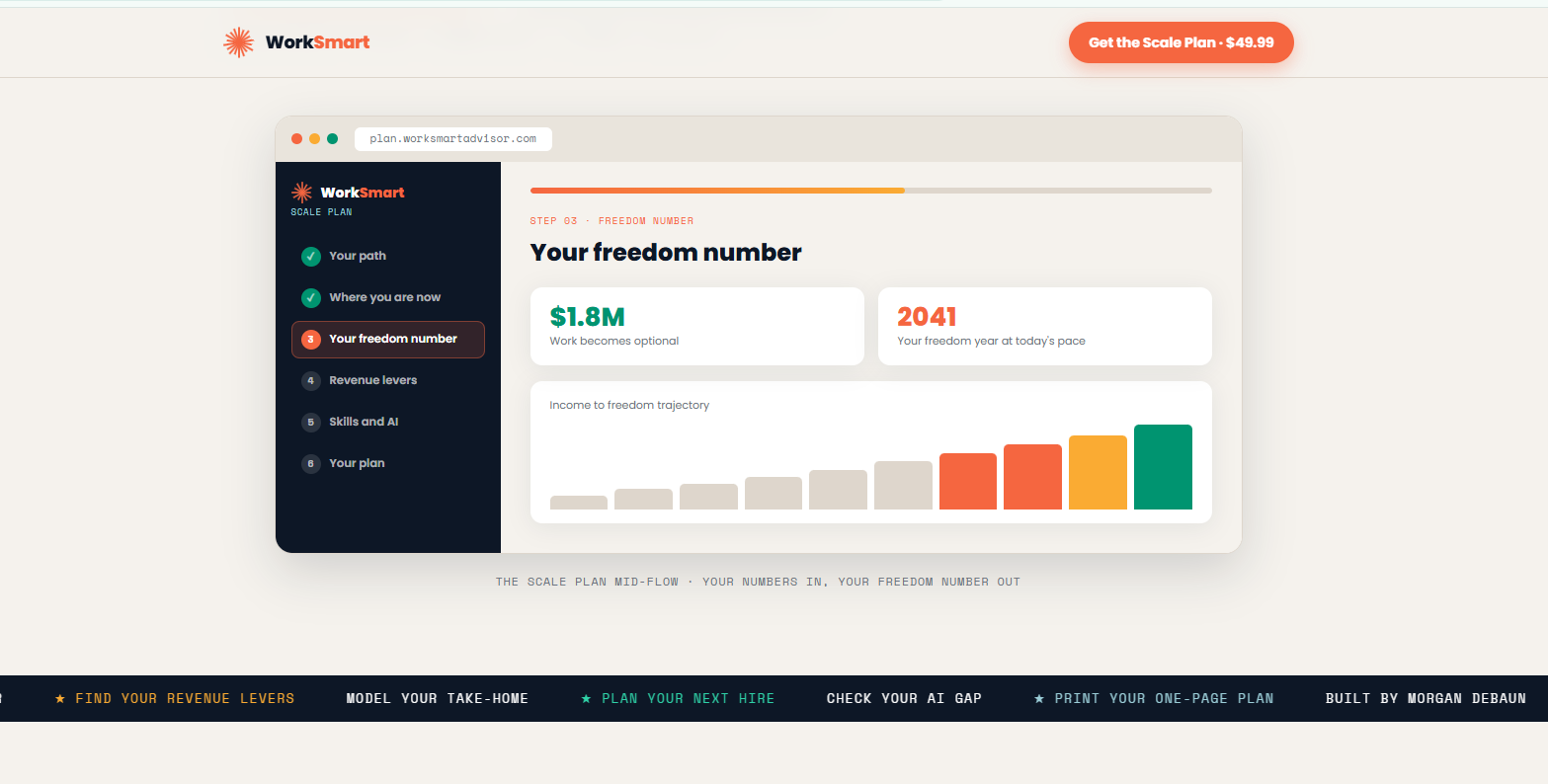
AI image and b-roll generation.
I use it for visuals and b-roll for content. When I need a specific shot or some movement to break up a video and there is no way to film it, I generate it here. I will use it for thumbnails to YouTube and testing it for small things. Generally I still like to use real photos in my content because trust is very important to me but it is SO fun to play in higgsfield.
A remote recording studio for long-form filming, tutorials, and podcasts. I use this for my tutorials that I’ve been posting on Youtube. It records high-quality video and audio locally, so the file is clean even when the connection is not.
The local capture holds up even when the connection does not, so a guest’s wifi dropping mid-recording no longer means a reshoot when I’m shooting a podcast. (which I’m thinking about bringing back this fall if I can squeeze in the space)!
I do a lot of collaboration tool making for my teams and this allows me to make a tool and host it pretty easily. I have a tool for Martin on my team who helps with my content creation and I can easily pass files to him via an internal dashboard vs folders.
I use it to put things live.Hosting and deployment. When I build a project link or a small workflow and I want it on the internet with a real URL, it goes on Vercel.
A project goes from built to live on a real URL in a few minutes and their integration with codex and claude code makes it simple to maintain even as a non technical person.
Cutting is the other half of the job. A tool earning its spot last year does not mean it earns it now, and my rule works in both directions. Here is what came off the card this year and why.
An AI app and site builder. I cut it because I now build sites with Claude and ChatGPT. Once one job could be done well by tools I already pay for, a second subscription for the same job stopped making sense.
Audio and video editing. I cut it because Riverside improved enough to cover what I needed. When one tool grows into the job of two, the second one goes.
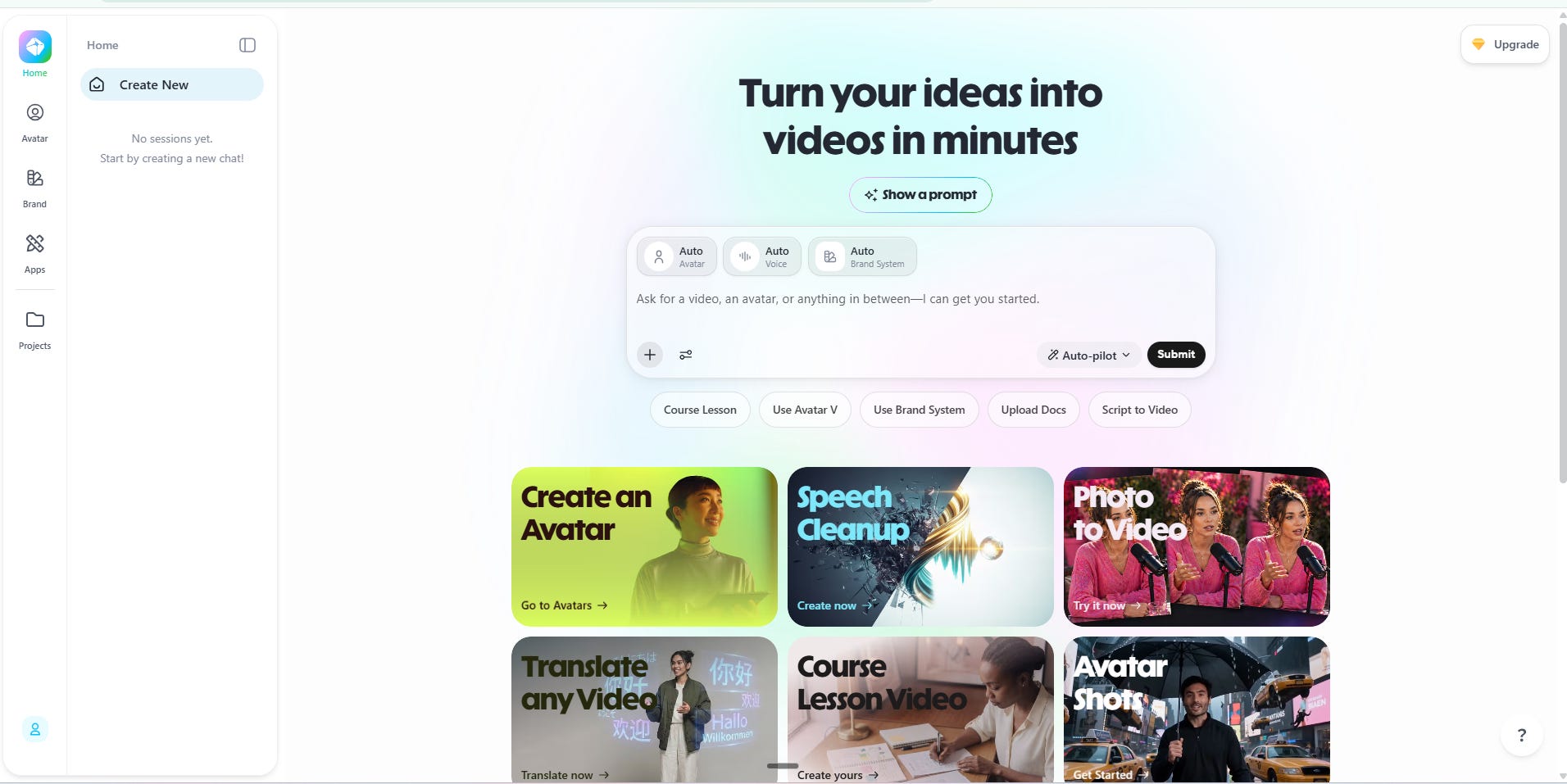
AI avatars and video. I cut it because AI-influencer content is not the direction I want for this audience honestly. The tool works fine (great even). It just does not fit the job I am doing right now and with so much influencer backlash I dont want to give yall yet another reason to be a hater in my comments (I kid I kid!)
Audit your subscriptions this week. It takes fifteen minutes! I realized after the fact that I was paying for a bunch of tools I dont really use anymore.
Comments
Nothing yet. Say the first thing.
Sign in to join the conversation.