
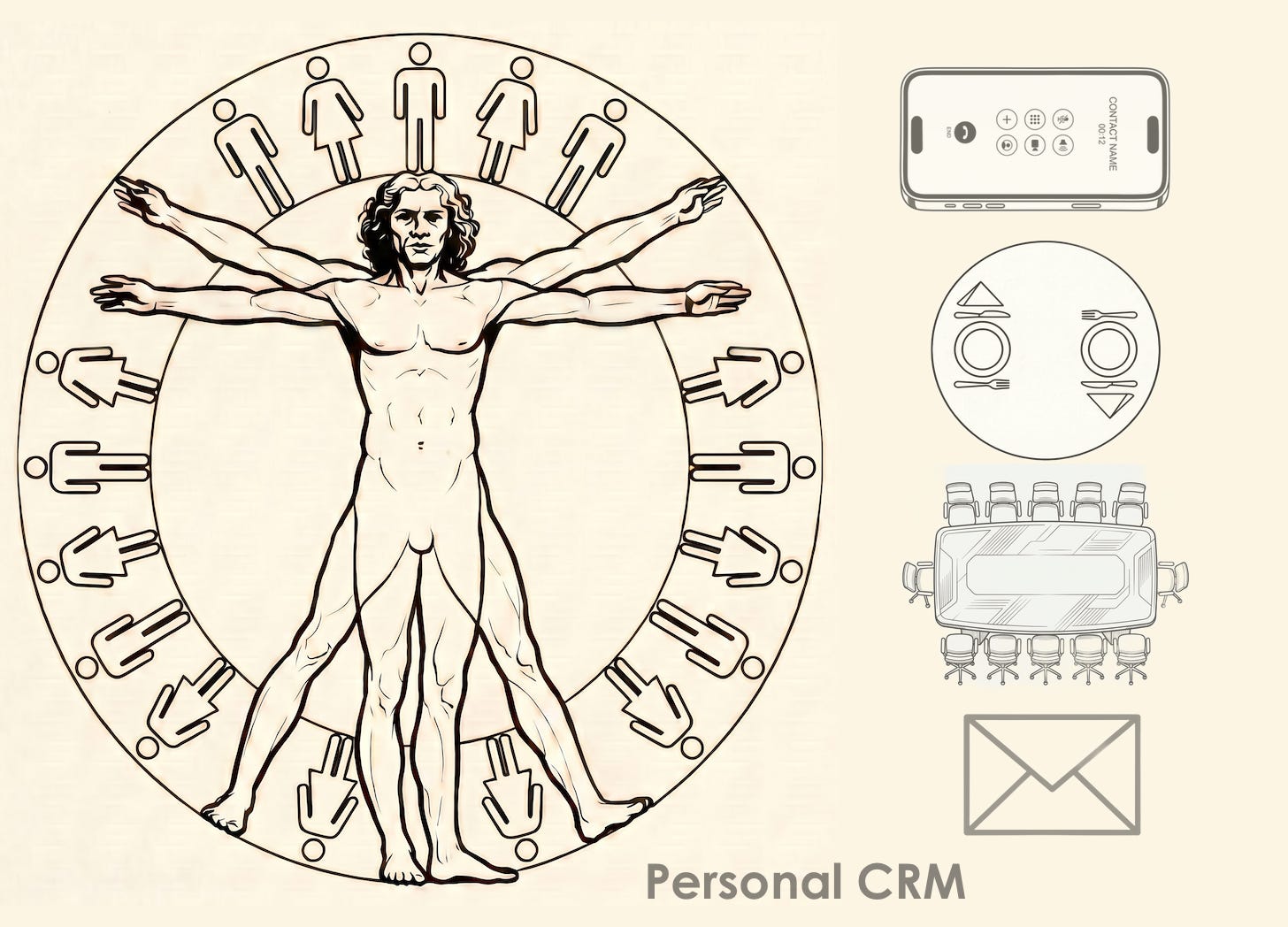
What is the intended meaning of this title? It is not meant to imply that software is coming to some final state; instead it asks a question: “what is the purpose of software?” Or more specifically, what is its goal? The thesis of this article is that this end is about to change in a dramatic and fundamental way: software is about to evolve from generic to almost exclusively bespoke.1
This is actually a deep question, because we typically don’t consider what the end of our tool is. We instead mostly focus our attention on what it can accomplish, or how it works. We spend most of our time in the world of RTFM and much less time thinking about “what is the meaning of life.”
In Understanding Computers and Cognition the authors (Winograd and Flores) make the point that when a tool is working properly, we don’t consider that we are “operating the tool”, but instead that we are “tooling”.2 In other words you don’t operate a text editor or a hammer; you write or hammer.
Because software was in the past designed to reach as wide an audience as possible, the end of software might have been viewed as providing as much generic utility as possible, by serving a wide group of people in a general way. This might be termed “un-bespoke.” The most un-bespoke piece of software is an operating system, trailed closely by something like Microsoft Outlook or Microsoft Word. If one were to be cynical, one might say that the software vendors’ end is to have as many users as possible, and as a result to make as much money for Microsoft as possible.
One of the key points in Winograd and Flores’s book is that a well-designed tool essentially vanishes, only appearing under conditions of “breakdown.” How many times in a day do our current systems draw attention to themselves? In my case the answer is: a great many. This doesn’t only include 404 errors and obvious bugs, but also the necessity of going from point A to point B via points D,E, and F.
One exception to this rule, and a step on a path to bespoke-software, is Google search. While the underlying tool is intrinsically general, each time you enter a query it becomes specific to your need at the time. Its domain is all the knowledge on the web, but its function is to respond to your in-the-moment need to connect with that knowledge. And so you think about it as “googling” rather than running (or operating) Google.
But the vast majority of software products were designed with the greatest good for the greatest number (of software vendors) and not with the individual in mind, which is in tension with the invisibility that defines an ideal tool.
What is the largest drawback of the generic world view? When we use a product designed in this way, we are always satisficing and seldom (or never) optimizing. We are learning to adapt to its way of doing things, in other words the way that the designers and coders and project managers *thought* we should do things, rather than the way we would do things if we were the designers and coders and project managers. Much of what we spend our time doing is learning, adjusting, and working-around, rather than actually accomplishing work. Anyone who has ever installed the new version of Word or Excel and tried to figure out where everything on the menus moved knows exactly what I am talking about.
Oscar Levant (renowned concert pianist and sometime game show panelist) once said “There’s a fine line between genius and insanity. I have erased this line.” In today’s world, the line between software developers and users is being erased.
One of the most popular words in business over the last decade is “workflow.” What exactly is a workflow and why have we come to focus on it so much? Workflows are in the simplest sense “chains.” And in many cases, they are chains in the use of software tools. So our work flows from one application to the next, stopping off along the way inside databases, emails and dashboards. Consultants tell us that our business processes need to be understood and defined before we begin to automate them; good sound advice. But drilling down on this means is that we need to spend a large percentage of our time fitting our processes to the capabilities and quirks of the software tools that are provided by our organization.3
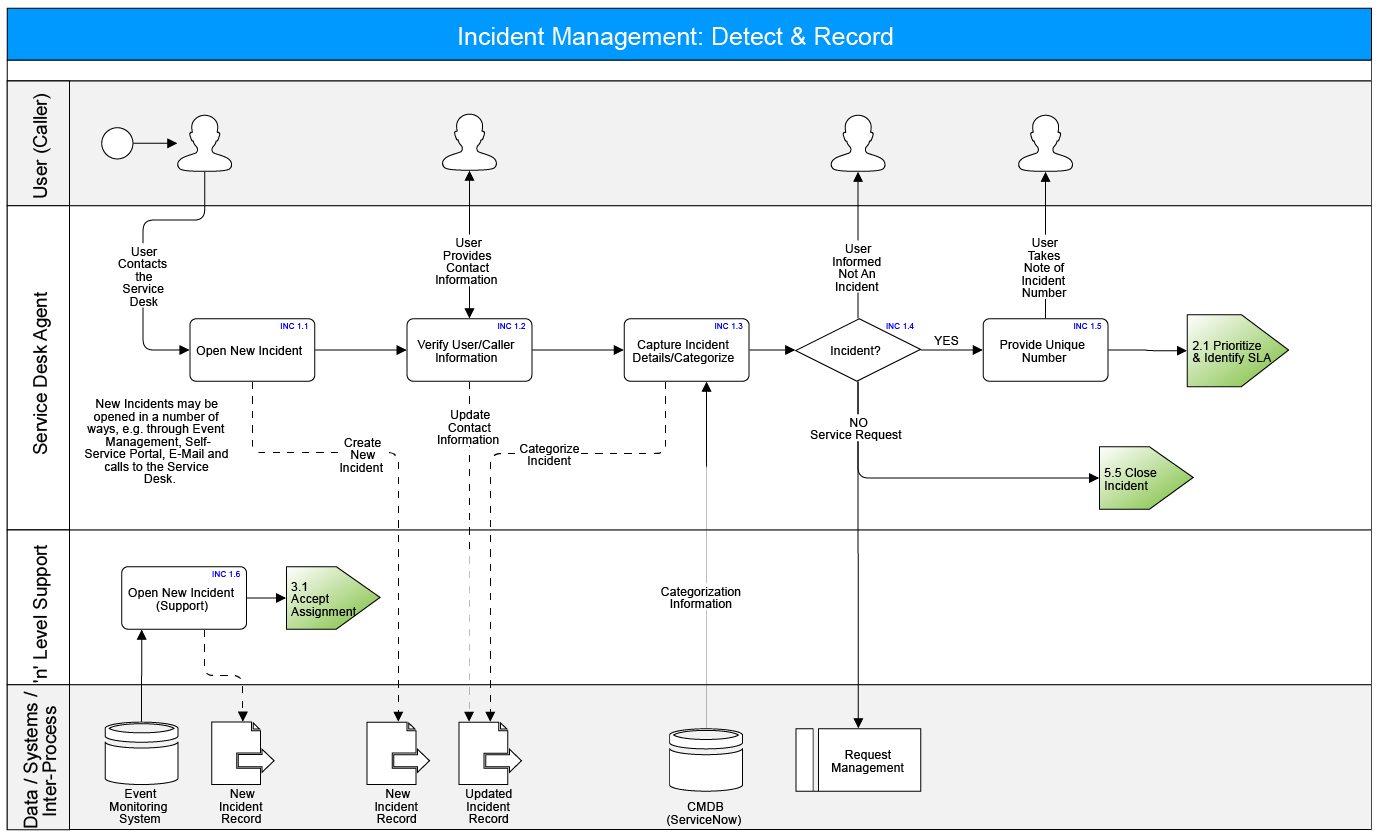
LLMs like Claude Code completely change this equation. In the current world and in the one hurtling toward us from the future, the shift will be from “flow” to “work,” Everyone agrees that LLMs represent a quantum leap in the development of software, and my social media feed is almost choked with the number of posts, videos, and screeds on how to best make that leap. But will this leap be dramatic enough to create a new world view, in which software becomes personal?
How far are we away from a “post-generic” software world, a world in which our way of working is almost immediately converted into a software application that exactly meets a single person’s needs? With a modicum of programming knowledge and the latest version of Claude Code would it be possible to create, say, a totally personalized CRM system that provided me with everything that Salesforce or HubSpot provide, but with my particular (historical) data and my priorities?
The best way to answer this question is to give it a try, and that’s exactly what I did, starting at the end of March. Using Claude Code, I started with an Airtable CRM system I had hacked together and used with some success over the last decade. The remainder of this article describes both the successes and the fails of that project. The TLDR is: it worked, but not without its challenges, revisions, and fails.
As I began the project, it looked like a tidy weekend job: dump my Airtable “personal CRM” base and load it into a proper relational database. Airtable had always felt like a spreadsheet pretending to be a database, and my ~950 contacts were straining against its non-relational seams. I had a clear picture in my head of the schema I wanted: contacts, companies, a junction table with a current/former flag so I could track job changes, interactions, and tags, and I figured a couple of evenings would get us there.
The first day actually went to plan. We exported the Airtable base (954 contacts and 183 companies). That evening we added a VCF merge so my Apple Contacts export could be layered on top of the Airtable data with duplicate detection: 1,830 Apple cards merged in, 353 of which already matched an Airtable contact by email or name, 99 skipped as malformed, and 1,378 net-new. By bedtime we had moved the data into a relational database called DuckDB which I had already used for a project on bond arithmetic for real estate portfolios: Conversation at Corenet.
This next section is pretty technical, and if you aren’t a programmer you should probably skip it.
As well as having a large amount of CRM data in Airtable, I (like everyone who has used a Mac for a long time) had a trove of information embedded in Apple Contacts. The Apple Contacts system has always seemed like a bit of a software orphan; it got the job done but without much panache. Its main benefit was that it was integrated with the rest of the Apple ecosystem, including Mail and Messages. So the next design job was to figure out a way to integrate my personal CRM database with the Contacts database.
This began the bidirectional sync saga. Claude initially wrote a weekly Cardhop/Apple Contacts sync agent, and almost immediately had to rewrite it, first to compare the VCF exports against the database rather than the other way round, then to add an `is_current` flag on `contact_companies` because people change jobs and I cared about their job history. We added a conflict-email step that sent notifications through Mail.app when the two systems disagreed. Each fix revealed another layer: address write-back was wrong, there was a duplicate phone column, etc.
And then I hit a DuckDB design defect that ultimately forced a database switch.
The defect, technically described: DuckDB v1.4.4 throws a fit whenever you update any column on a row in a parent table that is referenced by foreign-keys in child tables, even when the update doesn’t touch the primary key and doesn’t touch any column involved in the foreign-key relationship. This is not how standard relational engines behave: PostgreSQL, MySQL, SQL Server, Oracle, and SQLite all allow non-primary-key, non-foreign-key column updates on parent rows without consulting the children. DuckDB’s model treats any modification of a referenced row as a constraint violation.
The scope of impact in my data was severe. 64% of contacts in the CRM were foreign-key referenced by at least one child table which meant two-thirds of contacts couldn’t be edited by any ordinary update statement. Claude wrote a programmatic workaround to save all child rows referencing the target, delete them, delete the parent, re-insert the parent with the updated field, re-insert every child row. Yuk.
The Python code could work with this. *What the code couldn’t fix was the front-end tools I wanted to use.* Two front-end tools that I have used (DBeaver and Beekeeper Studio) both attach to DuckDB perfectly well for reads, but neither of them could UPDATE a foreign-key-referenced parent row, because the DuckDB driver returns the constraint error before the GUI even knows there’s work to do. My “edit a contact in a GUI” workflow (the single most common thing I do when cleaning data) was broken for two-thirds of the data!4
So two days into the project, after a heart-to-heart discussion with Claude, I decided to migrate everything to SQLite. It was a painful call, but SQLite doesn’t have the defect and most of my workload for this project is transactional processing, not analytics, which seems to be what DuckDB was designed for.
Once the database switch was accomplished, the next task was to figure out a framework for keeping the Contacts database and the personal CRM database in sync. Ideally any changes to the personal CRM would update Apple Contacts, and any new contacts added through Mail or Messages or through an app I used called Cardhop would update the database.
The initial plan was straightforward: a weekly background job to keep both databases in sync, so edits in either place would propagate. Although simple to define, this was extremely difficult to design.
After many hours of debugging across multiple sessions, I gave up. The sync never converged and every run produced conflicts that reappeared on the next run, and three root causes proved intractable.
Records linked from both iCloud and Google Contacts via CardDAV existed as duplicates under the hood even though they appeared unified in the user interface, and writes from our code conflicted against Google’s background sync.
Apple’s contact-database internals accumulated corruption on repeatedly-edited records.
macOS Tahoe 26.5 had its own Contacts and Mail bugs layered on top.
We created synchronization code, an AppleScript v-card exporter, a Swift `contacts-writer` CLI, a launchd job, and snapshot tables, but in the end we deleted **all** of these and decided that the CRM’s SQLite database would be the sole source of truth, and Apple Contacts is treated as a passive store for Mail/Messages autocomplete.
It was a demoralizing journey that crashed on the rocks of subtle software flaws introduced over time as the Apple ecosystem evolved to work across MacOS, iOS, iPadOS, and iCloud. The call to abandon felt like defeat for about fifteen minutes, and then it felt like relief. The CRM is now the sole source of truth. Apple Contacts is treated as a passive autocomplete store for Mail and Messages; if I want a contact created there, I need to tell the CRM about it.
The second significant “fail” in the exercise involved a download and upload of my LinkedIn contacts. While we successfully created a large number of records in the personal CRM from LinkedIn with good company and title information, LinkedIn is very parsimonious when it comes to sharing emails (and phone numbers).
Of the 2,576 LinkedIn connections exported in the CSV, *only 70 arrived with an email address.* The other 97% had a blank email field, because LinkedIn only discloses a connection’s email in the export when that connection has explicitly opted in via their privacy setting (off by default). LinkedIn tells you this up front in a terse preamble at the top of the export file (“you may notice that some of the email addresses are missing”) but the practical impact was severe: the richest public graph of professional relationships turned out to be the weakest source of direct contact information.
We closed the gap partially by running a script to guess the emails. It used the contact’s company plus a registry of known domain patterns (first.last@cbre.com, flast@savills.us, first.last@jll.com, etc.) to synthesize likely work emails for the big real estate firms, and partially through manual additions. Even after all that, more than 60% of the LinkedIn import remains email-less today; those contacts are reachable by message on LinkedIn itself, but outside the scope of the CRM’s campaign system, which sends from Gmail and requires a real address.
Next, in Part 2: the project got on track. The interactions layer, the email-campaign system, the talk-to-it MCP server, and what the whole exercise actually pointed where personal software is going.
I dislike the word “bespoke” because it evokes a fussy, effete British-tailor image. But other words or phrases—dedicated, purpose-built, custom—just don’t have the juice.
Terry Winograd and Fernando Flores, Understanding Computers and Cognition: A New Foundation for Design (Norwood, NJ: Ablex Publishing, 1986).
When we draw diagrams of our processes, we can focus on the flow of data or a sequence of operations, but underneath these lurks the software and systems that actually do the flowing and sequencing.
I emailed to DuckDB describing the issue with the minimal reproduction, comparing it to the behavior of every other database engine I could test. The response was, effectively, *yeah, that’s how it works* — a design choice rather than a bug they intended to fix. That was the deciding moment.
No posts
Comments
Nothing yet. Say the first thing.
Sign in to join the conversation.