
Few processes bog down a health plan faster than non-par provider setup.
When claims come in and the provider can’t be matched, they pend. That means no payment, no progress—and a ticking clock when it comes to your turnaround times and interest and penalties.
It’s not glamorous work. But it’s critical. Let’s break down how to improve it, automate it, and get your team (mostly) out of the “manual setup death spiral.”
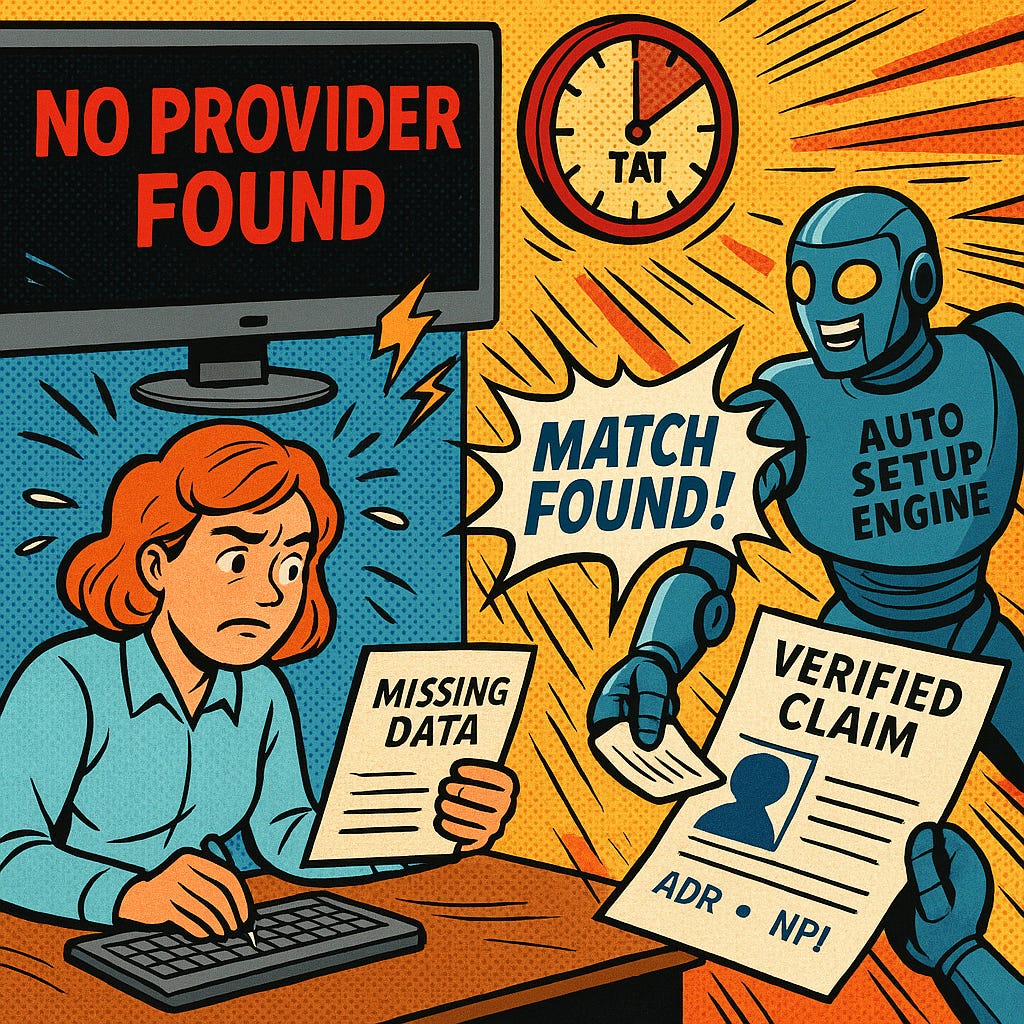
Start by reviewing your claims system’s provider-matching logic. Don’t just assume it’s working—audit your “Provider Not Found” queue and compare it against actual claim data.
Things you should look for:
Do you have multiple levels of matching configured?
Are you using a stepped matching strategy (strict → loose) to improve accuracy and performance?
Have you configured appropriate SNIP level edits to ensure that all required data elements are present before the claim hits your system?
Are there patterns in the data elements on unmatched claims?
If matching on location, do your matching rules account for address standardization?
Mismatches can often happen because your claims system is attempting to perform exact matching on elements that aren’t always consistent - like name or address fields. As much as we’d like to think that providers submit claims the same way every time, little variances like comma placement or slight variations in address formatting can cause big problems.
Small changes in logic can lead to a big drop in pend rates.
Once you’ve tightened up matching, you can start to work on the process of automating your non-par provider loads.
That starts with extracting and validating the data:
NPI: Validate that it’s really an NPI and that it exists in the NPI registry. (Again, SNIP edits can help with some of this.)
Provider Name: You can choose to load the name from the claim, but many health plans prefer to use the name on file in NPPES* or on the provider’s W9, depending on your process requirements.
Address: Standardize the address using USPS CASS-certified software to ensure that it adheres to proper formatting standards, which makes it easier to match
Specialty/Taxonomy: The claim will have taxonomies reported for rendering and billing providers, but this is at the whim of how the provider bills. You can choose to use what’s on the claim or, perhaps more commonly, what is found in NPPES.
*It’s not uncommon for providers to submit “File Numbers”, “Doing Business As”, or other names on claims. When a rendering provider name comes in as “Signature on File” or “NPI #…”, using that name directly will lead to low quality data infiltrating your claims system. This is one area where relying on NPPES has relatively little downside. See our note below about tax reporting for an important caveat.
Bonus tip: Run exclusion list checks at this stage. Because non-par providers aren’t credentialed, they skip the usual sanctions screening. Paying an excluded provider can lead to regulatory issues and it may be very difficult to recoup those funds.
Once your validations are solid, it’s time to build automation into the actual provider setup. This work is pretty heavy on the IT side, so work closely with your tech team to make sure everyone understands every step of the workflow.
Depending on your claims platform’s flexibility, you might be able to auto-load:
Basic demographics
Billing vs. rendering relationships
Out-of-network contract assignment
Group affiliations or relationships
Some claims systems are more plug-and-play than others. If yours lacks good API access, consider staging the data externally and pushing it through a validated loader process.
If some steps still need to be manual (like contract mapping or assignment), build in quality controls and audit trails to catch errors early. You don’t want your fix to create new problems downstream.
Bonus tip: Make sure that your data is traceable from the start (e.g., the claim) through to the final records in the claim system. If challenges or issues arise, you’ll need to know which step in the process introduced the problem and having good traceability will speed up the process of correcting the root cause.
Non-par provider setup isn’t just an ops issue—it’s a compliance and cash flow issue:
Missed TATs on claims can mean regulatory penalties (this makes Finance folks sad)
Denied payments frustrate members and drive up grievances (this makes members and Customer Service folks sad)
Manual rework adds cost, delays, and staff burnout (this makes Claims folks sad)
Excluded providers create audit exposure (this makes Compliance folks sad)
According to some studies, as much as 25% of claims that don’t auto-adjudicate fail due to provider data problems. That’s a huge opportunity for improvement—and smart automation is how you get there.
As you embark on this journey, don’t forget that in January, the IRS is going to have great expectations of you and your data. Namely, the expectation is that the data you for your Form 1099s that you submit to the IRS should be accurate. And it is absolutely a false assumption that the data a billing provider submits on a claim will always (or even usually) be accurate according to the IRS.
The Tax ID (SSN or EIN) needs to be valid
The name that you submit must match what the IRS has on file exactly
If you submit bad data to the IRS, you could potentially incur fines of hundreds of dollars per instance. That can add up really quickly if you’re not careful.
For that reason, it’s important to have a solid process for collecting W9 information from providers you add to your system. What that looks like exactly can vary depending on the volume of OON claims you’re dealing with, what your claims system’s capabilities are, and how much established data you already have.
In any case, when you’re working to automate provider setup from your claims data, ensure that you build in appropriate processes to verify this data so that Future You doesn’t risk a coronary event because the IRS came calling.
Maven One helps health plans:
Extract and validate provider data from claims
Automate non-par setup across pay-to and rendering records
Run sanctions checks and NPPES validation
Track errors, build audit trails, and improve root cause visibility
Because every minute your team spends manually keying in provider info is one they’re not spending solving real problems.
Comments
Nothing yet. Say the first thing.
Sign in to join the conversation.