
A colleague at Montclair State University once suggested I teach a one credit course on blind culture.
I don’t remember exactly how I responded, but it was probably something to the effect of “What is blind culture?” And if such a thing actually exists, “Do I really know anything about that?”
But her suggestion got me thinking. Because blindness can impact anyone, what characteristics do people with low or no vision share across the board?
For the answer, all I needed to do is reach into my pocket.
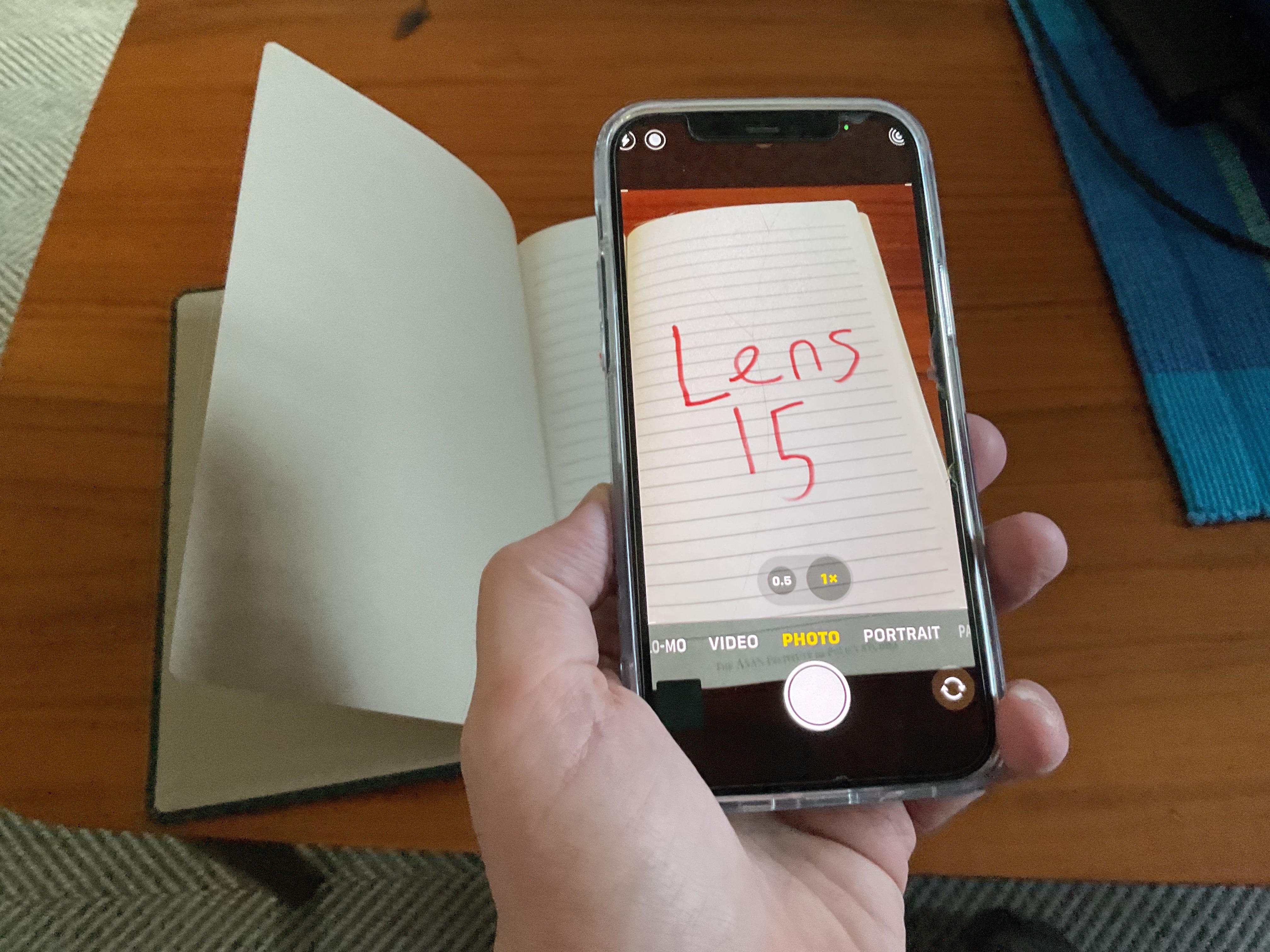
(Image description: A smart phone is held above a notebook. On its screen are the words Lens15.)
Everyone knows about braille, canes and guide dogs. But I argue the greatest assistive device for someone with low or no vision is their smart phone.
In the final section of my class on disability representation in media, I’m giving my students a crash course on creating accessible media, especially for audiences with visual conditions.
But before I get into ALT text and audio description, I take a step back to explain how these folks use tech to read the news, watch videos or even do their food shopping.
I call this lesson Blindness 101.
In the analog era, I used a magnifier to read printed text, carried a compact telescope to spot signage and lugged around a giant multitrack tape recorder to listen to audiobooks. I can do all these things now with just my phone.
I see more clearly through my device’s camera and can zoom in and out on whatever I’m looking at, whether it’s on the table in front of me or 20 feet away. And if that doesn’t work, there are apps like Seeing AI that describe out loud whatever I’m pointing my phone at.
Smart phone users control their devices with software like TalkBack and VoiceOver. These screen readers speak out loud any on screen text as well as embedded ALT text.
Listen to how that sounds in this video of my screen reader speaking the ALT text I wrote for three photos.
Smart phones are also making it easier to access audio description at movie theaters, playhouses and museums. I’ve only recently started to enjoy visiting art galleries because some are now providing descriptions via their own or third party apps.
I produced this report last year for State of the Arts about accessibility at the Zimmerli Art Museum at Rutgers.
Other apps connect visually impaired users with agents who guide them through unfamiliar spaces.
I tried out one of these services for the first time at a suburban New Jersey supermarket.
Lens15’s former social media coordinator, Keeley Giblin, co wrote and voiced that audio description.
I’d like to hear about how you get by with a little help from your apps. Give them a shout out in the comment section and tell me how they make your life a bit easier.
No posts
Comments
Nothing yet. Say the first thing.
Sign in to join the conversation.