
In a recent post, I mentioned the simple legal automation I built that changed the way I think about legal AI. At a L Suite workshop last week, I recreated the automation live — from scratch — with 60+ attendees. The energy in the room was high, and the reception was overwhelmingly positive.
Not because this is some complicated, flashy automation. In fact, it’s the opposite. It’s small, simple, and low-risk — a perfect starter project for in-house lawyers who want to experiment with AI and automation. Using dummy data and dummy accounts, it’s an easy way to start learning how the tech works and what it means when we talk about things like edge cases and API connections.
So, without further ado… here’s the template.
Thanks for reading privAIcy insights! This post is public so feel free to share it.
Ask yourself these eight questions before building any automation:
What is the manual process today? Walk through it step-by-step, like you’re training a new hire. Nothing fancy; just the real flow.
Where are the handoffs and delays? Who touches it, who waits on it, and where does it slow down?
What tools are already involved? Email? PDFs? Google Drive? DocuSign? Slack? Understand the ecosystem before adding to it.
What’s the source of truth? Where does the final version live? Who owns it? What creates risk if it’s missing or wrong?
What outcomes are we aiming for? Faster turnaround? Better tracking? Less manual work? Be specific.
Who will use this automation — and who will support it? AI isn’t magic. Someone has to monitor, troubleshoot, and maintain the flow.
What are the edge cases? Exceptions, weird customers, one-off scenarios — don’t ignore them.
How will we know it’s working? Set a measurable success metric. Speed? Accuracy? Fewer follow-ups?
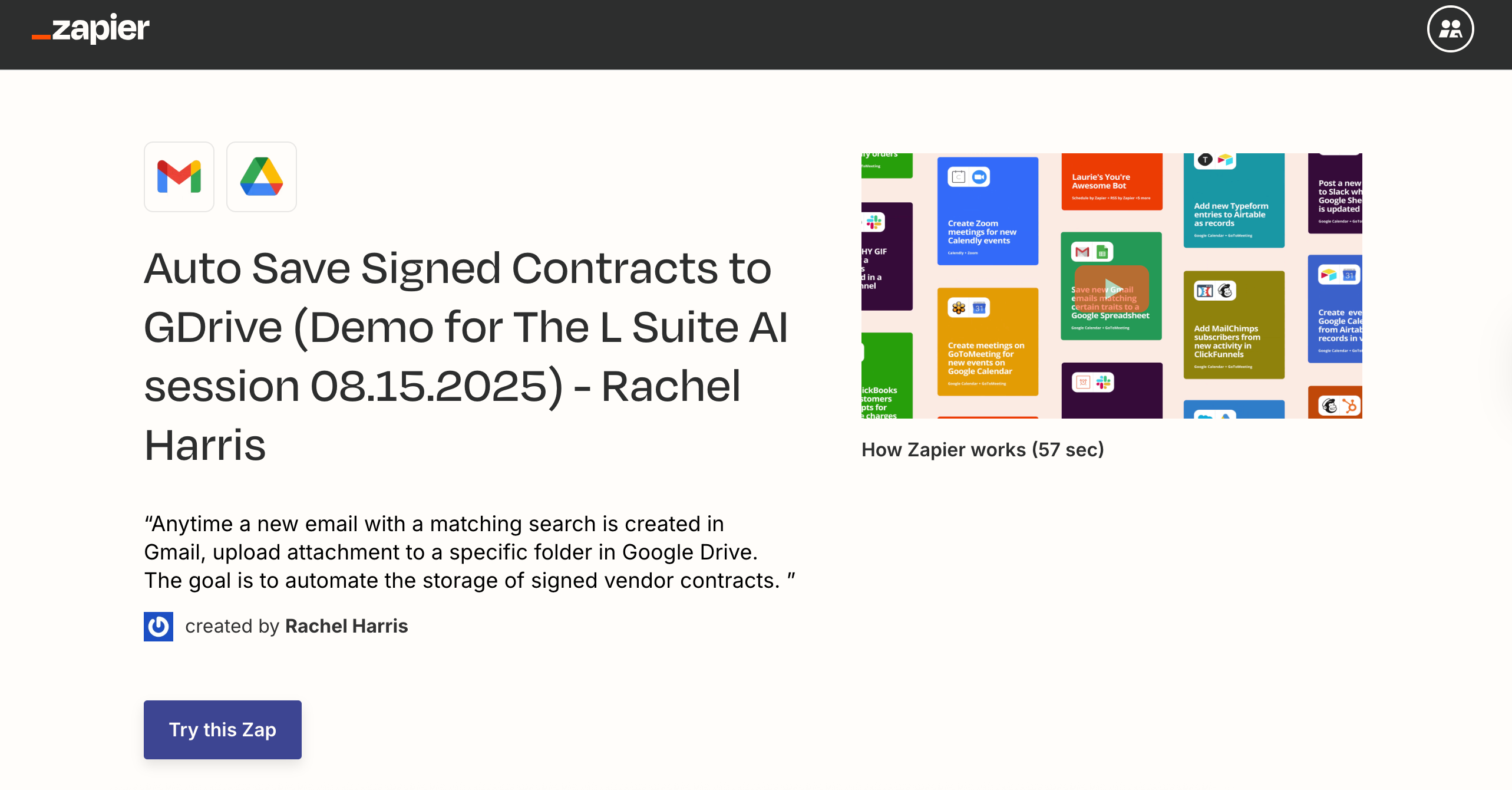
Here’s the Zapier template I demo’d during the workshop that you can use to replicate the experiment. Or you can start from scratch with a blank Zap.
If you’re using the template, here are the configuration notes:
A. Setup
App: Gmail (or your mail provider)
Trigger event: New Email Matching Search
Account: connect your Gmail
B. Configure
Search keywords: eSigned Document Ready
Replace with the subject line prefix your e-sign tool uses (e.g., Google Esign = “eSigned Document Ready”).
C. Test
Run a test with a completed contract email in your inbox that matches the keywords.
A. Setup
App: Google Drive (or your cloud doc solution)
Trigger event: Upload File
Account: connect your GDrive
B. Configure
Drive: select the applicable GDrive
Folder: choose the target folder
File: select “1. All Attachments”
Convert to Document: False
File Name: leave blank
File Extension: PDF
C. Test
If successful, the signed contract should appear in the selected GDrive folder.
D. Publish
Hit Publish Zap if you want to activate your automation.
👏 Congrats! You did it! 👏
With this in place, you’ve got a practical, low-risk way to get hands-on experience with automation, learn the underlying tech, and start building the confidence to take on more complex legal AI projects.
I hope you enjoyed reading it as much as I enjoyed writing it.
-Rachel
Comments
Nothing yet. Say the first thing.
Sign in to join the conversation.