
We have all lived through some version of this ritual.
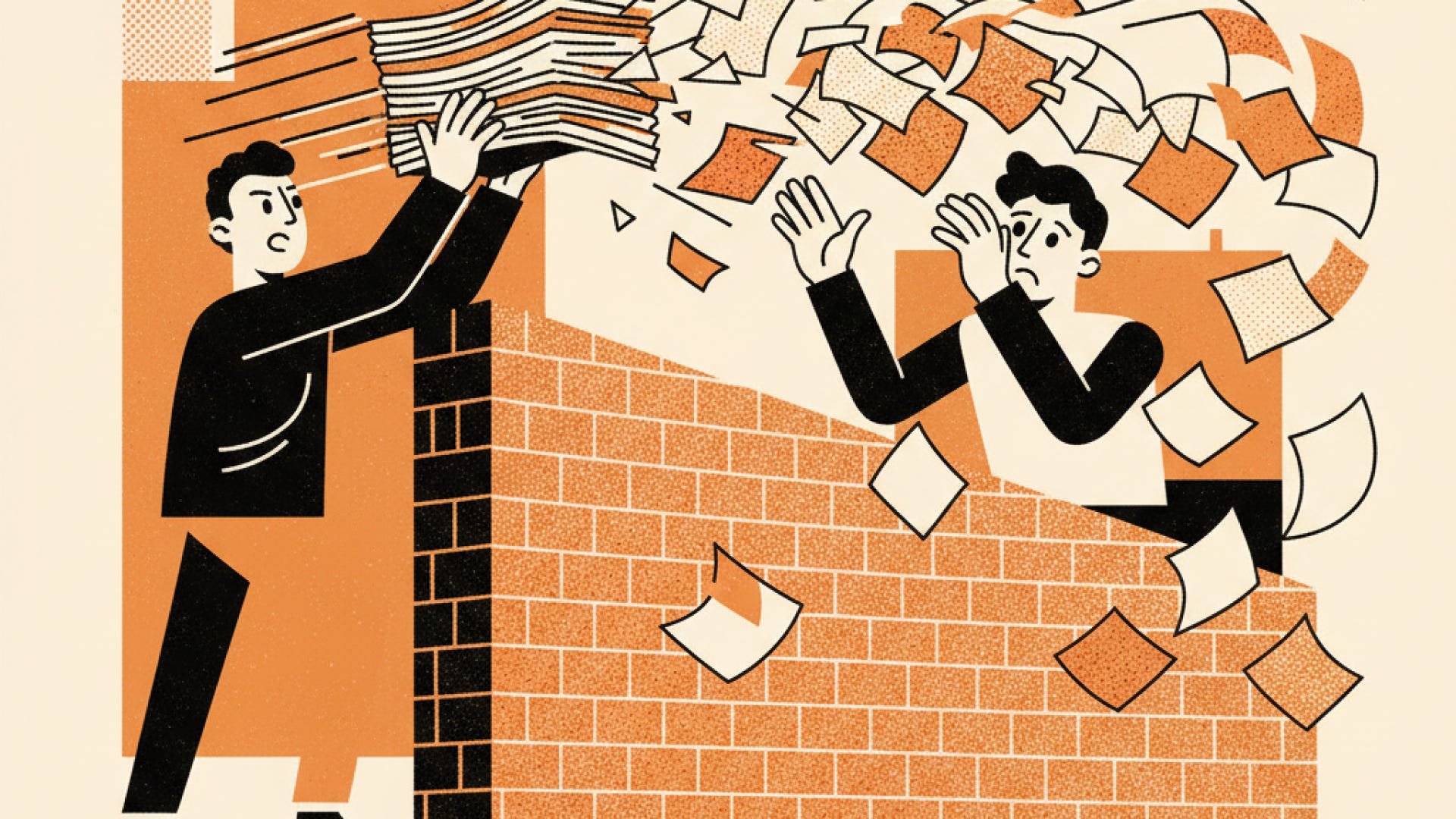
A Product Owner spends three days crafting a detailed epic document. They write user stories, outline acceptance criteria, list edge cases in bullet points, and hit publish. Then comes the handoff. The epic gets thrown over the digital fence to the UX design team with a tag in Slack: “Ready for design.”
The designer opens the document, reads through paragraphs of text, and tries to visualize what this feature actually feels like. Two weeks later, the designer presents high-fidelity Figma screens. During the review, the Product Owner looks at the flow and says, “Oh, that’s not what I meant by search filtering.”
Back to the drawing board. Two weeks lost.
This handoff model is broken not because people lack talent or effort, but because text documents are deceptively precise. Words on a page allow everyone in a room to nod in agreement while picturing fundamentally different user experiences. We call this spec translation loss.
Recently, a far better way of working has begun to emerge at the intersection of product management and UX design: the time-boxed AI prototyping jam.
Instead of writing a 20-page specification in isolation, product managers, designers, and engineers sit down together with the bare bones of an epic and an AI prototyping tool. In 60 to 90 minutes, they turn abstract requirements into a live, interactive UI.
The goal is not to ship the prototype or copy its design. The goal is to discover what the epic (and of course, its writer) is actually trying to achieve before putting pen to paper.
For decades, software development has tried to solve the alignment problem with more documentation. If a feature was misunderstood, the solution was simple: write longer specs, add more detailed acceptance criteria, and hold longer handoff meetings.
The underlying assumption was that clarity lives in text. But user experience is spatial, sequential, and dynamic.
When you describe a complex workflow in text, human brains fill in the gaps with their own implicit assumptions:
The Product Owner imagines a lightweight modal.
The UX Designer envisions a multi-step dedicated workflow.
The Lead Engineer assumes a background asynchronous batch process.
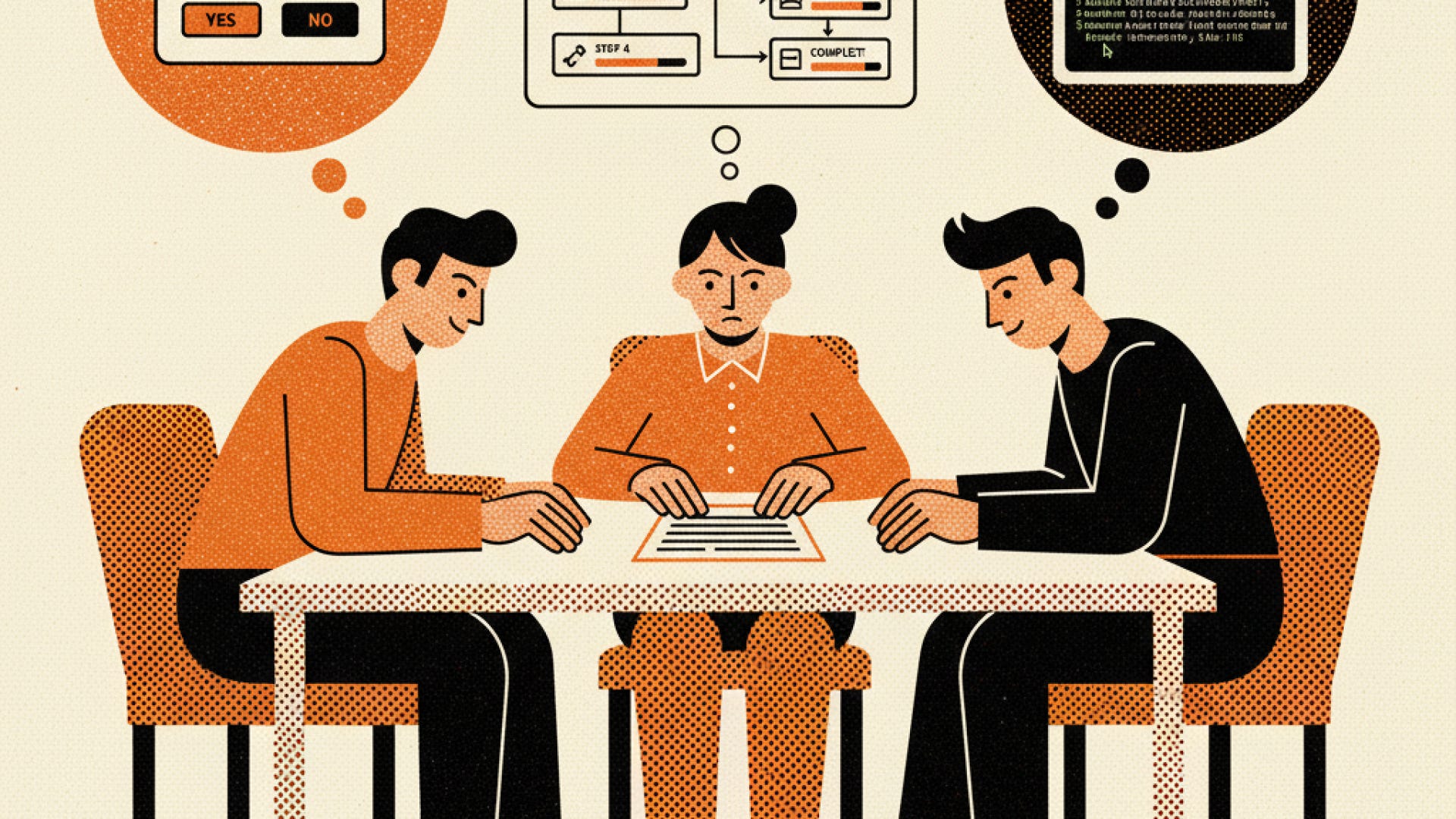
None of these assumptions surface until static wireframes or working code appear weeks later. By then, changing direction carries a real cost in sprint velocity and team energy.
When product teams write epics in isolation, they are essentially asking designers to execute on untested hypotheses disguised as requirements.
Imagine shifting that entire dynamic to the very beginning of the discovery phase.
The Product Owner arrives with an outline (the raw bones of what the epic needs to accomplish). Maybe it’s a high-level goal: “We need a way for enterprise admins to audit and revoke user permissions across team workspaces.”
Instead of spending the next five days typing out Jira tickets, the PO, UX Designer, and an Engineering Lead hop into a 60-minute session. They open a modern AI prototyping environment, such as Figma Make, Claude Artifacts, Lovable, v0, Replit, or Bolt.
One person shares their screen and feeds the initial prompt into the tool:
“Build a single-page admin dashboard for revoking user access across workspaces. Include a filterable list of users, permission levels, last active dates, and a bulk action drawer.”
Within seconds, a working UI appears on screen. Buttons are clickable. Tables populate with placeholder data. Modals open and close.
Now the real work begins.
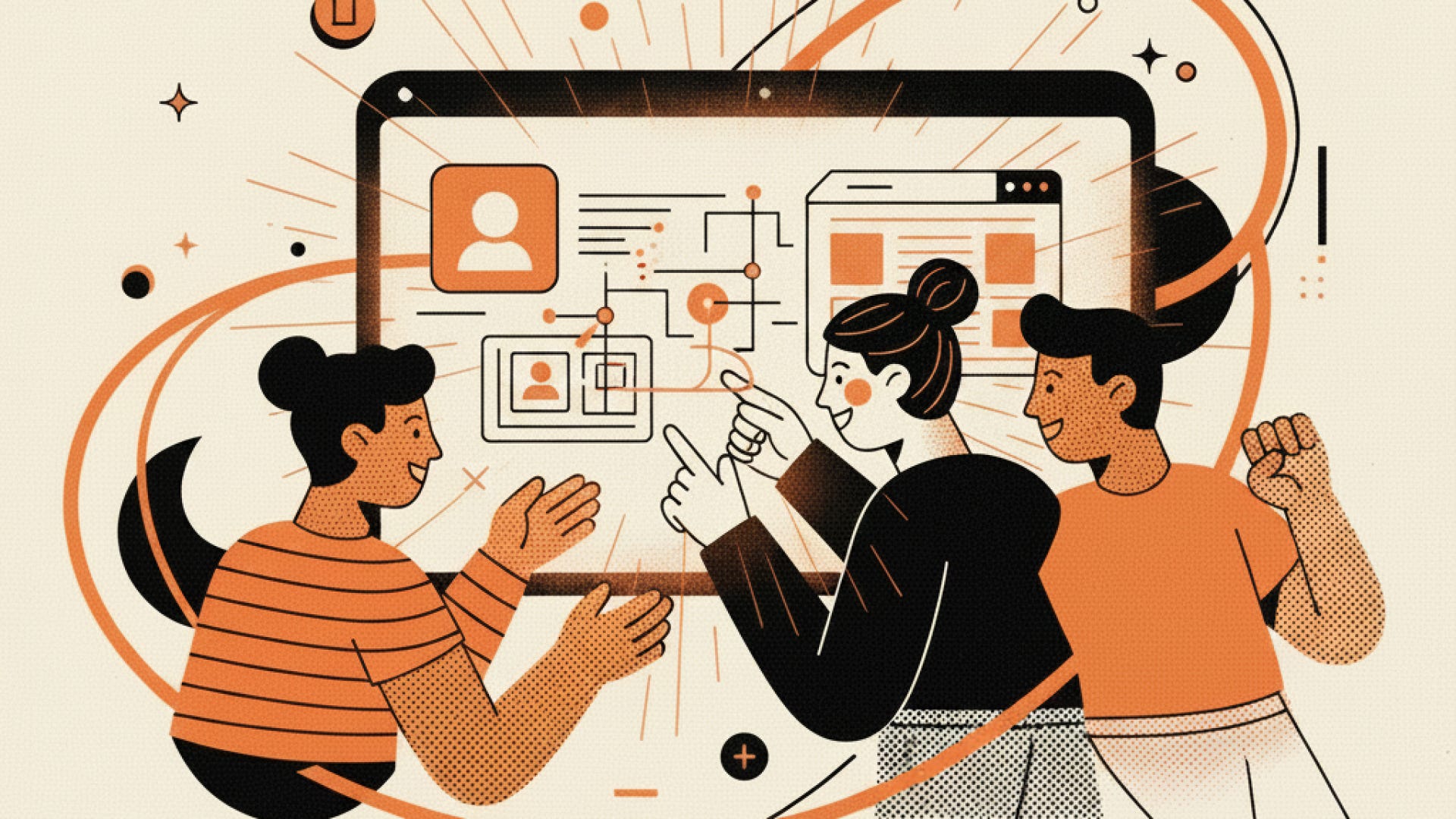
As the team looks at the live screen, immediate reactions replace abstract debates.
The designer says, “If an admin is revoking access for 50 users at once, doing that through a side drawer will feel overwhelming. Let’s see what a dedicated review screen looks like.”
They prompt the AI to modify the layout. Five seconds later, they are testing a full-screen confirmation workflow.
Seeing a live interface triggers edge-case thinking that static text docs never evoke.
The engineer notices something immediately: “Wait, if we support instant revocation across third-party integrations, what happens if an API call fails mid-process? We need a retry state for partial failures.” Just like that, a critical technical requirement is identified before sprint planning.
At the same time, requirements get removed. The original epic outline might have called for complex customizable data columns. But after playing with the interactive prototype, the team realizes that three fixed columns answer 95% of user needs. The extra complexity gets pruned on the spot.
By the end of the time box, the team isn’t holding a stack of unread documentation. They are looking at a shared visual artifact that everyone helped shape.
To make this workflow succeed, teams must explicitly address two common anxieties that surface when AI prototyping enters the room.
This is often the first concern raised by UX designers, and rightly so. If a Product Owner hands an AI-generated interface to a design team and says, “Just polish this,” you have simply replaced one bad handoff with another.
The AI prototype is a conversational scratchpad, not a design spec.
It uses generic component libraries, uncalibrated visual hierarchy, and synthetic layouts. The designer’s job is not to replicate the AI prototype in Figma. Their job is to take the functional requirements validated during the jam and craft a thoughtful, accessible, system-compliant experience that fits the broader product architecture.
The prototype collects the requirements; the designer crafts the solution.
An AI prototype is an input to the epic, not a replacement for it.
Once the time-boxed session ends, the Product Owner takes the interactive example, the screenshots, and the recorded edge cases back to their desk. Filling out the epic document is no longer an exercise in blind guessing. They are documenting a workflow that has already survived its first contact with reality.
The resulting epic is shorter, clearer, and backed by cross-functional agreement.
The biggest shift here isn’t technological; it’s cultural.
For years, design teams have advocated for moving “upstream”—getting involved in product strategy and requirements gathering early, rather than being treated as a visual production studio at the tail end of the pipeline.
Time-boxed AI prototyping jams give UX a practical seat at the origin of the requirement.
When designers co-create the prototype with product managers, they shape product scope in real time. They prevent bad user patterns before they get codified into Jira tickets. They inject user-centered thinking into the definition of “Done” before development work even receives a budget.
Product managers win because their epics get battle-tested in hours instead of weeks.
Engineers win because they spot technical constraints before code is committed.
Designers win because they start their formal design phase with clear, validated intent rather than ambiguous text paragraphs.
If your team wants to test this model next week, keep the setup lightweight:
Pick a raw feature concept. Do not use a feature that already has completed wireframes. Pick an epic that is currently just a bulleted list of ideas.
Cap the time at 60 minutes. Strict time boxes keep the energy high and prevent teams from getting bogged down in visual details.
Assemble a trio. Bring one Product Lead, one UX Designer, and one Tech Lead.
Establish the ground rule upfront. Remind everyone in the room: “We are here to test requirements, not to build production UI.”
Use the prototype to write the spec. When the session ends, use the live artifact to populate the user stories, acceptance criteria, and edge cases in your epic doc.
Software discovery used to happen through static documents and delayed reviews. By using AI prototyping tools as shared collaborative spaces, we can turn epic creation into what it should have been all along: a fast, visual conversation about what we are building and why.
No posts
Comments
Nothing yet. Say the first thing.
Sign in to join the conversation.