
When writing GenAI applications using Spring AI, I always need to refer to code examples written in Python. LangChain, LlamaIndex, there are many good GenAI libraries written in Python. You can easily find many Jupyter notebooks on GitHub to demonstrate usage of these libraries. When it comes to Spring AI examples, I also want to use Jupyter notebooks.
Luckily, Jupyter notebook can use kernels for different programming languages. So I started looking for Java kernels. I did find some Java kernels in the long list of kernels. What concerns me was these Java kernels didn’t seem to be well-maintained.
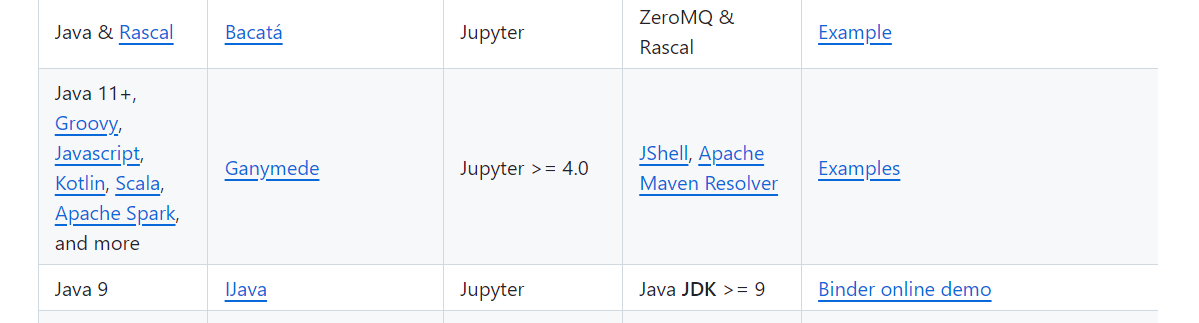
So I turned my eyes to Kotlin kernel. This kernel is maintained by JetBrains.
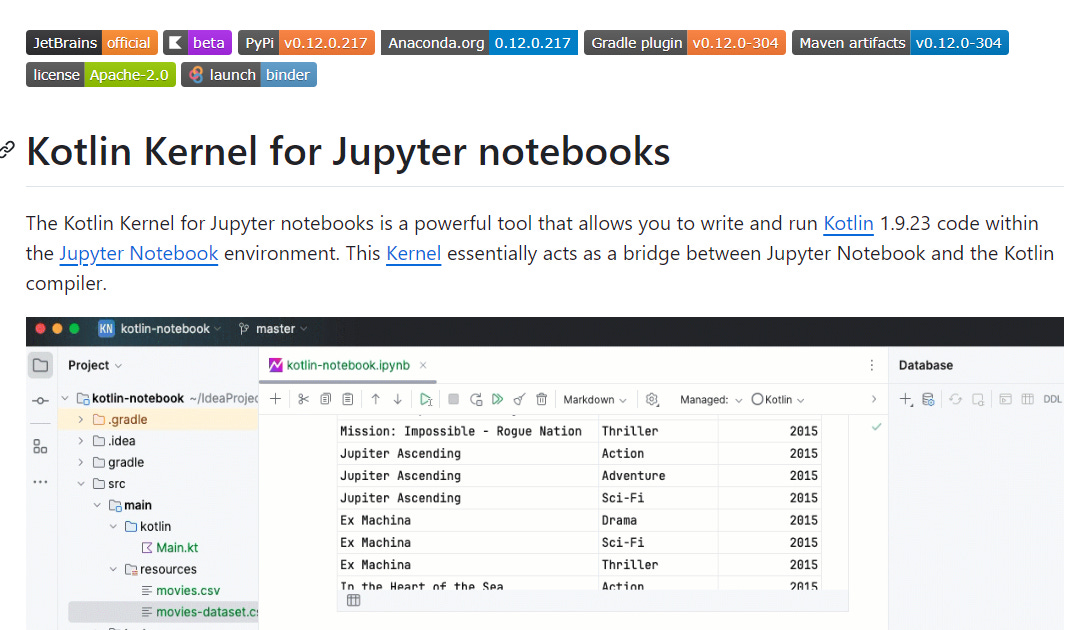
To use Kotlin kernel, simply install it using Conda or Pip.
conda install -c jetbrains kotlin-jupyter-kernelpip install kotlin-jupyter-kernelWhen creating a new notebook, select the Kotlin kernel.
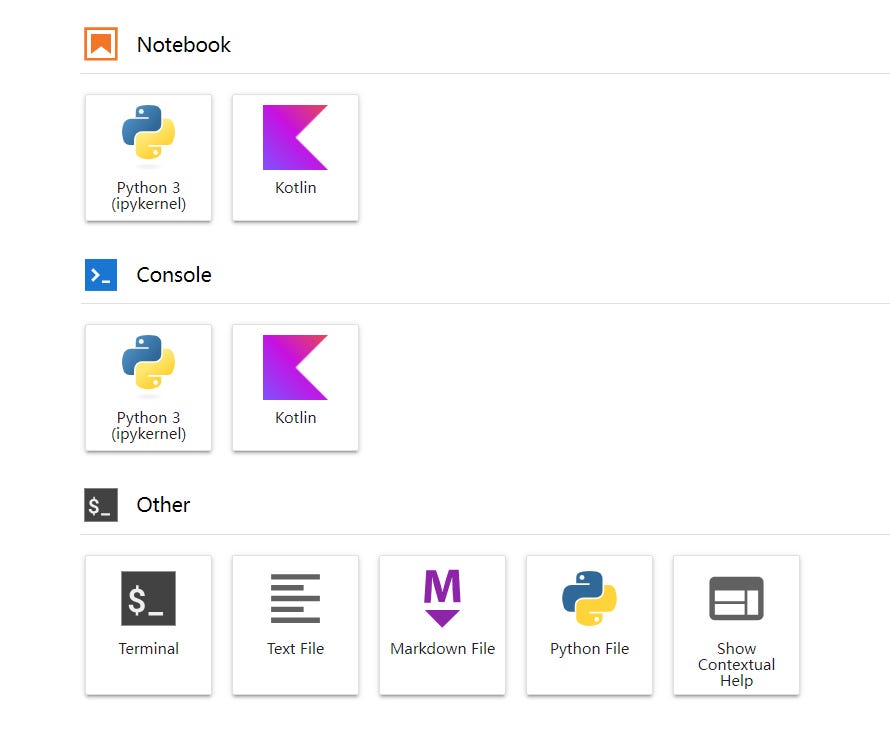
Now we can start writing some Spring AI examples. Let’s start with the simple chat example using Ollama.
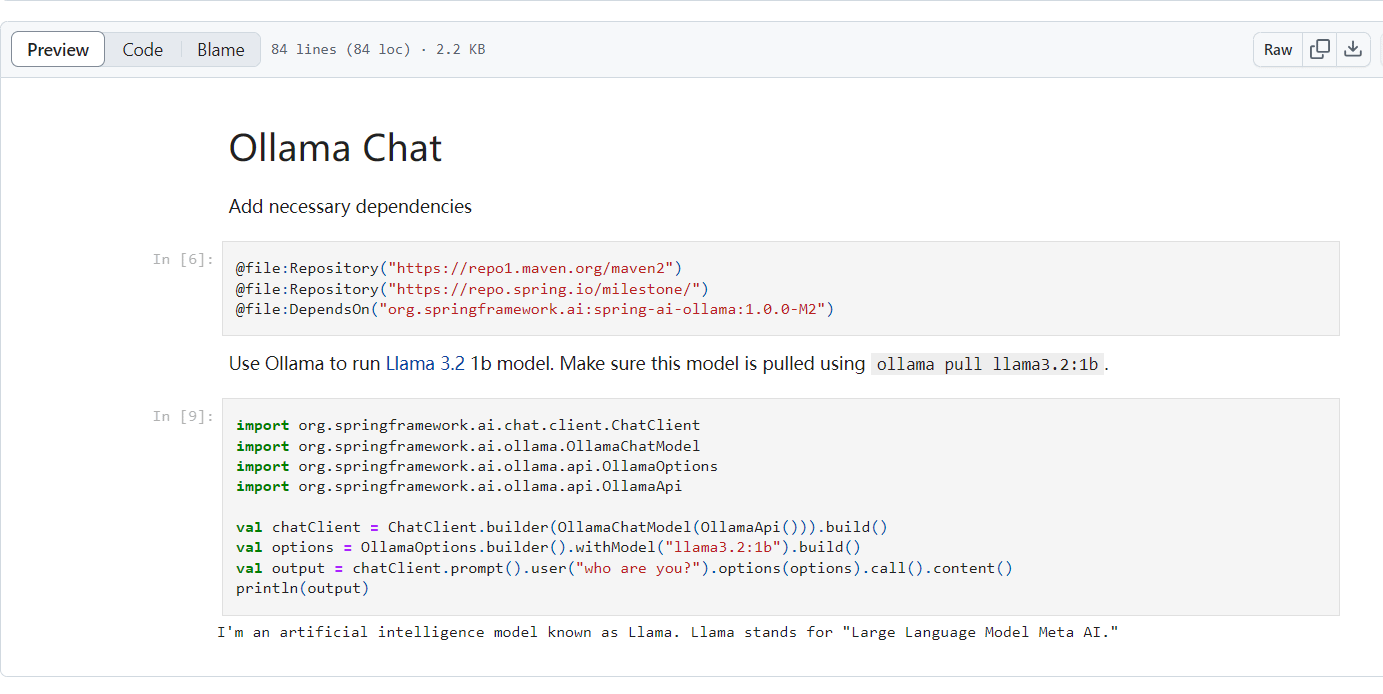
Before using Spring AI, we need to add Maven dependencies of Spring AI. In the code below, the annotation @file:Repository adds Maven repositories to resolve dependencies, while the annotation @file:DependsOn adds Maven dependencies. Here the Spring AI Ollama dependency is added.
@file:Repository("https://repo1.maven.org/maven2")
@file:Repository("https://repo.spring.io/milestone/")
@file:DependsOn("org.springframework.ai:spring-ai-ollama:1.0.0-M2")
The code below creates a ChatClient and sends a prompt to Ollama, then displays the result.
import org.springframework.ai.chat.client.ChatClient
import org.springframework.ai.ollama.OllamaChatModel
import org.springframework.ai.ollama.api.OllamaOptions
import org.springframework.ai.ollama.api.OllamaApi
val chatClient = ChatClient.builder(OllamaChatModel(OllamaApi())).build()
val options = OllamaOptions.builder().withModel("llama3.2:1b").build()
val output = chatClient.prompt().user("who are you?").options(options).call().content()
println(output)
The screenshot below shows the notebook running in Jupyter.
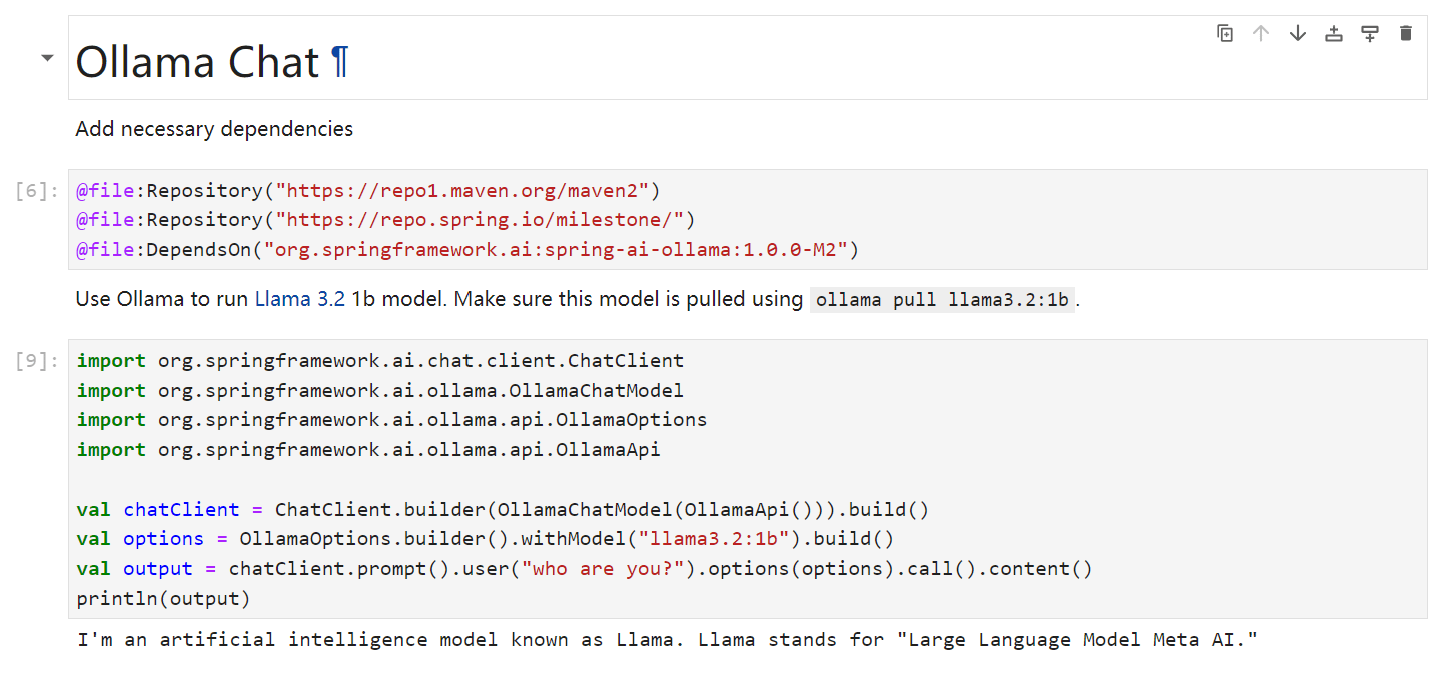
GitHub also renders preview of this notebook.
If you want to see Spring AI examples written by me, check out the GitHub repository (alexcheng1982/spring-ai-examples).
No posts
Comments
Nothing yet. Say the first thing.
Sign in to join the conversation.