
When building GenAI applications, it’s essential to have local LLMs running for development and testing. There are several popular choices for running LLMs locally, including Ollama and LM Studio. I have been using Ollama from the beginning. I only knew about llamafile a few days ago. The goal of llamafile is to distribute and run LLMs with a single file. This makes distribution and deployment of LLMs very easy.
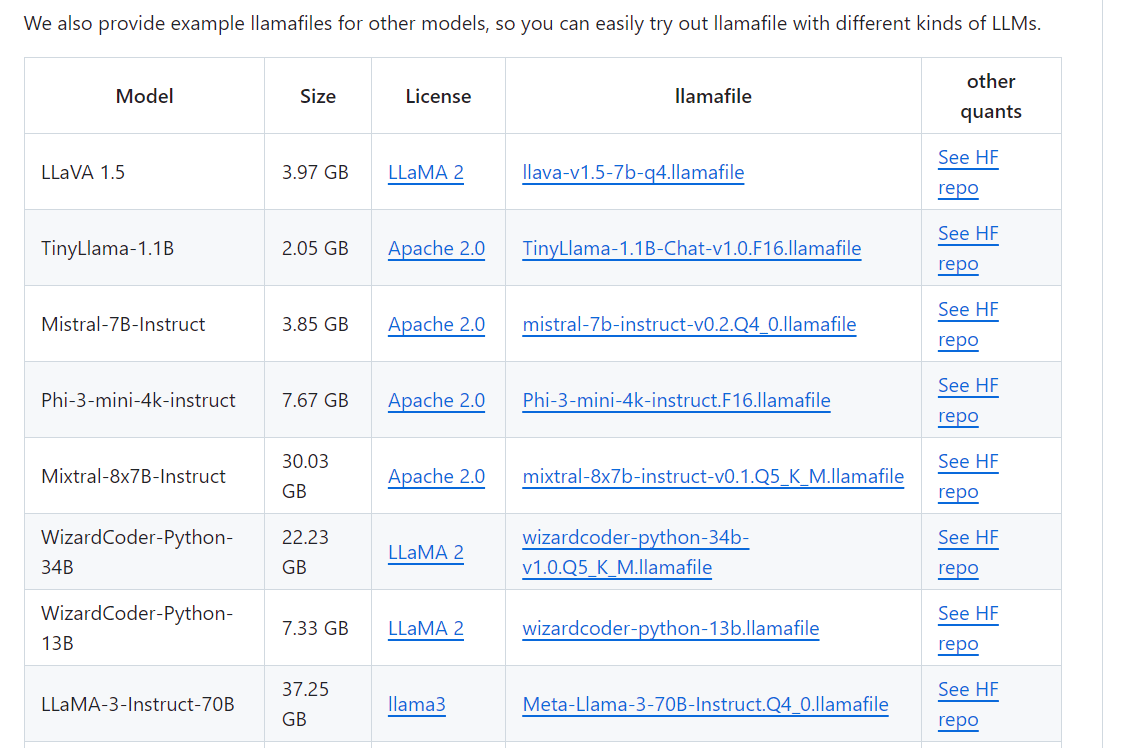
To use llamafile, the easiest way is downloading an example llamafile. You can find a list of examle llamafiles on the GitHub page. Here I use TinyLlama-1.1B as an example.
Windows has a maximum executable file size of 4GB. To run large models on Windows, you need to use external weights files.
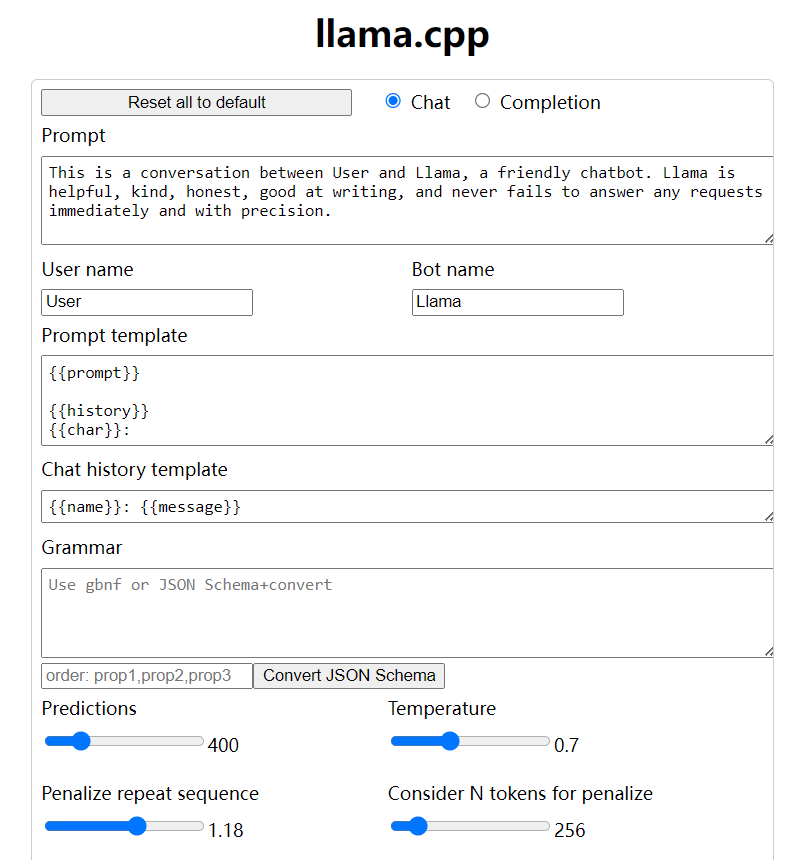
The downloaded file can be executed directly. Once started, it should open a browser window pointing to localhost:8080. It shows a web UI.
On Linux and macOS, use
chmod +xto make the file executable. On Windows, rename the file by adding ".exe" on the end.
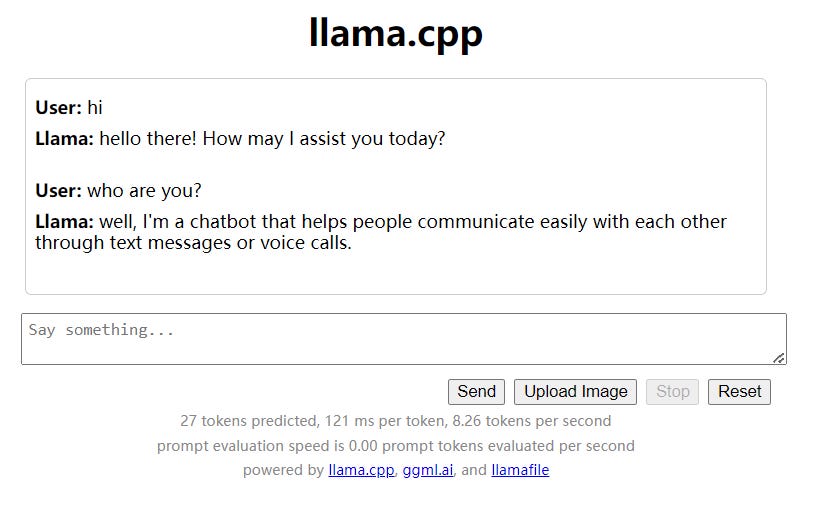
We can start chatting with the model in this UI.
llamafile provides an OpenAI API compatible chat completions endpoint, so we can use Spring AI’s OpenAiChatModel to integrate with llamafile. API key is not required. The code below shows an example.
val chatModel = OpenAiChatModel(
    OpenAiApi("http://localhost:8080", "")
)
val chatClient = ChatClient.builder(chatModel).build()
val output = chatClient.prompt()
    .system("You are ChatGPT, an AI assistant. Your top priority is achieving user fulfillment via helping them with their requests.")
    .user("Write a joke about Java").call().content()
println(output)
The full example can be found on GitHub.
llamafile offers a simple way to distribute and run LLMs. Making LLMs accessible locally is important. The interesting part of llamafile is that it allows easily switching between different models. This is very useful for evaluating different models.
No posts
Comments
Nothing yet. Say the first thing.
Sign in to join the conversation.