
A square image feels complete the moment it appears. Your eye doesn’t need to travel far left or right to understand it, so the brain goes: got it, let’s look. That tiny pause matters on Instagram, where stopping the scroll is literally half the battle.
Landscape images - from the classic 16:9 to the cinematic 2.39:1 with letterboxing - encourage the eye to wander. They’re visually rich in real life and on big screens, but on a phone, it can feel small: vertical is now the standard, and videos are having to tell viewers to turn their phones to landscape to enjoy the full effect. Before the viewer finishes exploring, the thumb may already be moving on to the next image.
Wide
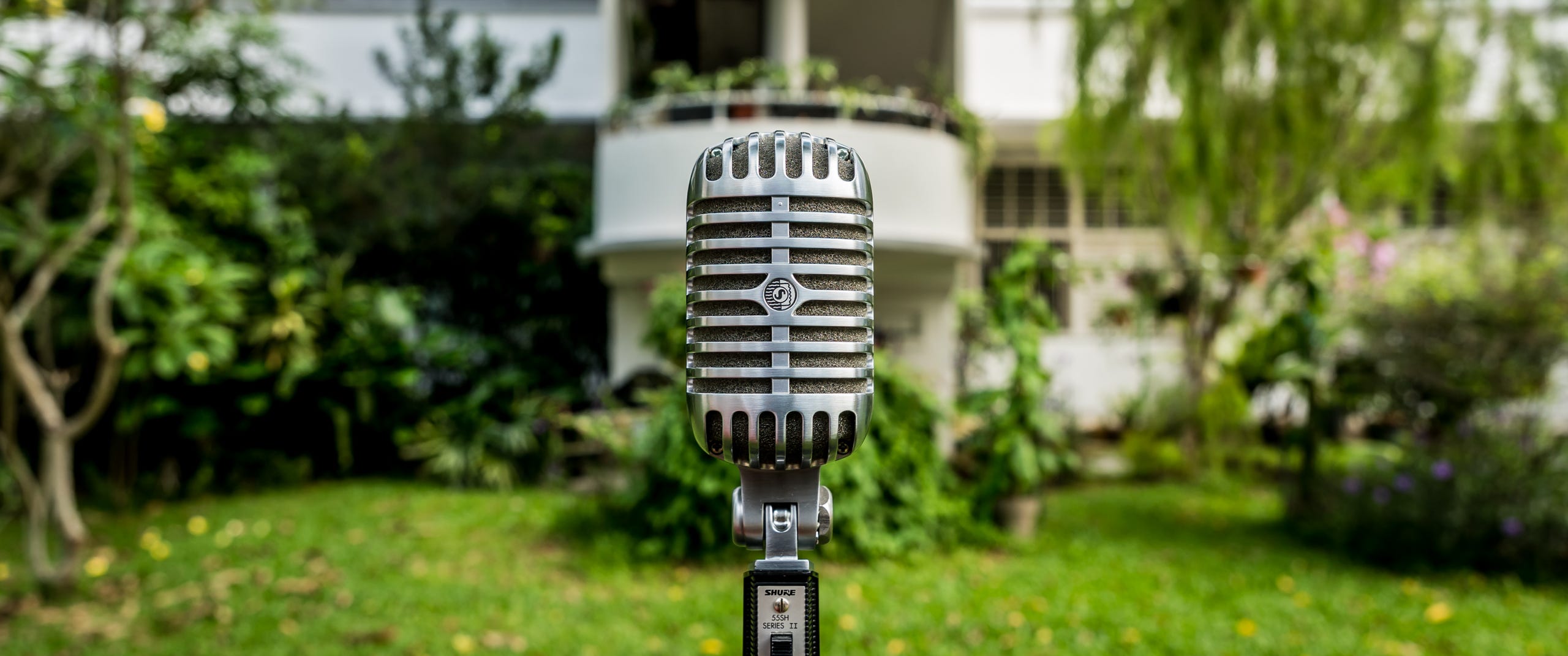
Square
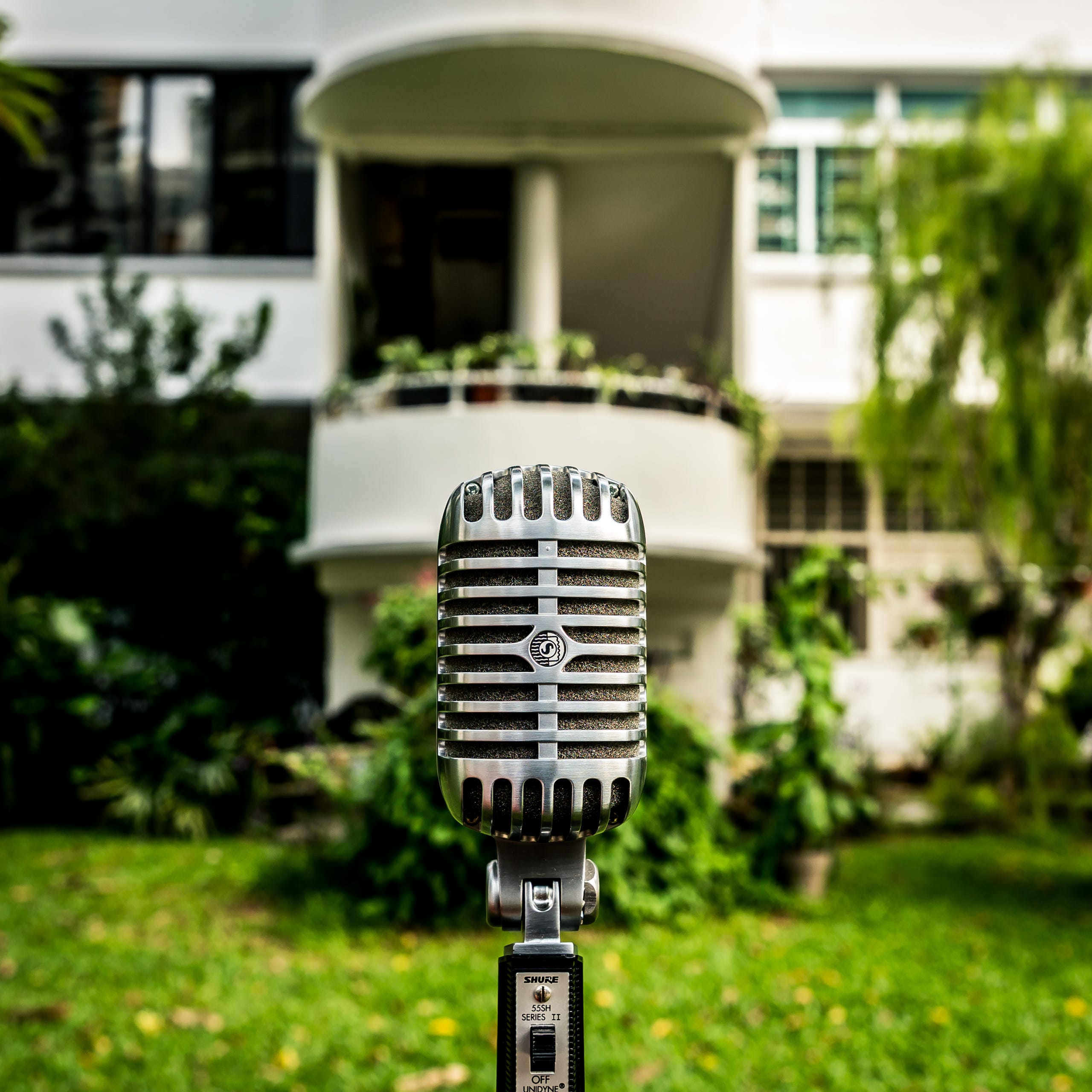
Square crops naturally favour a single subject. There’s nowhere for the main point to hide, so your photo ends up communicating one strong thing rather than several things.
This works beautifully for people, objects, signs, street details, food, textures, and moments with a clear emotional hook. Landscape frames are more democratic; they have more real estate, and you can compose to have multiple points of interest that interact. On Instagram, that extra context often competes with your main message.
Wide
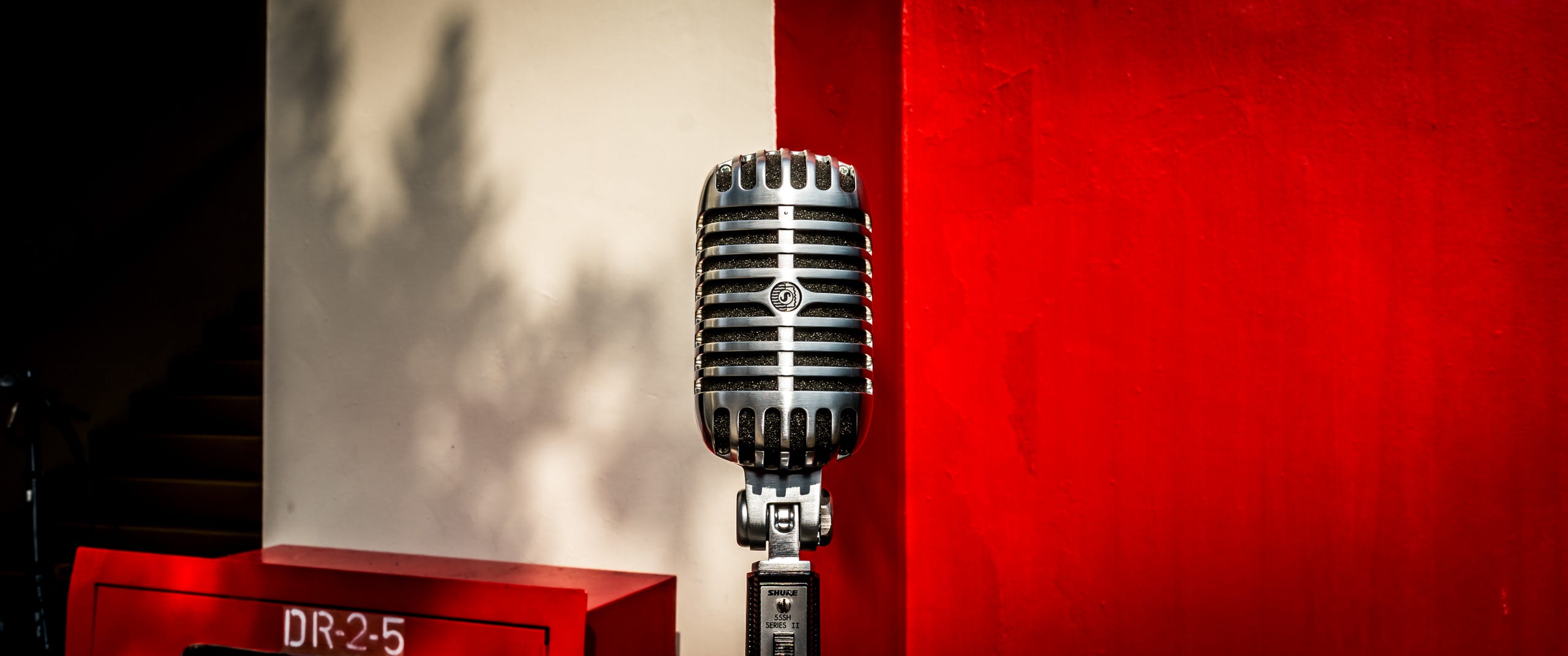
Square
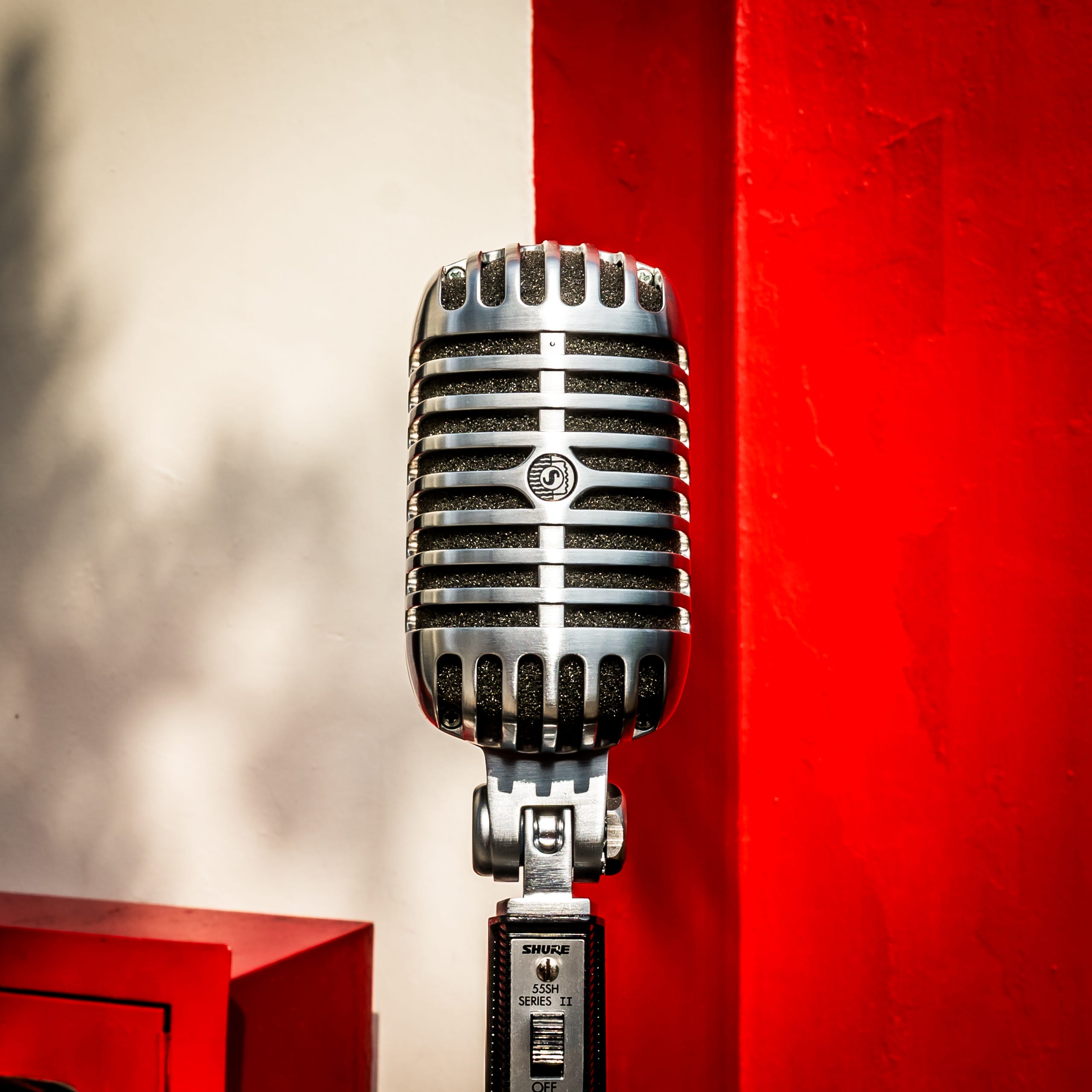
Even though Instagram now supports multiple ratios, square still feels like the platform’s mother tongue. It sits comfortably between posts, captions, and Stories previews without drawing attention to its shape.
Landscape images can feel slightly imported, like a still from a video or a photo borrowed from a website. They’re not wrong, just less at home, less native to a phone that naturally fits in the hand in vertical mode. That subtle feeling can affect how “effortless” your post looks, even if the image itself is great.
Wide
Square
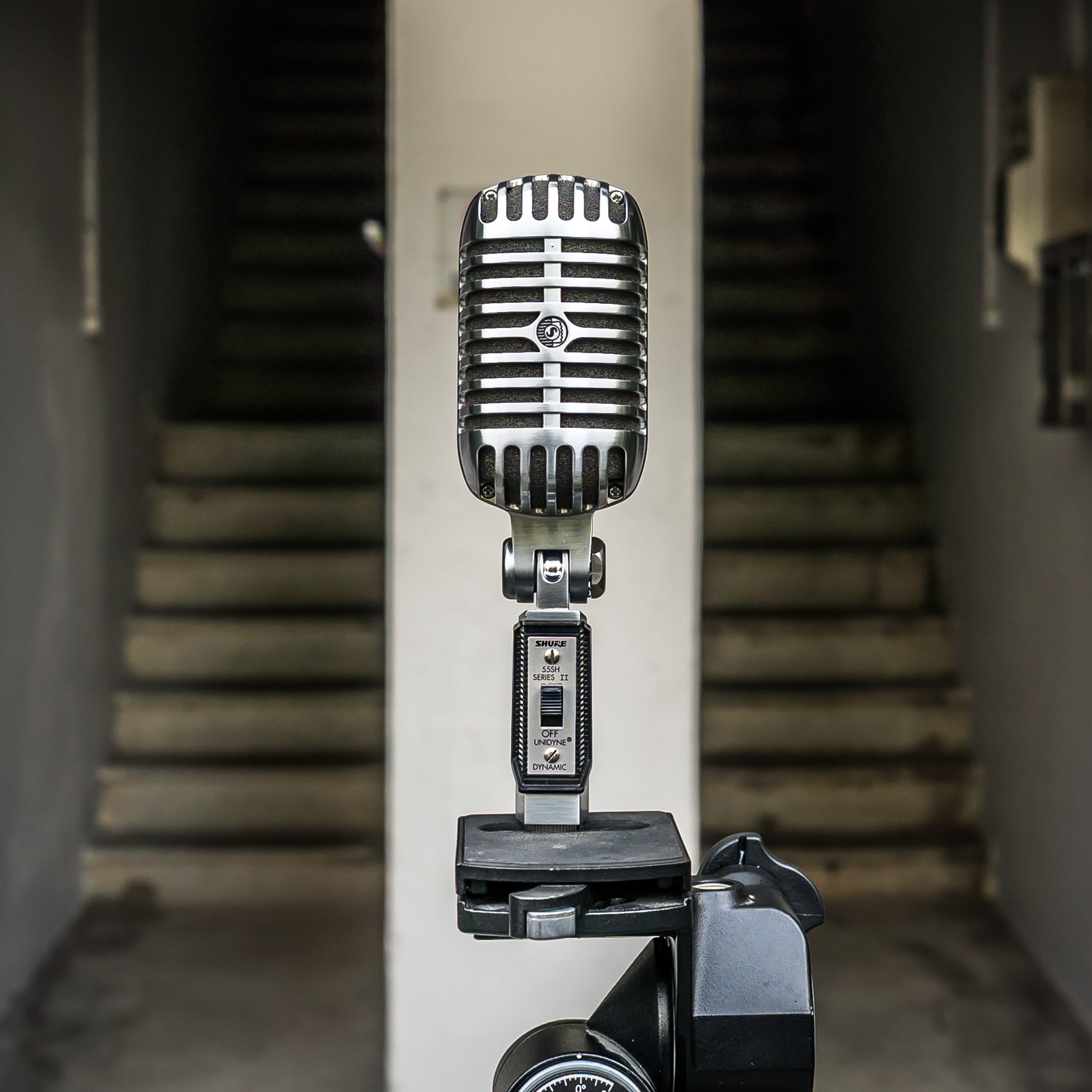
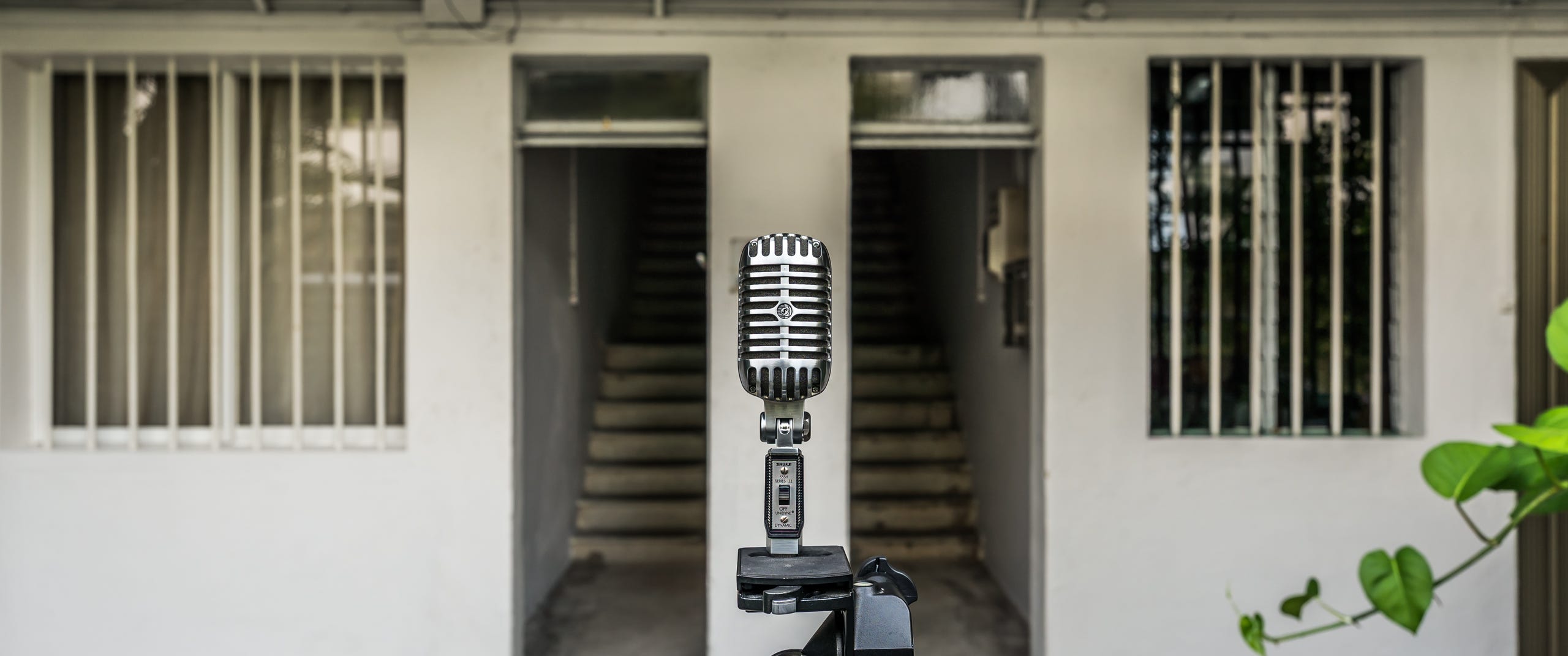
Square cropping is unforgiving, but in a good way. You can’t rely on extra sky, empty pavement, or background noise to fill space. You have to decide what actually matters.
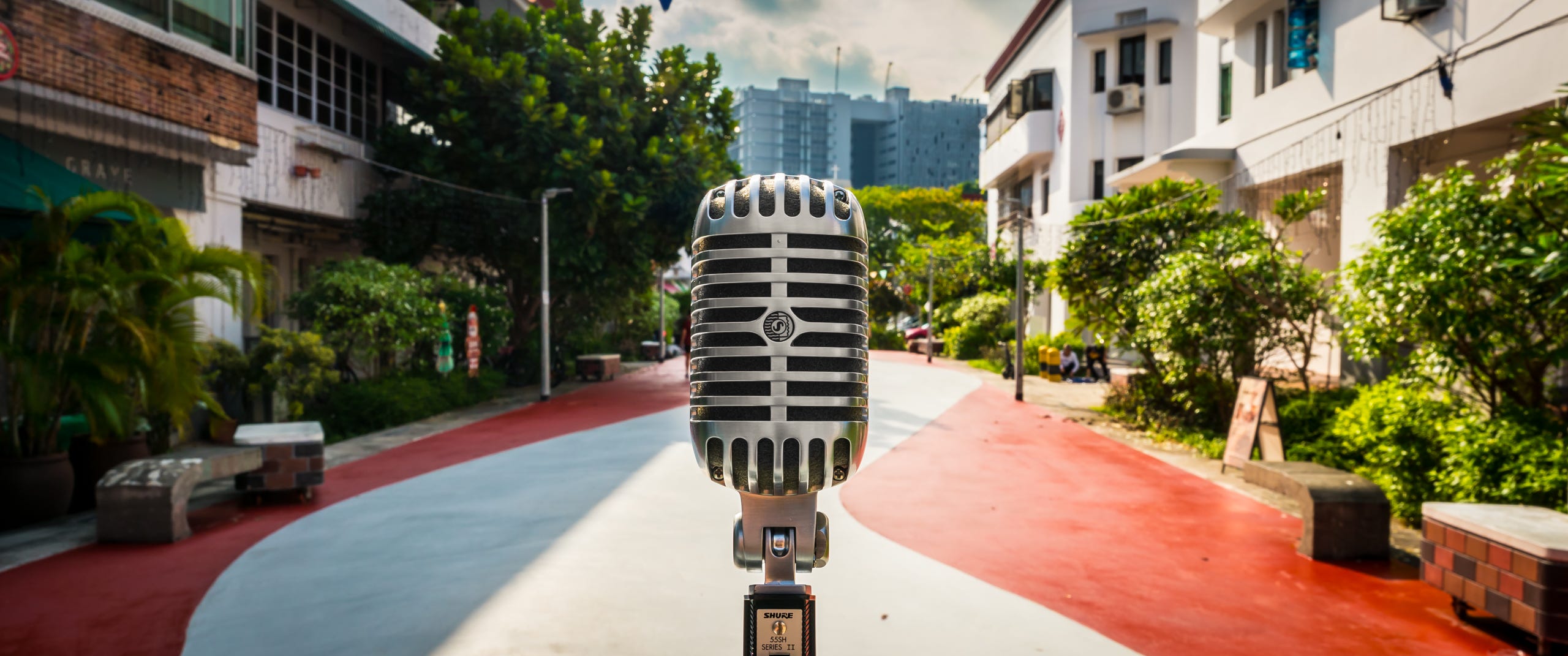
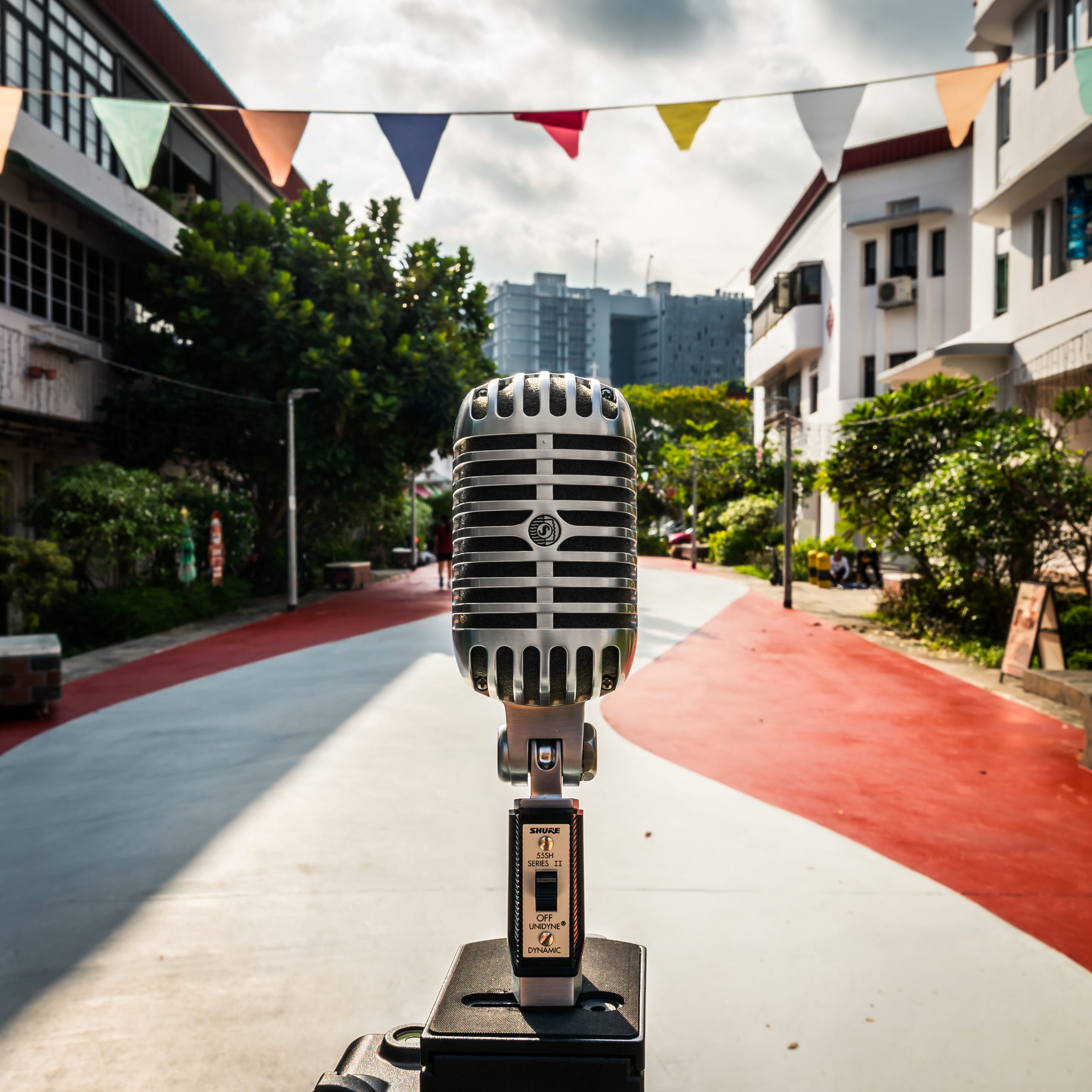
This often leads to stronger images because you’re editing with intention, not just trimming for convenience. Landscape lets you keep more, which can be useful, but it also makes it easier to keep distractions you didn’t notice when shooting. In this example, going square allowed me to include the overhead banner of colourful flags, which adds a nice mid-range element between the microphone and the vanishing point background.
Wide
Square
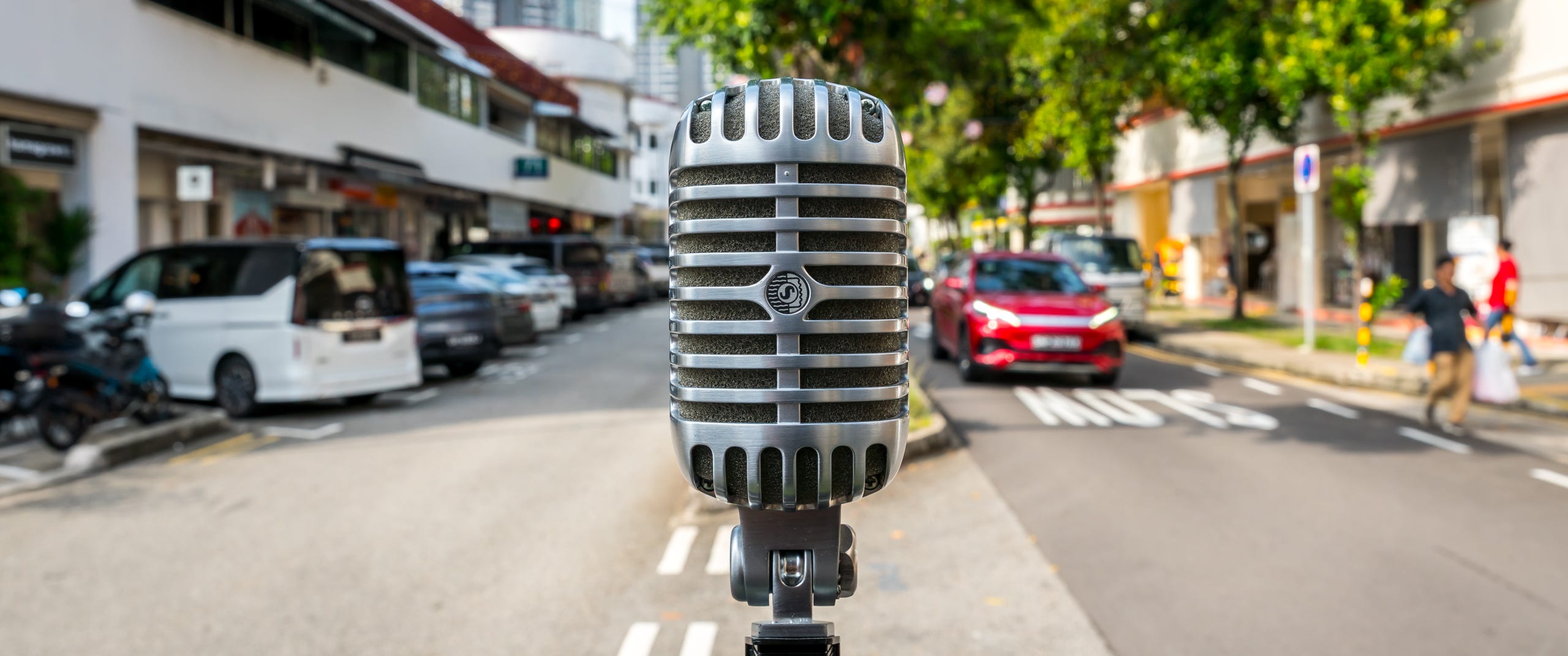
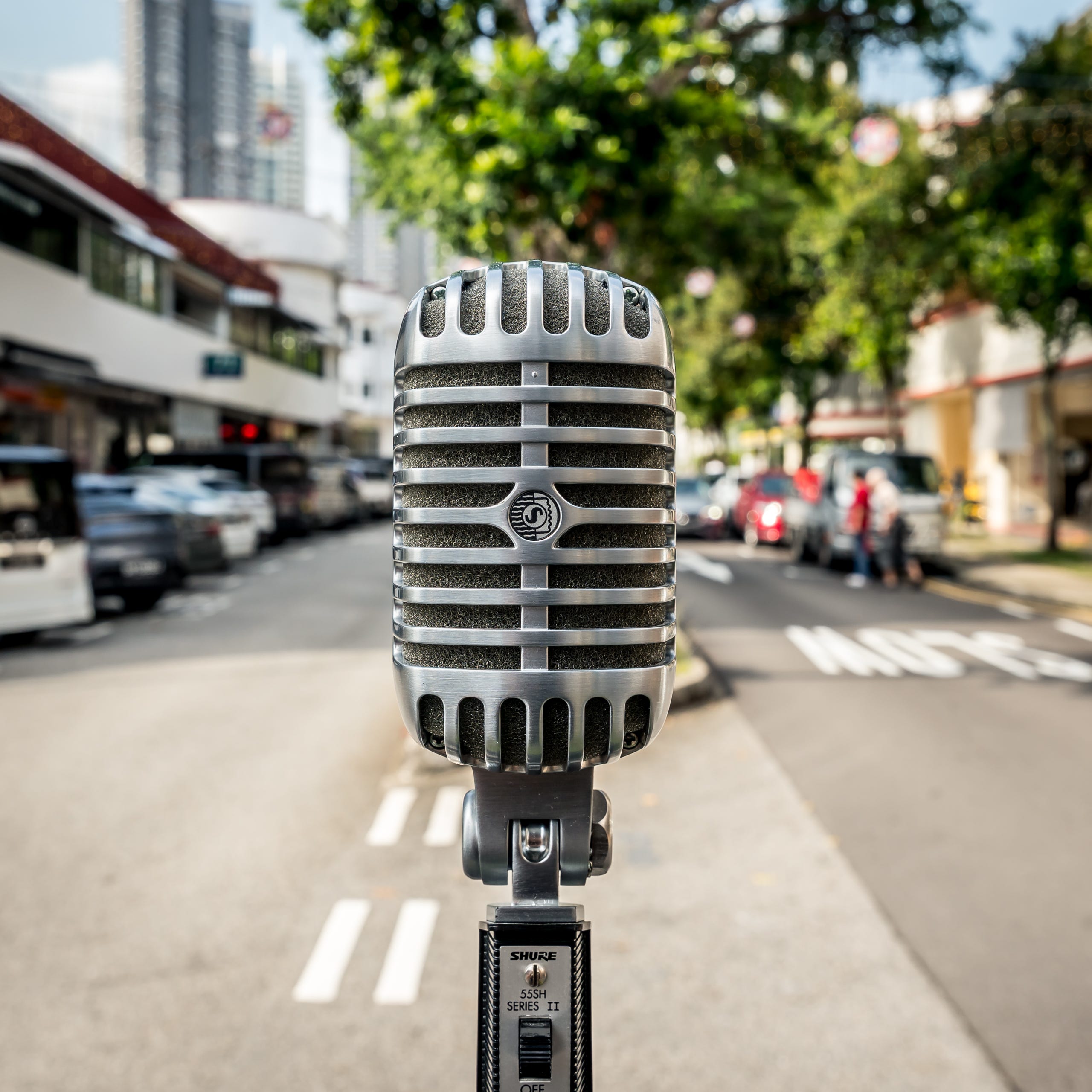
When someone visits your profile, they see patterns before individual photos. Square images create a calm, consistent rhythm across the grid, which makes your feed feel considered even if the subjects change.
Landscape shots break that rhythm - IG will auto-crop to make the grid consistent, and add a small icon to indicate that the image is natively wide. One or two wide shots are OK, but too many can make the grid feel uneven or, worse, feel accidental, like you didn’t care enough to plan ahead. Square images don’t demand attention in the grid. They quietly hold their place, which is what a good IG feed needs.
Wide
Square
So what about those shots that are wide on IG where you can swipe left to see more of the shot? This is a fantastic way to get a wide shot to live well in the IG square-grid world, but the difference here is how it’s done - it’s a multi-step process that requires a photo editor, and it goes like this
Crop your lovely wide shot, be it 2.39:1 (classic cinema!) or even 16:9, and make it 16:10 - this will lose some of your original image, so make sure this gets what you want. Save it as a new shot on your phone
Open the new shot (opening the original shot can confuse your editor, since it still knows where the full wide image is) and then divide this into half. On Lightroom (mobile version), that means using a vertical crop of 4:5 and cropping once for the left side and saving as a new image, then shifting the crop to the right, and saving as a new image. 16:10 is the same as 8:5, so the 2 images of 4:5 are an exact split.
Load up the images into IG with the left side as no.1 image, then right side as no.2 image, and presto - your post will be a scrollable wide shot
If you are visiting Singapore, let me guide you on a GPS-assisted guided audio walking tour of Chinatown to take in the street stories of the murals that adorn the walls of multiple buildings. I’ve got 3 tours on there, the latest one features 3 of the best artists in Singapore, I’ll take you to 5 murals, this temple, Sri Mariamman Temple, the largest Buddhist temple and bring you to eat at a place that lives and breaths Singapore’s Hawker Culture at Maxwell Food Market.
No posts
Comments
Nothing yet. Say the first thing.
Sign in to join the conversation.