Ebook Conversion Checklist: Accessible EPUBs from InDesign (Part 1)
A step-by-step guide for designers and publishers to prepare an InDesign file for a reflowable EPUB that preserves the page list and meets accessibility standards.

Your home for all things typesetting, editorial design, and InDesign. Tips and tricks, how-tos, news, resources, and more!
Live Last read · last published · next check
A step-by-step guide for designers and publishers to prepare an InDesign file for a reflowable EPUB that preserves the page list and meets accessibility standards.
A beloved and essential book design resource is closing—but its blog and video archives will remain accessible for book designers, authors, and publishers
Authors sometimes struggle with the concepts of new edition versus revised edition. We're here to help clear this up.
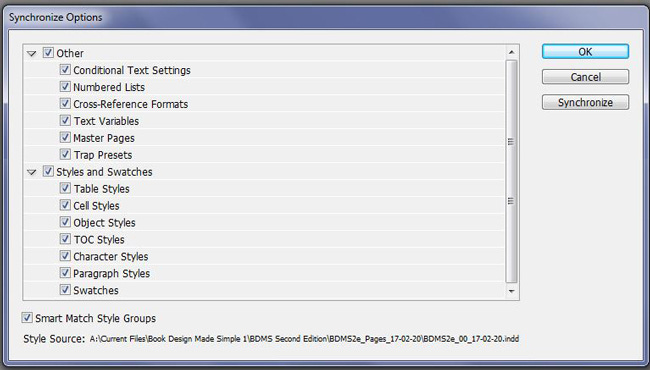
Synchronize styles in InDesign using the Book feature's handy Synchronize Options, or sync individual book chapters manually. We show you how to do it.
Make your own mini book signature by hand. It's both fun and educational. Grab some paper, scissors, and a stapler, and you're ready to go.
Some books group images together on a series of pages in the middle. This can increase quality, solve layout problems, and save money.
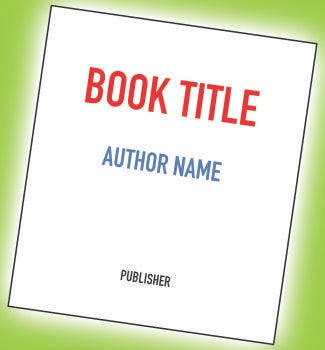
Every book needs a title page. Designing an outstanding one is a challenge, but it can contribute to a professional-looking masterpiece.
Are you shopping for self-publishing services? We compare service providers for you, and let you know the pros and cons of each service.
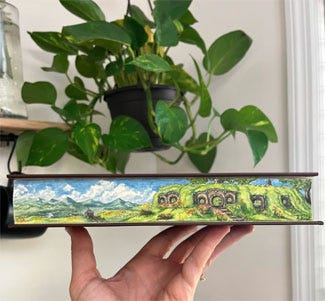
Book edge treatments include anything that is applied to the edges of a book's pages, such as deckled, gilt, stained, and painted edges.
Your book cover may be worthy of some extra special treatments such as metallic or 3D effects. We introduce you to the possibilities.