
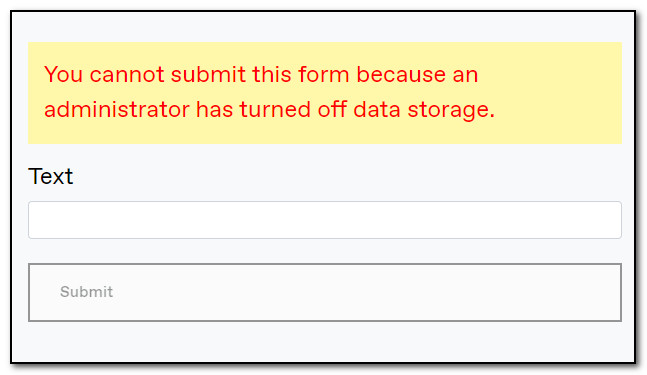
After upgrading a site from Optimizely CMS 11 to Optimizely CMS 12, I was faced with this error message.
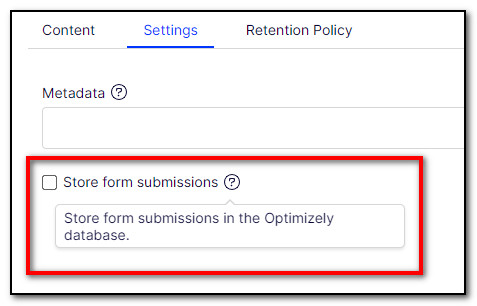
For this specific form, data storage was turned off, as seen in the screenshot below. Submissions were sent by email instead.
So, apparently, I need to store the data in the database to be able to email them?
According to the documentation, when DDS cannot be written to, Forms use a session state-based storage (IVolatileStorage), for example, in form steps.
If I enable session state in startup.cs like this...
public void ConfigureServices(IServiceCollection services)
{
    ...
    services.AddSession(options =>
    {
        options.IdleTimeout = TimeSpan.FromMinutes(30);
        options.Cookie.HttpOnly = true;
        options.Cookie.IsEssential = true;
    });
    ...
}
public void Configure(IApplicationBuilder app, IWebHostEnvironment env)
{
    ...
    app.UseSession();
    ...
}
...then I am able to submit the form, and email the details, without storing them in the database.
Comments
Nothing yet. Say the first thing.
Sign in to join the conversation.