
AI images have taken over. Your feed is full of them right now, filters, effects, cinematic edits. Fun for ten seconds. Never used again.
So I built the opposite.
This is a pack of prompts for images you actually need as a professional. A proper LinkedIn headshot. A clean cover for your newsletter. An infographic for your next post. A fixed-up photo.
Most of these don’t generate from scratch. They take your photo or your information and make it usable. Upload, paste the prompt, done.
Everything runs on GPT image generation, free, or a couple of dollars a month on the minimal plan. No design tools. No skills needed.
Save this one. You’ll need at least half of it.
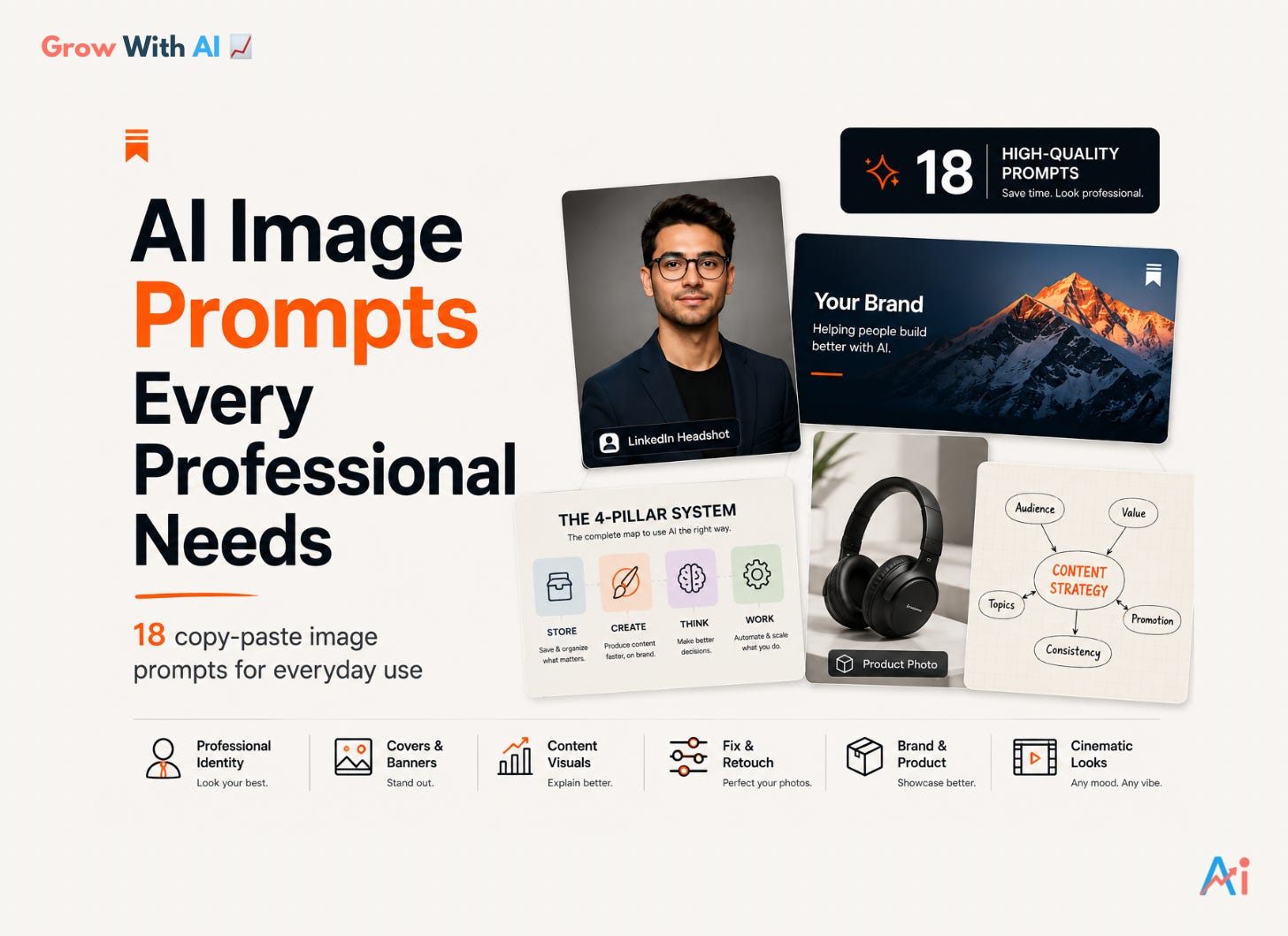
18 prompts, 6 sections:
🪪 Your Professional Identity
LinkedIn Headshot · Passport/ID Photo · Mirror Selfie to Portrait🖼 Covers & Banners
Newsletter Edition Cover · Main Newsletter Cover · LinkedIn Banner📊 Content Visuals
Infographic/Cheat Sheet · Hand-Drawn Sketch Diagram & Mind Map · Custom Illustration · Background Removal🔧 Fix & Retouch
Bad Lighting Fix · Dark Circles Removal · Acne/Skin Clean-Up · Posture Fix · Restore & Upscale Old Photos📦 Brand & Product
Product Photo Studio · Outfit Color Change🎬 Cinematic Color Grade
One flexible film-look prompt, any color you want
Jump to what you need. Every prompt is ready to copy.
Every prompt runs the same simple way:
1. Check the “Fill in before you paste” box at the top of each prompt. It lists everything you need: which photo or info to add, and any blanks to fill.
2. Fill those in, then paste the prompt into GPT.
3. Generate.
The aspect ratio is already written at the end of every prompt, so you don’t have to set anything. Fill the box, paste, done.
The images that represent you. Get these right once and use them everywhere.
Fill in before you paste:
Upload: your photo
[BACKGROUND COLOR]: optional (muted gray, navy, warm charcoal). Leave blank and GPT picks one that suits your outfit.
Transform this uploaded photo into a polished professional corporate
headshot suitable for LinkedIn.
Preserve:
- The subject's exact face, features, and identity
- Do not change their appearance in any way
Composition:
- Reframe to a head-and-upper-shoulders crop
- Position the subject slightly off-center using the rule of thirds
- Replace or blur the background into a clean neutral tone in
  [BACKGROUND COLOR] with smooth bokeh, as if shot at f/2.0
Lighting:
- Professional three-point studio lighting
- Soft key light at 45 degrees creating gentle modeling on the face
- Fill light reducing shadow density on the opposite side
- Subtle rim light separating the subject from the background
- Neutral-warm color temperature
Quality and realism:
- Skin must look natural, healthy, and real
- Minor blemishes can be softened, but skin texture, pores, and natural
  features must stay visible
- Eyes sharp, bright, and clearly lit with a visible catchlight
Output:
- The final look should feel like a professional headshot session:
  polished, approachable, confident, and profile-ready
Aspect ratio: 1:1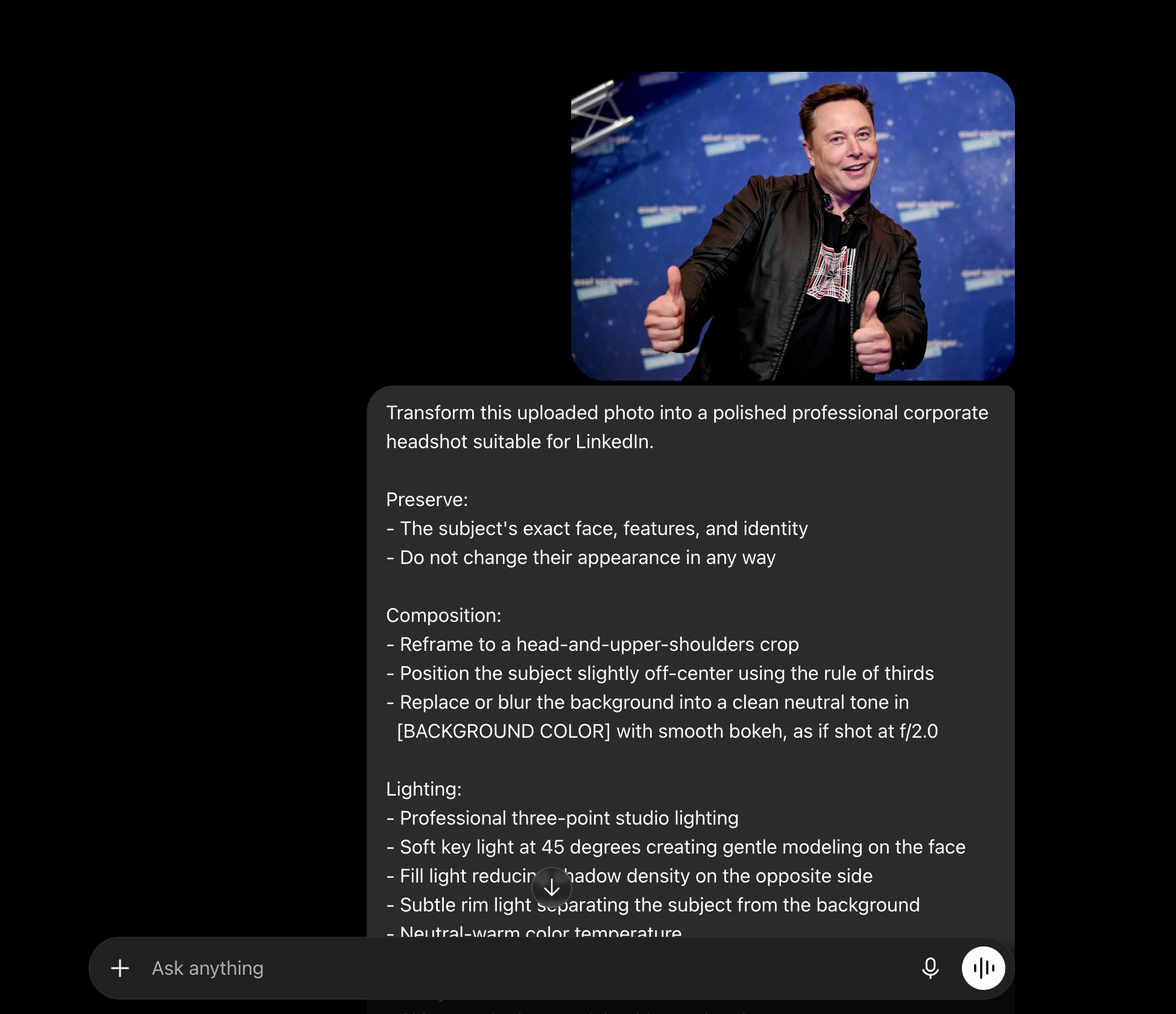

Fill in before you paste:
Upload: your photo
Transform this uploaded photo into a professional standard passport
photo.
Preserve:
- The subject's face, features, and identity exactly as they are
- Do not alter or beautify any facial features
Composition:
- Tight head-and-shoulders crop, centered in the frame
- Replace the entire background with a perfectly clean, flat, pure white
  backdrop with no gradients, shadows, or textures
Lighting:
- Even, flat, front-facing studio illumination
- No directional shadows on the face, no shadows on the background
- Both ears visible if possible
Rules:
- Expression stays neutral with mouth closed
- Skin tones accurate and natural, no color cast, no warm or cool tint
- Image sharp and in focus from the tip of the nose to the ears
- Remove any head coverings unless religious
- Remove any glasses glare if present
Output:
- The final image should meet official government passport photo
  standards: evenly lit, properly exposed, correctly framed, clean white
  background, looking like it was taken in a professional photo studio
Aspect ratio: 1:1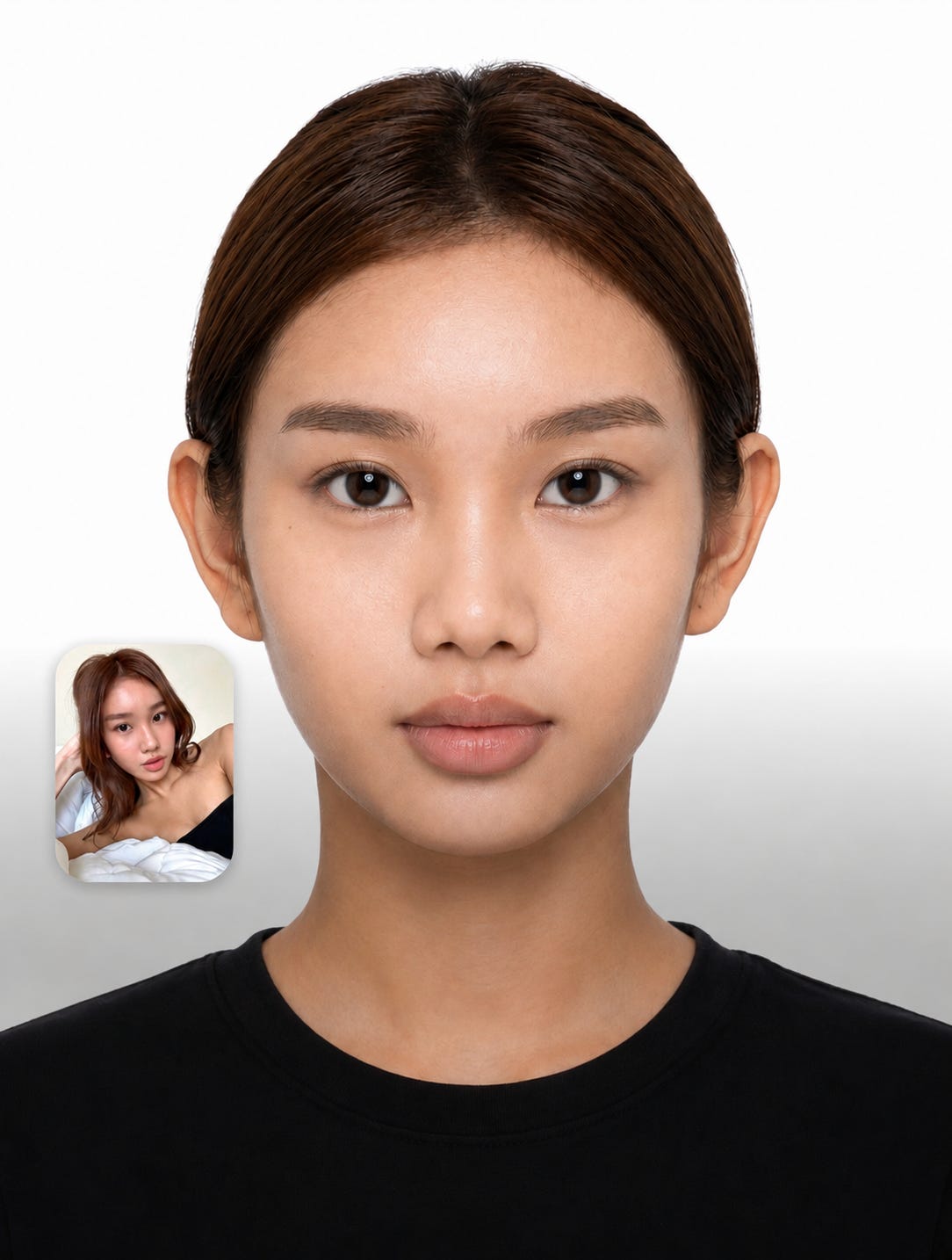
Fill in before you paste:
Upload: your mirror selfie
Transform this mirror selfie into a professional-looking portrait that
appears as if someone else took it with a high-quality camera.
Preserve:
- The subject's exact face, body, features, clothing, and overall
  appearance, completely unchanged
Remove:
- The mirror frame and the phone from the subject's hand, adjusting the
  hand and arm to a natural, relaxed position
- Any bathroom or mirror environment: tiles, faucets, mirror edges,
  reflections
Replace:
- The background with a clean aesthetic environment that complements the
  subject's style: a neutral urban setting, a soft blurred cafe
  interior, a natural outdoor background, or a clean studio backdrop
  with smooth bokeh
Correct:
- Any horizontal flip so it no longer looks like a mirror reflection
- Any lens distortion
Lighting:
- Flattering natural portrait lighting
- Soft directional light with gentle shadows
Output:
- A candid portrait that looks taken by a friend with a professional
  camera: natural, well-composed, and polished, with no trace of it ever
  having been a mirror selfie
Aspect ratio: 4:5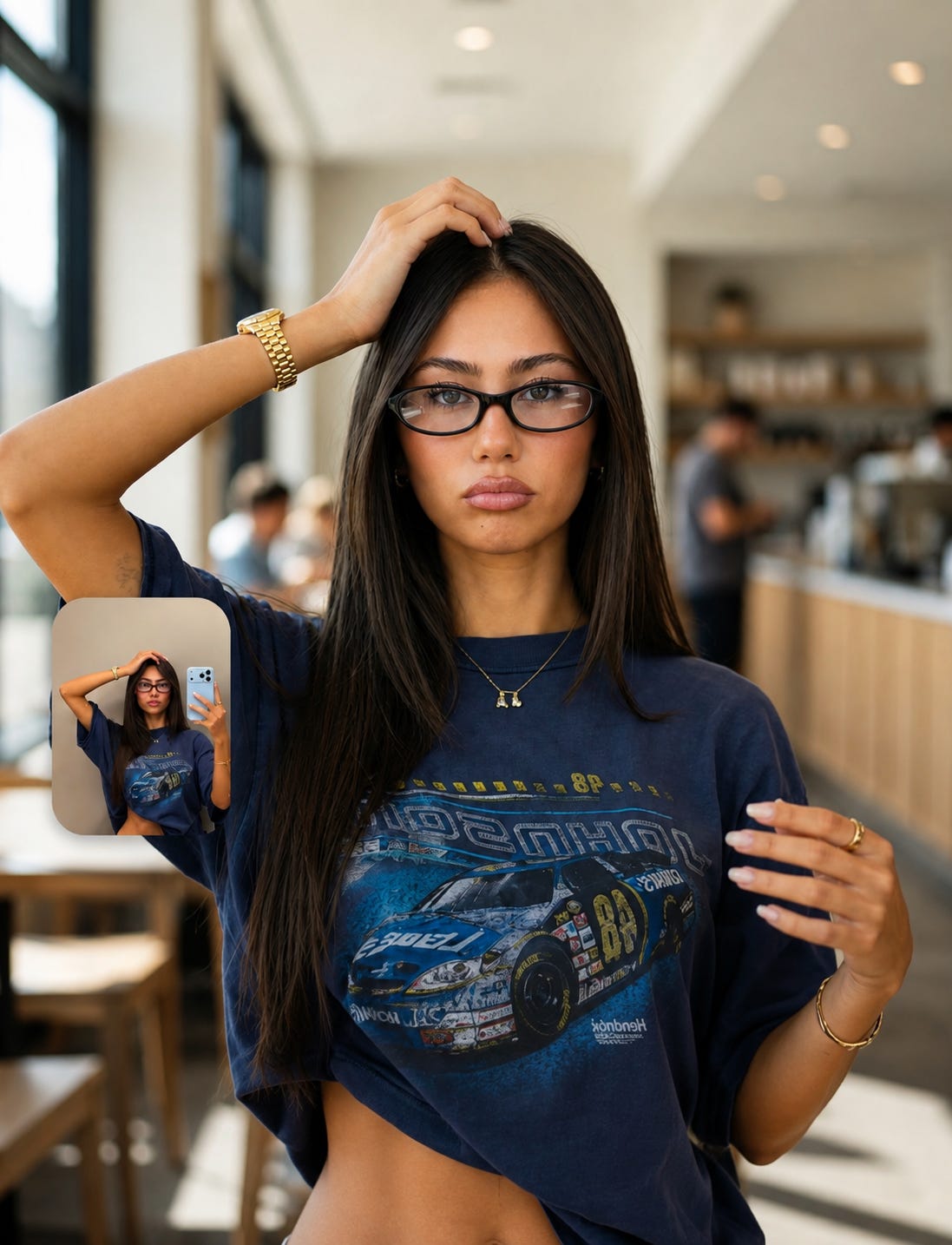
Your brand’s front door. One prompt each, your details in.
The cover for one specific edition, with your title, subtitle, and logo.
Fill in before you paste:
[WHAT IT’S ABOUT]: the topic of this edition
[ACCENT COLOR]: your brand color
[LOGO PLACEMENT]: top-right / top-left / center
Upload: your logo
Below the prompt: paste this edition’s title and subtitle
Create a clean, professional cover image for a newsletter edition.
Theme:
- The subject of this edition is [WHAT IT'S ABOUT]
Style:
- Modern, minimal, editorial
- A [ACCENT COLOR] accent with plenty of clean negative space
- Uncluttered and text-safe layout
Branding:
- Reserve a clear area in the [LOGO PLACEMENT] as a fixed element
- Place the uploaded logo there
- Lay out the edition title and subtitle I've added below the prompt in
  a clean, readable, professional way
Output:
- Premium, current, and brand-appropriate, not busy or stocky
Aspect ratio: 16:10
Then, right below the prompt, add your details and upload your logo:
Title: [YOUR EDITION TITLE]
Subtitle: [YOUR SUBTITLE]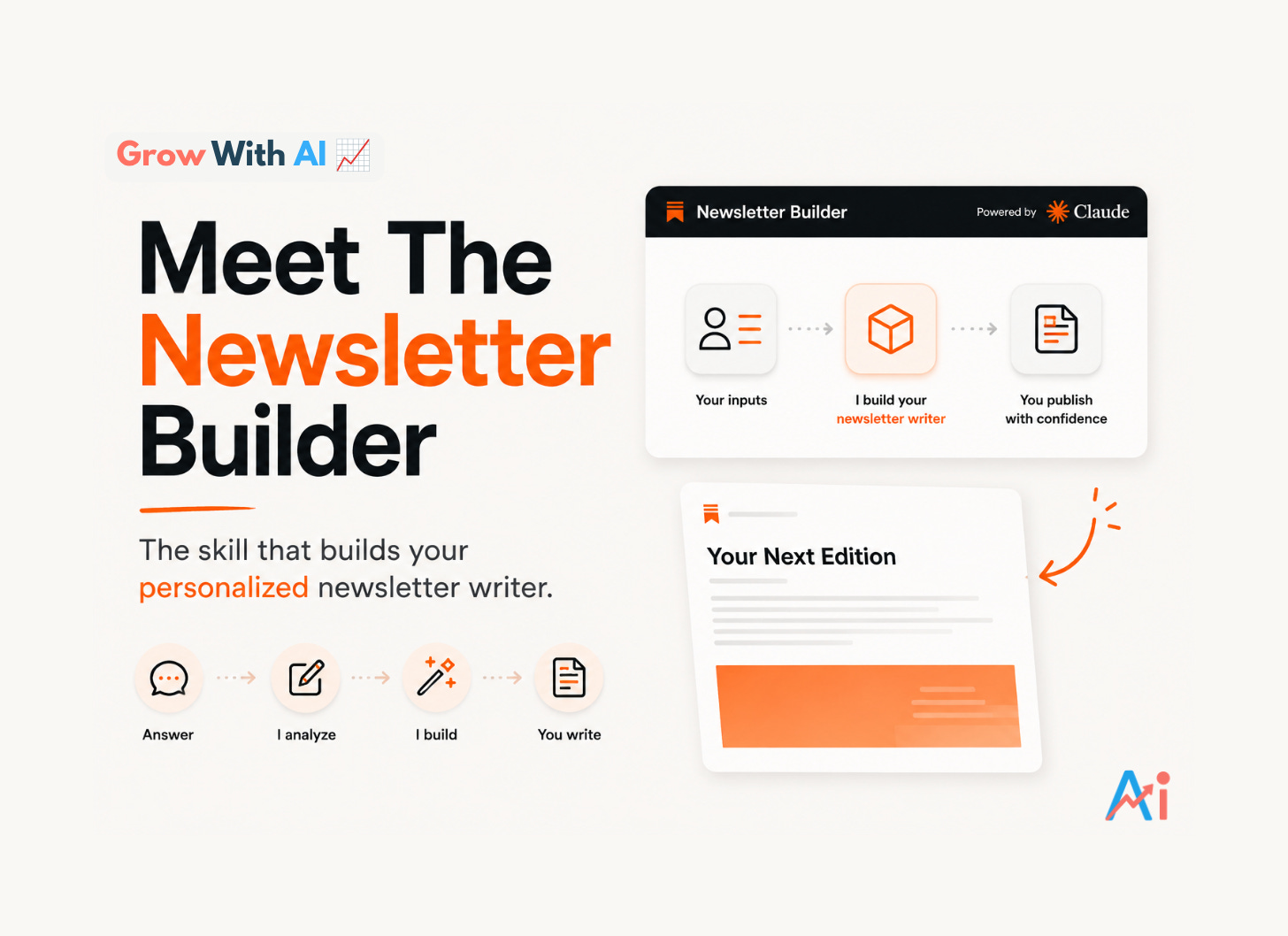
The brand cover for your newsletter itself, the one that sits on your landing page.
Fill in before you paste:
[NEWSLETTER NAME]: e.g. Grow With AI
[WHAT YOUR NEWSLETTER IS ABOUT]: one line on your niche
[ACCENT COLOR]: your brand color
Upload: your logo (optional)
Create a bold, professional main cover image for a newsletter brand.
This is the primary cover displayed prominently on the newsletter's
landing page, so it must represent the brand itself, not a single
edition.
Brand:
- The newsletter is called [NEWSLETTER NAME]
- It is about [WHAT YOUR NEWSLETTER IS ABOUT]
- Feature the newsletter name as the dominant visual element in a
  clean, modern, confident typographic treatment
Style:
- Modern, minimal, editorial, and instantly recognizable
- A [ACCENT COLOR] accent with strong contrast and clean negative space
- If a logo is uploaded, integrate it naturally into the composition
- A subtle visual motif that reflects the newsletter's subject, kept
  abstract and elegant, never literal or cluttered
Rules:
- No fake body text, no placeholder paragraphs, no busy decoration
- The design must stay sharp and readable at both large and small sizes
Output:
- A timeless brand cover: premium, distinctive, and built to sit at the
  top of a landing page for years, not weeks
Aspect ratio: 16:10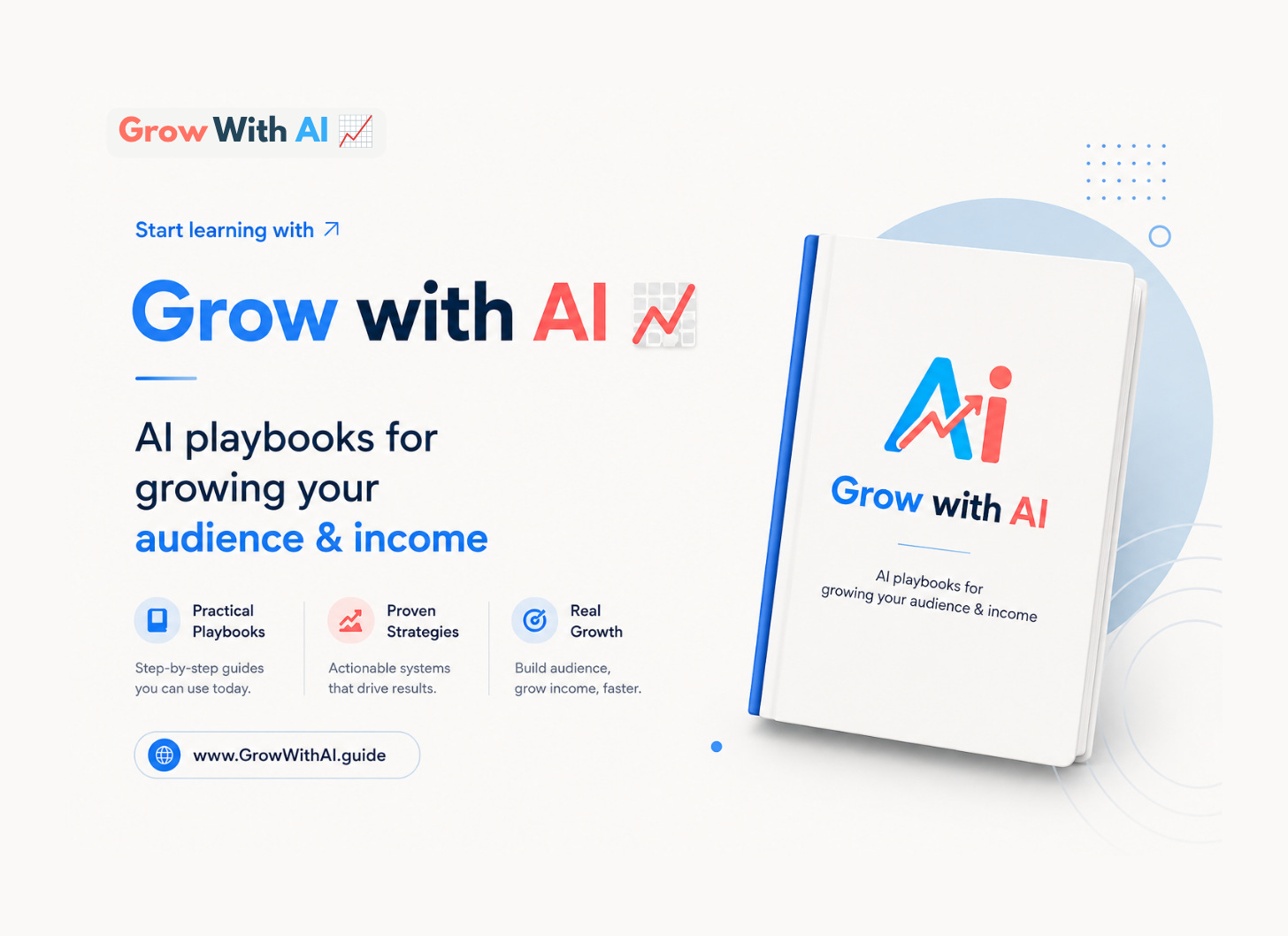
Fill in before you paste:
[WHAT YOU DO]: your one-line positioning, e.g. “I teach professionals to use AI properly”
[ACCENT COLOR]: your brand color
Optional: upload your logo
Create a clean, professional LinkedIn profile banner.
Purpose:
- This banner sits behind a profile photo, so the design must keep the
  bottom-left area visually calm and unobstructed
Content:
- Communicate this positioning: [WHAT YOU DO]
- Express it through a short, bold text treatment and a supporting
  visual motif, kept minimal
Style:
- Modern, minimal, editorial
- A [ACCENT COLOR] accent with clean negative space
- If a logo is uploaded, place it subtly in the top-right
- No clutter, no fake interface elements, no busy patterns
Output:
- A banner that makes the profile look established and professional at
  a glance, readable on both desktop and mobile
Aspect ratio: 1584x396 (LinkedIn banner size)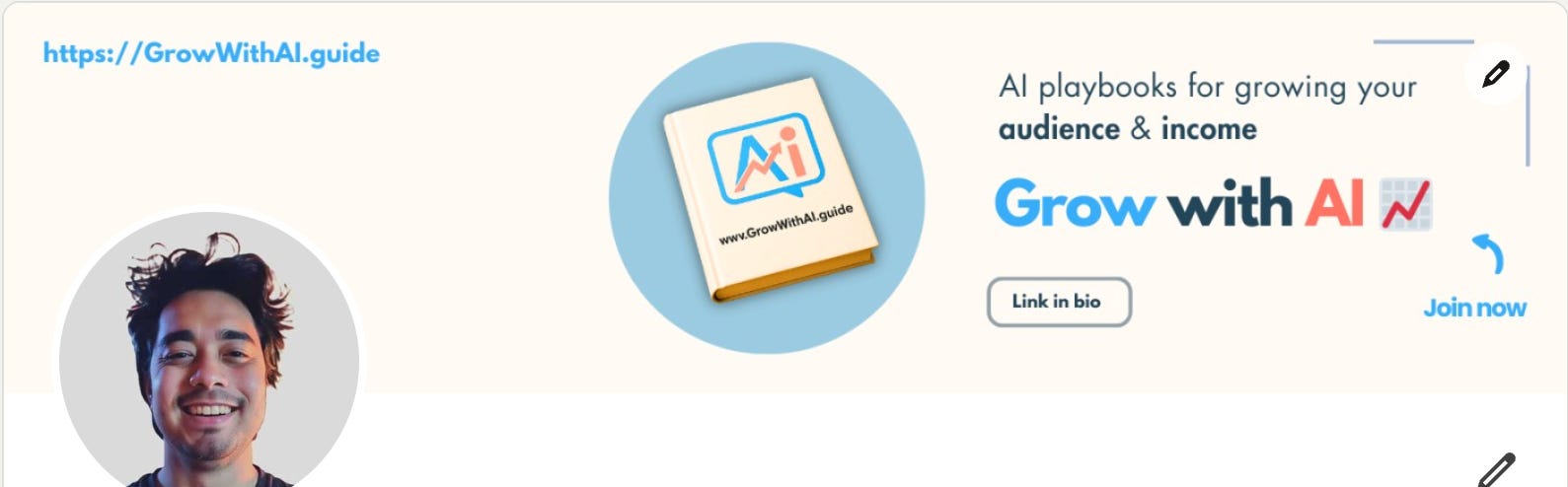
The images that carry your ideas: infographics, diagrams, and illustrations.
Give it your information, it builds the full infographic.
Fill in before you paste:
[TOPIC]: what the infographic is about
[ACCENT COLOR]: main color (optional, GPT picks if blank)
Below the prompt: paste your content, the points, steps, or data you want included
Create a detailed, professional infographic in a cheat-sheet style,
designed to be posted on LinkedIn or Substack.
Content:
- The topic is [TOPIC]
- Build the infographic from the information I've pasted below the
  prompt, organizing it into a clear visual hierarchy
- Structure it with a bold title at the top, clearly separated sections,
  short scannable text, and simple icons or small visuals supporting
  each point
Style:
- Clean, modern, editorial design with a [ACCENT COLOR] accent
- High contrast, generous spacing, strong alignment
- Simple flat icons, no clip-art, no 3D renders
- All text must be large enough to read comfortably on a phone
Rules:
- Every word must come from the content I provided; do not invent facts
- No decorative filler text, no fake small print
- Spelling must be exact
Output:
- A save-worthy, share-worthy cheat sheet that looks designed by a
  professional, dense with value but easy to scan
Aspect ratio: 4:5
Then, right below the prompt, paste your content:
[YOUR POINTS, STEPS, OR DATA]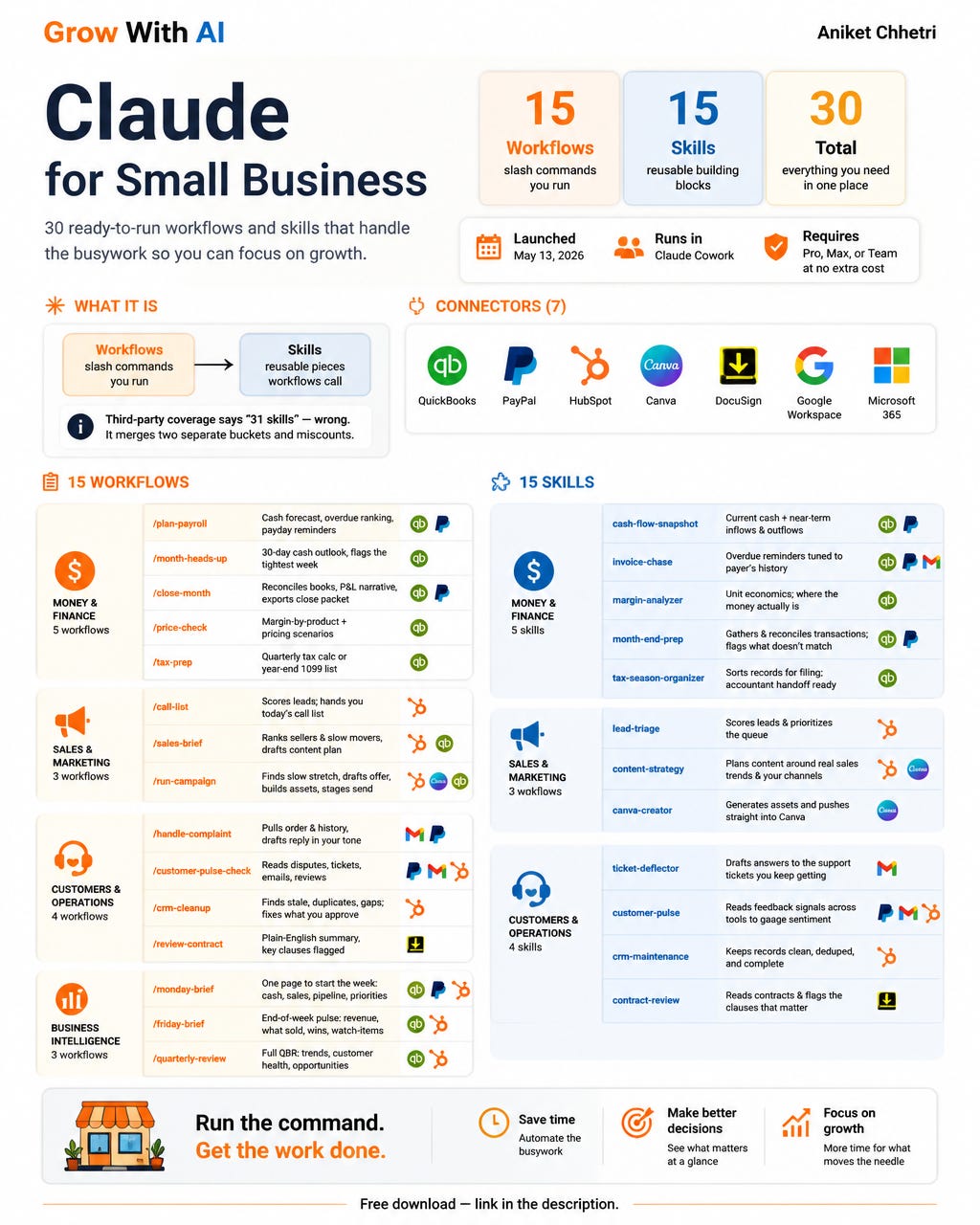
Explains any theory or concept as a pencil-style sketch.
Fill in before you paste:
[CONCEPT]: the theory, idea, or system to explain
[FORMAT]: mind map / flow diagram / step-by-step sketch
Below the prompt: paste the parts, steps, or branches you want in it
Comments
Nothing yet. Say the first thing.
Sign in to join the conversation.