
A few weeks ago, I audited an account that showed a discrepancy in reported revenue across GA4, Shopify, Elevar, and Facebook. 'Twas a bit of a mess, and it was a little overwhelming.
But what it all came down to? Timezones. GA4 and Shopify reported in one timezone, and Elevar and Facebook another. 🤦♀️ We are talking about a SEVEN-HOUR DIFFERENCE. Once I did the time zone conversions in Numbers, we got it all figured out, but WOW what a pain.
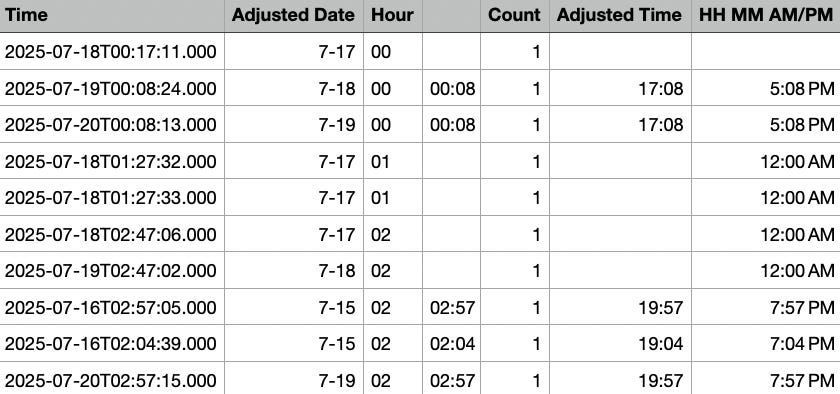
Your GA4 property has a ridiculousssss number of configuration settings that directly impact your data quality and business insights. There are so many, in fact, that it’s easy to look over some of the most important settings or just totally miss the option altogether 😔
The a misconfigured GA4 property can literally mean the difference between reliable business intelligence and misleading data that drives poor decisions.
I’ve never seen anyone else talk about this, but GA4 guides you through a setup process that seems like a “comprehensive configuration,” but it’s NOT. It's literally just enough to get data flowing into your account. 🤦♀️
Let's break down the settings that ACTUALLY matter (and yes, I'm skipping privacy settings because I'm not a privacy expert and won't pretend to be one).
Get the Full GA4 Settings Workbook
These basic property settings affect every single piece of data you collect.
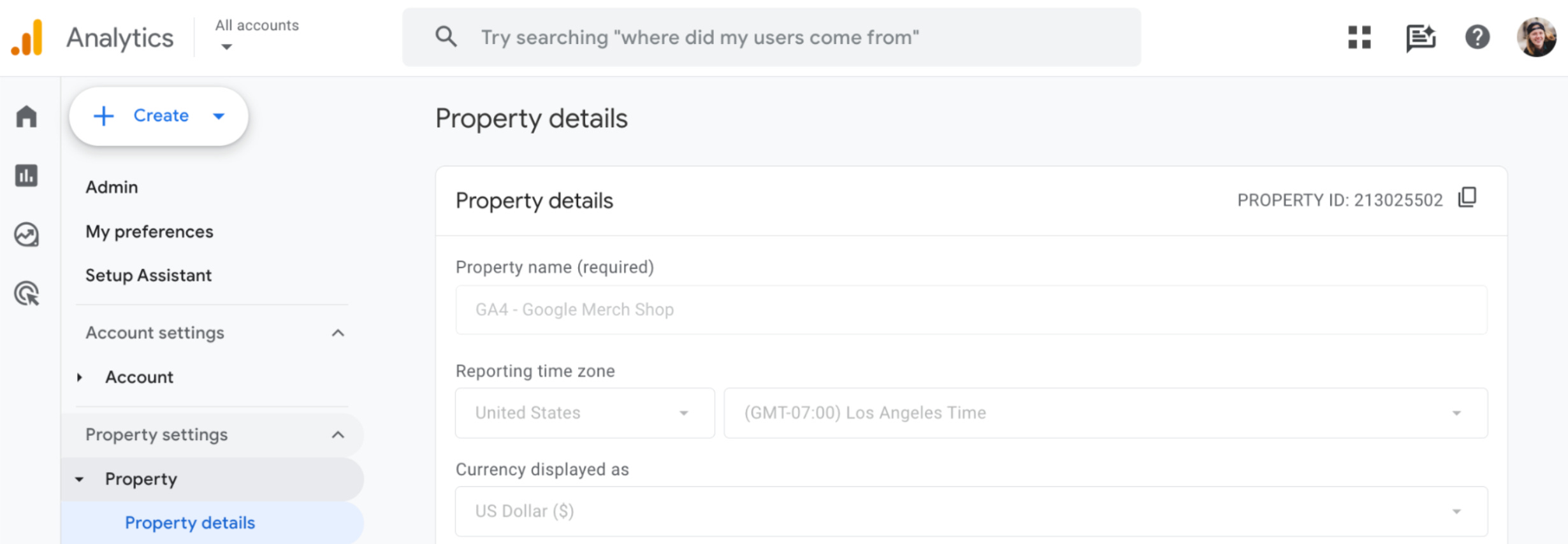
Timezone: Get this wrong and your reporting timestamps are completely useless. Your attribution windows won't align with your ad spend, your daily reports will be shifted, and you'll spend hours trying to figure out why your data doesn't match your CRM data.
Currency: This determines how GA4 converts international revenue data and displays it in Reports. Choose wrong and your revenue reports become a bit of a confusing mess. 😵💫
Industry Category: Powers machine learning predictions and benchmarking data. Google made this REQUIRED in 2024 because they want your data (obviously), but also because it powers their benchmarking data that you get access to when you have an industry set.
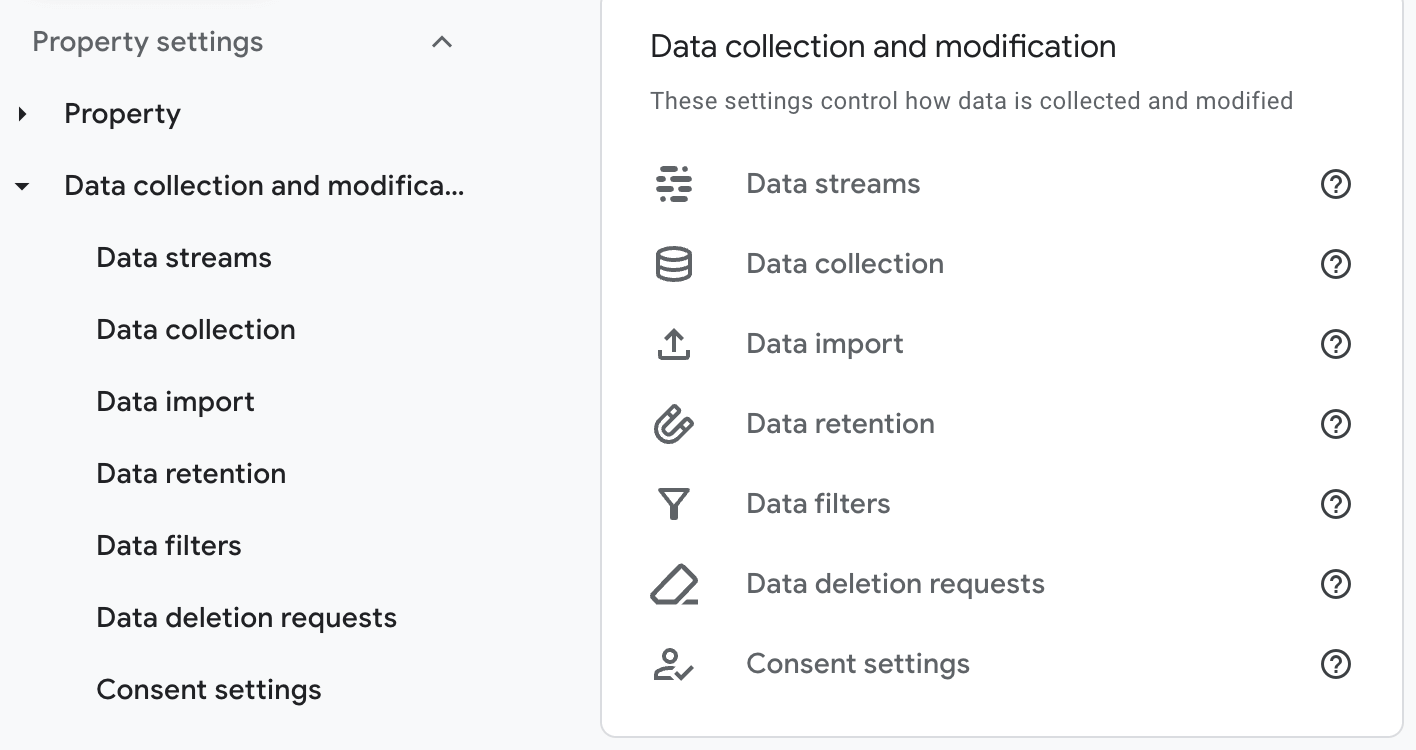
Enhanced Measurement: This is GA4's attempt to automatically track site search, downloads, form interactions, video engagement, and other events. Most people turn it on and never think about it again, but most events require a little bit of work/checks.
Measurement Protocol: When set up correctly, this can enhance your user/item data beautifully. When set up wrong? You risk getting an isolated data set and a tooonnn of "not set" traffic.
Cross-Domain Tracking: If you don’t tell Google you own all of your domains your attribution may get stripped.. Oh and clicks to your other sites may get marked as outbound clicks 😅
Google Signals: Unlocks demographics and cross-device insights using Google account data, BUT it comes with privacy compliance requirements.
Data Retention: Defaults to just 2 months. TWO! This impacts the data available in the Explore section of GA4. This means you wouldn’t be able to use Explore for year-over-year comparisons…. And it doesn’t work retroactively, it starts with data collected today 😕
Unwanted Referrals: Filters out payment processors like PayPal and Stripe so they don't break your attribution by showing up as referral traffic when customers come back from checkout. BUT only if you specify them in the settings.
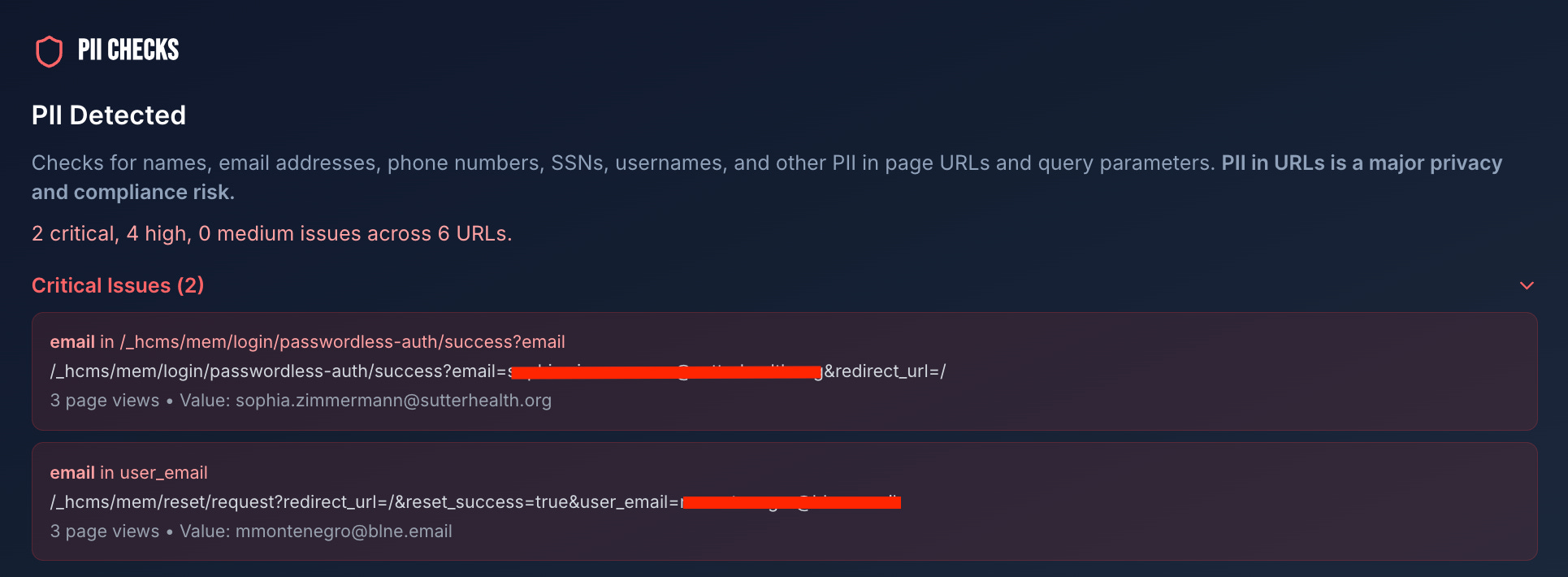
Data Redaction: Can be used to prevent the collection of personally identifiable information (emails, phone numbers, etc.) that could land you in compliance hot water.
Session Timeout: The standard is 30 minutes. Some folks like to shorten it, but be aware that setting it too short may result in an influx of "Landing Page (not set)” due to session restarts.
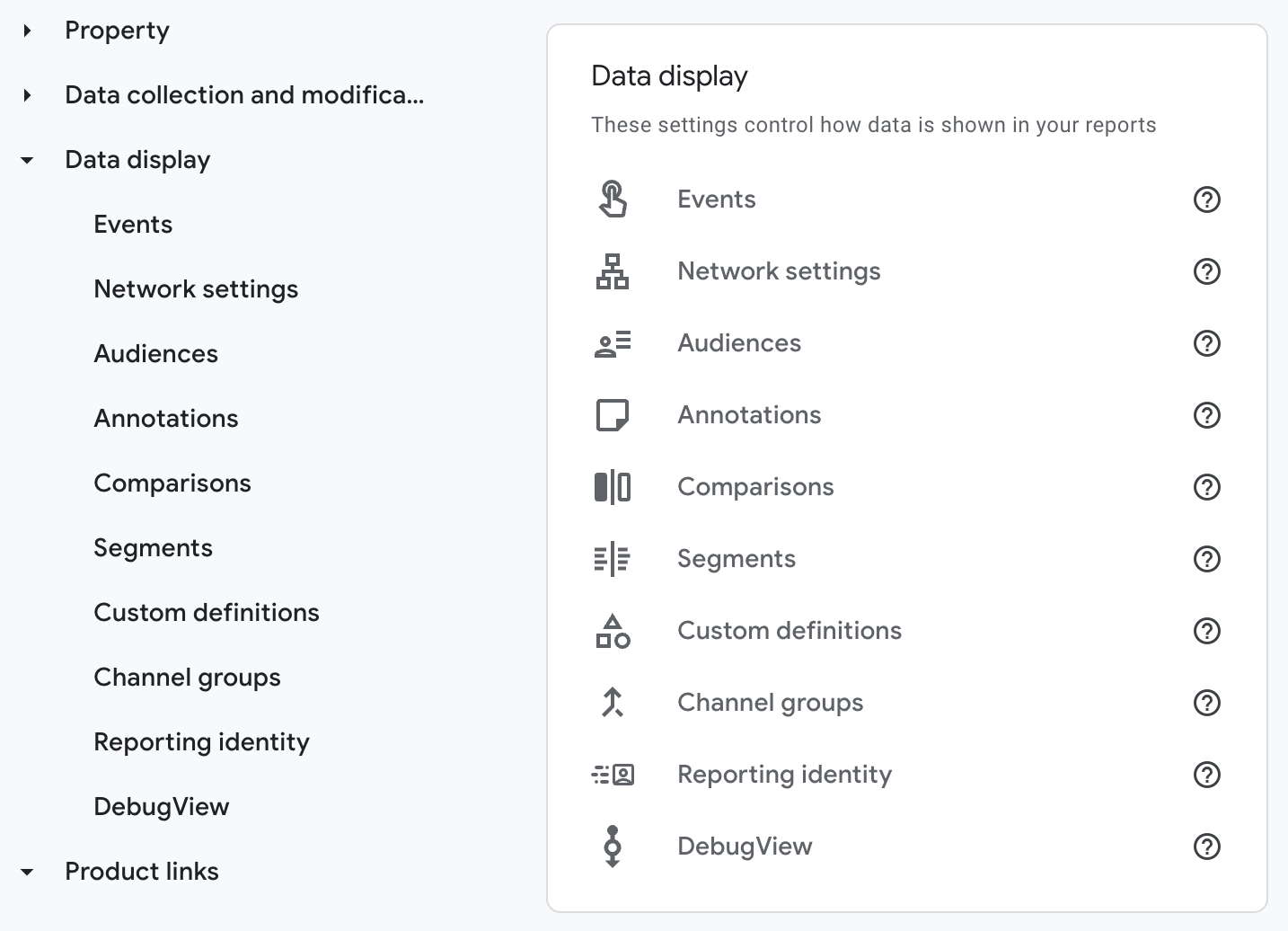
Key Events (Conversions): These define which actions count as business success... Oh, and they are one part of the key that unlocks your entire advertising section. No key events = no attribution data. It's that simple. And too many Key Events can skew your data.
Attribution Model: Determines how conversion credit gets assigned across your marketing channels. Most people never touch this and have no idea how it works, so I highly recommend taking note of these settings.
Lookback Windows: For conversion events, look back windows are automatically set to 90 days. But if that doesn’t match your customer journey, this can be changed to 30 or 90 days.
Channels that Can Recieve Credit: This is set to “Google Ads” only and impacts how Key Events are attributed across marketing channels... Basically it defines whether Google Ads gets all of the credit or not, you know, Google things 😉
Custom Dimensions & Metrics: You HAVE to register any extra parameters you send to GA4 that aren't "standard" dimensions or metrics. Don't register them? You literally can't report on them later. They’ll be “captured” in debugging or passed in your GTM test, but then promptly discarded unless registered 😳
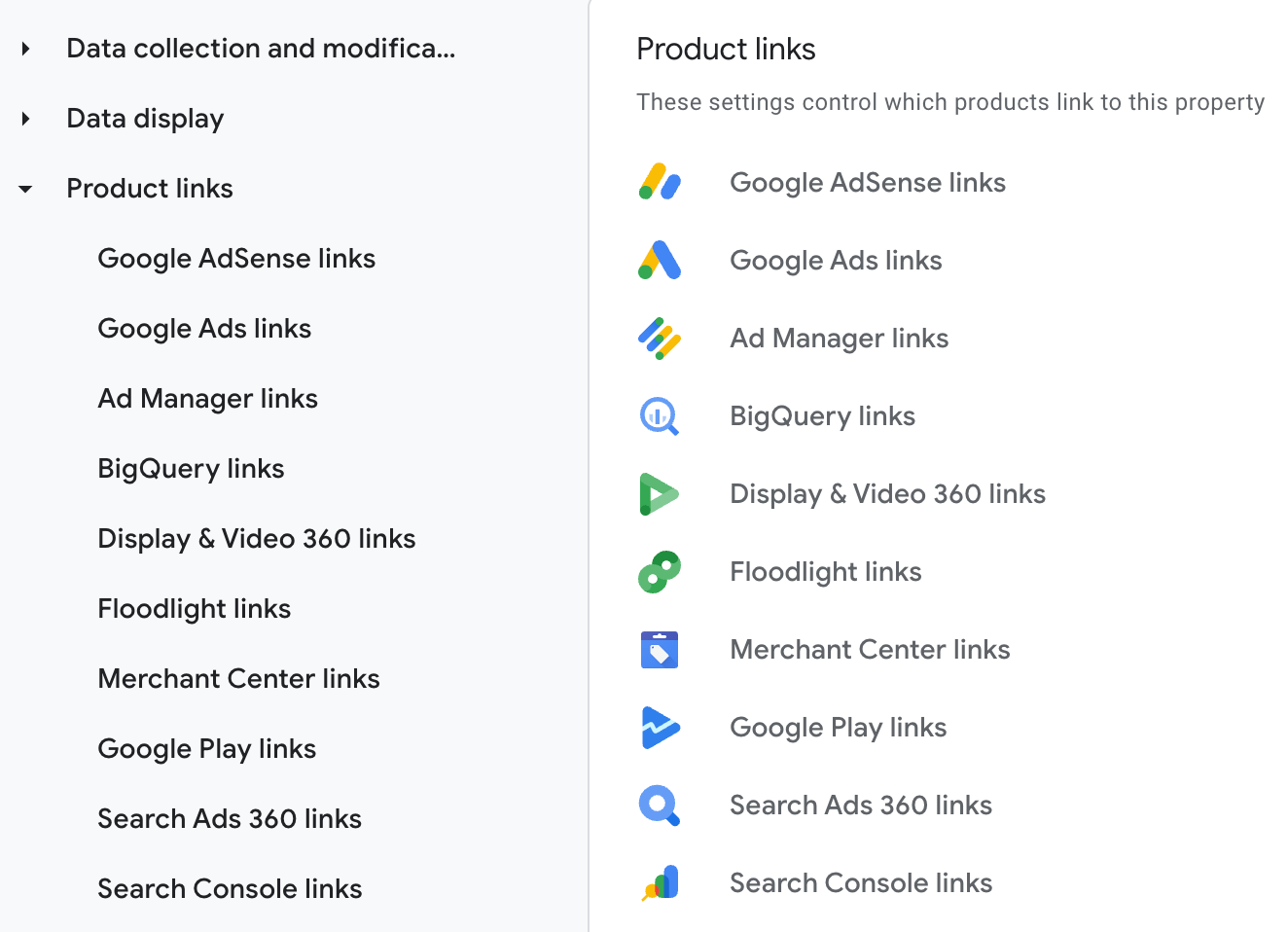
Google Ads Linking: The other piece of the key that unlocks the Advertising section of GA4. Without a Google Ads link, you won’t get all of your attribution data 🙃
A quick note here: you do NOT have to be RUNNING Google Ads; you just have to have an account linked.
Search Console Connection: Adds organic search performance data to GA4.
Properly auditing your GA4 configuration requires direct access to Google's Admin settings and sometimes the data that you’ve already collected.
That's exactly what GA4Helper’s Settings Checker does, it connects directly to Google's Admin and Data APIs to pull your settings and compare them against best practices.
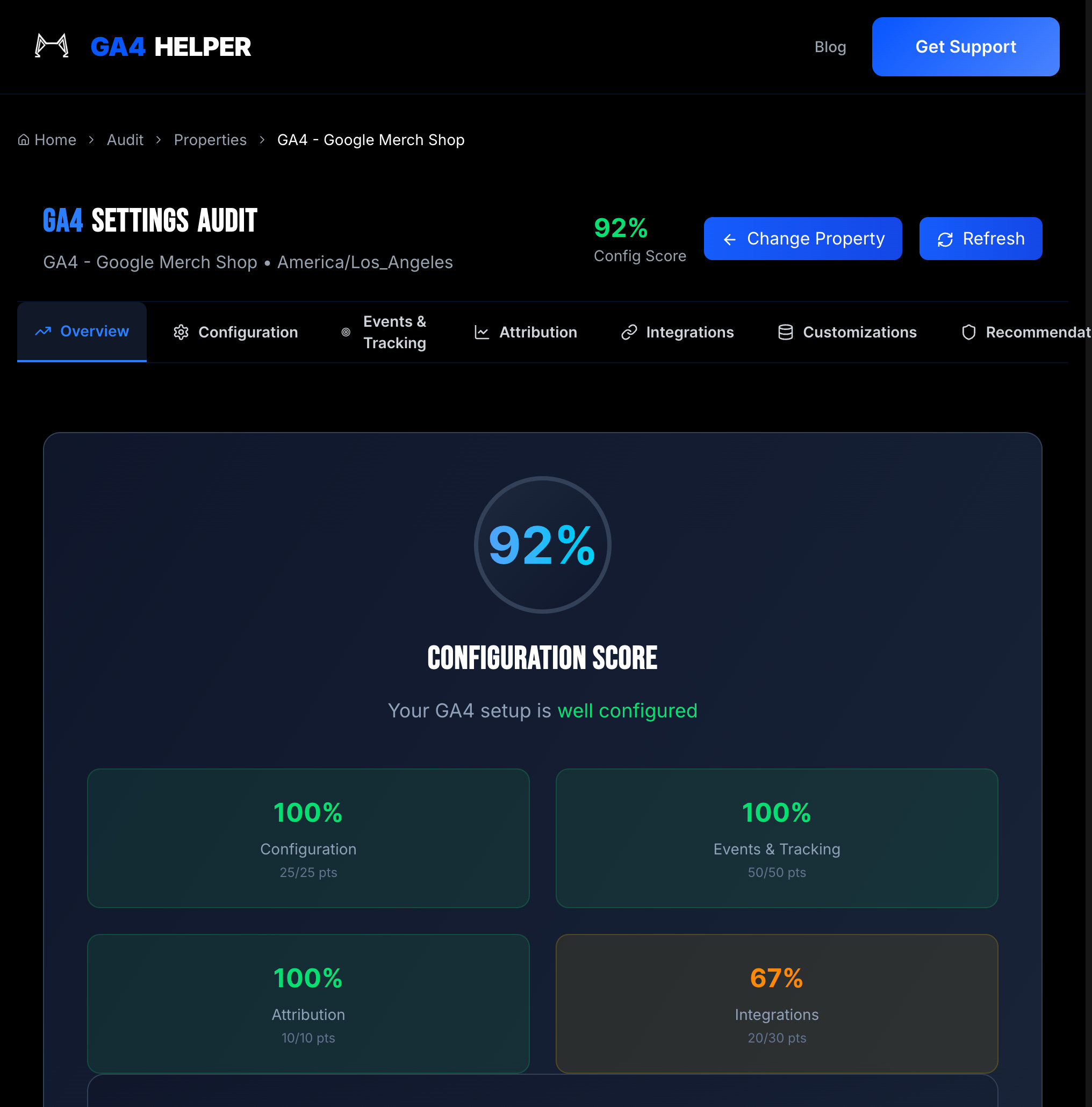
Using the GA4 Admin API, the Settings Checker pulls your LIVE property settings and compares them against the best practices mentioned above. 🕵
Data Retention Settings: Checks if you're stuck on the 2-month default or if you've upgraded to the 14-month maximum (for standard properties).
Key Events: Pulls every event marked as a key event and flags you for having zero (BIG problem) or way too many (also a problem).
Google Signals: Sees if it's enabled and reminds you about privacy policy updates if it is.
Enhanced Measurement: Checks which events are toggled on AND whether you've registered the custom parameters (like form_id, video_duration) that make the data actually useful.
Custom Dimensions: Pulls ALL your custom dimensions and cross-references them with your enhanced measurement settings to catch missing registrations.
Google Ads Links: Checks how many accounts are linked. Remember, zero linked accounts = missing attribution data.
Attribution Credit Settings: Verifies that this is set to "Paid and Organic" instead of the weird default settings.
BigQuery Links: Checks if you're taking advantage of the FREE GA4 → BigQuery export (so you can keep your data longer).
Some settings can't be verified just by looking at configuration, you need to analyze the actual data flowing through your property. 📈
So we pull real reports from your last 30 days:
Traffic Sources Analysis: The checker scans your traffic sources for common payment processors that should be filtered out as unwanted referrals.
URL PII Detection: Analyzes your page paths and query strings to identify potential personally identifiable information in your URLs.
Search Term Validation: Checks if your site search tracking is actually capturing search terms or just showing blanks.
Search Console Integration: Looks for organic impression data to confirm your Search Console connection is working.
Even with comprehensive API access, some aspects of GA4 require manual verification because, well, we don't know your business like you do. 🤷
This workbook covers the settings you will need to review yourself, and a few questions to ask yourself when doing so.
Get the Full GA4 Settings Workbook
If you're serious about data-driven decision making, you need a systematic review of your GA4 property configuration… not just a confirmation that tracking exists.
The goal isn't just to collect data. It's to collect RELIABLE, ACTIONABLE data that drives better business decisions.
And remember... this is just step one.
Comprehensive auditing (beyond just the settings) requires checking data accuracy, user journey mapping, goal alignment, and custom tracking validation.
There's sooooo much more to cover.
But don’t worry, we'll get there. 😉
No posts
Comments
Nothing yet. Say the first thing.
Sign in to join the conversation.