
One of my readers pointed out a new Use Case for a solution in article #69, “How to Make Apple Shortcuts Interactive”. Hugh wanted a way to run an interactive shortcut either on a schedule or “lack of motion during a schedule” to interact with a senior as a “welfare checkup”
Unfortunately, that previous solution expects the Shortcut to be run from Siri, not from a Personal Automation. If that Shortcut is launched from a schedule or an event, Siri will not be listening for an interaction with mom.
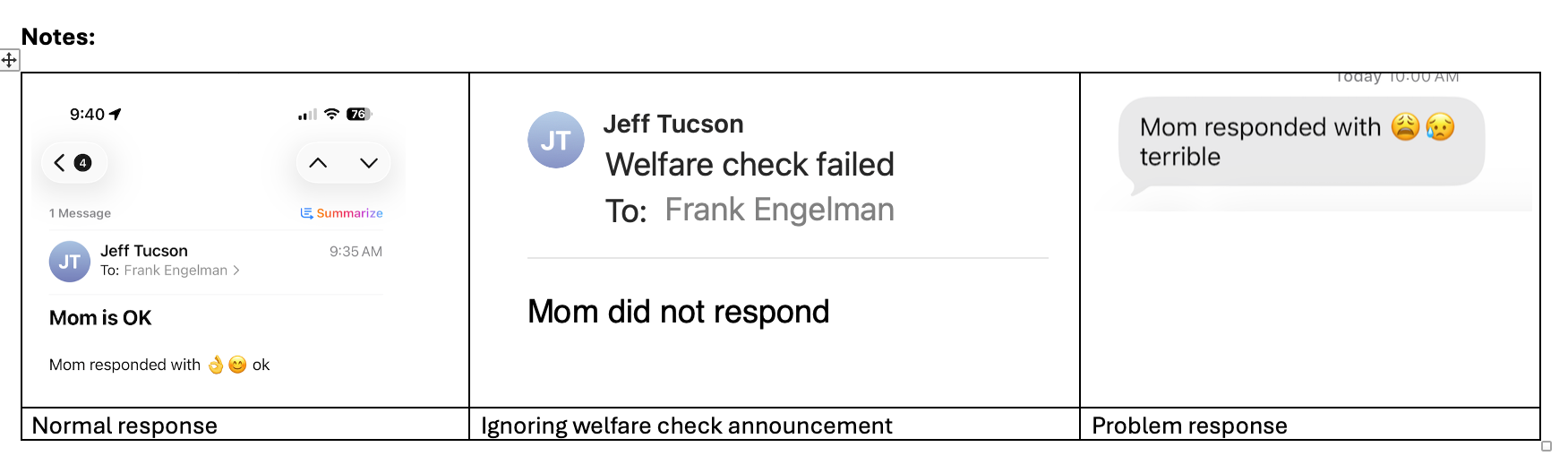
This new solution utilizes the “dictate action,” which enables a shortcut to listen for Mom’s response to a spoken message. This solution speaks a message to mom and then listens to her “dictation,” and provides spoken feedback to mom as well as an email if she is OK or a text message if she is not OK, sent to a family caregiver
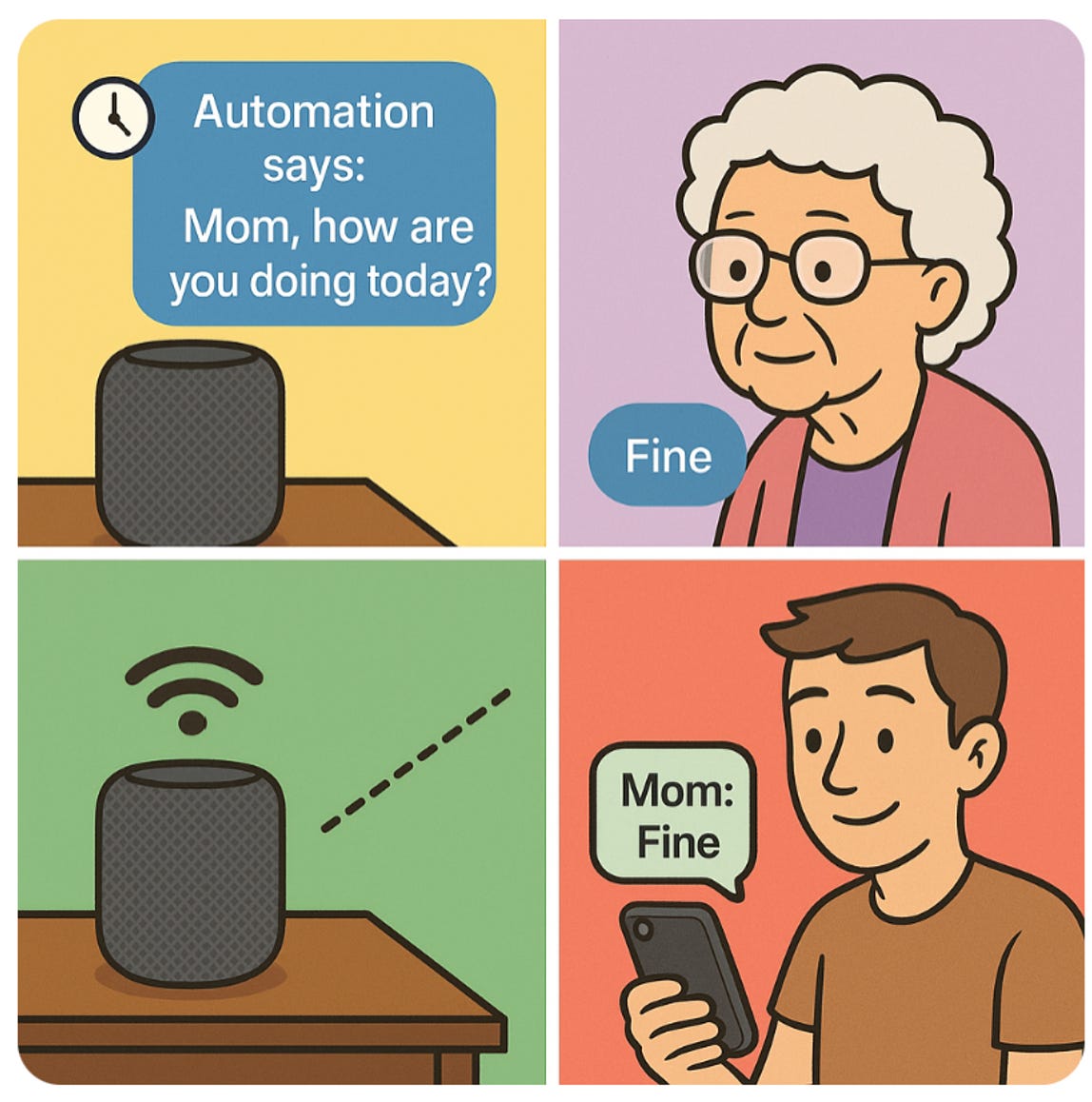
This Shortcut has various responses to mom randomly chosen from a list you can edit. It uses a list of common words mom may use in response and handles the case where a “not” or “no” overrides words like “ok” or “well”
If you are not familiar with Apple Shortcuts, see article #28 “How to Create Simple Apple Shortcuts for Your Elderly Parent’s iPhone or iPad”
Here is a YouTube video of it in action
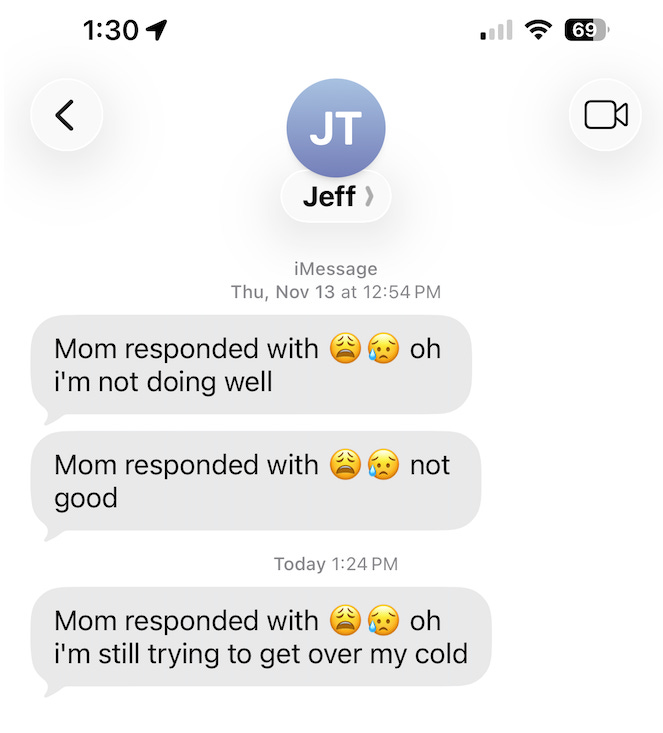
Here are some texts received with the words she spoke
Click here for a sample shortcut - When installing the Shortcut, you will be asked for the sender’s (mom) and receiver’s (your) email and receiver’s (your) text number.
Note: Be sure to use your name with email and text number in mom’s Contacts. Use that Contact info when answering the setup questions
This is so that the Shortcut can notify you of mom’s response

· By just tapping on the shortcut icon, try saying a few “OK- not OK” type responses to check email & text
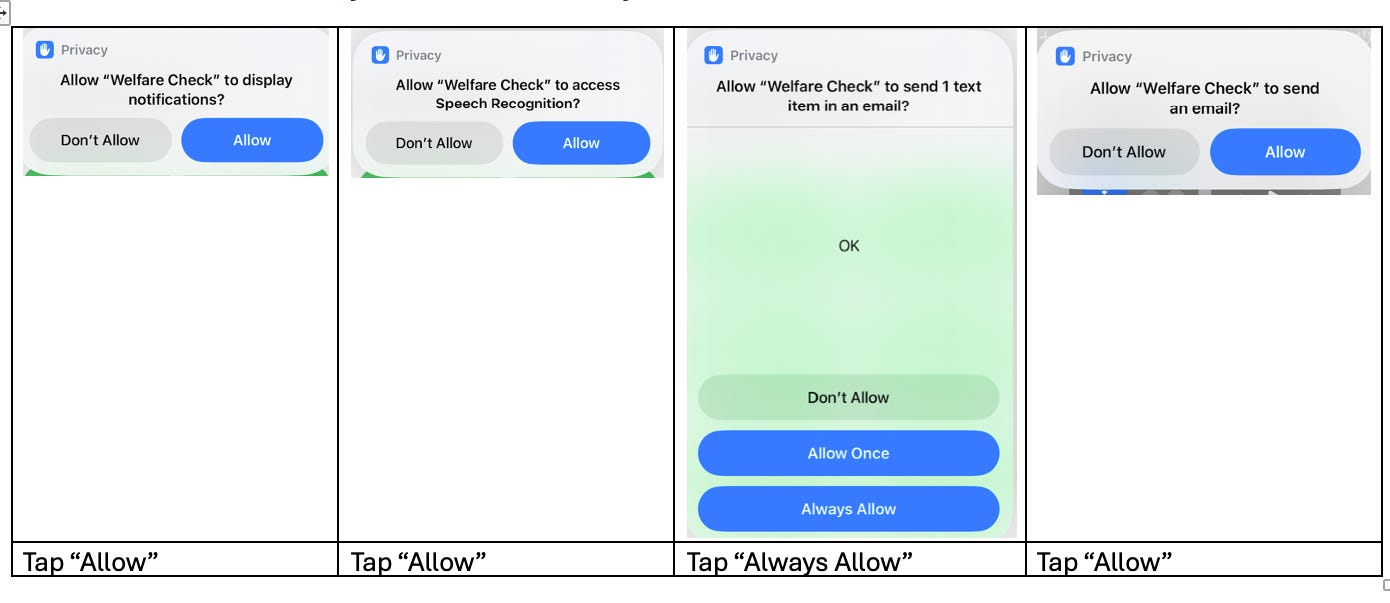
· The first time it runs, you will have to “always allow” and “allow” the Shortcut
· You may choose to remove the email sending if it’s clogging up your inbox
· You may want to change the “system sound played” – look in the Files app
No posts
Comments
Nothing yet. Say the first thing.
Sign in to join the conversation.