
In order for your Framer page to start at the bottom, you’ll need to create an anchor that’s pinned to the bottom of the page.
In this example, we will name it #photography
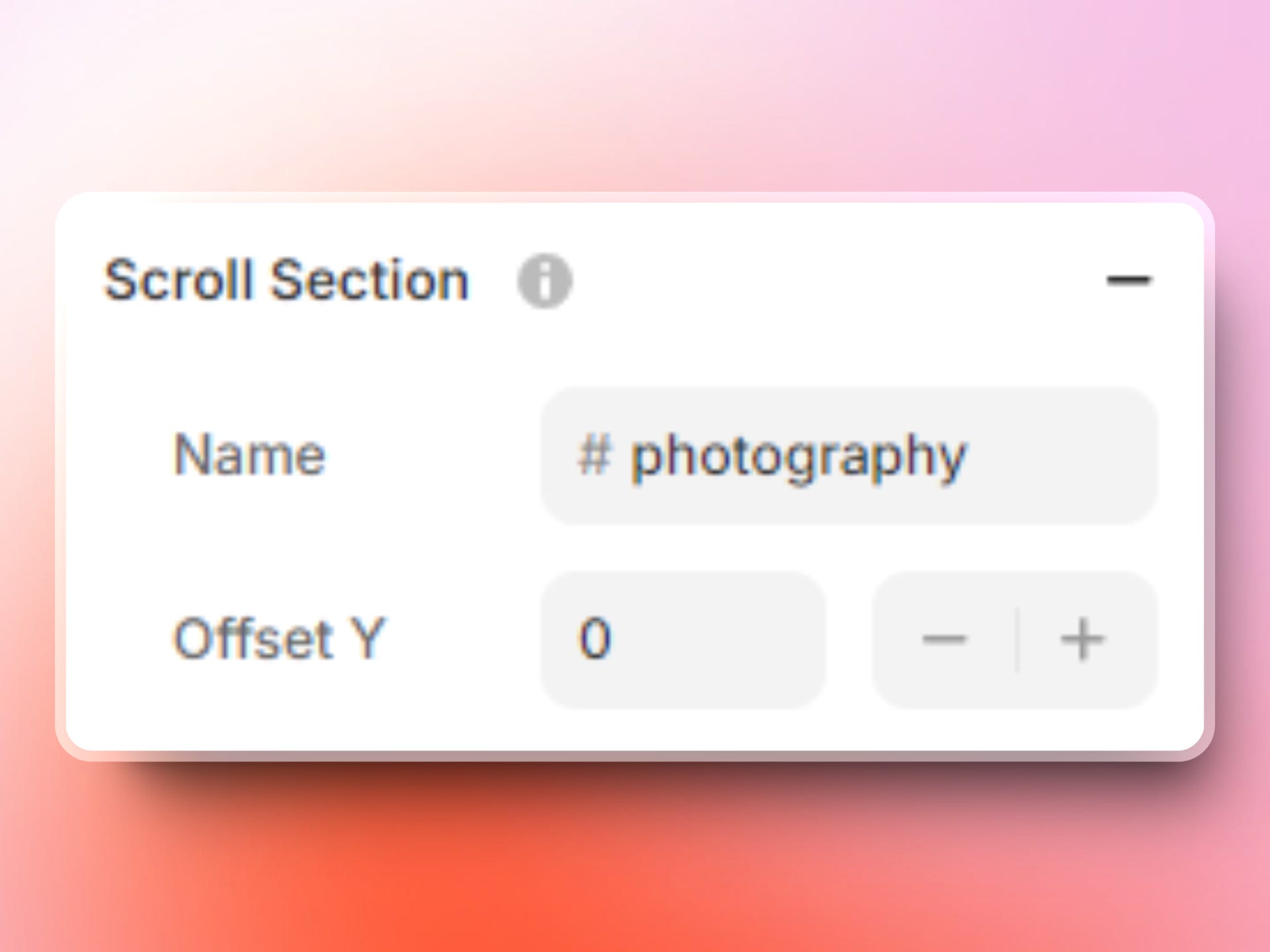
You’ll then need to create a code override with the following code
import type { ComponentType } from "react"
import { useEffect } from "react"
export function ScrollToPhotography(Component): ComponentType {
    return (props) => {
        useEffect(() => {
            // needs to be inside a useEffect() otherwise the script loads before DOM is delivered
            const anchor = window.location.hash.slice(1) // retrieving the anchor hashtag (hash)
            if (!anchor) {
                // redirect to section only if there's no anchor in the URL
                window.location.href = "#photography"
            }
        }, [])
        return <Component {...props} />
    }
}
Note this code will proceed as following, which I believe is the most UX friendly:
check if there's an anchor in the URL
if yes, then don't do anything (let browser handles the anchor)
if no, then direct the user to the bottom anchor (in our case #photography)
Don’t forget to apply the code override to your Desktop (primary) layer!
Comments
Nothing yet. Say the first thing.
Sign in to join the conversation.