
May brought improvements across accounting assessments, Excel tasks, written assignment grading, and LMS integration.
Dynamic Journal Entry Line Items
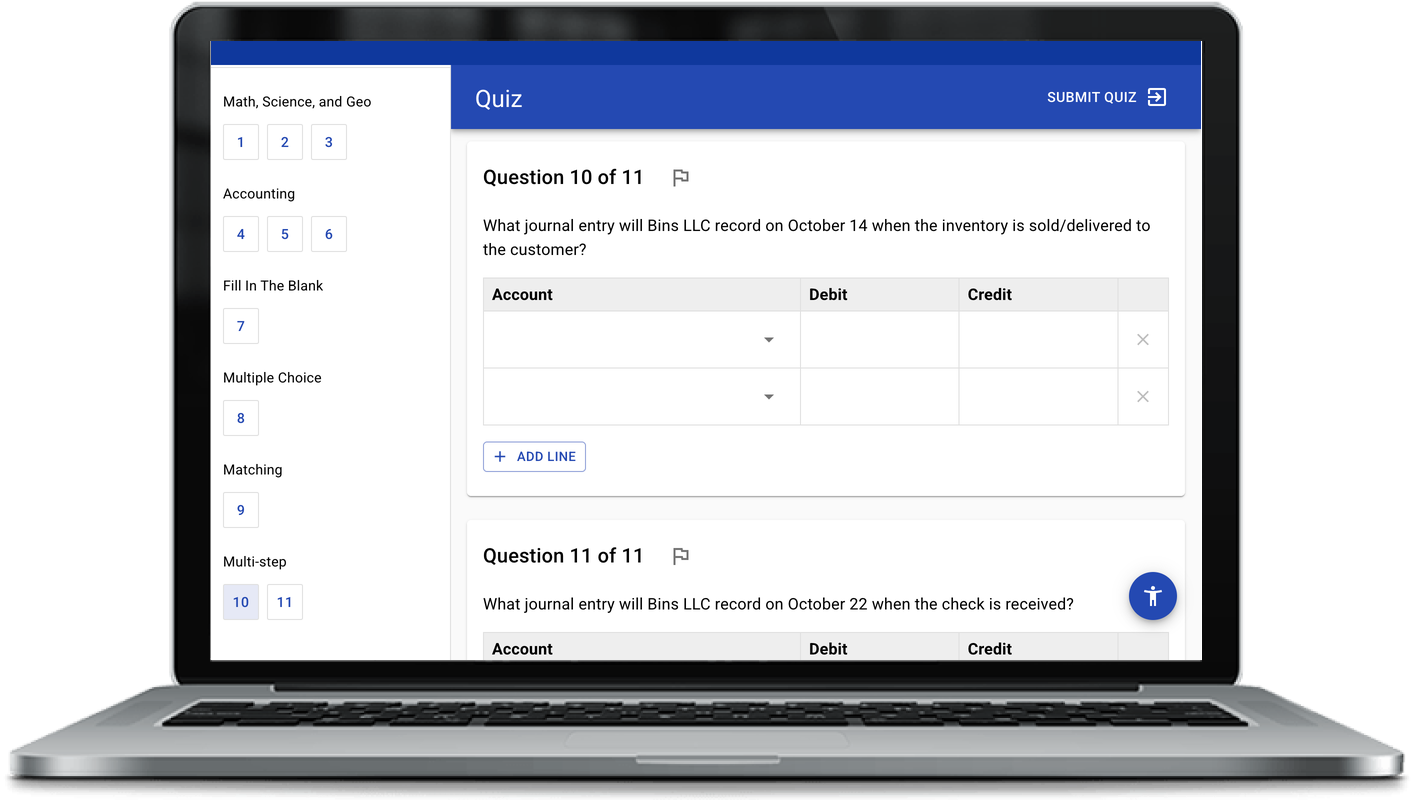
Journal entry questions now support dynamic line items. Students can add and remove lines as they work through an entry, which mirrors how real journal entries are built and removes the constraint of fixed row counts. Scoring keeps up automatically, handling duplicate accounts and excess rows so the grade reflects the quality of the answer.
Background Autosave for Excel Assessments
Excel assessments now save continuously in the background as students work, not just when they move to the next part. A save status indicator in the task wizard shows when the latest changes have been stored, giving students added peace of mind that their work is captured as they go.
Multi-File Submissions for Written Assignments
For qualitative business assignments, students can now submit multiple files at once and get feedback on them as a package. For instructors, bulk imports from Canvas with multiple files per student submission are now handled gracefully in the bulk-grading assist system.
Smoother LMS Gradebook Linking
Linking an EXAMIND assessment in Brightspace and Blackboard is now smoother. When you create the link, the gradebook column is created at the same time, complete with dates and the correct total points. Grades flow back to the right column without any extra setup.
Comments
Nothing yet. Say the first thing.
Sign in to join the conversation.