
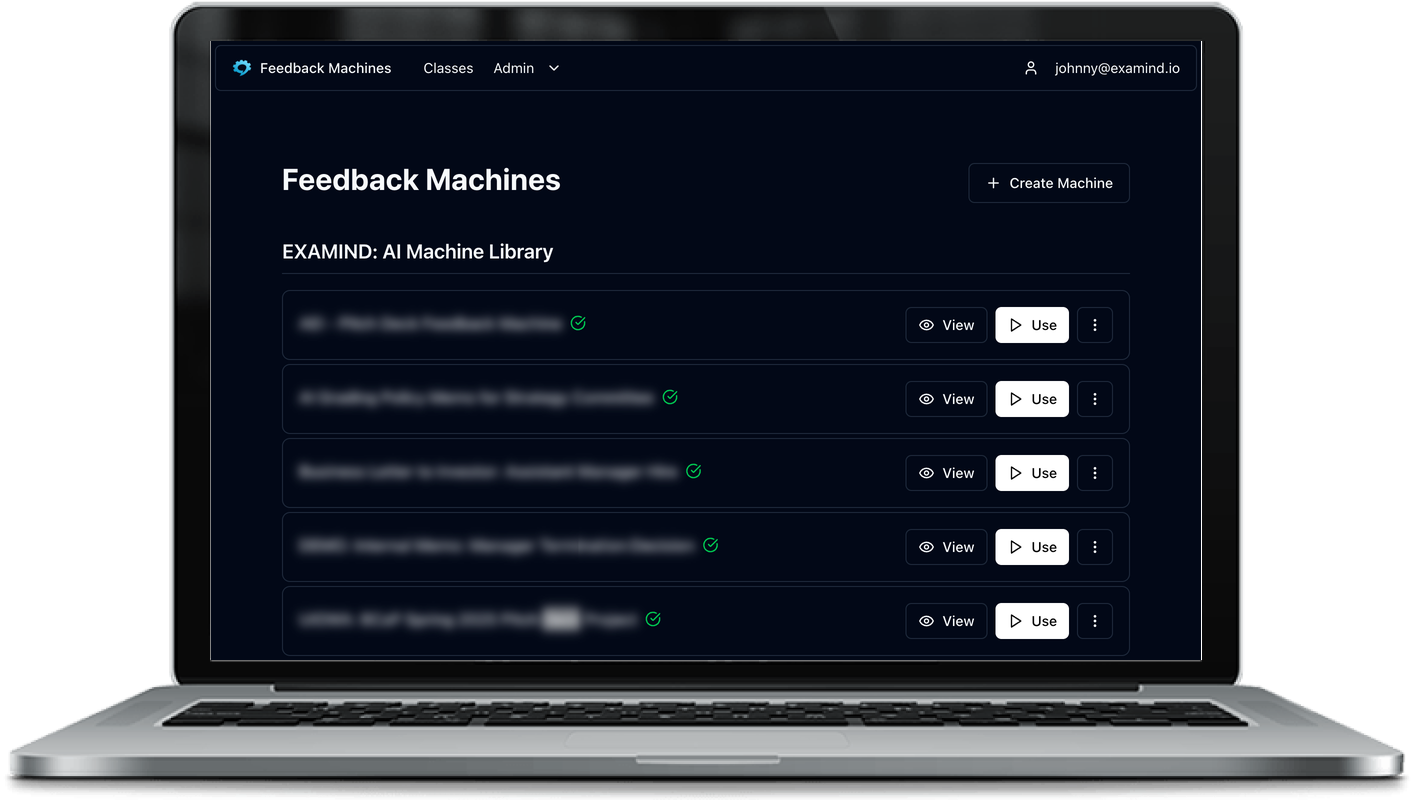
Feedback Machines
When a student reaches 100% on an assignment, they now see a congratulatory message acknowledging their achievement. The feedback section that follows is reframed as "additional considerations" rather than "areas for development," which is a more appropriate tone for work that has already met the highest standard.
Instructors who use bulk imports have a few new options this month. You can now add individual files to an existing import without starting over, and the interface gives clearer alerts when files have an invalid type. Imports that were previously submitted can also be re-evaluated without re-uploading.
AI-generated feedforward now prioritizes any notes you've written directly into the machine. If you've included specific guidance, the model will reflect that in the feedback it generates for students.
Finally, instructors can now set a points floor for individual machine components. This is separate from the deduction-based minimum points and lets you ensure a component score never falls below a set value regardless of how individual questions are evaluated.
Excel Auto-Grader
The auto-grader now supports FunnelChart, ComboChart, conditional formatting rules (including aboveAverage and expression types), data validation, and freeze panes, expanding the range of Excel work that can be automatically checked.
We've also added support for best-score aggregation across multiple submissions, making it possible to pull each student's strongest answer per question into a single composite score.
Comments
Nothing yet. Say the first thing.
Sign in to join the conversation.